
How to Scrape TikTok Data with Official APIs

Sep 3, 2026 · Guides · 10 min read
The safest way to scrape TikTok data is to use an interface TikTok supports for your use case. Use oEmbed for metadata from one public video, the Display API for videos belonging to a creator who authorized your app, or the Research API if TikTok approved your qualifying research project. Directly automating TikTok pages, reverse-engineering private endpoints, or bypassing access controls is both fragile and restricted by TikTok’s current terms.
This guide shows three Python workflows, explains exactly what each can retrieve, and includes working pagination and CSV export patterns. It does not show how to evade CAPTCHAs, login gates, rate limits, or regional controls.
Reviewed September 1, 2026. TikTok’s APIs, eligibility rules, fields, and terms can change. Recheck the linked official sources before deploying a recurring collection job.
TL;DR
- Use oEmbed for basic metadata from one known public video URL without a TikTok login.
- Use the Display API for videos from a creator who authorized your app through OAuth.
- Use the Research API only for an approved, qualifying public-interest research project.
- These routes do not authorize crawling unrelated accounts, downloading media, bypassing CAPTCHAs, or evading rate limits and access controls.
Prerequisites
Before running any example, install Python 3.13 or a compatible supported version, create an isolated virtual environment, and install requests. You also need the relevant TikTok product approval, OAuth scope, and token: oEmbed needs a public video URL, Display API needs an authorized creator token, and Research API needs an approved research project token. Store tokens in environment variables, define a retention and deletion policy, and use test credentials or mocked responses until access has been verified.
Choose the right TikTok data collection method
“TikTok scraping” can mean several different jobs. Decide whether you need a single video’s metadata, a consenting creator’s videos, broad public-content research, comment text, or the media file itself before choosing a tool.
| Your actual task | Supported route | What it can return | Main limitation |
|---|---|---|---|
| Read metadata for one public video URL | TikTok oEmbed | Title, author, thumbnail, embed HTML, and provider data | Not a feed, analytics, or comments API |
| List a consenting creator’s public videos | TikTok Display API | Authorized user’s profile and video metadata | Requires app approval, OAuth, and the correct scopes |
| Query public videos for an approved study | TikTok Research API | Video descriptions, regions, timestamps, hashtags, and engagement counts | Only available to qualifying, approved researchers |
| Retrieve comment text for an approved study | Research API Query Video Comments | Comment text, timestamps, likes, replies, and parent IDs | Same research-approval restriction |
| Download or republish video files | A separate permission and rights workflow | Depends on the license or creator authorization | Metadata access does not grant reuse rights |
TikTok’s official Research Tools eligibility criteria limit access to qualifying researchers in supported regions and require a non-commercial, public-interest research purpose. It is not a general-purpose commercial lead, monitoring, or advertising API.
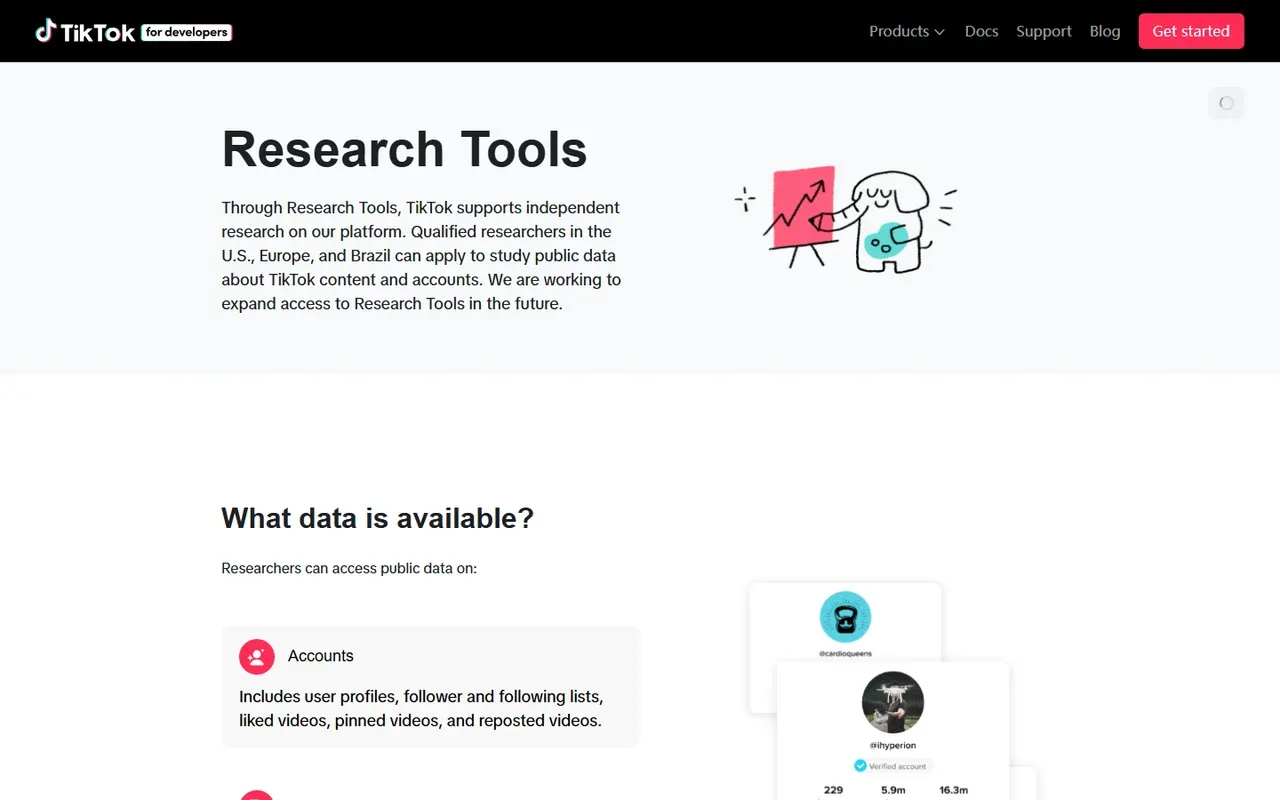
Real screenshot of TikTok for Developers, captured September 1, 2026.
Check permission before you collect anything
Publicly visible does not mean approved for bulk automated collection. TikTok’s current U.S. Terms of Service prohibit using automated software to scrape, crawl, export, or extract platform data unless TikTok has approved the activity in writing. Other regional terms and applicable privacy, copyright, and database laws may add obligations.
Before running a TikTok video scraper, record:
- The permitted source. Name the official API, written permission, licensed dataset, or creator authorization.
- The purpose. Define the research or product question the data will answer.
- The minimum fields. Do not collect personal or sensitive fields merely because they are available.
- The retention rule. Decide when raw data, comments, and identifiers will be refreshed or deleted.
- The owner. Assign someone to review API changes, access revocation, and deletion requests.
robots.txt is a crawler directive, not a license. A proxy is also only a network transport. Neither replaces platform approval or makes a prohibited workflow compliant.
Method 1: Get one public video’s metadata with oEmbed
If you only need metadata for a known public video URL, oEmbed is the smallest official option. TikTok documents it as a GET /oembed endpoint that returns embed code and information for the supplied video link; it does not require a browser, cookies, or undocumented selectors.
Install Requests in an isolated Python environment:
python -m venv .venv
.venv\Scripts\Activate.ps1
python -m pip install --upgrade pip
python -m pip install requests
Then call TikTok’s oEmbed endpoint:
import requests

video_url = "https://www.tiktok.com/@scout2015/video/6718335390845095173"

response = requests.get(
    "https://www.tiktok.com/oembed",
    params={"url": video_url},
    timeout=20,
)
response.raise_for_status()
metadata = response.json()

print(metadata["title"])
print(metadata["author_name"])
print(metadata["thumbnail_url"])
This is useful for link previews, content catalogs, and validating a submitted TikTok URL. It is not a way to scrape a profile feed, video analytics, or comments. The video can also disappear or become unavailable, so keep the original URL, retrieval time, HTTP status, and any error with each record.
Method 2: List an authorized creator’s videos with the Display API
Use the Display API when a creator signs in to your application and grants the required permissions. The API is designed to display that creator’s profile and videos; it does not authorize collection from unrelated accounts. The List Videos reference requires a user authorization token and supports cursor pagination with a maximum of 20 videos per page.
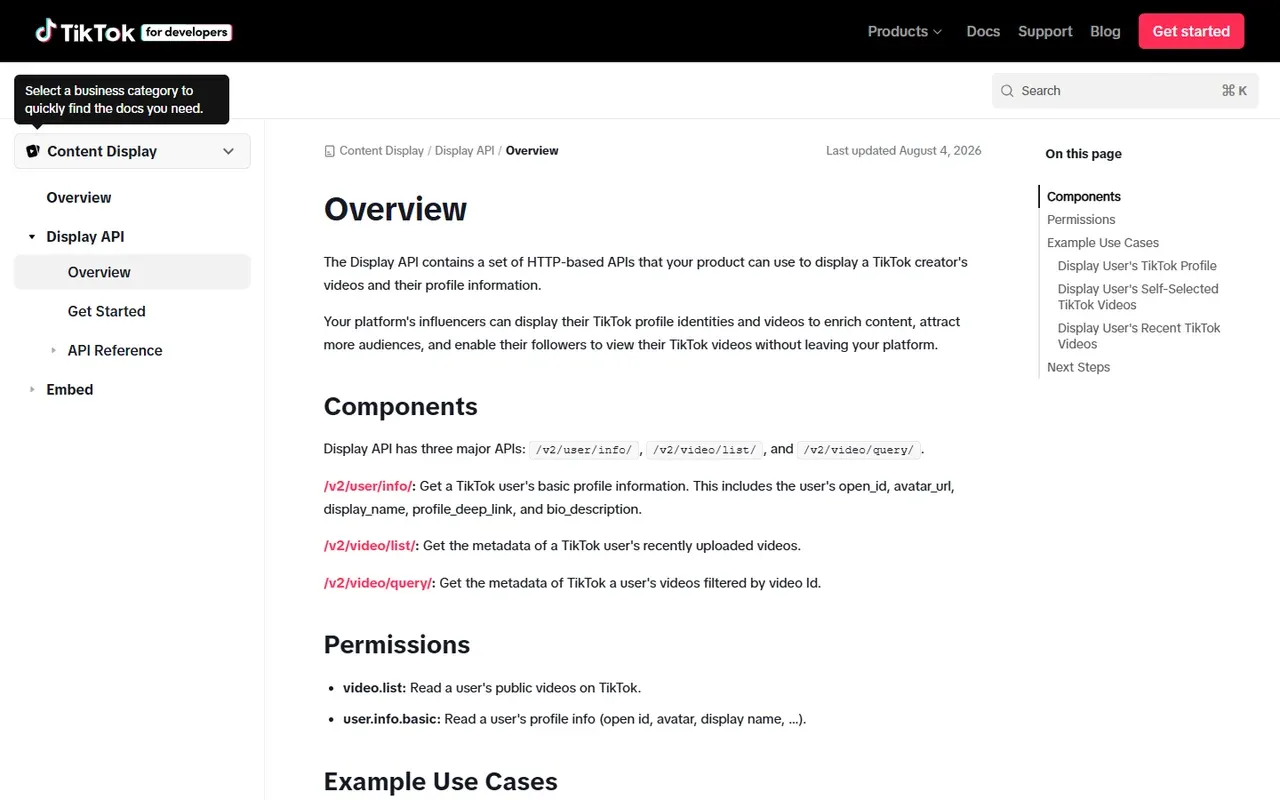
Real screenshot of TikTok for Developers, captured September 1, 2026.
After completing TikTok’s app review and OAuth flow, store the user access token in an environment variable rather than source code:
$env:TIKTOK_USER_ACCESS_TOKEN="replace-with-the-authorized-user-token"
Call the video list endpoint with Python:
import os
import requests

token = os.environ["TIKTOK_USER_ACCESS_TOKEN"]
response = requests.post(
    "https://open.tiktokapis.com/v2/video/list/",
    params={
        "fields": "id,title,video_description,create_time,share_url,view_count,comment_count"
    },
    headers={
        "Authorization": f"Bearer {token}",
        "Content-Type": "application/json",
    },
    json={"max_count": 20},
    timeout=30,
)
response.raise_for_status()
payload = response.json()

for video in payload.get("data", {}).get("videos", []):
    print(video["id"], video.get("title"), video.get("view_count"))
When data.has_more is true, pass the returned data.cursor in the next request body and continue until has_more is false or a configured safety limit is reached. Persist the cursor as a checkpoint before requesting the next page. Treat comment_count as a count only; the Display API does not turn it into comment text. Cover-image URLs can be temporary, so do not build a permanent archive around an expiring URL.
Method 3: Query TikTok videos with the Research API
The Research API is the most capable supported option for broad public-content research, but access is limited. TikTok’s Research API FAQ says creators, advertisers, and commercial users are not eligible for Research Tools. Apply first, wait for approval, and use the data only within the approved project.
The Query Videos endpoint is a POST request requiring the research.data.basic scope. A request can return up to 100 video records. For sequential pages, carry forward both cursor and search_id while has_more remains true.
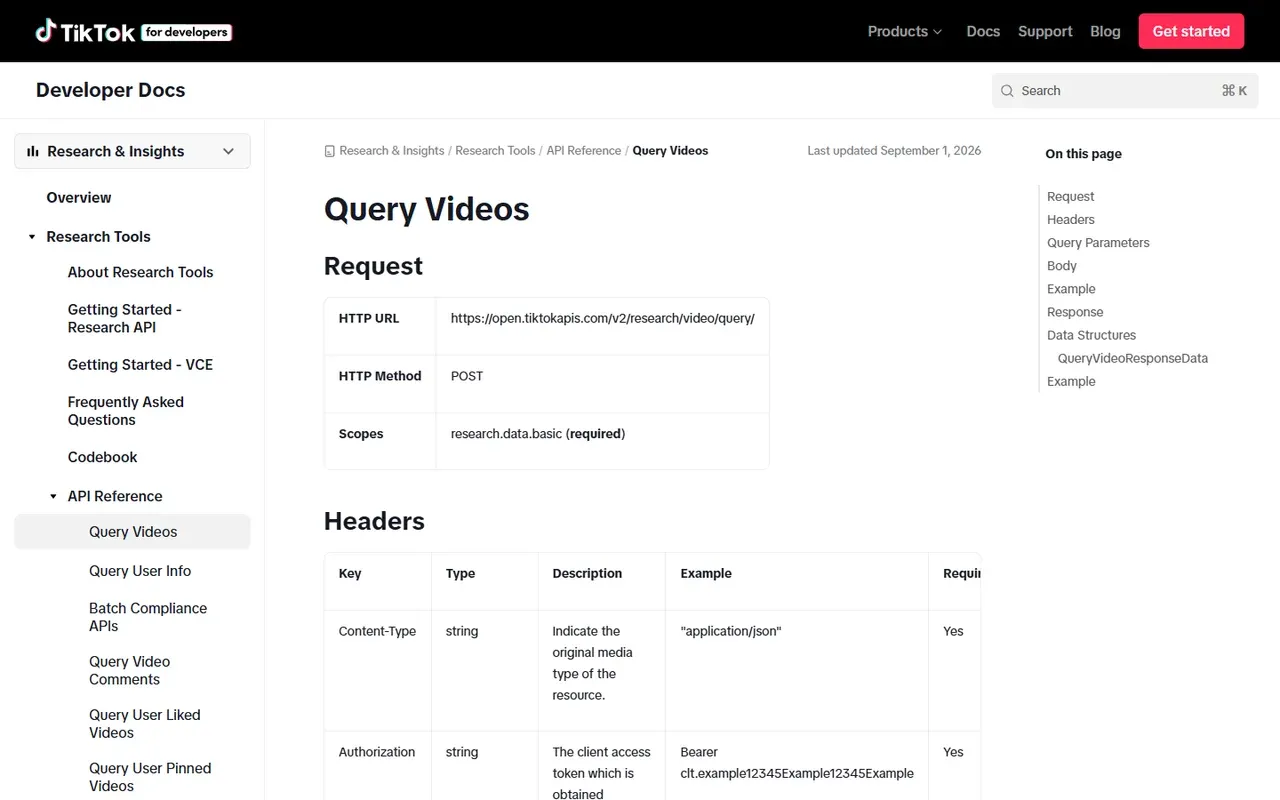
Real screenshot of TikTok’s Query Videos API reference, captured September 1, 2026.
The following client queries a keyword and region, stops after a defined number of pages, and never places the access token in the script:
import os
import time
import requests

endpoint = "https://open.tiktokapis.com/v2/research/video/query/"
fields = (
    "id,username,region_code,video_description,create_time,"
    "like_count,comment_count,share_count,view_count,hashtag_names"
)
headers = {
    "Authorization": f"Bearer {os.environ['TIKTOK_RESEARCH_TOKEN']}",
    "Content-Type": "application/json",
}
body = {
    "query": {
        "and": [
            {"operation": "EQ", "field_name": "keyword", "field_values": ["web scraping"]},
            {"operation": "IN", "field_name": "region_code", "field_values": ["US", "CA"]},
        ]
    },
    "start_date": "20260801",
    "end_date": "20260830",
    "max_count": 100,
}

videos = []
for page_number in range(3):
    response = requests.post(
        endpoint,
        params={"fields": fields},
        headers=headers,
        json=body,
        timeout=30,
    )
    if response.status_code == 429:
        raise RuntimeError("Rate limit reached; pause instead of increasing request pressure")
    response.raise_for_status()

    data = response.json().get("data", {})
    videos.extend(data.get("videos", []))
    if not data.get("has_more"):
        break

    body["cursor"] = data["cursor"]
    body["search_id"] = data["search_id"]
    time.sleep(1)

print(f"Collected {len(videos)} authorized research records")
Keep each query window within the current documented date limit, currently no more than 30 days between start and end. Do not describe the results as real-time: TikTok’s Research API FAQ says new videos can take up to 48 hours to enter search and some statistics can lag by up to 10 days.
How to scrape TikTok comments for approved research
For an approved Research API project, use the Query Video Comments endpoint. Send a video_id to retrieve top-level comments or a comment_id to retrieve replies. Do not send both identifiers in one request.
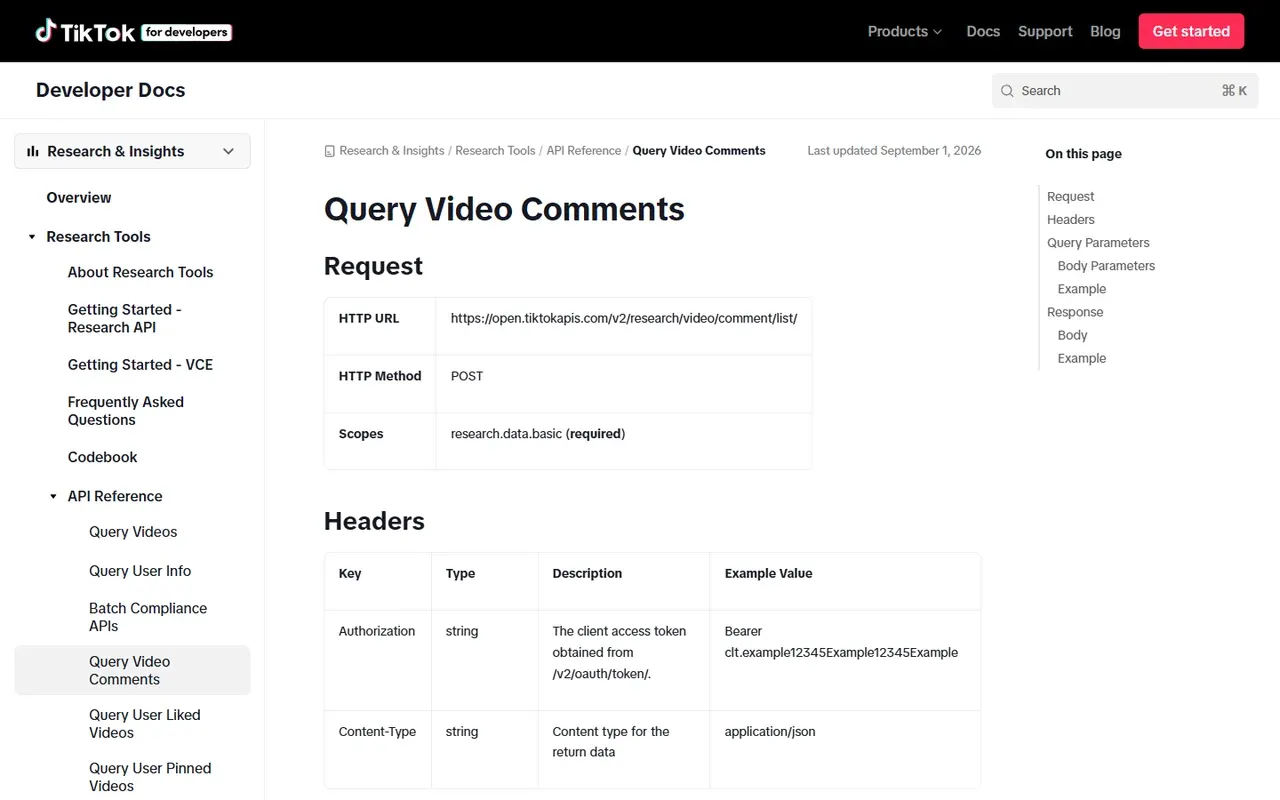
Real screenshot of TikTok’s Query Video Comments API reference, captured September 1, 2026.
import os
import requests

endpoint = "https://open.tiktokapis.com/v2/research/video/comment/list/"
fields = "id,text,video_id,parent_comment_id,like_count,reply_count,create_time"
headers = {
    "Authorization": f"Bearer {os.environ['TIKTOK_RESEARCH_TOKEN']}",
    "Content-Type": "application/json",
}
body = {"video_id": 12345678901, "max_count": 100, "cursor": 0}

comments = []
for _ in range(3):
    response = requests.post(
        endpoint,
        params={"fields": fields},
        headers=headers,
        json=body,
        timeout=30,
    )
    response.raise_for_status()
    data = response.json().get("data", {})
    comments.extend(data.get("comments", []))
    if not data.get("has_more"):
        break
    body["cursor"] = data["cursor"]

print(f"Collected {len(comments)} comments")
The API can return fewer comments than max_count because comments may have been deleted, moderated, or made unavailable. A short page is therefore not proof that pagination is complete; has_more is the documented completion signal. For replies, run a separate request using comment_id and preserve parent_comment_id in your output, as required by the official comments reference.
Save and validate the data instead of only printing it
Printing records is useful for debugging, not for an auditable data pipeline. Preserve the source identifier, API route, query dates, region, retrieval timestamp, and error status alongside the fields you analyze.
import csv
from datetime import datetime, timezone

retrieved_at = datetime.now(timezone.utc).isoformat()
for row in videos:
    row["retrieved_at"] = retrieved_at
    row["source_method"] = "tiktok_research_api"

fieldnames = sorted({key for row in videos for key in row})
with open("tiktok_videos.csv", "w", newline="", encoding="utf-8-sig") as file:
    writer = csv.DictWriter(file, fieldnames=fieldnames)
    writer.writeheader()
    writer.writerows(videos)
Validate the export before analysis:
- Check that video IDs are unique within the intended query scope.
- Distinguish a missing field from a real numeric zero.
- Store timestamps in UTC and document any later timezone conversion.
- Reopen the CSV and confirm the row count and encoding.
- Keep failed pages in a separate log rather than silently replacing fields with empty strings.
- For incremental runs, deduplicate by video or comment ID and keep the newest retrieval timestamp.
The code examples in this article were checked locally with mocked API responses on Python 3.13. A live Research API call was not made because no approved project credential was available; the endpoint and fields were checked against TikTok’s official documentation on September 1, 2026.
Common TikTok scraping errors and what they mean
| Symptom | Likely cause | What to verify | Appropriate response |
|---|---|---|---|
401 or invalid token |
Missing, expired, or malformed token | Environment variable, token type, and expiry | Refresh through the approved OAuth flow; never hard-code it |
scope_not_authorized |
App or project lacks the required scope | Approved product and scopes in the developer portal | Apply for the correct access; do not switch to a private endpoint |
429 |
API quota or rate limit reached | Response code, current documented quotas, run log | Pause, honor the limit, and resume from a checkpoint |
| Empty results | Valid zero results, delayed indexing, or wrong query | Date window, filters, error object, and known API lag | Save the query and retry later; do not record an empty response as proof of no content |
| Fewer than 100 comments | Deleted, moderated, private, or unavailable comments | has_more, cursor, and response error |
Continue only while has_more is true |
| HTML selectors suddenly fail | Web page or embedded state changed | Whether the workflow relies on undocumented markup | Move to a supported API or obtain written permission; do not escalate evasion |
| Browser shows a CAPTCHA or login wall | Platform access control has intervened | Authorization, account state, region, and request method | Stop and review the permitted route instead of bypassing the control |
TikTok’s FAQ currently describes a daily Research API allowance and short-lived access tokens, but those values are operational rules, not permanent guarantees. Read the current dashboard and documentation before every scheduled run.
Where proxies fit and where they do not
An official API workflow usually does not need proxy rotation. Start with the approved endpoint, a stable egress IP, a timeout, bounded retries, and the documented quota. Adding a rotating proxy before diagnosing an authentication or scope error makes the system harder to audit and does not solve the underlying problem.
For a separately authorized public-web collection project, a proxy may help with required regional observation or reliable routing. Rola IP provides a web scraping proxy use-case page for teams that have already confirmed permission and genuinely need varied network exits. Test the connection with the proxy checker before a run, then use a conservative troubleshooting workflow rather than increasing request pressure.
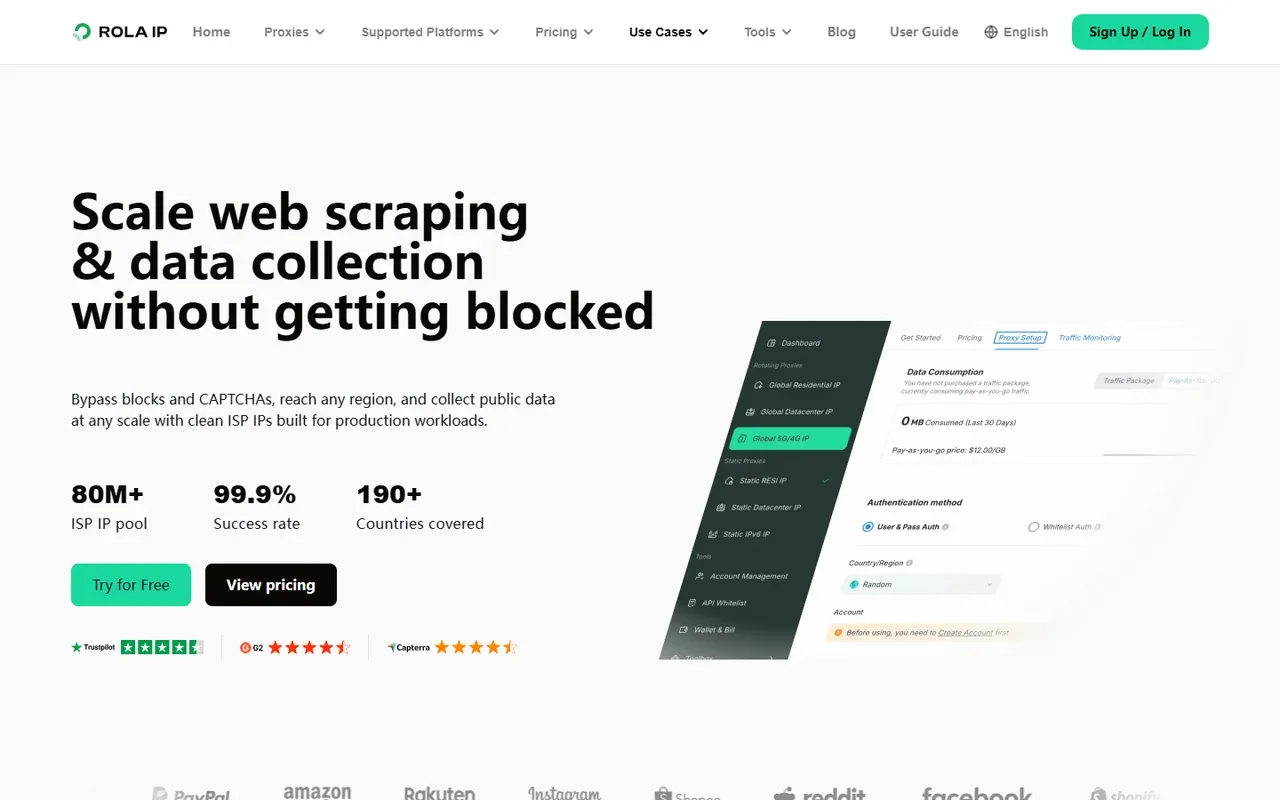
Real screenshot of the Rola IP web scraping use-case page, captured September 1, 2026. A proxy changes network routing; it does not grant permission to collect TikTok data.
Why not use a headless browser or private TikTok endpoints?
Several tutorials teach Playwright, Selenium, embedded-page JSON, or reverse-engineered endpoints. Those methods can appear attractive because they expose more fields than a supported API. They also depend on undocumented markup, dynamic tokens, account state, region, and anti-automation controls. A page update can turn a valid zero into an extraction failure without raising a useful error.
More importantly, technical access is not authorization. This guide does not provide steps to intercept private calls, forge device parameters, automate endless scrolling, solve CAPTCHAs, or rotate identities. If the official API does not cover your use case, request permission or use a licensed provider whose contract covers the data and intended use. Do not try to hide the collector.
Build the smallest authorized workflow first
The durable answer to how to scrape TikTok is not a particular selector or anti-bot trick. It is choosing the supported interface that matches your permission: oEmbed for one public video’s metadata, Display API for a consenting creator, or Research API for an approved study. Add pagination, explicit error states, provenance, and export checks before increasing volume.
This approach may expose fewer fields than reverse-engineered scraping, but it is easier to explain, test, maintain, and stop when the platform or your authorization changes.