
How to Scrape Target With Python: Products, Prices, and Stock

Aug 31, 2026 · Guides · 15 min read
TL;DR
For authorized Target data collection, first save a product-page fixture and parse its JSON-LD. Only consider a DevTools-verified, authorized-to-use response, or Playwright, when required fields are missing. Save the TCIN, store or postal code, collection time, data source, and regional context for every record; also validate the final domain, Content-Type, challenge signals, and field-completeness rate. Only after your fixture tests pass should you gradually add rate limiting, limited retries, checkpoints, deduplication, and low concurrency.
Answer Three Questions Before You Start
What Product Fields Can You Collect from Target?
Public product pages may show name, TCIN, brand, price, promotions, images, rating, review count, specs, variants, shipping, and in-store stock, but these fields won’t consistently appear in the same response. TCIN is better suited as an in-site primary key; price and stock must be paired with store, postal code, and collection time.
| Data Group | Common Fields | Main Risk |
|---|---|---|
| Identity | TCIN, UPC, brand, category | UPC may be missing; parent/child TCIN need separate modeling |
| Price | Current price, list price, promotion | Affected by store, postal code, cookies, or login state |
| Stock | Shipping, store pickup, in-store inventory | Strongly region-dependent and changes quickly |
| Content | Title, description, images, specs | DOM and selectors may change |
| Reputation | Rating, review count, review summary | Usually loaded asynchronously and paginated |
| Variants | Color, size, child TCIN | Child products shouldn’t overwrite each other |
Why Does requests.get() Return Incomplete Data?
Modern e-commerce pages like Target’s split data across the initial HTML, JSON-LD, JavaScript network responses, and regional session context. Even with a 200 status code, the body may just be a skeleton page, a default-region page, or challenge content. Common causes include asynchronous loading, inconsistent cookie/regional context, excessive request frequency, a selector matching a placeholder, and the same TCIN returning different stock under different store_ids.
Is Scraping Target Legal?
Legality depends on the data, purpose, region, contract terms, and access method. Being publicly visible doesn’t grant unlimited collection or redistribution license; don’t bypass logins, CAPTCHAs, account restrictions, or other access controls, and don’t collect personal information such as reviewer identities. Before publishing or going live, re-check Target’s terms, robots.txt, privacy and database rules, and have legal counsel assess your specific commercial use.
How to Scrape Target: Choose the Right Data Entry Point First
| Method | Best Fit | Advantages | Limitations |
|---|---|---|---|
| JSON-LD | Basic single-product fields | Clear structure, no browser needed | Price, stock, and variants may be incomplete |
| DOM + browser | Fields that must be rendered or require interaction | Close to what the user actually sees | Slow, resource-intensive, selectors change easily |
| Network/XHR | Price, stock, search, and reviews | Structured, easy to verify | Endpoints and parameters change; don’t hard-code temporary credentials |
| Official/authorized data source | Long-term commercial integration | Stable with a clear compliance path | May require authorization or a fee |
The recommended order is JSON-LD → a DevTools-verified, authorized-to-use response → browser rendering. Being able to see a response in DevTools doesn’t mean it’s a public API, and it doesn’t automatically grant a license to use it. Don’t default to Selenium or Playwright just because a browser looks closest to a real person — prioritize the smallest, most stable, most verifiable data entry point.
Hands-On 1: Prepare the Environment and a Minimal Test Sample
The example uses Python 3 syntax and depends on requests, BeautifulSoup, lxml, pandas, and Playwright. The source material for this article didn’t provide a verifiable log of Python, browser, and dependency versions, so this article doesn’t claim any specific minimum version has been tested. Before formal publication, the actually tested versions should be documented in a lockfile and a run log. First validate your parsing logic against a saved HTML/JSON fixture, then connect to an authorized live page — this separates “code bugs” from “page or network issues” during troubleshooting.
python3 -m venv .venv
source .venv/bin/activate  # Windows: .venv\Scripts\Activate.ps1
python -m pip install --upgrade pip
python -m pip install requests beautifulsoup4 lxml pandas playwright
playwright install chromium
Hands-On 2: Robustly Parse Product JSON-LD
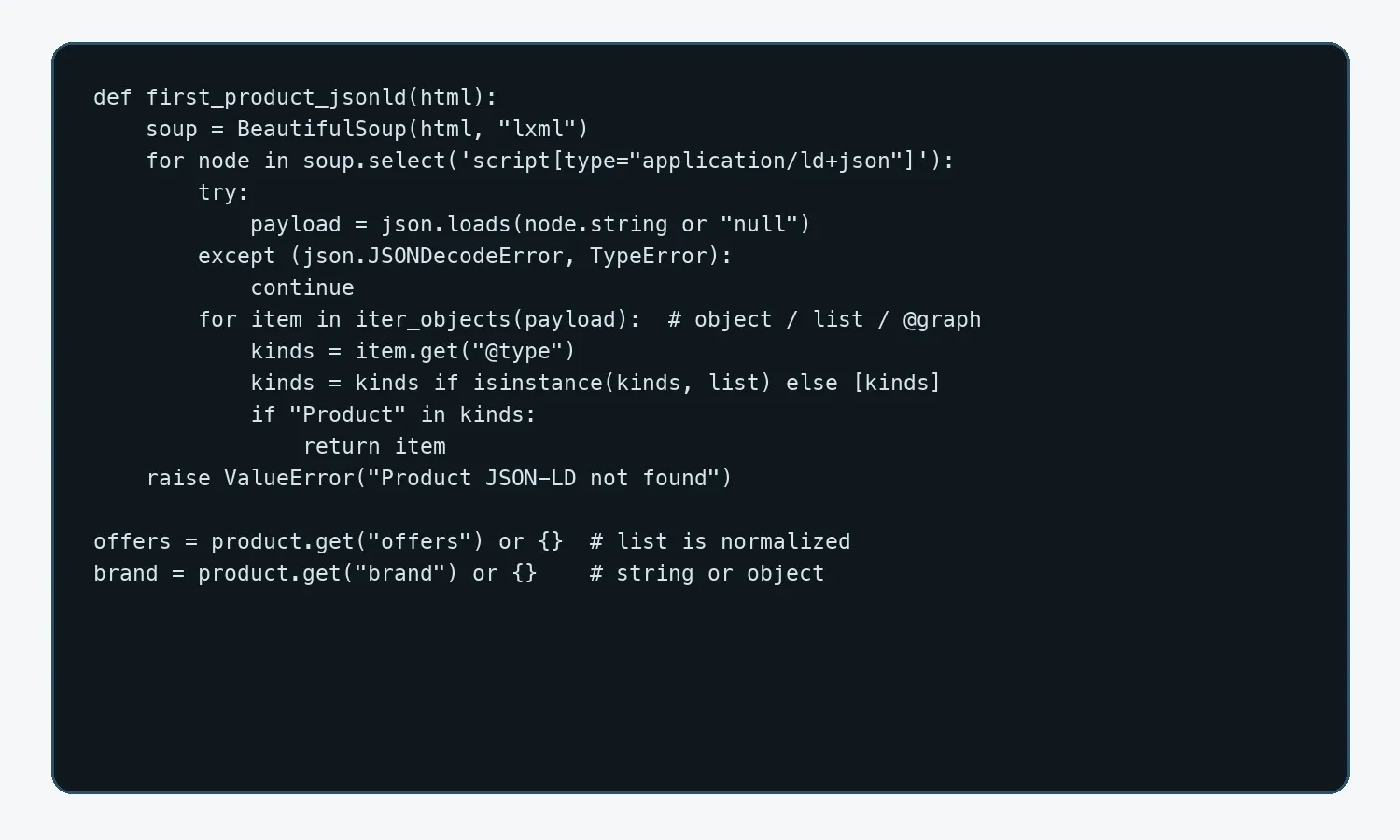
The parser must handle an object, an array, @graph, an offers array, a brand string or object, and invalid JSON. When no Product is found, it should raise an explicit error rather than calling .get() on None.
import json
from bs4 import BeautifulSoup

def iter_objects(value):
    if isinstance(value, dict):
        yield value
        graph = value.get("@graph")
        if isinstance(graph, list):
            for item in graph:
                yield from iter_objects(item)
    elif isinstance(value, list):
        for item in value:
            yield from iter_objects(item)

def first_product_jsonld(html):
    soup = BeautifulSoup(html, "lxml")
    for node in soup.select('script[type="application/ld+json"]'):
        try:
            payload = json.loads(node.string or "null")
        except (json.JSONDecodeError, TypeError):
            continue
        for item in iter_objects(payload):
            kinds = item.get("@type")
            kinds = kinds if isinstance(kinds, list) else [kinds]
            if "Product" in kinds:
                return item
    raise ValueError("Product JSON-LD not found")

def product_record(product):
    offers = product.get("offers") or {}
    if isinstance(offers, list): offers = offers[0] if offers else {}
    brand = product.get("brand") or {}
    brand_name = brand if isinstance(brand, str) else brand.get("name")
    rating = product.get("aggregateRating") or {}
    return {
        "name": product.get("name"), "tcin": product.get("sku"),
        "brand": brand_name, "price": offers.get("price"),
        "currency": offers.get("priceCurrency"),
        "availability": str(offers.get("availability") or "").rsplit("/", 1)[-1],
        "rating": rating.get("ratingValue"),
        "review_count": rating.get("reviewCount"),
    }
How Do You Use DevTools to Confirm Where a Field Comes From?
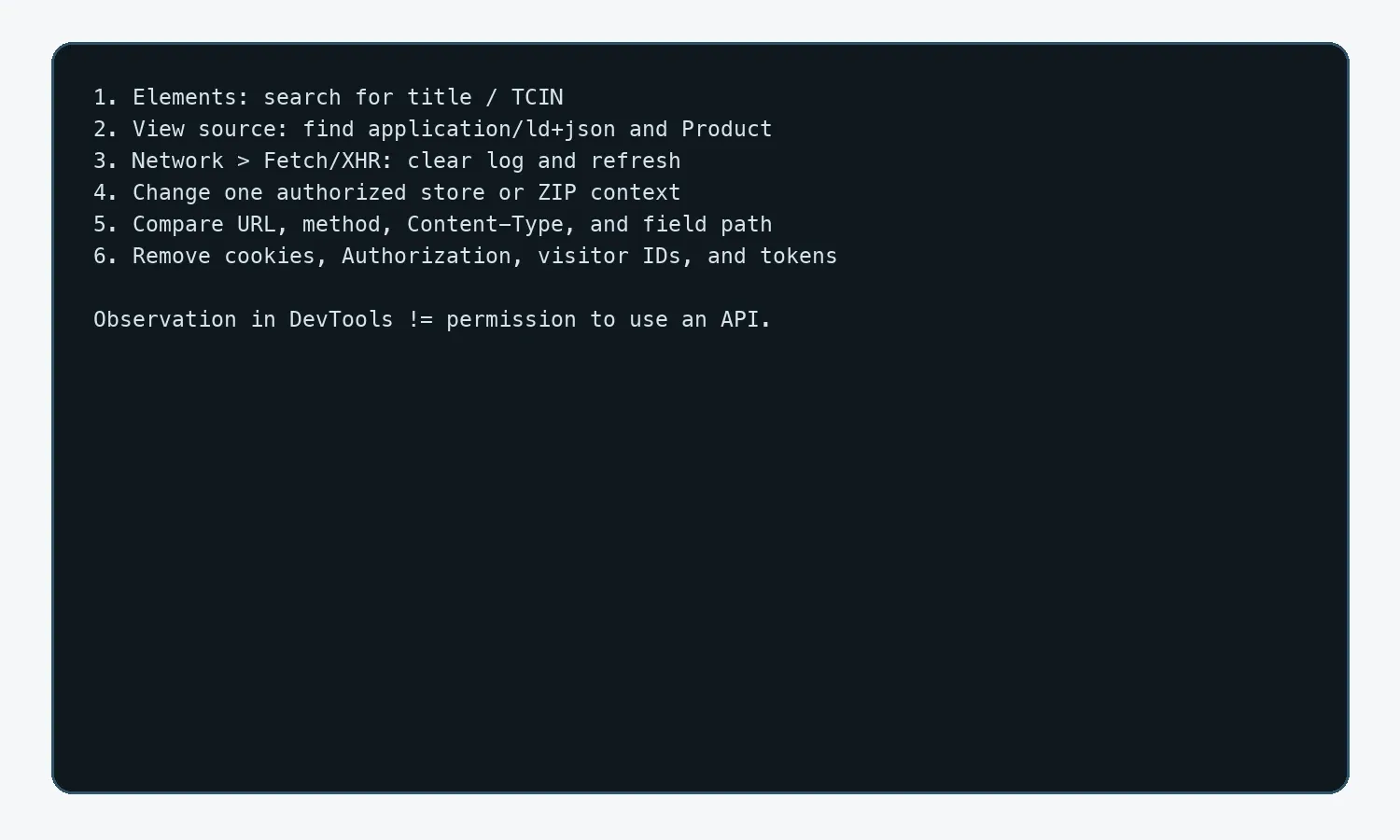
- Search Elements for the title or TCIN to confirm whether the initial or rendered DOM contains the field.
- Search the page source for
application/ld+jsonandProduct. - Switch to Network → Fetch/XHR, clear the log and refresh the page, then change the store, postal code, color, or review page.
- Record the field path in Preview/Response, but don’t write a temporary key,
visitor_id, or security token into your tutorial. - Compare the URL, Method, Query String, Content-Type, and response fields between two store requests.
- Only use Copy as cURL in your own authorized debugging, and remove cookies, Authorization headers, and temporary identifiers.
Hands-On 3: Scrape a Single Target Product Page
The single-product function should validate the final hostname, Content-Type, body size, and challenge-page signals before parsing the JSON-LD. Domain checking can’t use a simple substring match, or evil-target.com or target.com.example.org would be mistaken for Target too.
from urllib.parse import urlparse
import os, requests

def scrape_product(url, session=None):
    s = session or requests.Session()
    user_agent = os.environ.get("PROJECT_USER_AGENT")
    if not user_agent:
        raise RuntimeError("set PROJECT_USER_AGENT to an authorized client identifier")
    r = s.get(url, timeout=(10, 30), headers={
        "User-Agent": user_agent,
        "Accept-Language": "en-US,en;q=0.9",
    })
    r.raise_for_status()
    hostname = (urlparse(r.url).hostname or "").lower().rstrip(".")
    if hostname != "target.com" and not hostname.endswith(".target.com"):
        raise RuntimeError(f"unexpected redirect host: {hostname}")
    content_type = r.headers.get("Content-Type", "").lower()
    if "html" not in content_type or len(r.text) < 5000:
        raise RuntimeError("unexpected response type or size; inspect body")
    lowered = r.text[:10000].lower()
    if "access denied" in lowered or "captcha" in lowered:
        raise RuntimeError("challenge or denial response; stop and review")
    return product_record(first_product_jsonld(r.text))
Don’t disguise the request with an outdated or incomplete Chrome identifier. An authorized project should use a transparent, stable, and contactable client identifier in PROJECT_USER_AGENT, or follow an identification rule the target has explicitly permitted. Beyond the status code, also log final_url, fetched_at, Content-Type, response size, store_id/postal_code, the exit region, and field-completeness rate. Pause the queue when field-completeness rate suddenly drops; only a sample that has undergone field-level redaction and is subject to access control may be used for troubleshooting.
Hands-On 4: Discover Search-Page Products and Safely Parse Cards
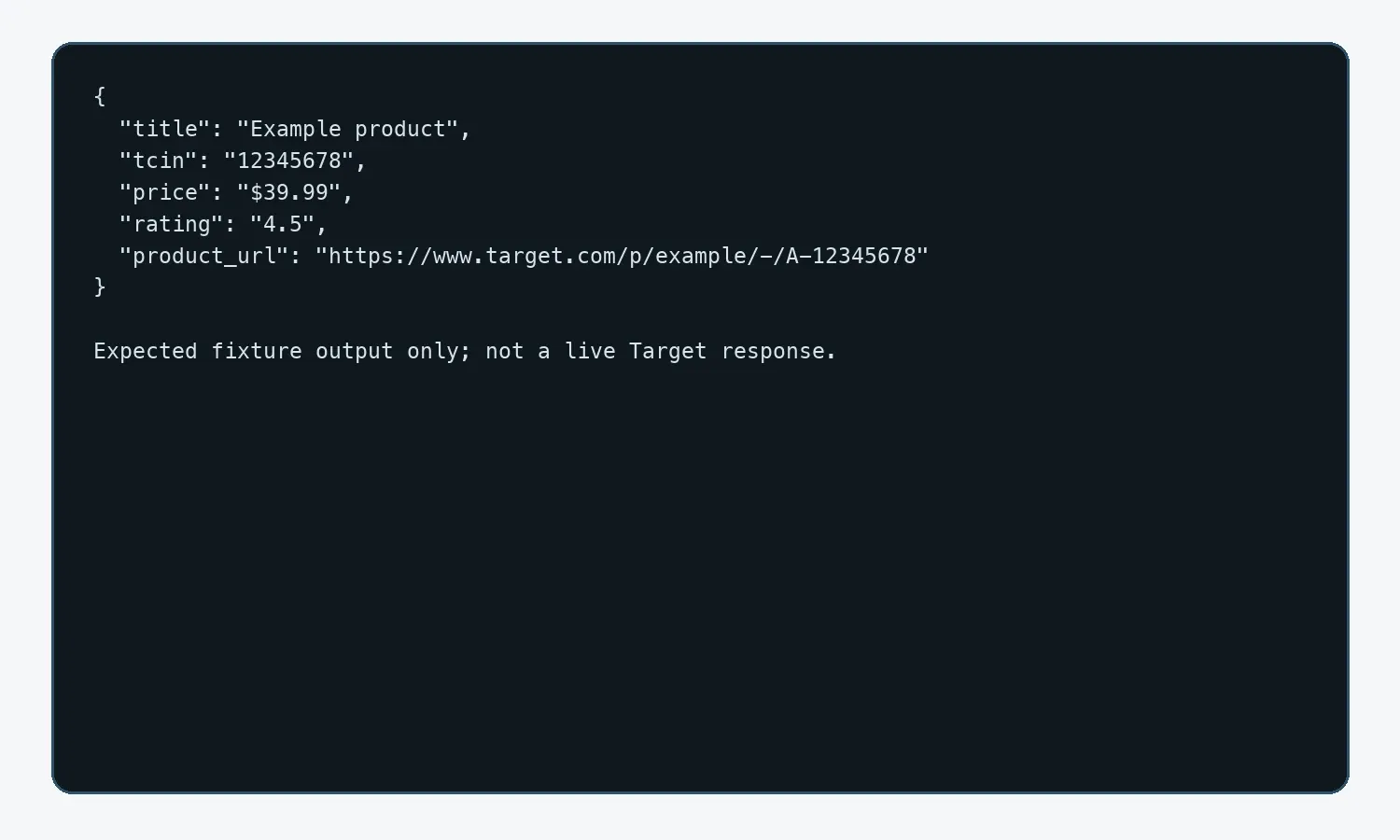
Bulk collection should split into two queues, discovery and detail: the discovery stage only produces normalized URLs/TCINs, and the detail stage handles field parsing. Search-card parsing must allow a missing link, price, or rating, so a single anomalous card doesn’t halt the entire page.
import re
from urllib.parse import urljoin, urlsplit, urlunsplit
from bs4 import BeautifulSoup

BASE = "https://www.target.com"

def clean_url(href):
    p = urlsplit(urljoin(BASE, href or ""))
    return urlunsplit((p.scheme, p.netloc.lower(), p.path.rstrip("/"), "", ""))

def node_text(node):
    return node.get_text(" ", strip=True) if node else None

def parse_cards(html):
    soup = BeautifulSoup(html, "lxml")
    records = []
    for card in soup.select('[data-test="product-card"]'):
        link_node = card.select_one('a[href*="/p/"]')
        if not link_node or not link_node.get("href"): continue
        product_url = clean_url(link_node.get("href"))
        match = re.search(r"A-(\d+)", urlsplit(product_url).path)
        records.append({
            "title": node_text(link_node),
            "tcin": match.group(1) if match else None,
            "price": node_text(card.select_one('[data-test="current-price"]')),
            "rating": node_text(card.select_one('[data-test="rating"]')),
            "product_url": product_url,
        })
    return records
How Do You Stop Pagination and Infinite Scroll?
Pagination should simultaneously set a maximum page count, deduplicate repeated TCINs, and use a consecutive-empty-page threshold. The original draft said “stop after two consecutive pages with no new items,” but the code stopped on the first empty page; the version below is unified to only stop once two consecutive pages have no new items. A temporarily empty page is skipped, but the loop doesn’t continue indefinitely.
import json, time

def scrape_pages(make_url, fetch_html, max_pages=20, page_size=24):
    seen, rows, empty_pages = set(), [], 0
    for page_no in range(max_pages):
        url = make_url(offset=page_no * page_size + 1)
        cards = parse_cards(fetch_html(url))
        fresh = [x for x in cards if x.get("tcin") and x["tcin"] not in seen]
        if not fresh:
            empty_pages += 1
            if empty_pages >= 2: break
            continue
        empty_pages = 0
        rows.extend(fresh)
        seen.update(x["tcin"] for x in fresh)
        with open("checkpoint.json", "w", encoding="utf-8") as f:
            json.dump({"next_page": page_no + 1, "seen": sorted(seen)}, f)
        time.sleep(2.0)
    return rows
Only use a browser for infinite scroll when the data genuinely depends on scrolling, and use “product count stops growing + a max scroll-round count + a total timeout” as the stop condition. Don’t use a fixed sleep alone to determine completion.
Hands-On 5: TCIN, Variants, Reviews, and Regional Stock
How Do You Safely Expand Parent/Child Variants?
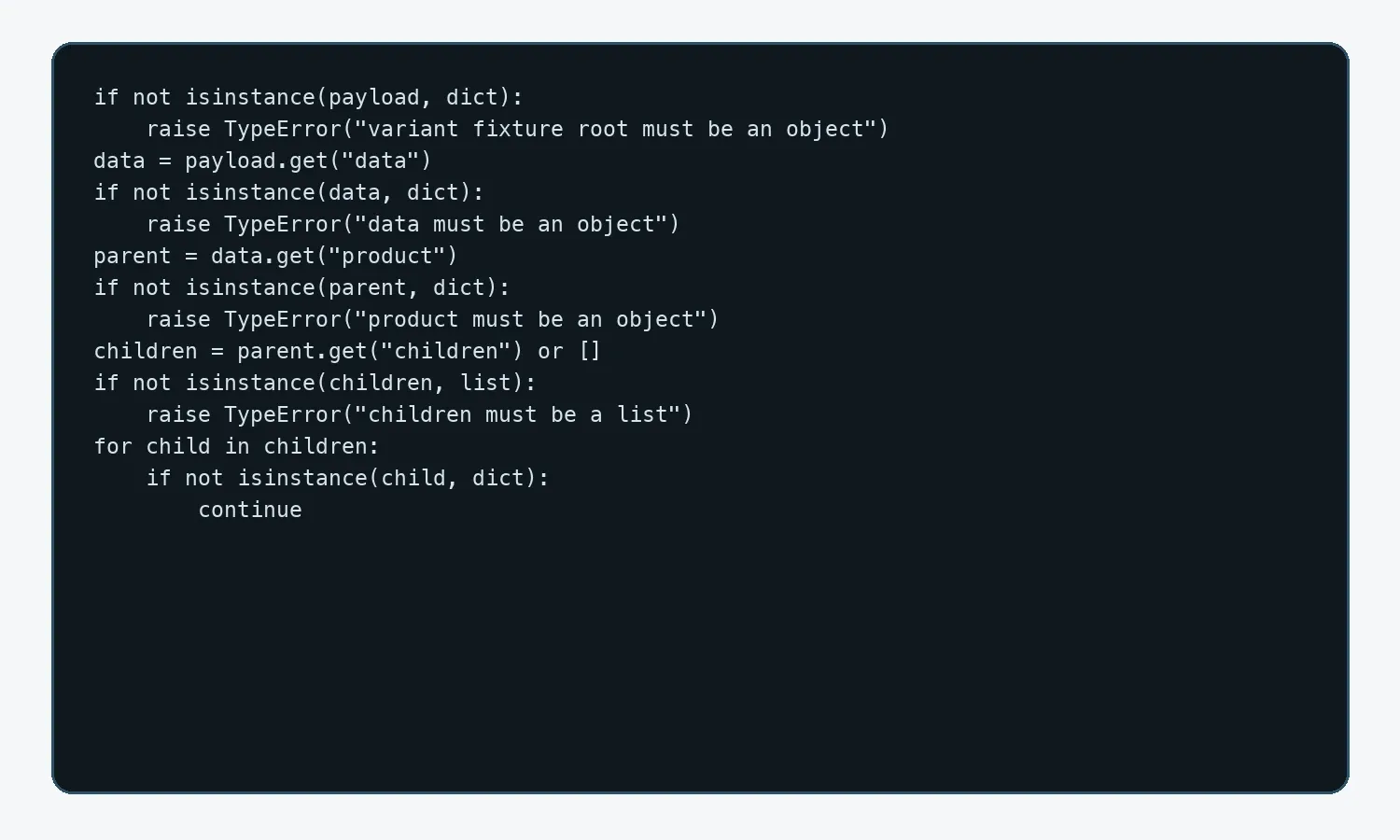
Output one row per child TCIN, and keep parent_tcin for aggregation. The code must first validate the payload type and whether children is empty before deciding whether to write CSV — don’t directly use rows[0].keys().
import csv, json

with open("variant_fixture.json", encoding="utf-8") as source:
    payload = json.load(source)
if not isinstance(payload, dict):
    raise TypeError("variant fixture root must be an object")
data = payload.get("data")
if not isinstance(data, dict):
    raise TypeError("variant fixture data must be an object")
parent = data.get("product")
if not isinstance(parent, dict):
    raise TypeError("variant fixture product must be an object")
children = parent.get("children") or []
if not isinstance(children, list):
    raise TypeError("variant fixture children must be a list")
rows = []
for child in children:
    if not isinstance(child, dict):
        continue
    variation = child.get("variation") or {}
    price = child.get("price") or {}
    if not isinstance(variation, dict): variation = {}
    if not isinstance(price, dict): price = {}
    if not child.get("tcin"): continue
    rows.append({"parent_tcin": parent.get("tcin"),
                  "child_tcin": child.get("tcin"),
                  "color": variation.get("color"), "size": variation.get("size"),
                  "price": price.get("current_retail")})
if rows:
    with open("target_variants.csv", "w", newline="", encoding="utf-8-sig") as f:
        writer = csv.DictWriter(f, fieldnames=list(rows[0]))
        writer.writeheader(); writer.writerows(rows)
else:
    print("no variants found; inspect fixture schema")
How Do You Scrape Target Reviews?
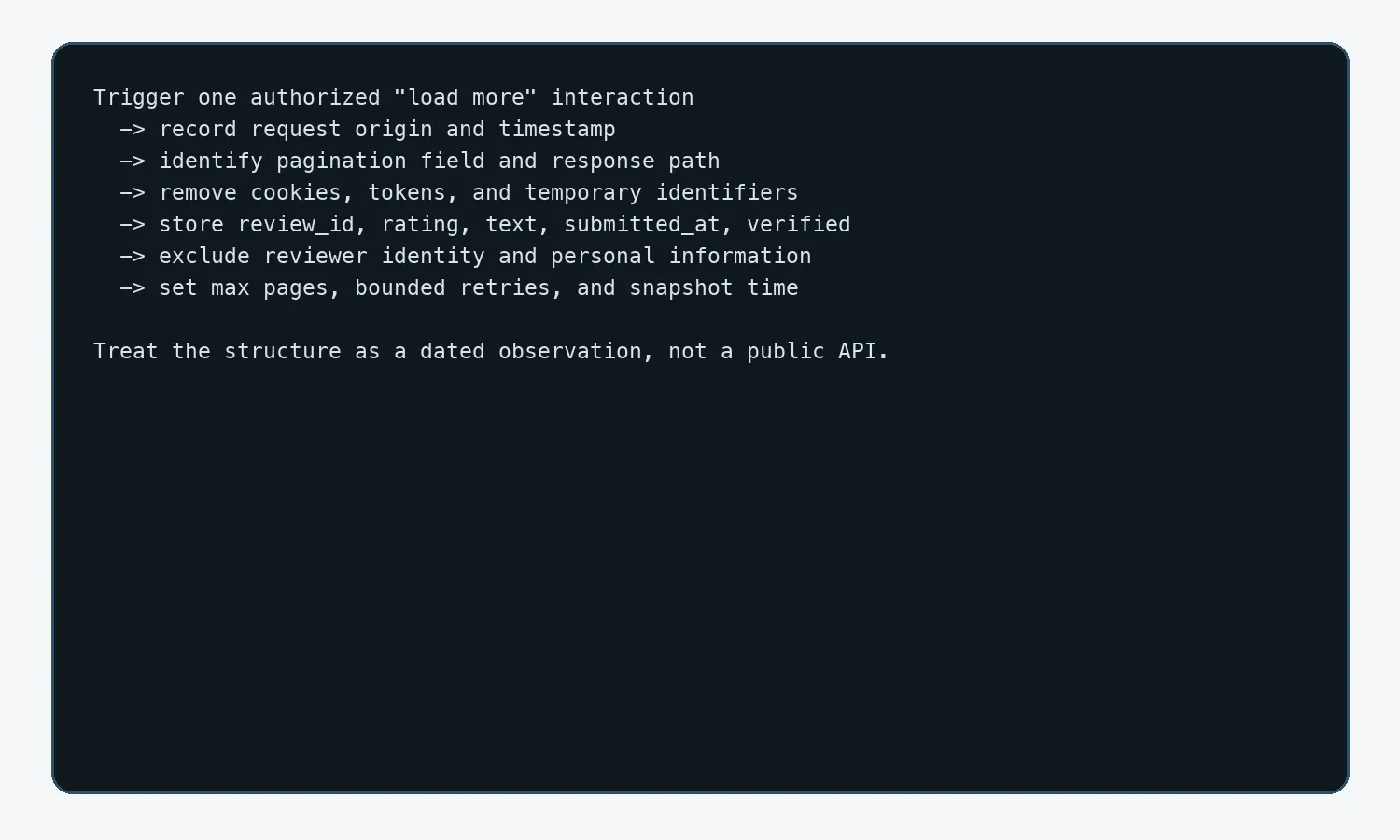
Based on the author’s observation as of 2026-08-28, review fields may appear after page interaction; this behavior isn’t a stable interface commitment. You should trigger “load more” in the current page’s DevTools, confirm the request origin, pagination field, and response structure, and save a redacted observation record. Don’t copy a temporary API key from a third-party tutorial. Once authorized, deduplicate by review_id, save rating, title, text, submitted_at, and the public verified field, and don’t collect reviewer identity information.
How Do You Model Regional Prices and Store Stock?
Price and stock records for the same TCIN should use (tcin, store_id/postal_code, fetched_at) as a composite key. The proxy exit region, cookies, postal code, and request parameters must stay consistent, or results from different regions will get mixed together incorrectly.
| Field | Example | Purpose |
|---|---|---|
| tcin | 12345678 | Product identifier |
| store_id | 0001 | Store context |
| postal_code | 10001 | Delivery region |
| price | 39.99 | Observed value |
| availability | IN_STOCK | Stock status |
| fetched_at | ISO 8601 UTC | Freshness and auditing |
| source_method | jsonld/xhr/dom | Tracks the parsing path |
Hands-On 6: Use Rola IP to Manage the Network Exit for an Authorized Project
Once a project has collection authorization and needs cross-region price comparison, long-term stock monitoring, or queue isolation, Rola IP can provide a controllable network exit. Available proxy types, targeting, sessions, authentication, quotas, and concurrency depend on the current product and account configuration; verify each item in the official documentation or dashboard before locking in fixed parameters. A proxy cannot grant collection permission, bypass Target’s controls, or guarantee that a price, stock check, or request will succeed.
See the Rola IP product page for details.

Network design principle: independent product tasks can use a rotating session; a flow tied to the same store or postal code should use a sticky session to avoid switching regions mid-flow; a long-term fixed exit can be evaluated with static residential/ISP. Username/password, whitelisting, session, and regional capability are all subject to the current account’s visible configuration — this article doesn’t commit to an unsourced fixed concurrency figure in the body text.
For authorized bulk collection scenarios, see web scraping proxies; for regional price projects, see price monitoring proxies.
Steps to Integrate Rola IP with Python
- In the dashboard, choose a suitable proxy type, and confirm the target region and current inventory.
- Set up rotation or a sticky session so the exit region matches your Target postal code or store_id design.
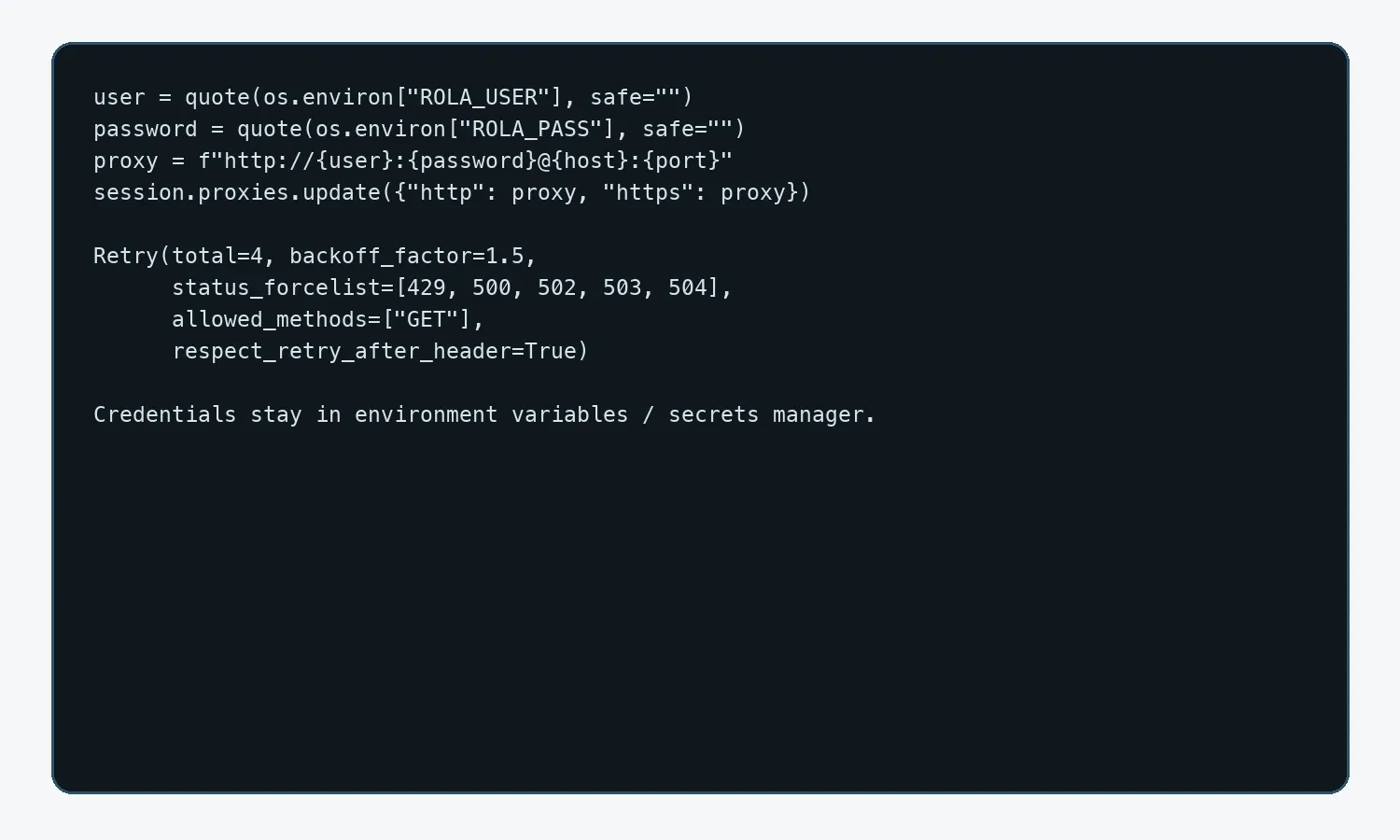
- Use username/password or IP-whitelist authentication; production credentials belong only in environment variables or a secrets manager.
- First visit your own or an authorized IP-check address to verify the exit, then send low-frequency requests to a Target sample.
- Gradually increase task volume, monitoring 403s, 429s, timeouts, response size, field-completeness rate, and cost per valid record.
Code parameters should follow the Python proxy integration documentation.
import os, random, time
from urllib.parse import quote
import requests
from requests.adapters import HTTPAdapter
from urllib3.util.retry import Retry

user = quote(os.environ["ROLA_USER"], safe="")
password = quote(os.environ["ROLA_PASS"], safe="")
proxy = f"http://{user}:{password}@{os.environ['ROLA_HOST']}:{os.environ['ROLA_PORT']}"
session = requests.Session()
session.proxies.update({"http": proxy, "https": proxy})
session.mount("https://", HTTPAdapter(max_retries=Retry(
    total=4, backoff_factor=1.5, status_forcelist=[429,500,502,503,504],
    allowed_methods=["GET"], respect_retry_after_header=True)))

def fetch_authorized(url):
    time.sleep(random.uniform(1.5, 3.5))
    response = session.get(url, timeout=(10,35))
    response.raise_for_status()
    return response.text
Hands-On 7: Only Use Playwright When You Need To
Only use Playwright once both the JSON-LD and a DevTools-verified, authorized-to-use response lack the target field, and the page must execute JavaScript or requires interaction. Wait for a business signal such as a product link or price element — don’t treat networkidle or a fixed sleep as the only completion condition. The timeout branch doesn’t automatically save the full HTML; it only writes a screenshot of the current viewport, with input fields masked, to an access-restricted directory. The screenshot may still contain addresses, identifiers, or personal information, and must be manually reviewed before it can be shared.
import os
from pathlib import Path
from playwright.sync_api import sync_playwright, TimeoutError as PlaywrightTimeout

def capture_rendered(url):
    with sync_playwright() as pw:
        browser = pw.chromium.launch(headless=True)
        context = browser.new_context(locale="en-US", timezone_id="America/New_York")
        page = context.new_page()
        try:
            page.goto(url, wait_until="domcontentloaded", timeout=60_000)
            page.locator('a[href*="/p/"]').first.wait_for(timeout=25_000)
            previous = -1
            for _ in range(10):
                count = page.locator('a[href*="/p/"]').count()
                if count == previous and count > 0: break
                previous = count; page.mouse.wheel(0,1800)
                page.wait_for_timeout(1200)
            return {"product_links": previous, "title": page.title(),
                    "html": page.content()}  # redact before any disk write
        except PlaywrightTimeout:
            debug_dir = Path("private-debug")
            debug_dir.mkdir(mode=0o700, exist_ok=True)
            os.chmod(debug_dir, 0o700)
            screenshot = debug_dir / "timeout-viewport.png"
            masks = [page.locator("input"), page.locator("textarea")]
            page.screenshot(path=str(screenshot), full_page=False, mask=masks)
            os.chmod(screenshot, 0o600)
            # Do not save full page HTML automatically. Manually review the
            # screenshot for addresses, tokens, IDs, and personal data.
            raise
        finally:
            context.close(); browser.close()
Technical references: Playwright Pages and waiting; Beautiful Soup documentation
Hands-On 8: Bounded Concurrency, Failure Isolation, and Output
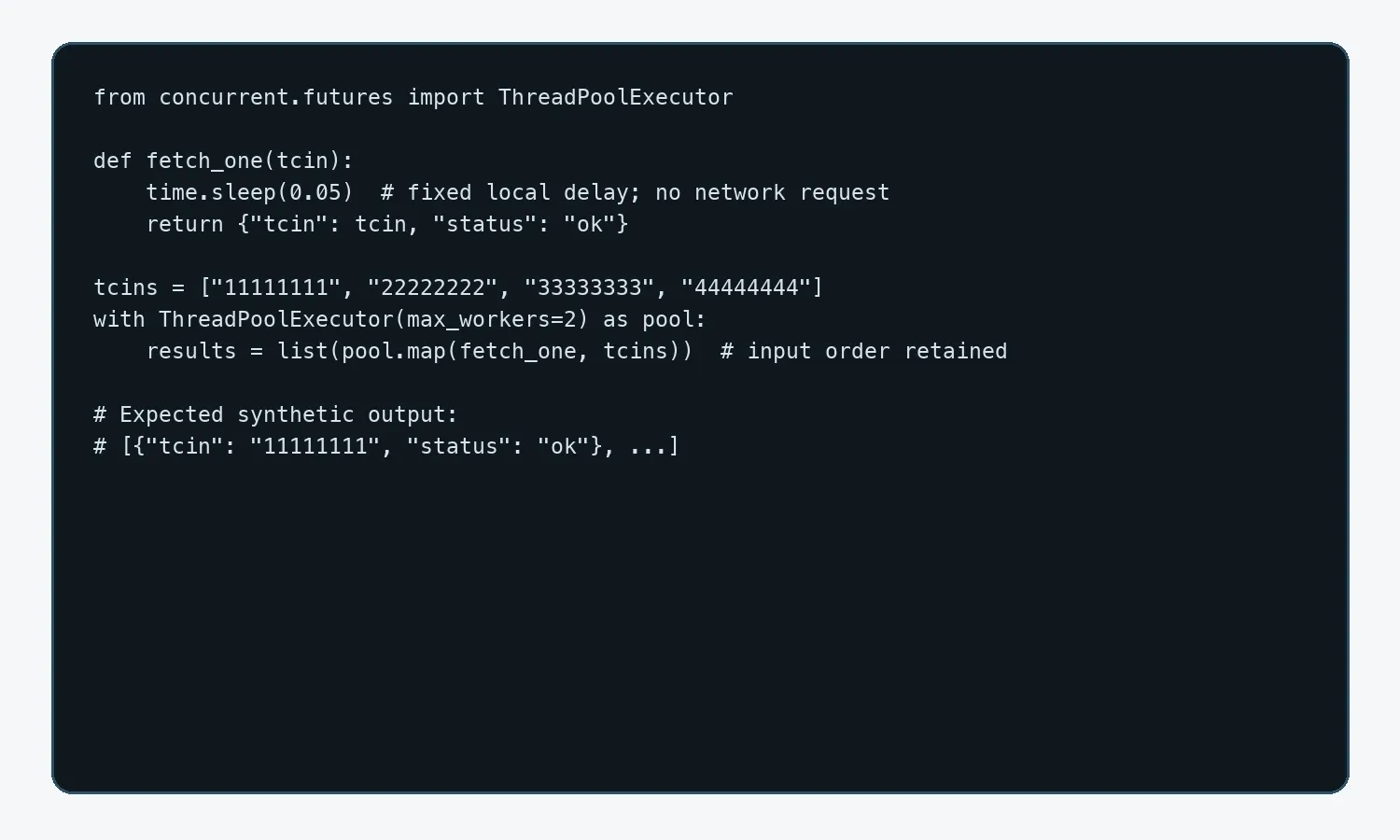
A batch job should start with 1–2 workers, run under a domain-level rate limiter, and adjust gradually based on 429s and latency. The code below is a synthetic local demo — it sends no Target request, and its random results should not be described as a deterministic test. Real failures should be written to a dead-letter queue, recording attempt, last_error, and next_retry_at.
import time
from concurrent.futures import ThreadPoolExecutor

def fetch_one(tcin):
    time.sleep(0.05)  # fixed local delay; no network request
    return {"tcin": tcin, "status": "ok"}

tcins = ["11111111", "22222222", "33333333", "44444444"]
with ThreadPoolExecutor(max_workers=2) as pool:
    results = list(pool.map(fetch_one, tcins))  # preserves input order
The export code must explicitly import json/csv and accept a records parameter, avoiding a dependency on a hidden variable from earlier in the article. CSV uses a UTF-8 BOM for easy opening in Excel; JSON Lines suits appending and checkpoint recovery. Every format should keep the source, region, and time.
import csv, json

FIELDS = ["tcin","parent_tcin","title","brand","price","currency",
          "store_id","postal_code","availability","rating","review_count",
          "product_url","fetched_at"]

def export_records(records, stem="target_products"):
    with open(stem+".jsonl","w",encoding="utf-8") as jf:
        for row in records:
            jf.write(json.dumps({k:row.get(k) for k in FIELDS},ensure_ascii=False)+"\n")
    with open(stem+".csv","w",newline="",encoding="utf-8-sig") as cf:
        writer=csv.DictWriter(cf,fieldnames=FIELDS,extrasaction="ignore")
        writer.writeheader(); writer.writerows(records)
How Do You Verify a Target Record Is Complete and Regionally Consistent?
Don’t validate only the HTTP status code. You should simultaneously confirm the final hostname, Content-Type, response size, expected TCIN, required fields, store or postal code, session context, exit region, source method, and UTC collection time. When field-completeness rate drops, or regional dimensions contradict each other, move the record into an isolation queue. Before scaling up, compare a small set of authorized fixtures using two known store contexts; price or stock records missing a regional key or a time key must not be merged.
| Check | Pass Condition | Failure Handling |
|---|---|---|
| Identity | TCIN matches the requested target; parent/child relationship is clear | Isolate and check the parsing path |
| Response | The final domain is legitimate; Content-Type and size are reasonable | Stop parsing and save a redacted diagnostic |
| Fields | Required fields meet a preset completeness rate | Write to quarantine; don’t fill in guessed values |
| Region | store_id/postal code/exit/session are consistent | Must not be merged with results from other regions |
| Time | Uses a traceable UTC fetched_at |
Reject price and stock records with no timestamp |
| Source | jsonld/xhr/dom/authorized source is labeled | Fill in the source before it enters the main table |
Reliable and Compliant Collection Controls
The key to lowering your failure rate is reducing meaningless requests and making your task’s behavior explainable — not unlimited IP rotation.
| Control | The Right Approach | Common Mistake |
|---|---|---|
| Frequency | Rate-limit per domain, add jitter, respect Retry-After | A fixed high-frequency loop |
| Concurrency | Start from 1–2 and ramp up gradually with load | Opening hundreds of threads directly |
| Caching | Set a reasonable TTL for detail pages | Re-scraping unchanged pages repeatedly |
| Session | Keep store, postal code, and regional context consistent | Randomly switching countries on every sub-request |
| Retries | Limited retries only for timeouts, 429s, and limited 5xx | Retrying a 403 indefinitely |
| Validation | Check body type, challenge signals, and field-completeness rate | Looking only at HTTP 200 |
| Browser | Only enable when rendering is truly required | Launching Chromium for every URL |
Common Errors and How to Troubleshoot Them
| Symptom | Check First | Handling |
|---|---|---|
| 403 / challenge | Final URL, response title, frequency | Pause; confirm permissions and lower frequency — don’t retry indefinitely |
| 429 | Retry-After, domain-level concurrency | Back off per the server’s hint and reduce concurrency |
| 200 but no products | Body size, JSON-LD, whether it’s a skeleton page | Save the sample; switch to a verified data entry point |
| Inconsistent prices | store_id, postal code, cookies, exit region | Fix the context and log every dimension |
| Duplicate products | URL parameters, parent/child TCIN | Normalize the URL; model by TCIN |
| Browser timeout | Wait condition, resources, selector | Wait for the target element/response — not just sleep |
| Proxy connection failure | Protocol, host, port, authentication encoding | Verify the exit first; check whitelisting and URL encoding |
When Should You Not Scrape Target?
- The data requires a login, membership privileges, or bypassing access controls.
- The fields include personal information or reviewer-identity data.
- robots.txt, the terms, or written notice explicitly prohibit the current path or use.
- An official authorized data source can meet the need with lower risk.
- The collection frequency would place a noticeable burden on the target service.
- You can’t explain the data’s source, regional context, or update time.
Conclusion
The key to how to scrape Target isn’t stacking selectors — it’s building a verifiable data chain: confirm permissions and fields first, then choose JSON-LD, a public network response, or a browser; model with TCIN and regional context; and finally run it reliably through rate limiting, limited retries, checkpoints, and quality monitoring. Rola IP can provide a controllable exit for authorized regional price, stock, and product tasks, but reducing requests, keeping sessions consistent, and following site rules should always come first.