
Best Buy Access Denied: How to Verify the Error and Troubleshoot Browser and Network Issues

Oct 13, 2026 · Troubleshooting · 9 min read
Key Takeaways
When Best Buy displays “Access Denied,” it only means that the current request did not complete as expected. The message alone does not establish the cause. First, save the full error text, time, and reference number, then compare the result using your regular network. When checking site data or extensions, change only one thing at a time. Only the actual HTTP response can confirm whether a code shown on the page corresponds to HTTP 403. For authorized research involving proxies, check proxy authentication, connectivity, the target response, and the actual website page separately. An access error also cannot explain why an order was canceled.
First Identify the Type of Failure
“Access Denied” is a message displayed on a page, while Error 15 and similar labels may be page-specific codes. HTTP 403, 407, and 429 are actual response status codes. Verification loops, DNS failures, and timeouts are different situations again. Record the exact on-screen message and reference number before checking the response status in the browser’s Network panel. Do not assume that an IP address has been permanently blocked or that a particular layer rejected the request.
| What you see | What to verify first | What you should not assume |
|---|---|---|
| The page displays “Access Denied” | Full error text, reference number, and actual response | The IP address has been permanently blocked |
| The page displays “Error 15” | Page-specific code and main document’s HTTP status | Error 15 always means HTTP 403 |
| The proxy returns HTTP 407 | Proxy authentication and the provider’s documentation | Best Buy rejected your account |
| The actual response is HTTP 429 | Rate-limit information, Retry-After, and permitted request frequency |
Changing IP addresses will restore access |
| DNS failure or connection timeout | Local network, DNS resolution, and proxy connectivity | The destination site banned the IP address |
| An order is canceled | Official order, payment, and email records | Proxy quality caused the cancellation |
How to Verify Whether the Page Actually Returned HTTP 403
Open Chrome DevTools on a desktop computer, select Network, and reload the problem page once. Select the main page request whose type is Document, then look for Status Code under Headers. Record the request URL, time, and page reference number. Text such as Error 15 is not itself an HTTP status code. If the main document returns 200 but the page still shows an error, inspect the related failed requests rather than relying only on the main page’s status. Before sharing screenshots or network logs, redact cookies, authorization headers, account details, and order information.
Common Causes and the Limits of What You Can Conclude
Connection Source and Request Frequency
Public networks, shared outbound connections, and frequent refreshes are useful troubleshooting clues. However, this article does not have evidence of Best Buy’s internal access rules, so no particular IP type or refresh pattern should be presented as a confirmed cause of a block. Start by comparing the same URL in the same browser on your regular network.
Browser and Regional Settings
Corrupted site data or extensions that change scripts or cookies can interfere with page loading. Your selected store, delivery ZIP code, account status, and cookies can also influence which products are shown. A proxy exit’s geographic location is only one variable; it does not necessarily match the market that Best Buy displays to the user.
How to Troubleshoot Best Buy Access Denied: Six Checks
The screenshots below show where to find a normally loading homepage, site data, extension settings, Rola IP tools, and an authorized research use case. They are not screenshots of an actual Access Denied failure or proof of a successful fix. Chrome menu labels may change between versions. For repeatable tests, record the operating system, browser version, error time, and the one setting changed in each test.
Method 1: Save the Original Message and Compare Your Regular Network
Save the original error message, displayed code, and reference number. Open the same Best Buy URL on your regular network, and try another familiar website. If both fail, investigate your device’s connection and DNS first. If only Best Buy fails, stop refreshing repeatedly and follow any instructions shown on the page. If the actual response is HTTP 429, record the Retry-After value. When no specific waiting period is given, limit retests; access returning after a pause does not, by itself, prove rate limiting was the cause.
Retest criterion: Can the same URL load under the same browser conditions? Even one successful load proves only that particular attempt worked, not that a server-side restriction has been permanently removed.
Method 2: Remove Only Best Buy Site Data
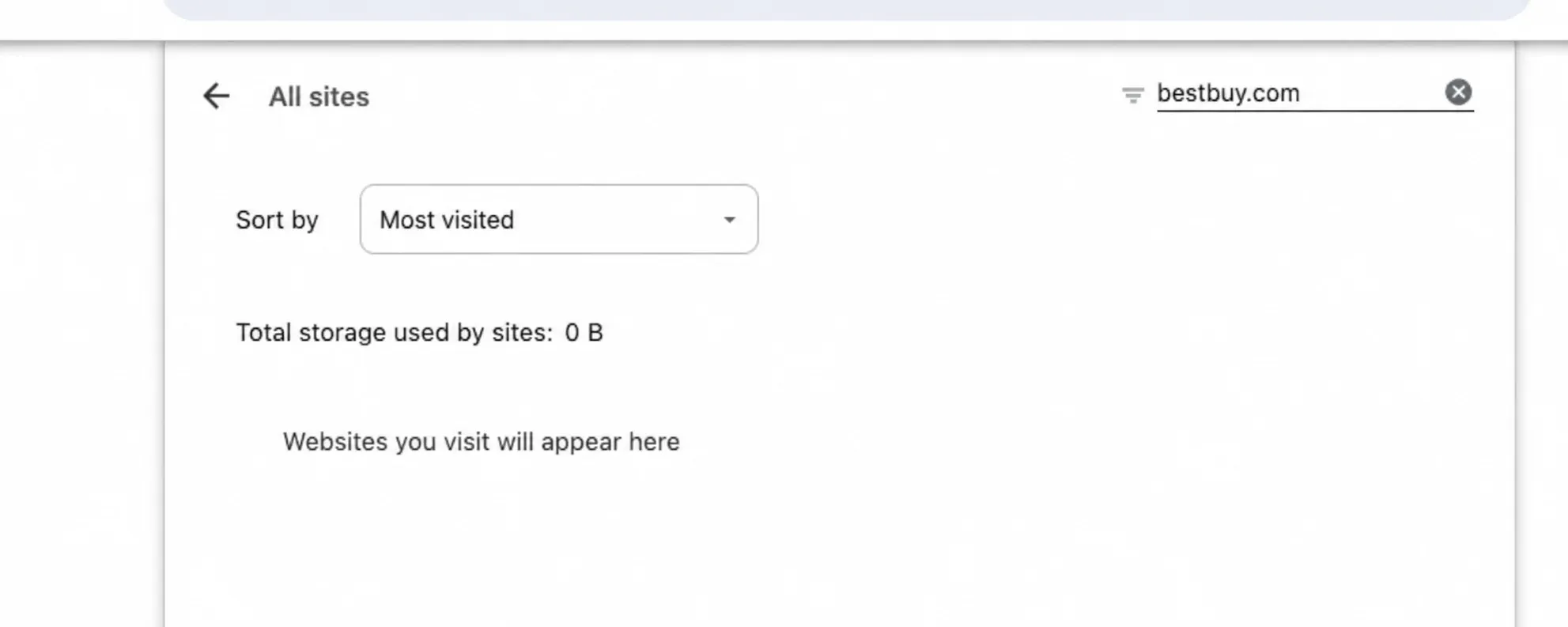
In desktop Chrome, open chrome://settings/content/all and search for bestbuy.com. If matching site data exists, first make sure important sign-in and shopping-cart information is saved. Then delete only that site’s cookies and local storage, sign in again, and retest the same URL. If no matching entry appears in a clean browser profile, do not claim that Best Buy site data was deleted.
Retest criterion: Check whether the original URL loads the expected content after the change. Record the error text and reference number as supporting observations, not as measures of recovery.
Method 3: Isolate Browser State with an Incognito Window
Press Ctrl+Shift+N in Chrome on Windows or Command+Shift+N on Mac to open an Incognito window. Incognito creates a separate browsing session; it does not itself provide a different network connection. However, an extension-based proxy may not run in Incognito unless permission is enabled. In chrome://extensions/, open the proxy extension’s Details and check Allow in Incognito, then verify that its intended proxy profile and routing rules are active in each window.
Before comparing Best Buy results, use the public-IP check described in Method 5 in both windows and record each observed exit and time. Keep the proxy endpoint and session settings consistent, and confirm that the routing rules cover both the checking page and Best Buy. If the exits or routes differ, resolve or record that difference before attributing the result to browser state. With matching network conditions, visit the same Best Buy URL once in each window. If only the regular window fails, investigate site data and extension behavior; if both fail, continue with network checks and the site’s instructions.
Retest criterion: Compare the same URL and expected content in both windows, recording the time, observed exit, proxy session settings, and extension permissions. Treat Incognito as a browser-state comparison only after checking that the intended network route is consistent.
Method 4: Isolate One Extension at a Time
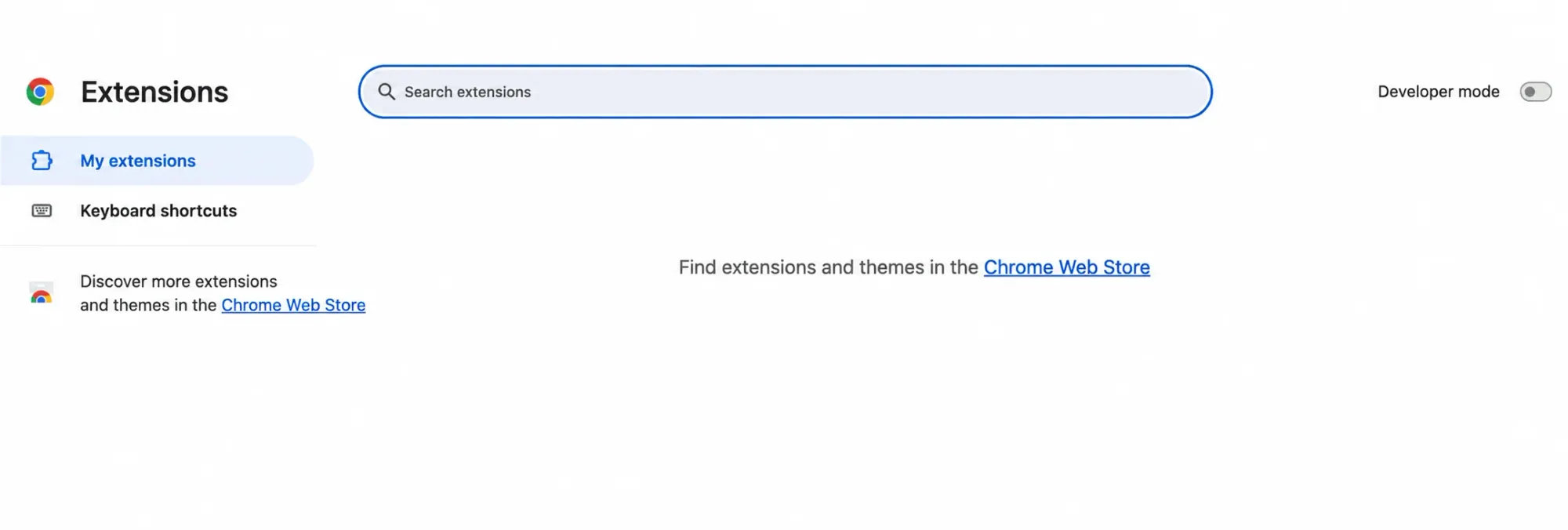
Open chrome://extensions/ and identify extensions that change page scripts, cookies, or proxy routing. Temporarily disable one extension, reload the same page once, and record the result. If nothing changes, re-enable it before checking the next extension. Do not switch networks while changing extensions, or you will not know which variable affected the result.
Retest criterion: Compare results with the same extension enabled and disabled. If it controls proxy routing, also record the observed exit before and after the change so that a route change is not mistaken for a script or cookie issue.
What to Do if Verification Keeps Reappearing
A verification loop does not automatically mean the IP address is the problem. Confirm that required page scripts can load, temporarily isolate extensions that rewrite cookies or scripts, and compare one clean session using your regular connection. Save the verification page text and reference number. If verification continues to repeat, stop retrying and use official support channels.
Method 5: Trace the Connection Path to Separate Website and Proxy Issues
For personal shopping, use your usual home or mobile network first. For authorized research that uses proxies, check each layer separately. The standard meaning of HTTP 407 is that proxy authentication is required; whether an IP-allowlist mismatch produces a 407 depends on the provider’s implementation. HTTP 403 means a responding party understood the request but refused to process it. The status alone cannot tell you whether the rejection came from Best Buy’s origin server, an upstream security layer, or an intermediary service. A timeout may occur without any HTTP response at all. None of these three outcomes alone proves anything about IP reputation.
For HTTP 429, follow the Retry-After guidance in Method 1 before retesting.
- Check the proxy host, port, protocol, and authentication method against your account configuration. If the response is 407, use the proxy authentication troubleshooting guide to check the authentication challenge, credentials, and client settings. If the connection itself fails, do not proceed to target-site testing.
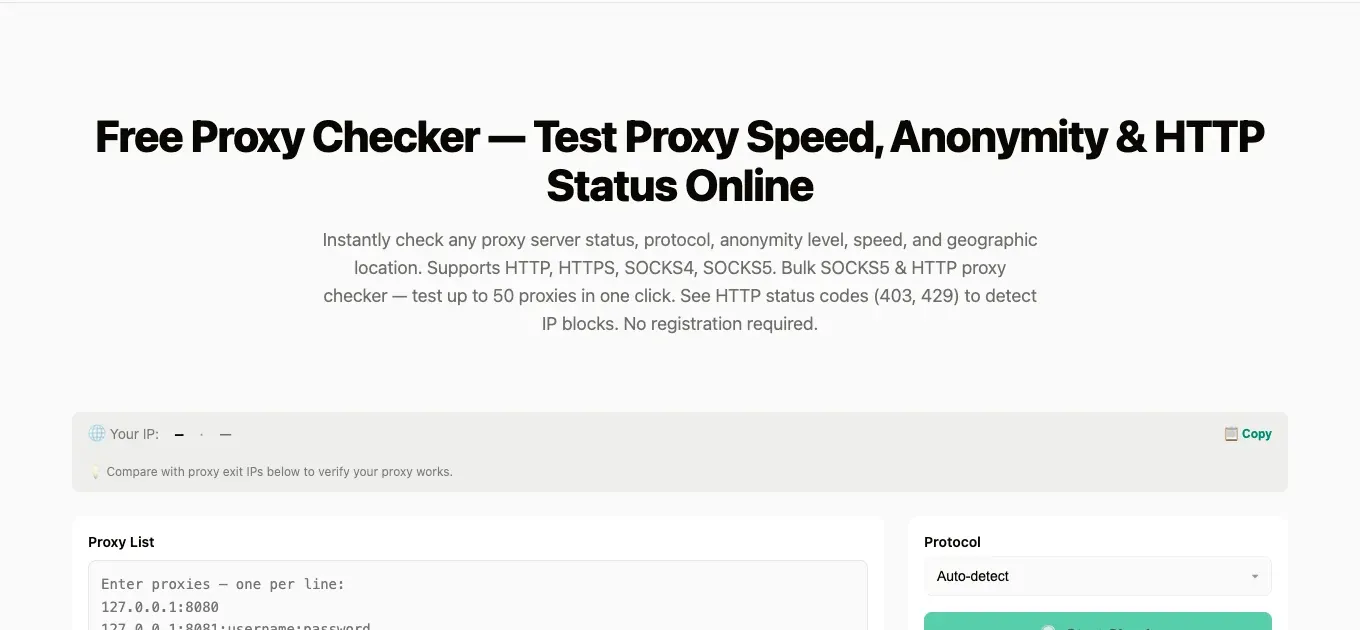
- Where authorized, use the Rola IP Proxy Checker to test proxy endpoint connectivity separately. Record the test time and non-sensitive results. A passing endpoint check does not establish that Best Buy accepts the connection. If the plan uses an IP allowlist, check whether the tool’s test source is authorized; a test from another source may differ from your browser’s result.
- In the browser profile and window used for the Best Buy test, check your public IP. Record the displayed public IP, time, and intended proxy endpoint. Inspect the extension or client’s routing rules: both the checking page and Best Buy must use the intended proxy, with no conflicting direct-connection exception. For rotating proxies, record the rotation mode and session settings; use a supported sticky session when the comparison requires continuity. If the exit changes, record the change instead of treating the two requests as a fixed-IP comparison. The IP check identifies the exit observed for that request; domain-based routing or rotation can give a Best Buy request a different exit.
- Return to the original failing Best Buy URL. Using the Network steps above, record the main document’s status, relevant failed requests, page text, and reference number. Check whether the expected content loads under the recorded routing and session conditions.
- Record page loading, product content, sign-in, and order status as separate outcomes. Change one variable at a time and record each retest.
If network ownership is relevant to the investigation, use a WHOIS/RDAP lookup on the observed exit IP to inspect available organization, ASN, and CIDR information. This is an optional registration-data check, not a test of proxy authentication or Best Buy access.
Method 6: Contact Official Support with Evidence
If the first five checks do not resolve the issue, collect the original error text, reference number, time, browser version, and network type. Then contact support through Best Buy Customer Service. If you have already placed an order, check its status through your own account’s order-tracking page and review the confirmation email. Do not disclose order numbers or payment information publicly.
Retest criterion: Follow the support instructions and retest the original failing action. For an order issue, verify the outcome in official account records; retain the support case number for follow-up.
Access Denied vs. Order Cancellation: Check Them Separately
Access denial and order cancellation happen at different stages. If a page will not open, troubleshoot the browser and network as described above. If an order has already been submitted, confirm its status in your own Best Buy account and in confirmation or cancellation emails. Then consult customer support and your card issuer about payment records. A proxy cannot verify billing information, change purchase eligibility, or guarantee order approval.
A pending card authorization is not necessarily a final charge. Keep your order number, emails, and bank transaction records for review through official channels. Do not infer the reason for a cancellation from an access error, and do not repeatedly change addresses or payment methods in an attempt to solve it.
When Rola IP Is Relevant to Best Buy Network Diagnostics
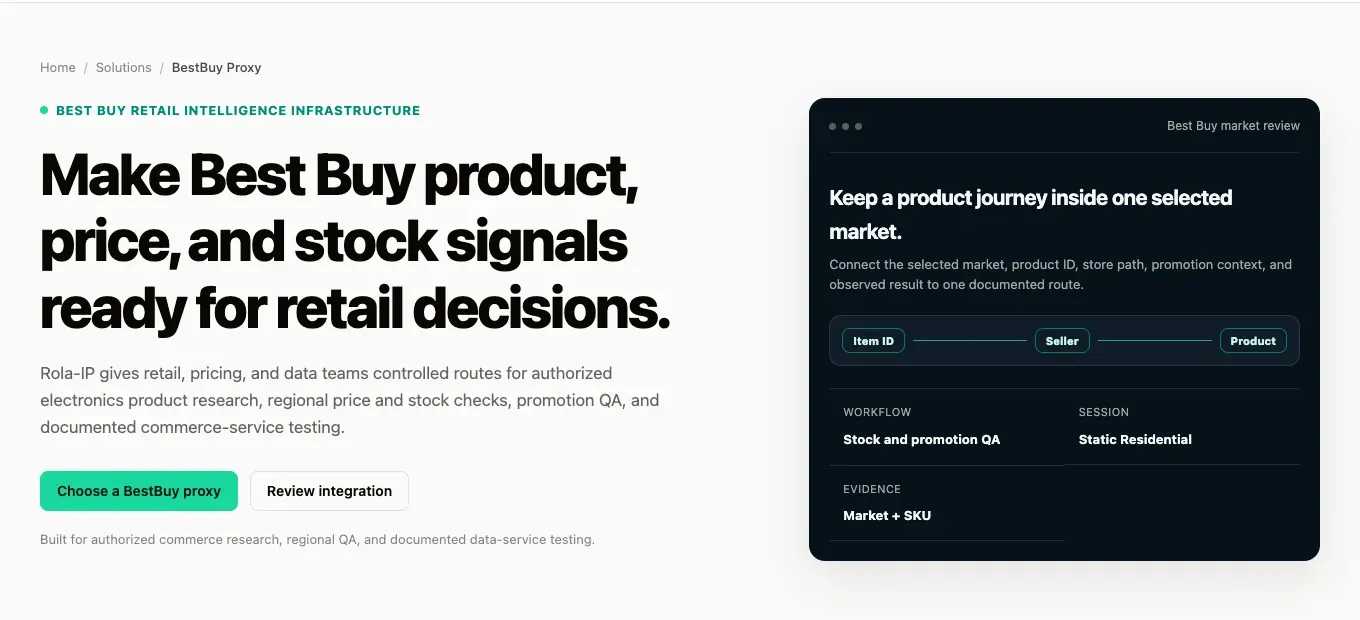
The Rola IP Best Buy solutions page describes use cases for authorized retail research. If a project genuinely requires a regional exit or specific session behavior, follow Method 5 first to determine whether the issue lies with proxy configuration, endpoint connectivity, the browser’s exit IP, the target response, or the business page. Then choose the appropriate network type.
Understand IP Types and Session Modes First
For authorized regional comparisons, review the current location and session options for Rola IP residential proxies. The comparison of sticky sessions vs rotating proxies explains when to preserve one exit across related requests and when to rotate between independent checks. Keep the product SKU, store, delivery ZIP code, browser state, and test time consistent when comparing results.
If the task needs a relatively stable exit, check the actual locations, protocols, and allocation conditions of static residential / ISP proxies. Manage cookie and login-session expiry separately from IP allocation.
Conclusion
To troubleshoot best buy access denied, preserve the original message first, then use browser DevTools to distinguish page-specific error codes from actual HTTP status codes. Compare your regular network, site data, and extensions one step at a time. For authorized projects using proxies, isolate configuration, endpoint connectivity, the browser’s exit IP, the target response, and the actual business page. Investigate canceled orders through order and payment records instead of drawing conclusions from proxy tests.