
BlockAway Alternatives: 6 Best Options (2026)

Sep 2, 2026 · Comparisons · 10 min read
The best BlockAway alternative depends on what you are trying to replace. CroxyProxy is the closest match for quick, no-install web browsing. Proxyium offers another simple paste-a-URL option. hide.me is a better fit when you want explicit location and page controls, while 4everproxy combines a web proxy with an optional VPN path. For recurring business tasks, automation, or controlled sessions, Rola IP is the more appropriate category. It requires proxy configuration and is not a drop-in web-proxy clone.
BlockAway’s own website describes a free browser-based proxy: enter a URL, and the requested page loads through its service without changing browser or operating-system settings. That simplicity is useful for occasional access to public pages, but it does not mean every BlockAway alternative provides the same coverage, privacy model, location choice, or integration options. This comparison separates those differences before ranking the options.
How we evaluated these BlockAway alternatives
This is a product-fit review, not a laboratory speed test. On September 1, 2026, we checked each service’s current public product page and its initial access path. We compared five practical criteria: setup effort, traffic coverage, location controls, cost model, and the task each service is designed to handle.
We did not measure connection speed, streaming success, logging behavior, or block rates. Provider statements about privacy, performance, and compatibility remain provider claims unless the article explicitly identifies a dated observation. During the screenshot check, ProxySite displayed a security-verification page in our automated browser; that is one access observation, not proof that every visitor will see the same page.
We used public comparison pages only to identify recurring search questions. Feature statements in the reviews below were checked against the providers’ own current pages rather than copied from third-party roundups.
BlockAway alternatives at a glance
Alternative |
Product category |
Setup |
Traffic covered |
Best fit |
Main limitation |
|---|---|---|---|---|---|
Rola IP |
Configurable proxy network plus free proxy list |
Add proxy credentials to a browser, app, or code |
Traffic explicitly routed through the configured endpoint |
Business automation, controlled locations, rotating or stable sessions |
- |
CroxyProxy |
Free web proxy |
Enter a URL; extension is optional |
Pages opened through CroxyProxy |
Closest simple BlockAway replacement, including media-oriented browsing |
Browser-page coverage only |
ProxySite |
Free web proxy |
Select a US/EU server and enter a URL |
Pages opened through ProxySite |
Users who want manual US/EU server choice |
Availability can vary; our automated check encountered verification |
Proxyium |
Free web proxy |
Select a region and enter a URL |
Pages opened through Proxyium |
Simple no-install browsing with a small location menu |
Does not cover other device applications |
hide.me |
Free web proxy plus separate VPN |
Enter a URL; VPN requires an app |
Proxy page only, or system traffic with the VPN product |
Users who want page controls and a clear VPN upgrade path |
Free web proxy offers only three listed locations |
4everproxy |
Free web proxy plus separate VPN |
Choose web server/IP location and enter a URL |
Proxy page only, or device traffic with the VPN product |
Users who want more manual web-proxy controls |
Interface has more choices than a basic one-box proxy |
The table shows why a single “best” answer is misleading. A free web proxy is closest to BlockAway’s workflow. A VPN covers more than a browser page, while a professional proxy network provides configurable endpoints for applications and automation. Choose the category first, then the provider.
1. Rola IP
Rola IP is the strongest BlockAway alternative in this list when the real requirement is controlled proxy infrastructure rather than a temporary webpage viewer. It offers rotating residential, static residential, mobile, datacenter, and IPv6 proxy products for traffic that you intentionally route through a configured endpoint and also provides free proxy list. Rola IP documentation also states that its rotating and static IPs support HTTP(S) and SOCKS5.
Rola IP changes the workflow. With BlockAway, you paste a destination into a hosted page. With Rola IP, you receive proxy credentials and configure them in a browser, application, operating system, or code. The extra setup gives you control over the proxy type, location parameters, rotation, and session behavior. Rola IP is unnecessary for someone who only wants to open one public page without creating an account.
A rotating residential proxy is the logical starting point for repeated public-web requests that need IP diversity. A static residential proxy fits an approved workflow that needs the same endpoint over a longer session. Neither option guarantees that a destination will allow access, and users still need to follow applicable laws and site rules.
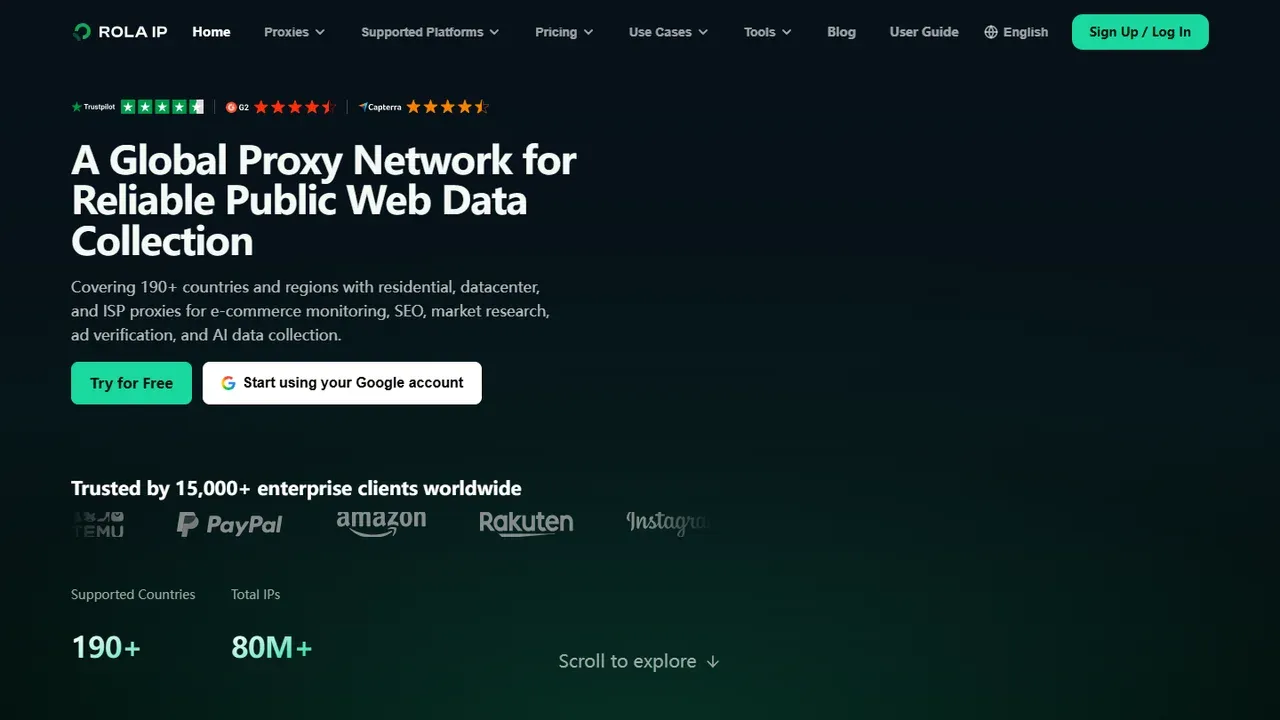
Rola IP’s current homepage, captured September 1, 2026.
Best for: regional testing, public-web data collection, application integrations, and workflows that need controlled rotation or stable sessions.
2. CroxyProxy
CroxyProxy is the closest match for readers who want BlockAway’s basic interaction: open a website, paste a URL or search query, and browse without configuring a system proxy. Its official page says the free service supports modern websites plus video and audio playback. A Chrome extension is available, but it is optional.
This makes CroxyProxy a practical first comparison for casual browsing. It preserves the one-page workflow and does not require a desktop application. The service also states that traffic between the user and its proxy is protected and that the destination sees the proxy’s network identity instead of the user’s direct IP.
The boundary is still browser-page coverage. Other applications on the device do not automatically use CroxyProxy, and the service’s own privacy or compatibility statements are not a substitute for an independent security review. Treat it as a convenience tool for public content rather than a general-purpose device-security layer.
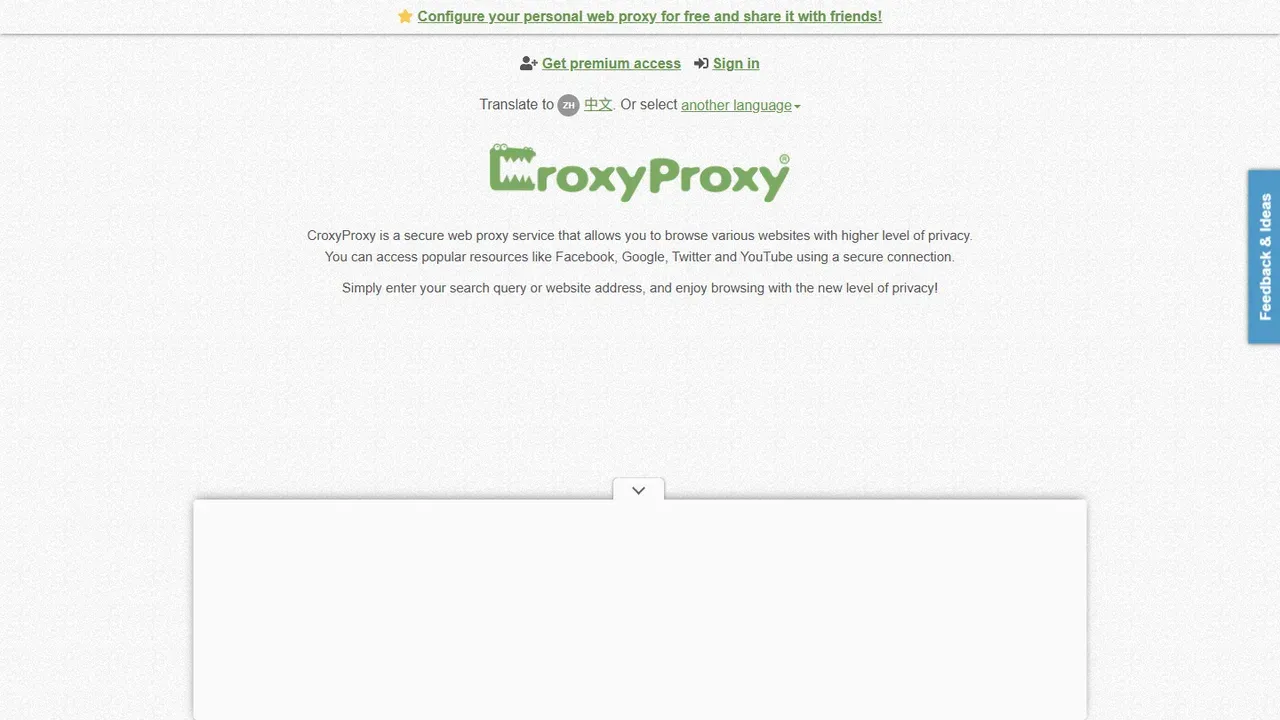
CroxyProxy’s web-proxy interface, captured September 1, 2026.
Best for: readers seeking the most familiar BlockAway-style experience, especially for media-oriented public pages.
Not ideal for: routing traffic from desktop applications, scripts, or the entire device.
3. ProxySite: best for manual US or EU server choice
ProxySite gives users a visible list of US and EU web-proxy servers before they enter a destination URL. Its current page also says that requested pages are relayed back over an SSL connection and highlights direct routes for YouTube and Facebook.
The manual server menu is its clearest advantage over a web proxy that chooses an endpoint automatically. It lets a user try a different US or European server when the first route is unavailable or unsuitable. This remains a broad region choice rather than precise country, city, ISP, or carrier targeting.
During our September 1 access check, ProxySite’s homepage displayed a Cloudflare security-verification page in the automated browser, even after an extended wait. The public page was readable through our research fetch, so this should be treated as an environment-specific observation, not a claim that ProxySite is generally offline. It is still a useful reminder to test the actual access path before relying on any free web proxy.
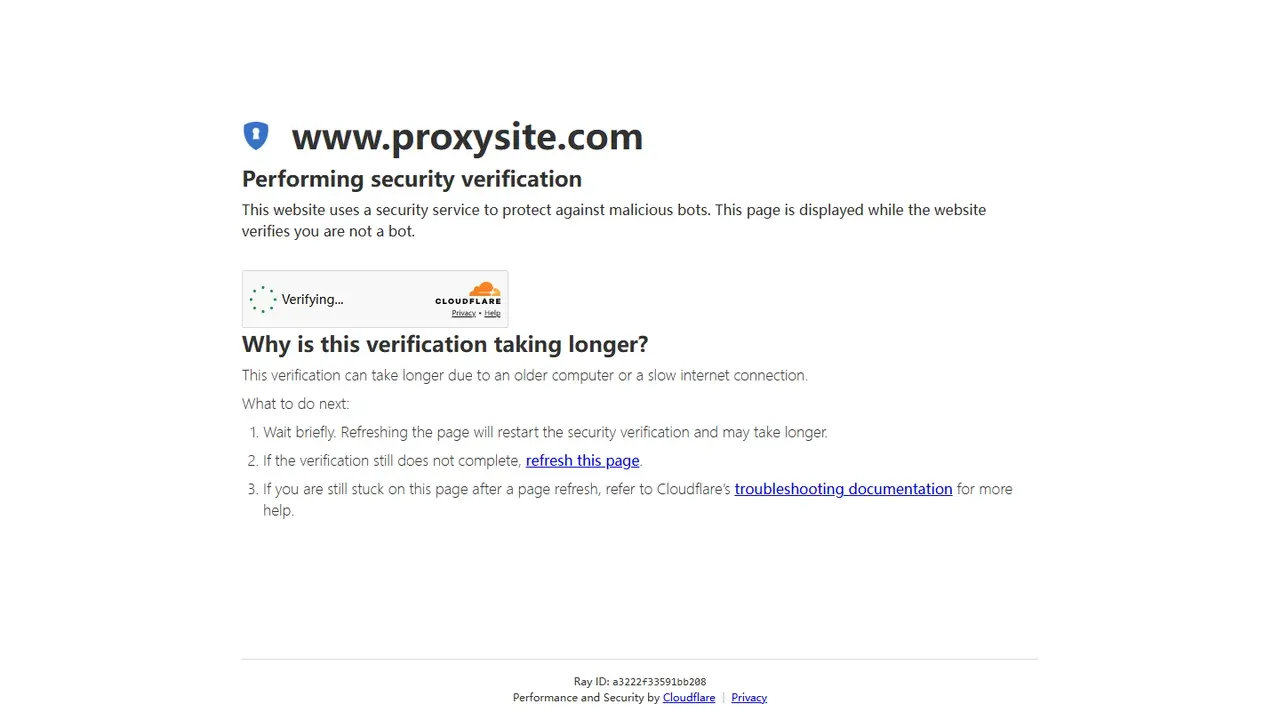
ProxySite’s security-verification screen observed in an automated English-language browser on September 1, 2026.
Best for: users who want a simple web proxy with a manual US/EU server list.
Not ideal for: workflows that require predictable automated access or granular location targeting.
4. Proxyium
Proxyium is another direct blockaway.net alternative for readers who want to paste a URL and continue without installing software. Its current selector lists Poland/France, the United States, and Singapore. The page describes the service as free and browser-based.
Proxyium is easy to understand because it does not pretend to cover the whole device. Its own comparison explains that a web proxy opens websites inside the browser, while other applications keep using their normal connection. That makes it suitable for an occasional public webpage, but unsuitable when an email client, game, automation tool, or mobile app also needs the alternate route.
The location list is small and can change. It also groups Poland and France into one displayed option, so users should check the actual exit location instead of assuming which country they received. After connecting, a proxy checker can help confirm that the endpoint is reachable and identify the apparent proxy result.
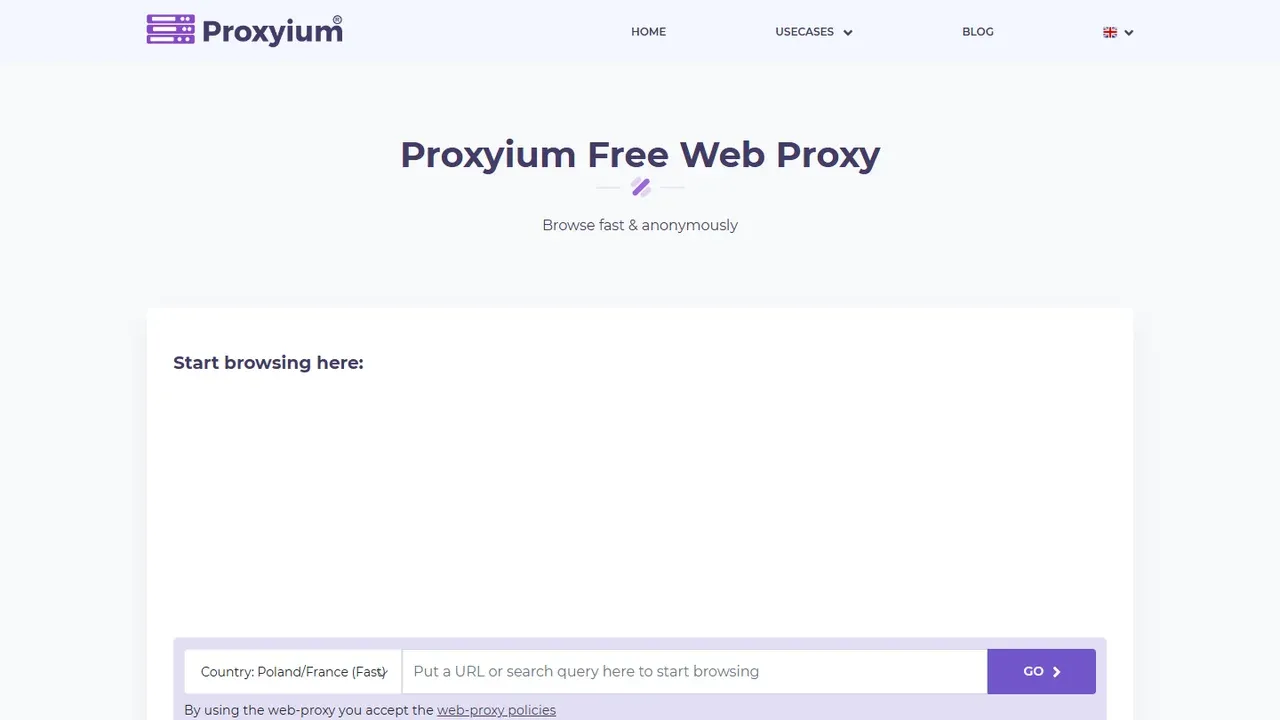
Proxyium’s current web-proxy interface, captured September 1, 2026. Server choices and availability may change.
Best for: quick browser-only access with a visible but compact server menu.
Not ideal for: whole-device routing, precise location selection, or recurring business automation.
5. hide.me
hide.me’s free proxy is a useful BlockAway alternative when the reader wants a hosted URL box but also wants to choose between Germany, the Netherlands, and Finland. Its interface includes controls for cookies, URL or page encryption, scripts, and objects. No registration is required for the free proxy according to the current product page.
hide.me also makes the category boundary unusually clear. The free proxy handles the website opened through that page; the company’s separate VPN product is intended to route broader device traffic. A user who only needs one public webpage can start with the proxy, while someone who needs multiple applications routed through the same tunnel should evaluate the VPN product separately.
Those extra page controls can affect functionality. Removing scripts or objects may reduce tracking or page complexity, but it can also break sign-in forms, video players, menus, or other JavaScript-dependent features. If a page fails, return to the default settings before assuming the destination is unavailable.
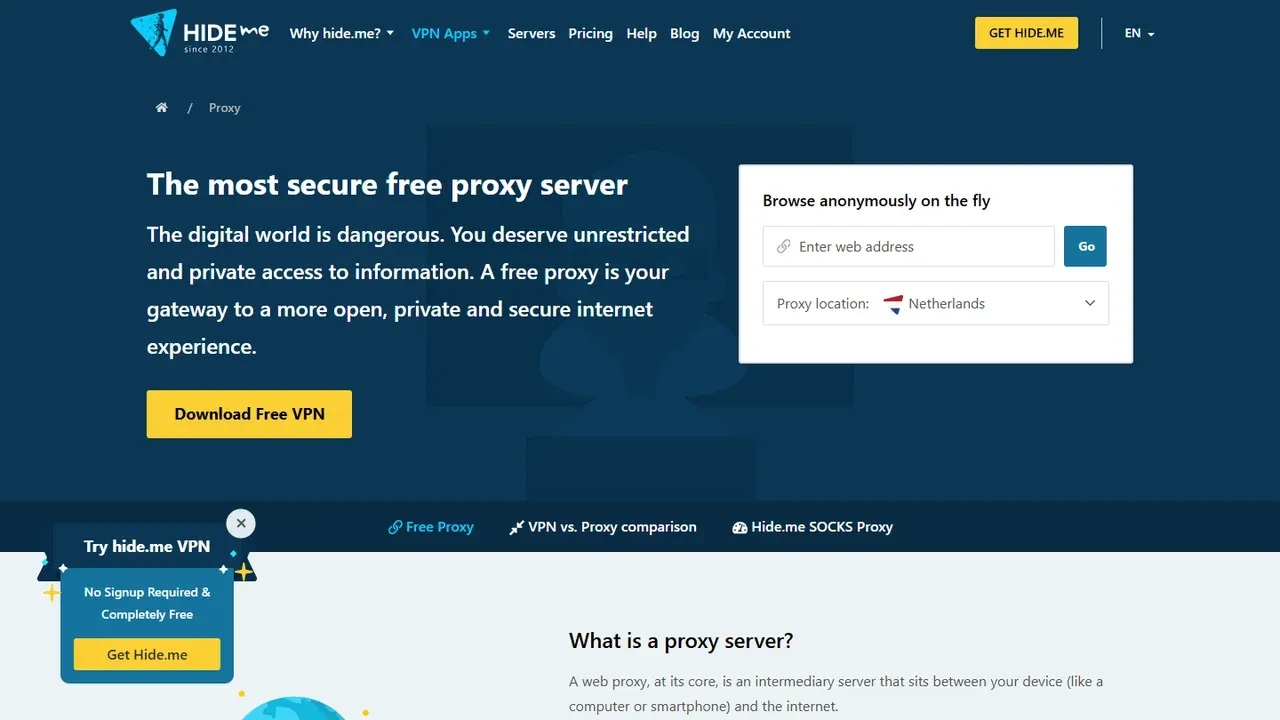
hide.me’s free proxy page, captured September 1, 2026.
Best for: casual users who want visible page controls and a clear choice between a web proxy and a separate VPN.
Not ideal for: users who need more than the three locations currently listed by the free proxy.
6. 4everproxy
4everproxy exposes more choices before the first request than most BlockAway-style services. Its web form separates the web server from the apparent IP location and includes controls for page titles, cookies, scripts, page encryption, and permanent URLs. The company also sells a separate VPN for broader device coverage.
Separating the server and IP-location selectors can be useful when a reader wants to experiment with routing rather than accept an automatic choice. It also adds decisions that BlockAway hides. A beginner should start with the recommended defaults, change one setting at a time, and verify the exit result after connecting.
As with hide.me, removing scripts or cookies can prevent a modern website from working correctly. Permanent or shareable proxied URLs also deserve caution: do not place private tokens, session identifiers, or sensitive query strings into links that may be copied or stored.
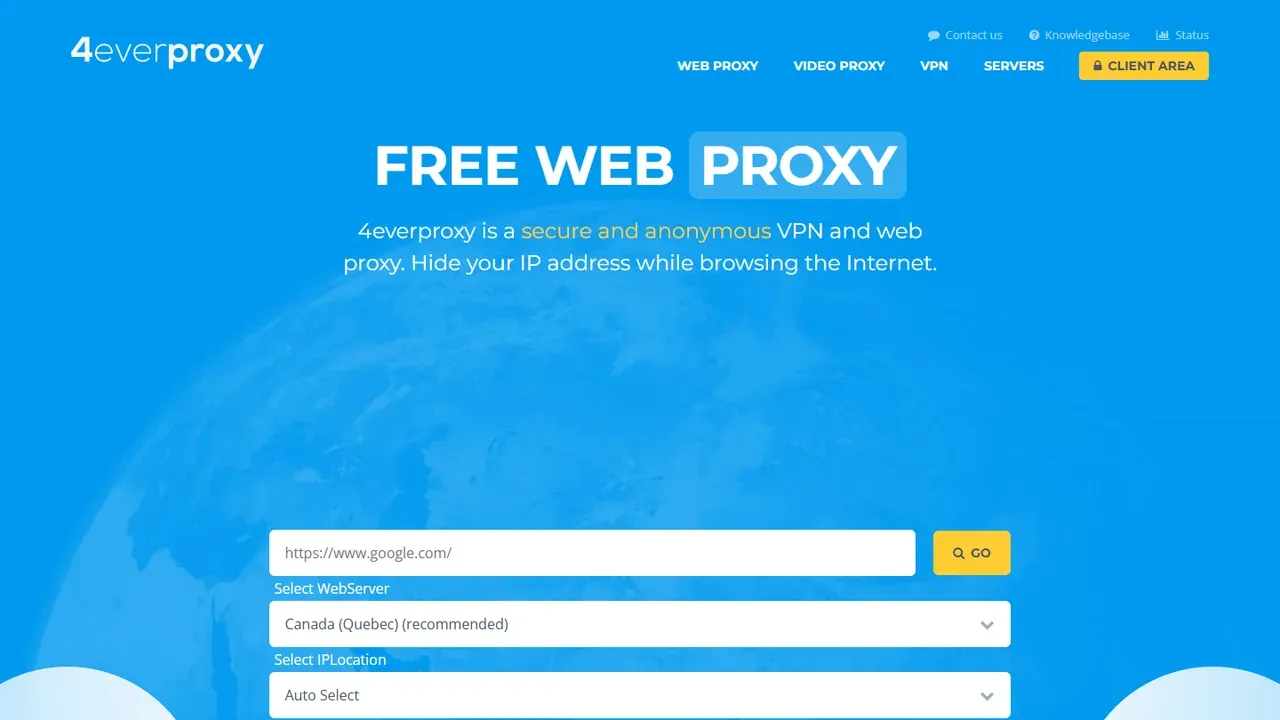
4everproxy’s web-proxy interface, captured September 1, 2026.
Best for: users who want more routing and page-processing controls than a one-box web proxy provides.
Not ideal for: readers who want the fewest possible decisions or who need application-level proxy credentials.
Which type of BlockAway alternative should you choose?
Choose by traffic coverage before comparing brand names. A hosted web proxy, a VPN, and a configurable proxy endpoint solve different problems even when all three can change the IP address seen by a destination.
Choose a free web proxy for one public webpage
CroxyProxy, ProxySite, Proxyium, hide.me’s free proxy, and 4everproxy all provide a URL-entry workflow. They are the most direct BlockAway replacements when the task is brief, browser-only, and does not require an application integration. The page must load correctly through the proxy’s rewriting and relay system.
Choose a VPN when multiple applications need one tunnel
Proxyium and hide.me both explain that a web proxy only affects websites opened through its page, while a VPN is normally configured at system level. If the requirement includes browsers, messaging apps, streaming apps, and other device traffic, compare VPN products rather than expecting a hosted web proxy to cover them.
Choose a proxy network for controlled endpoints and sessions
Rola IP fits the professional path: configure credentials in the browser, application, or code, then select an appropriate proxy type and session behavior. That setup is relevant to permitted regional QA, public-web collection with a web scraping proxy, price monitoring with proxies for price monitoring, ad verification, and other recurring workflows. It is more work than entering a URL, but it gives the user an endpoint that can be integrated instead of a page rendered inside someone else’s proxy website.
No category guarantees access to every destination. Target policies, account state, browser behavior, network controls, and the reputation of the current exit IP can all affect the result.
What to check before using a free BlockAway alternative
A free web proxy is convenient because the provider does the relaying for you. That also means the provider sits in the request path. hide.me’s explanation is unusually direct: the proxy retrieves the requested content and then sends it back to the browser, and HTTPS traffic is handled through the proxy service during that process. Evaluate the operator and its current privacy terms before sending anything sensitive.
Use the following checks:
- Confirm the coverage by opening a harmless public page first. Do not assume other browser tabs or device applications are using the proxy.
- Read the current privacy policy. Look for information about logging, retention, cookies, advertising, and third-party services. A homepage claim is not an independent audit.
- Avoid unnecessary sensitive input. Do not enter banking details, recovery codes, private work documents, or confidential credentials through an unassessed relay service.
- Test page functionality. Video, sign-in, CAPTCHA, and JavaScript-heavy pages may behave differently when content is relayed or scripts are removed.
- Check the apparent exit. Confirm the IP and location after connecting instead of trusting a server label alone.
- Respect authorization and policy. Use the service only for lawful purposes, permitted content, and networks you are authorized to use. A proxy does not override a workplace, school, platform, or website policy.
For repeatable work, record the provider, selected location, time, destination type, and result. A single successful page load does not establish ongoing reliability.
Final verdict
For the most direct free BlockAway alternative, start with CroxyProxy or Proxyium. Choose ProxySite when a manual US/EU server list is useful, hide.me when page controls and a separate VPN path matter, and 4everproxy when you want separate web-server and IP-location selectors.
Choose Rola IP when the job has moved beyond casual browsing and requires controlled proxy credentials, repeatable sessions, regional routing, or application integration. The right upgrade is not necessarily the site that looks most like BlockAway; it is the tool whose traffic coverage and setup match the task.