
Instant Data Scraper: Extract Tables and Handle Pagination in Chrome

Sep 1, 2026 · Proxy Basics · 7 min read
TL;DR
Instant Data Scraper is a Chrome extension for extracting visible tables, lists, and repeating page elements without writing code. It works best for small, human-supervised tasks where the data is already rendered in the browser. Install it from the official Chrome Web Store listing, verify the detected rows and columns, test pagination on a small range, and record the source context before exporting CSV or XLSX. Use an API or maintained scraper when the task needs authentication, scheduling, retries, or large-scale processing.
Only collect data you are authorized to access, respect a site’s terms and robots guidance, and avoid exporting personal data without a lawful purpose.
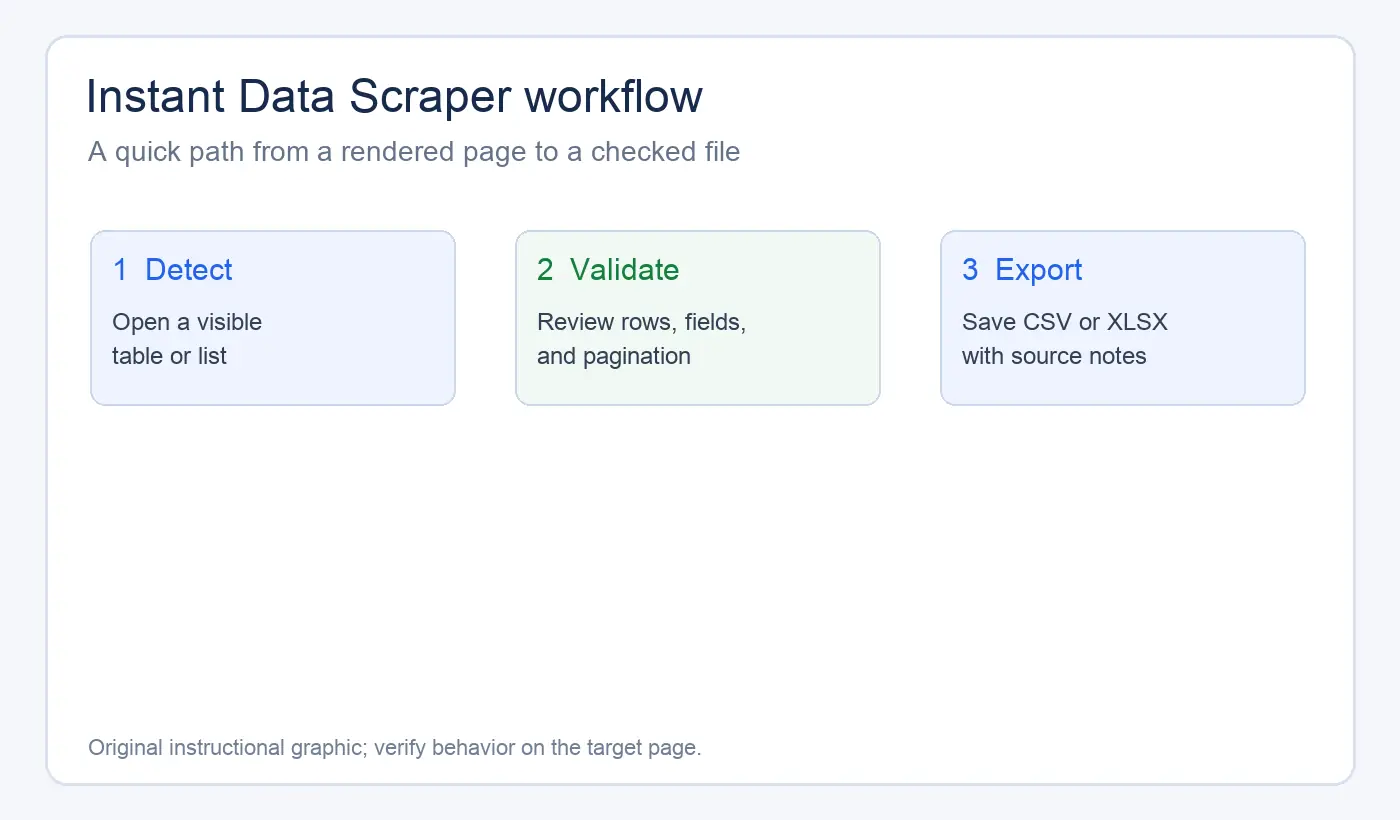
What is Instant Data Scraper?
Instant Data Scraper is a Chrome extension that looks for repeated structures in the current page, such as rows, cards, links, and text fields. Its appeal is speed: you can test a page without writing a selector or a Python script first.
The extension works best when the information is already present in the page’s rendered DOM. It may find a table automatically, or it may offer several candidate elements for you to preview. Detection is a convenience layer, not a guarantee that every visible field or every page in a site will be captured correctly.
What it can do well
In the version reviewed, the extension can:
- Detect repeated rows or cards on many ordinary HTML pages.
- Preview the fields before you export them.
- Follow a next-page control when the pagination pattern is simple and accessible.
- Export collected rows for analysis in a spreadsheet.
- Let you validate a small sample before committing to a larger collection.
Where it is a poor fit
- A page hides the data until several clicks, searches, or filters run.
- Content appears only after a login or a user-specific session is established.
- Infinite scroll is virtualized, loads content unpredictably, or does not expose a stable way to confirm that new rows were added.
- A challenge page, rate limit, or consent wall blocks normal rendering.
- The extraction needs joins, deduplication, retries, scheduling, or repeatable version-controlled code.
How to use Instant Data Scraper step by step
1. Install the extension from a trusted source
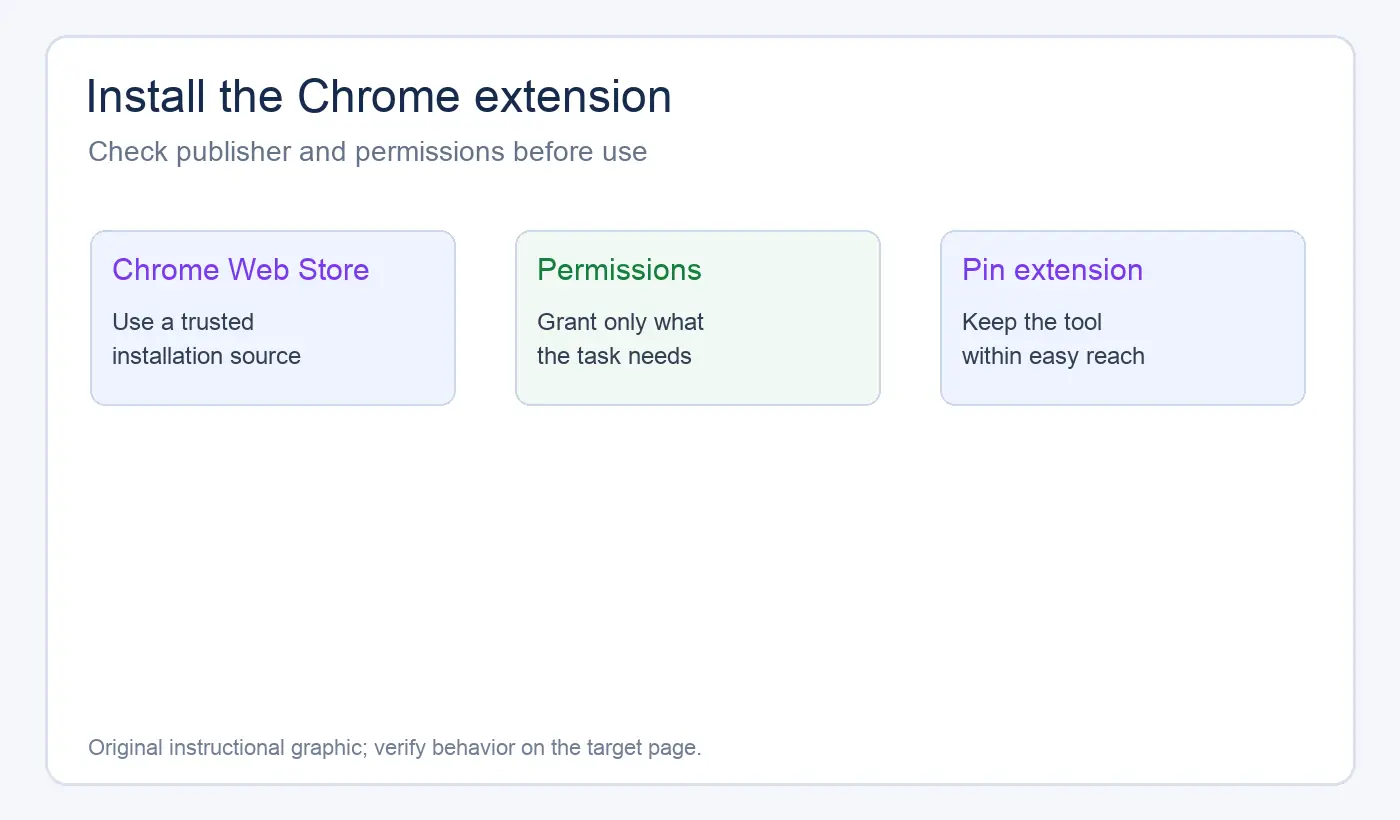
Use the Chrome Web Store listing or your organization’s approved extension channel. Open the extension’s detail page directly and verify its publisher, permissions, update date, and listing URL before installing. Avoid downloading repackaged extension files from an unknown site.
After installation, pin the extension so it is easy to find. Do not grant extra browser permissions that are unrelated to the collection task. Test the extension in a separate Chrome profile when possible, and avoid installing repackaged CRX files from unofficial sources.
2. Open a page with a clear repeated structure
Start with a page where the data is visible without interaction: for example, a public directory with one item per row or a table with stable column headings. Wait until the page finishes rendering, then close overlays that obscure the content.
Open the extension. It will inspect the current page and show a preview of the detected columns and rows. If the first candidate is wrong, compare the alternatives rather than exporting immediately.
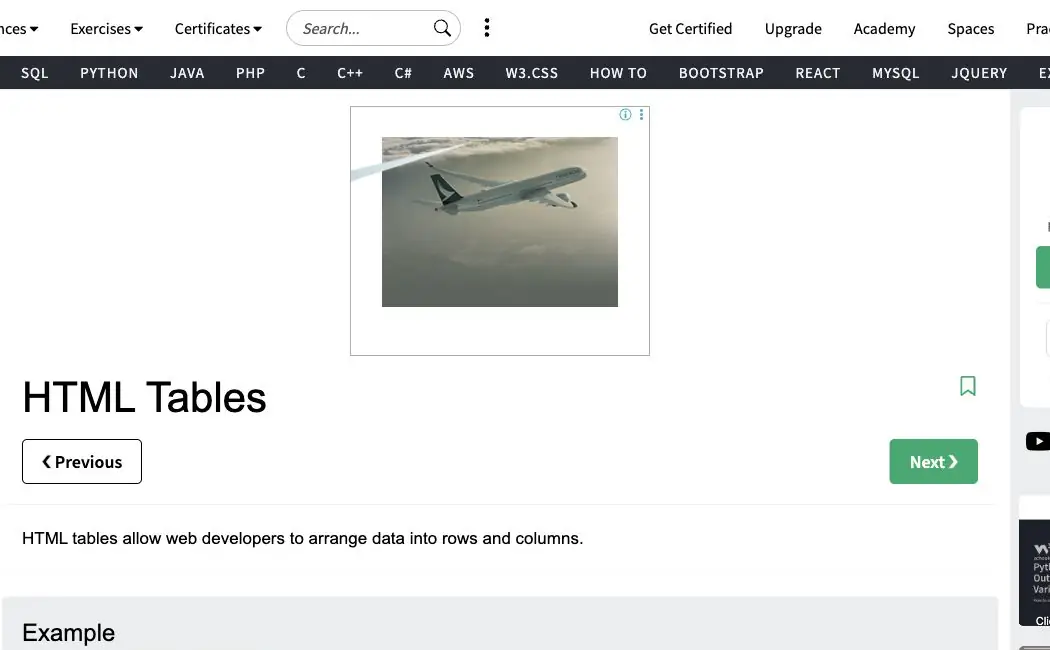
The screenshot below shows a plain HTML table page with a clear repeated structure. That is the kind of page where a browser extension usually has the easiest time finding rows and columns.
3. Check the preview before collecting more pages
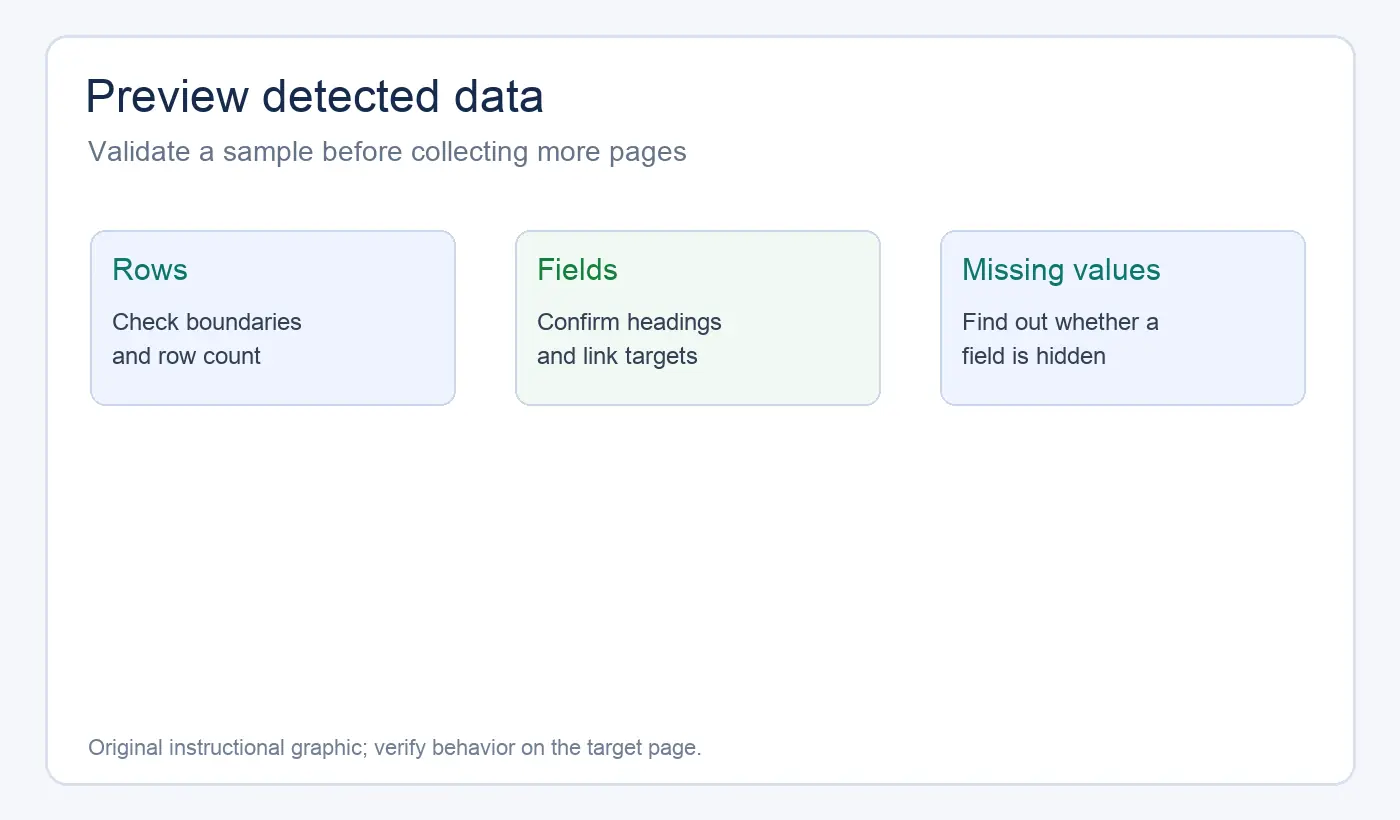
Inspect at least five to ten rows. Confirm that the column names are meaningful, links point to the intended records, and fields are not shifted into the wrong row. Pay particular attention to duplicated navigation text, empty cells, badges, and hidden accessibility labels.
If a value is missing, check whether it appears in the rendered page or only after an interaction. A browser extension cannot reliably extract a field it cannot access in the current page state.
4. Configure pagination conservatively
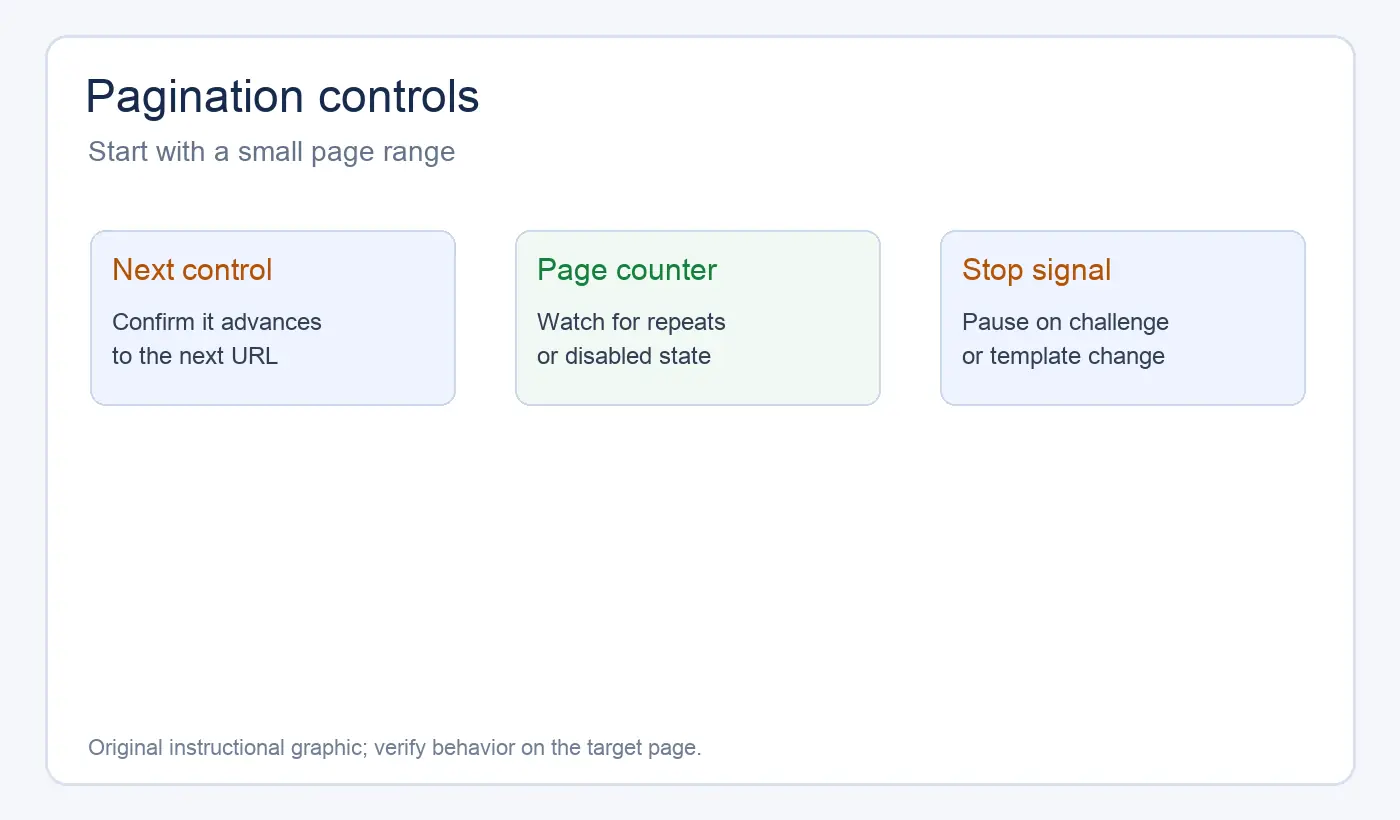
If the page has numbered links or a clear Next control, choose the pagination option and set a small test range first. Watch the row count and the URL or visible page indicator as the extension advances.
Stop when you see repeated rows, a disabled next button, an unexpected template, or a challenge page. A scraper that keeps clicking after the site changes state can produce a large file full of duplicates or error-page text.
5. Export and preserve the collection context
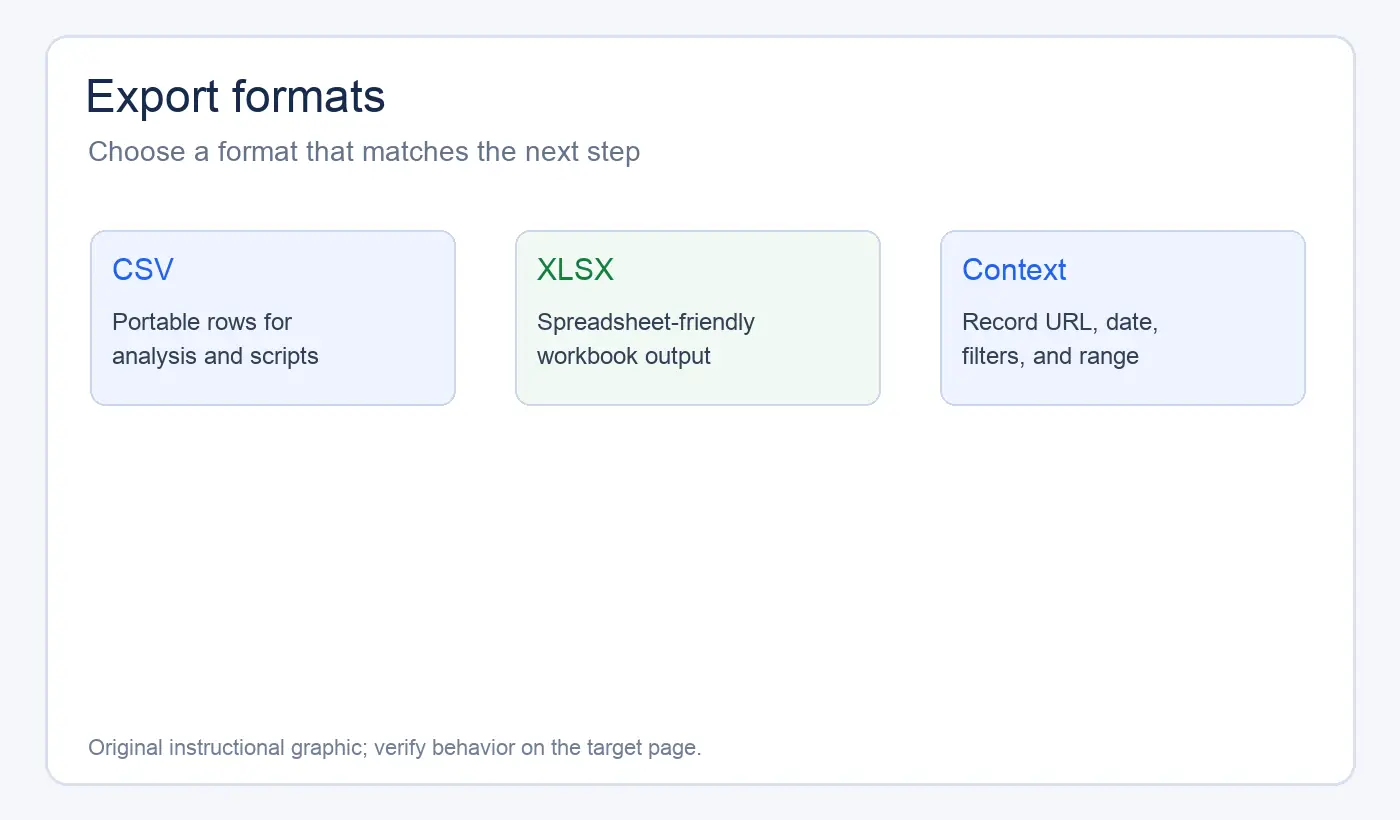
Export to CSV when you want a portable, plain-text dataset. Choose XLSX when you need spreadsheet formatting or multiple sheets. Keep a note of the source URL, collection date, filters used, page range, extension version, and any exclusions.
Do not treat the exported file as self-explanatory. A URL without a capture date can be difficult to interpret later, especially when listings, prices, availability, or search results change.
How to improve extraction accuracy
The fastest way to improve a result is usually to narrow the page before you scrape it. Apply the site’s own category, language, or date filters, then inspect the first preview. Smaller, well-defined collections are easier to validate than one broad export.
Use a short quality checklist:
| Check | What to look for |
|---|---|
| Row count | Does it match the visible page and expected page range? |
| Headers | Are names readable and in the right order? |
| URLs | Are links absolute or consistently resolvable? |
| Duplicates | Did pagination repeat the first page or navigation rows? |
| Missing values | Is the field absent, hidden, or simply not detected? |
| Encoding | Do accents, symbols, and non-Latin text open correctly in your spreadsheet? |
A useful test is to export one page, clean it, and compare it with a manually checked sample. If the extension cannot keep the same fields across several pages, stop and redesign the collection rather than patching a damaged spreadsheet afterward.
Common problems and practical fixes
The extension finds the wrong table
Preview the other detected candidates and choose the one whose row boundaries match the content. Remove filters or overlays that create repeated layout elements. If no candidate has stable rows, the page may need a selector-based or code-based scraper.
Pagination stops early
Confirm that the control is a real link or button and that the next page renders without a login or challenge. Test two or three pages manually. Instant Data Scraper may also collect some infinite-scroll pages, but results are less predictable when rows are virtualized or loaded dynamically, so verify the row count after every test page.
Exported rows contain duplicates
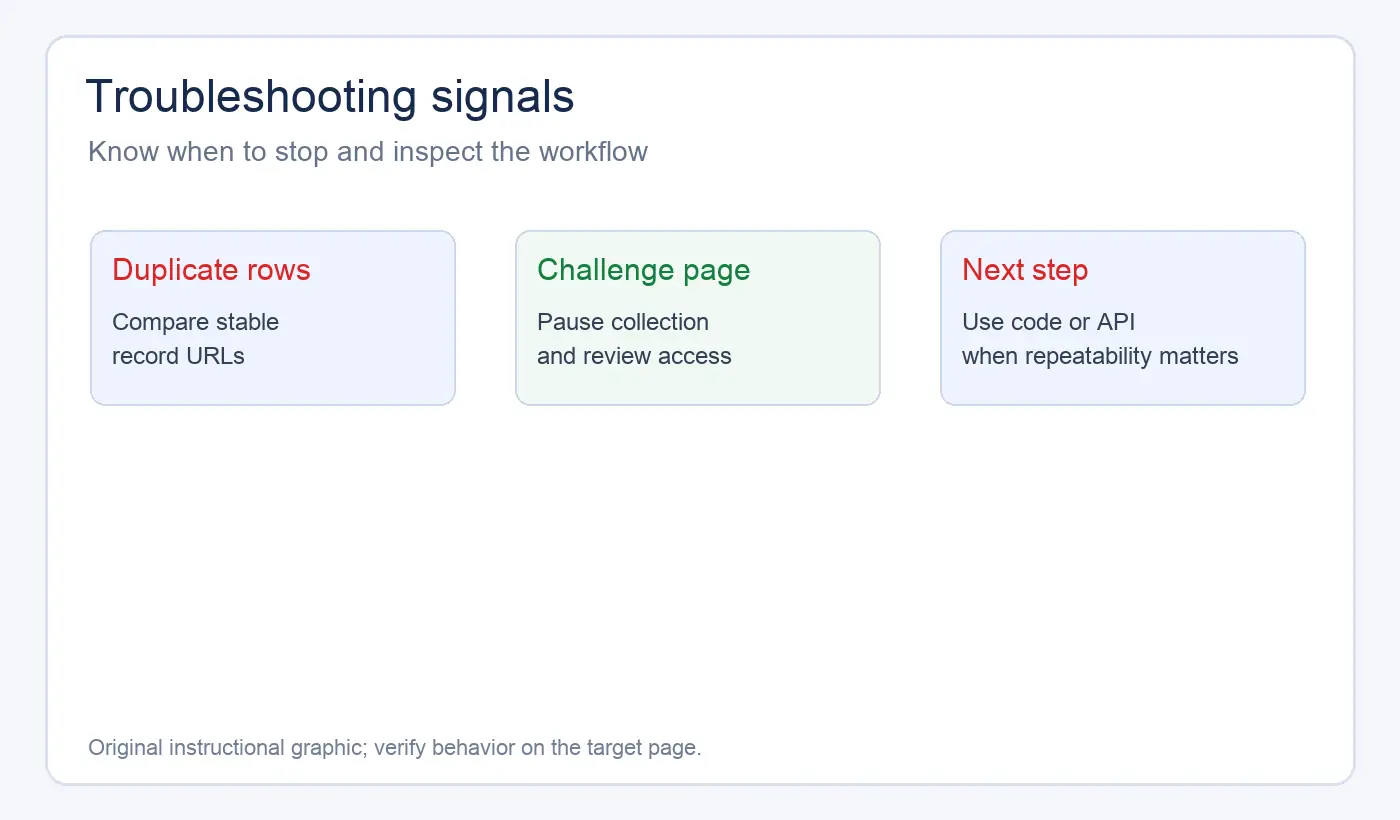
Compare the first record on each page and check whether the URL changes. Remove duplicate records using a stable key such as a canonical URL, but first confirm that repeated URLs are not legitimate variants.
The page is slow or starts returning a challenge
Pause the collection, reduce the page range, and check the site’s access rules. Do not try to bypass a challenge, rate limit, login, or consent wall by rapidly changing identities or switching proxies. A proxy does not grant permission to collect data. When an authorized collection is failing because of network connectivity or regional routing, use the proxy quick start guide to document the connection details before any separate diagnostic test.
Instant Data Scraper versus alternatives
Use the extension for a quick, human-supervised extraction from a small number of public pages. Choose an alternative when the workflow needs repeatability, tests, structured logging, retries, scheduling, or transformations that should run the same way next week.
| Use case | Suitable option |
|---|---|
| One-time visible table or list | Instant Data Scraper |
| Recurring extraction with tests and version control | Code-based scraper |
| Structured data exposed by the publisher | Official API |
| High-volume collection with monitoring | Managed scraping workflow |
| Authorized routing or regional access requirement | Proxy plus an appropriate scraper |
An API is preferable when the site provides one for the data you need. APIs usually expose clearer fields and pagination semantics, although they may require authentication or impose quotas. A browser extension is convenient for discovery; it is rarely the best long-term data pipeline.
If you are building a Python collector, compare request behavior and timeout policy before adding concurrency. A Python requests timeout guide can help distinguish a slow origin from a parsing or pagination problem. When an authorized workflow needs to compare routes or verify whether a proxy endpoint responds, use a proxy checker as a separate diagnostic step.
Privacy, terms, and responsible collection
Publicly visible does not automatically mean unrestricted for every use. Before collecting, check the site’s terms, robots directives, copyright notices, and applicable privacy rules. Avoid login-gated material, personal profiles, contact lists, and any field you do not need.
Keep exported files secure, minimize retention, and remove credentials or session tokens from screenshots and logs. If a site owner asks you to stop, stop the collection and review your authorization. Technical ability is not permission.
Final recommendation
Instant Data Scraper is a practical first test for a visible table or list in Chrome. Its value is the short path from page preview to spreadsheet. Its limits appear when the task needs interaction, authentication, high volume, repeatability, or careful error recovery.
Start with one page, validate the detected rows, test pagination on a small range, and preserve the source context with the export. If the workflow becomes recurring or operationally important, move to an API or a maintained scraper with explicit selectors, rate limits, logging, and authorized proxy configuration.