
MyPrivateProxy Alternatives 2026: Proxy Service Comparison

Nov 13, 2026 · Comparisons · 12 min read
When you look for MyPrivateProxy alternatives, first work out what you are actually trying to solve: purchasing cost, regional coverage, or a target website’s restrictions on your current IP type. If your existing data center IPs keep working, switching to another provider of the same kind may be enough. If your targets often return CAPTCHAs or deny access, you need to add residential or ISP proxies to your tests. This article compares six services and focuses on how Rola IP covers both of these migration paths.
What Is MyPrivateProxy
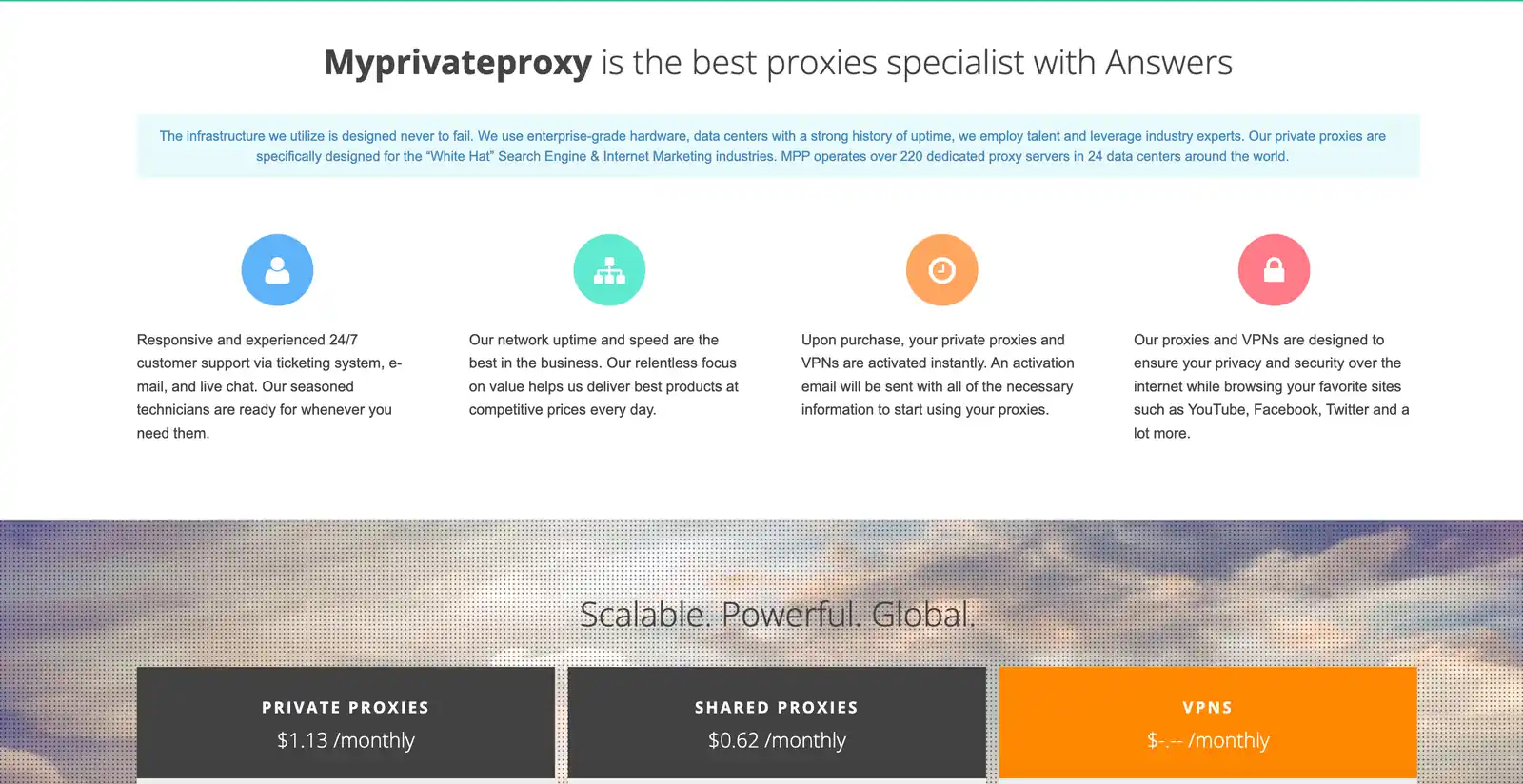
MyPrivateProxy, or MPP for short, is a provider built around proxy IPs. Its website currently puts private proxies and shared proxies at the main entry points, and shows details such as purchasing by number of proxies, unlimited traffic, HTTP/HTTPS, and IP allowlist or username-and-password authentication. “Private” means the proxy is assigned to a single customer, while “shared” means the exit is shared with other customers. Check the specific plans and terms on the MPP website.
MPP is typically used to configure a set of relatively fixed data center exits for existing browsers, SEO tools, or scraping scripts. The advantage of this model is that the number of IPs and the monthly spend are easy to estimate, and a fixed exit makes it easier to maintain sessions. However, a dedicated IP only answers the question of whether you share it with others. It does not turn a data center address into a residential one, and whether you can access a given website still depends on that site’s rules and how your requests are made.
Why Consider MyPrivateProxy Alternatives
The first motivation is that the task has changed. Cross-region price monitoring, ad display verification, and localization research need the right exit in a specified region. Looking only at the price and quantity of fixed data center IPs doesn’t tell you whether the regional precision is good enough. The second motivation is a change in access quality: if some targets begin to identify data center IP ranges more strictly, you may hit the same problem even after switching to another dedicated data center IP provider.
The third motivation is a mismatch between billing and workflow. Fixed IPs are usually billed by quantity and lease term, rotating residential proxies are often billed by traffic, and managed scraping APIs may be billed per request or per successful result. For low-frequency tasks, idle IPs are a cost; for high-volume tasks, per-GB billing may actually cost more. Some teams also want to buy fixed exits, rotating exits, and scraping APIs from the same vendor to reduce the number of accounts and configurations they manage.
The most useful alternative is the one that addresses your current gap: a different region, a more suitable IP type, or a billing model that fits your workload.
Overview of the 6 Best MyPrivateProxy Alternatives
| Provider | When to consider it first | Key points |
|---|---|---|
| Rola IP | Moving from MPP to multiple IP types | Rotating residential, static residential, static data center; choose the type by task |
| Webshare | Trying data center proxies for free first | 10 free proxies; suited to small-scale validation |
| IPRoyal | Irregular traffic usage | Residential traffic doesn’t expire; also offers ISP, data center, and mobile |
| Decodo | Proxies plus managed scraping | Proxy network and Web Data API on the same platform |
| DataImpulse | Buying residential traffic pay-as-you-go | Pay-as-you-go, traffic doesn’t expire; check surcharges for fine-grained targeting |
| GloryCloud | Wanting to test several billing models | Rotating and fixed IPs, mobile, and scraping APIs can be combined |
The “best” labels below are grouped by usage scenario and do not represent a unified performance ranking. Note in particular that monthly fees per IP, fees per GB of traffic, and API call fees cannot be compared directly by their starting prices. Convert them to the cost per thousand successful requests or per valid data record on the same target.
The 6 Best MyPrivateProxy Alternatives in 2026
1. Rola IP: Best for Switching IP Types by Task
Rola IP offers products such as rotating residential proxies, static residential proxies, and static data center proxies. Its selling point for selection is that MPP users can first run a like-for-like comparison with fixed data center lines, then switch to testing residential exits only for the specific blocked targets, instead of migrating all of their business at once.
For cross-region collection of public pages, the rotating residential product provides region selection and session options. For workflows that need to use the same exit over a long period, static residential fits the need for a fixed identity better.

The rotating residential page in the image shows an 80M+ IP pool. The other route is static residential, billed per IP, which suits tasks where session stability is the main constraint.
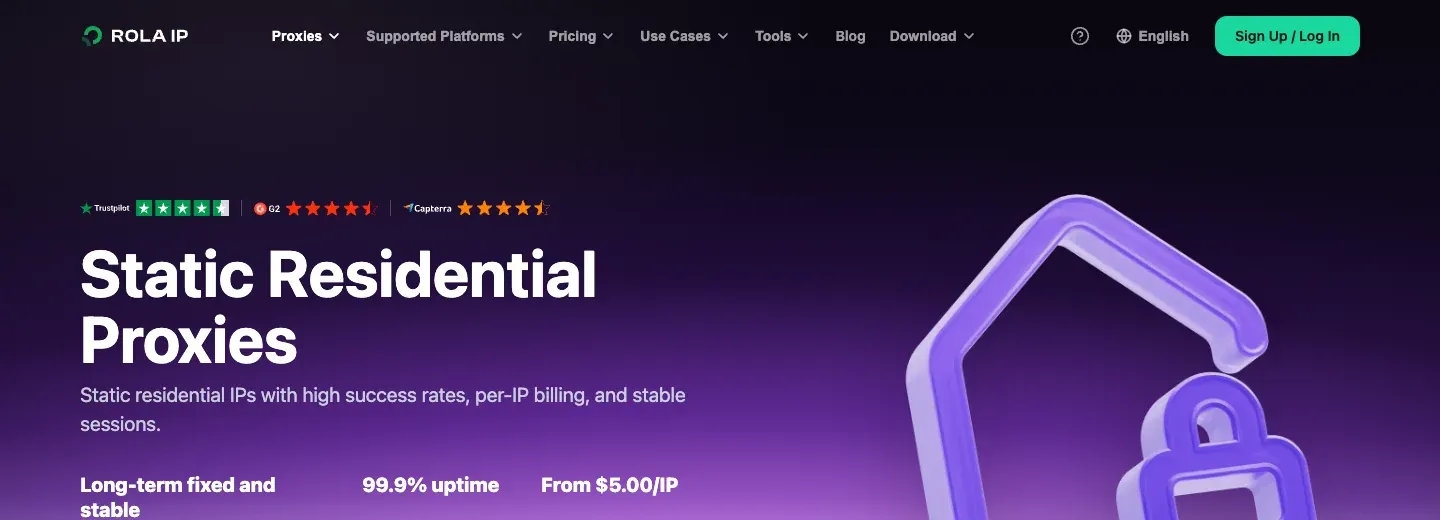
Differences from MPP: MPP’s core offering leans toward fixed data center IPs, while Rola IP offers fixed data center, fixed residential, and rotating residential options together. If you only want to reduce fixed-IP monthly fees, compare similar data center plans. If the problem is that specific targets reject data center addresses, then test residential lines.
Pros: One platform covers multiple IP types, so you can reuse your account and onboarding process. Rotating residential suits cross-region verification of public pages, and static residential suits tasks that need continuous sessions. When choosing, you can replace blocked traffic step by step without moving all requests at once.
Limitations: Fixed products and traffic-based products have different cost structures. A fixed-IP budget depends on the number of exits and rental duration, while residential proxy pricing needs to be considered alongside monthly traffic usage.
Who it suits and when: Teams that used MPP for basic data center proxies and have since added cross-region price monitoring, ad verification, or a need for a stable regional identity. The difference between data center proxies and residential proxies matters when deciding whether to keep the existing network type or switch to residential exits.
2. Webshare: Best for Low-Barrier Proxy Validation
Webshare’s website puts self-serve signup and free testing front and center: new users can first get 10 free proxies without a credit card. It also offers data center, static residential, and rotating residential products, with plans that can be adjusted around the number of IPs, bandwidth, and locations.
This kind of entry point suits technical teams that want to connect an existing browser or script with little upfront cost, then move to a paid plan as their coverage and bandwidth needs grow.
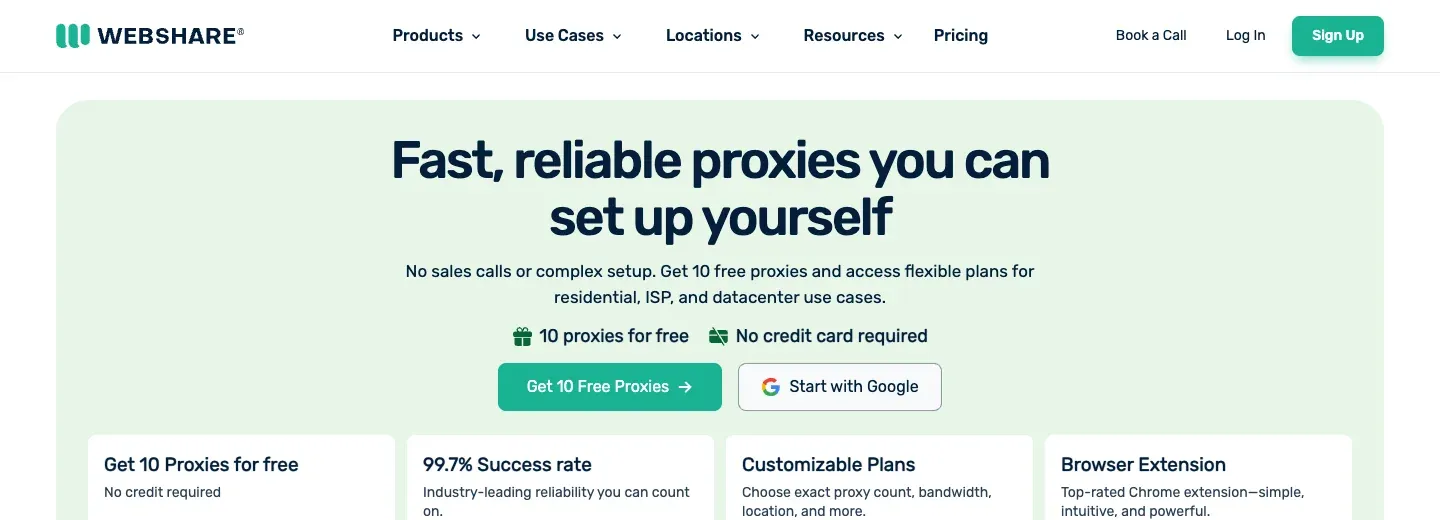
Differences from MPP: Webshare puts more emphasis on online self-serve trials and adjustable plans, and also lets you extend from data center products to static or rotating residential. MPP is better suited to a purchasing approach where you already know you need fixed data center IPs.
Pros: 10 free proxies lower the cost of initial integration. You can first test whether your existing tools support proxy authentication, proxy lists, and basic concurrency, then choose shared, dedicated, or residential products by task. The product categories are clear, which suits gradual scaling.
Limitations: The free allowance uses a different network from paid residential services. Shared versus dedicated allocation also affects how much control you have over an IP, while bandwidth limits determine how much work a plan can accommodate.
Who it suits and when: Individual developers, small SEO tool teams, and projects with limited budgets; targets that are lenient toward data center addresses, or cases where the main task is validating proxy integration.
3. IPRoyal: Best for Teams with Intermittent Needs
IPRoyal offers residential, ISP, data center, and mobile proxies. Its website particularly emphasizes that residential traffic doesn’t expire, and shows features such as an API, team member management, and usage logs. For quarterly research or occasional regional verification, unused residential traffic can be kept for the next task.
Unlike fixed-IP monthly rentals, buying residential traffic by usage can reduce idle spending between projects. Applications that need the same exit over a long period are better matched to the fixed-IP rental model of ISP or data center products.
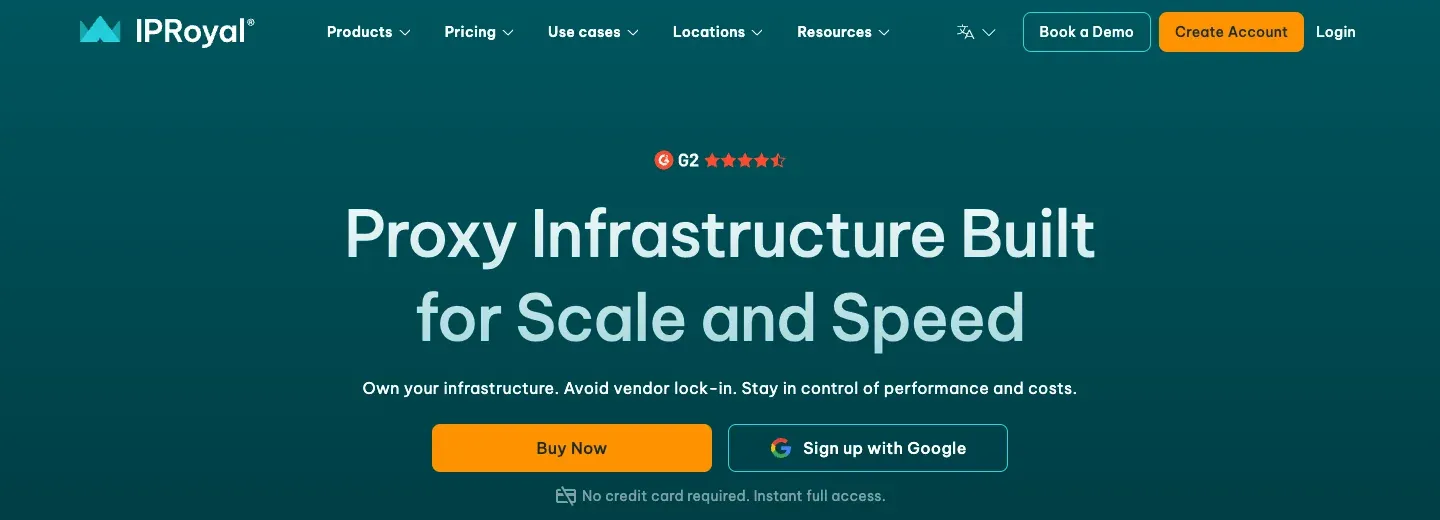
Differences from MPP: MPP is closer to buying fixed data center IPs, while IPRoyal offers several purchasing routes across residential traffic, ISP, mobile, and data center. It suits teams that are redesigning how they buy because of fluctuating usage or a change in IP type.
Pros: Non-expiring residential traffic is valuable for low-frequency projects. The product types cover both fixed and rotating exits, and the API and team management features make it easier for several tasks to share purchasing and operations.
Limitations: Non-expiring residential traffic is different from renting a fixed IP. ISP and data center products have their own rental terms, and pricing units and geographic options differ across product types.
Who it suits and when: Quarterly market research, temporary ad region verification, or proxy users who pause for a few weeks between projects. It also suits teams that need to manage different proxy categories in the same dashboard.
4. Decodo: Best for Upgrading Scraping Capability Too
Decodo, formerly Smartproxy, offers a Web Data API in addition to residential, ISP, data center, and mobile proxies. Its website shows four types of endpoints: scrape, search, map, and crawl, which let the platform handle some of the page access, parsing, or structured output.
This means it is not only a proxy replacement for MPP but may also replace part of the code in a team’s self-built scraping workflow. Proxy access lets teams retain their existing collection scripts; the managed API offers another route when page access or structured output takes more development effort.

Differences from MPP: MPP mainly provides proxy exits, while Decodo puts proxies, search result retrieval, and web scraping APIs in one product system. It suits purchases that need to improve both IP access and the data delivery process.
Pros: You can choose between pure proxies and managed APIs. The API endpoints reduce some of the repeated maintenance of requests, page discovery, and data cleanup. For projects with many targets and many collaborators, the documentation and integration entry points are also more complete.
Limitations: An API’s call cost, output fields, and controllability differ from running your own proxies. Migrating existing scripts may require reworking requests and data formats. If you only need a small number of fixed data center IPs, these extra capabilities may not offset the learning and integration cost.
Who it suits and when: Organizations that already have a data engineering team, collect public pages continuously, and want to reduce the maintenance of browser rendering, page parsing, or retries.
5. DataImpulse: Best for Buying Residential Traffic Pay-As-You-Go
DataImpulse sells on pay-as-you-go pricing, no mandatory subscription, and non-expiring traffic, with products covering residential, data center, and mobile proxies. The website also lists rotating and sticky sessions. For projects where monthly traffic is hard to predict, this billing method makes it easy to run a small trial first and then top up based on actual usage.
Country targeting is free, while fine-grained targeting such as city, state, zip code, and ASN may cost extra. Country-level research and city-specific collection can therefore have different costs even at the same traffic volume.
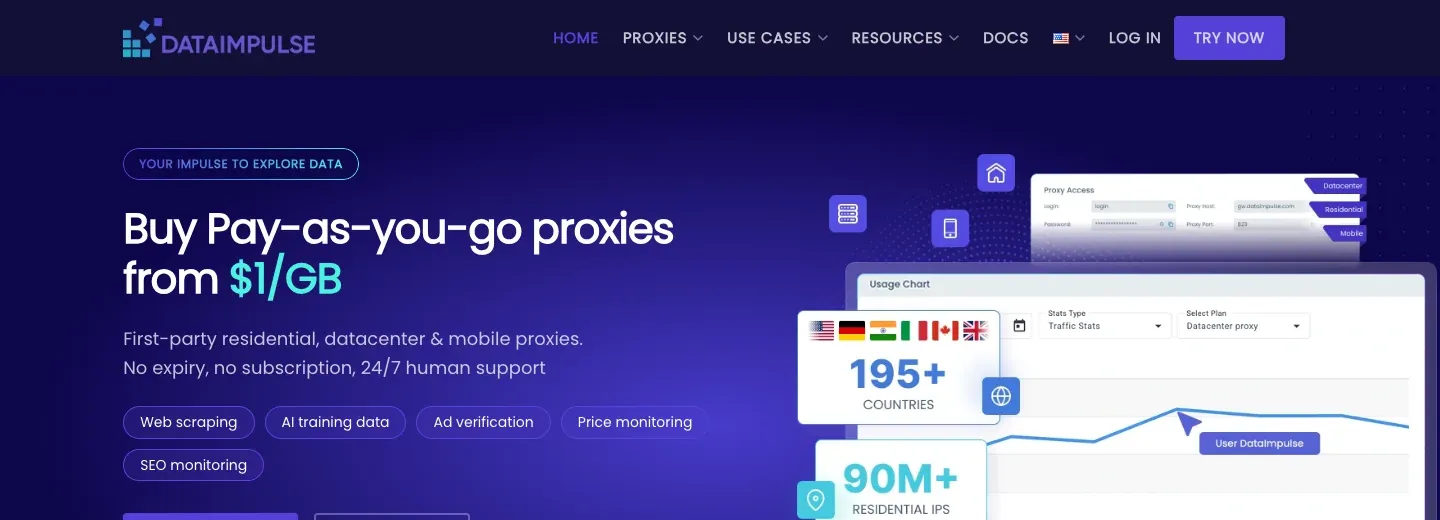
Differences from MPP: MPP’s fixed data center exits are more intuitive when used per IP, while DataImpulse puts more emphasis on buying residential traffic by the GB and rotating sessions. If your current tasks have low visit volume but many regional changes, its billing logic may fit your needs better.
Pros: Pay-as-you-go with non-expiring unused traffic is good for phased testing. Residential, data center, and mobile products cover different targets, and you can choose rotating or sticky sessions by scenario.
Limitations: Traffic-based charges grow with the amount of data transferred, so continuous, bandwidth-heavy tasks may cost more than a suitable fixed-IP plan.
Who it suits and when: Teams doing project-based public data collection or low-frequency cross-region research, or those who want to use a small amount of residential traffic to first find out why data center IPs are blocked.
6. GloryCloud: Best for Comparing Multiple Products in Parallel
GloryCloud, formerly GoProxy, lists rotating residential, fixed residential, rotating and static data center, and mobile proxies on its website, along with SERP and web scraping APIs, and offers a small-amount trial entry. For MPP users who haven’t yet worked out why their requests fail, you can run small-sample experiments on different lines under the same vendor.
It has a wide range of products, with purchasing options based on IP count, traffic, or API calls. A single provider can therefore serve both existing proxy-based tools and projects moving toward managed data collection.
Differences from MPP: MPP’s core is fixed data center proxies, while GloryCloud also offers rotating residential, mobile, and managed scraping products. It suits parallel validation when you aren’t sure whether you need to “change vendors” or “change IP types.”
Pros: You can compare multiple address types and billing models in one place. The small trial makes it easy to verify connections and regional coverage against real targets first, and fixed and rotating products can serve different session needs.
Limitations: The product range involves different integrations: a fixed proxy, a rotating connection, and a scraping API each require different configuration and application handling.
Who it suits and when: Operations or data teams that want to compare fixed data center, rotating residential, and scraping APIs in parallel under the same vendor.
How to Choose a MyPrivateProxy Alternative: Compare IP Types, Real Cost, and Migration Effort
Pick the type by target site first. If MPP’s data center IPs have always been stable, you only need to compare the location, dedication model, and total price of fixed IPs. If the number of blocked sites clearly increases, prioritize adding rotating residential tests. If you need to keep a login state, add fixed residential or ISP proxies to your tests. Rola IP’s product combination is a good benchmark candidate for this step; then add one more provider that is closest to your current budget or feature pain point for comparison.
Next, test at least two candidates with the same set of authorized target URLs, the same time period, and the same region settings. Record successful responses, CAPTCHAs or denials, average response time, volume of valid data, and total cost. If you buy 20 fixed IPs per month versus using 50 GB of residential traffic, the unit prices themselves aren’t comparable. Convert them to the cost per thousand successful requests or per valid record.
Finally, look at the migration workload: authentication method, allowlist, HTTP(S)/SOCKS5, fixed session duration, available regions, and compatibility with your existing tools. Choosing among private proxy providers also means deciding whether dedicated IP allocation fits your workload.
Migration Guide: From MyPrivateProxy to Rola IP
Before migrating, save MPP’s original connection settings so that you can restore them if needed. Keep the protocol, authentication method, target regions, and fixed-session requirements available when setting up the replacement.
Step 1: Choose the Rola IP Network That Matches the Original Task
For an existing fixed data center workflow, Rola IP’s static data center product is the closest replacement. Rotating residential is an option for tasks requiring changing residential exits, while static residential suits sessions that need to retain the same residential exit.
Step 2: Get the Connection Parameters from the Dashboard
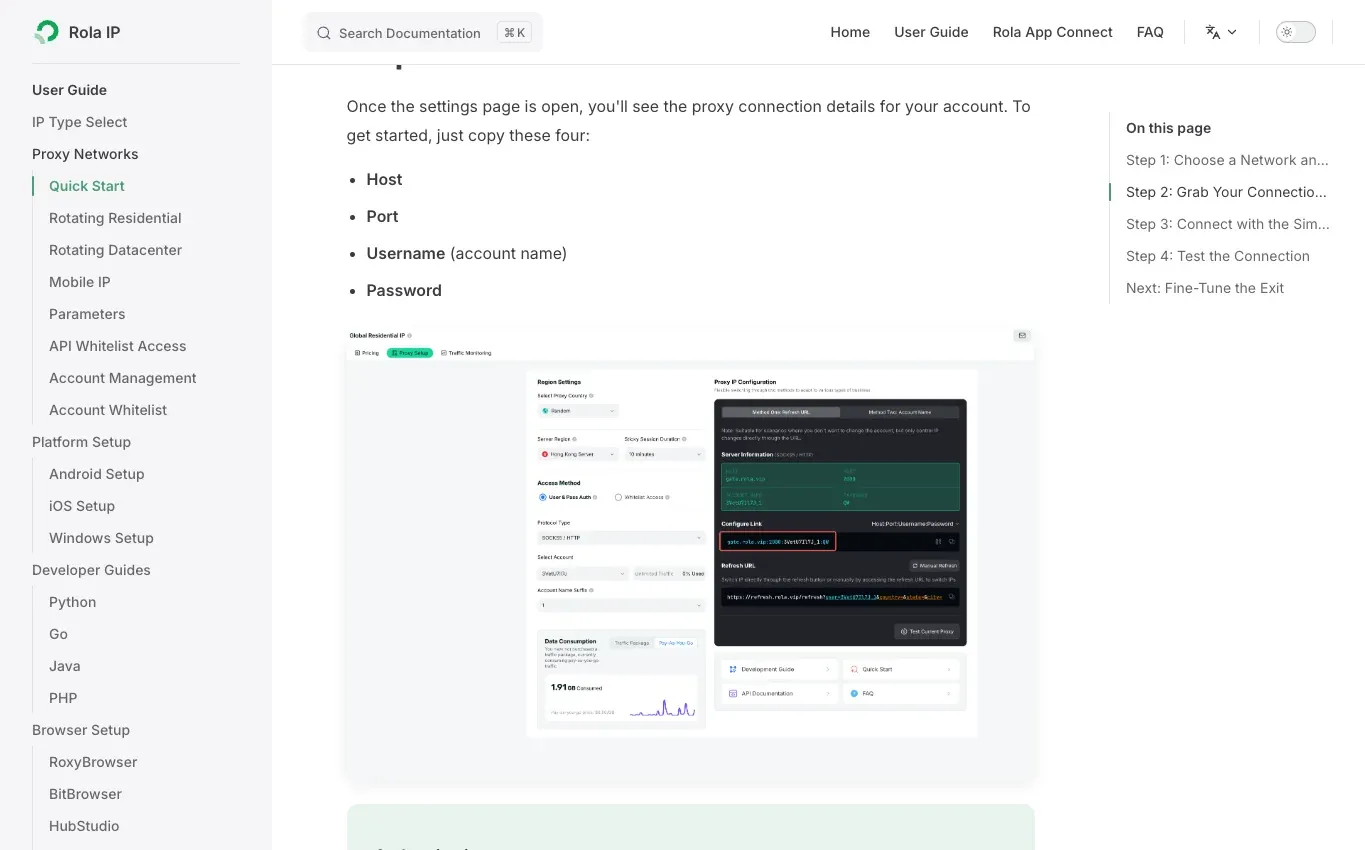
Go to the settings page in the Rola IP dashboard for the network you chose and get the Host, Port, Username, and Password. The official Quick Start shows where the fields are and describes the two authentication methods, username-and-password and IP allowlist. Configure region and session parameters according to the actual product documentation, and don’t copy the example values in documentation screenshots directly.
Step 3: Replace the Proxy Connection in Your Existing Tools
Pick one test task first, replace the proxy host, port, and authentication details in the original MPP configuration with the Rola IP dashboard parameters, and keep the target URL, request frequency, and other settings unchanged. Confirm that the HTTP, HTTPS, or SOCKS5 entry point your tool uses matches the port selected in the dashboard. If you use allowlist authentication, first check that the public IP of the device running the task has been added to the allowed list. Don’t carry over the old vendor’s username format or region codes as they are.
Step 4: Verify the Exit and the Target Page
In the same browser, script, or collection tool, open a trusted IP lookup page to check the exit address and region, then request your authorized target. Confirm that the response contains the page or fields you need; HTTP 200 alone can also accompany a challenge page. If the region is incorrect, review the location parameters in the dashboard.
Step 5: Switch a Small Share and Keep a Fallback
Move a small number of tasks to Rola IP first, then expand once those tasks return the required data and maintain their sessions within budget. If a problem interrupts the workflow, restore the saved MPP configuration while resolving it.