
7 Best Private Proxy Providers in 2026

Oct 19, 2026 · Top Picks · 16 min read
A buying guide to dedicated IPs, private datacenter proxies, and stable sessions
The best private proxy for your workflow provides explicit single-customer IP allocation, the network type you need, and a sustainable total cost. Start with dedicated datacenter or ISP products for fixed-IP tasks such as allowlisting, website testing, and regional monitoring. A static address or sticky session alone does not establish exclusivity.
Key takeaways
- Compare the specific dedicated product, including its allocation period and replacement policy.
- Match the network to the task: datacenter for accepted hosting traffic, ISP for fixed ISP-associated egress, and residential or mobile for research requiring those networks.
- Compare billing periods, minimum purchases, bandwidth, and cost per valid result rather than headline starting prices.
Product and pricing information was checked on October 19, 2026.
Best Private Proxies in 2026: Quick Recommendations
| Provider | Recommended Positioning | Priority Use Case |
|---|---|---|
| Rola IP | Flexible proxy infrastructure | Teams needing dedicated datacenter IPs, multiple network types, and unified workflows |
| Webshare | Self-service dedicated proxies | Developers and teams seeking self-service purchasing and a small starting deployment |
| Oxylabs | Enterprise private datacenter proxies | Projects requiring many dedicated IPs, contracts, and enterprise support |
| Bright Data | Advanced proxy management | Teams prioritizing management tools, regional selection, and enterprise integration |
| Decodo | Self-service datacenter and ISP options | Teams seeking quick integration and lower configuration complexity |
| Rayobyte | Dedicated datacenter proxies across regions | Businesses requiring fixed IPs, bulk purchasing, and long-running workloads |
| Byteful | Private datacenter options | Developers needing dedicated exits in New York, Miami, or Germany |
If your core requirement is a fixed, single-customer IP, start with Dedicated Datacenter or Dedicated ISP products. If the task involves many independent requests and frequent exit changes, a rotating pool may be more appropriate. Neither is simply a higher or lower tier than the other.
Recommendations follow five purchasing needs: self-service setup, enterprise procurement, management tools, network selection, and fixed-IP workloads.
What Is a Private Proxy?
A private proxy is a proxy server or IP address allocated exclusively to one customer rather than shared simultaneously by unrelated users. The client first connects to the proxy endpoint, which sends requests to the target website using its own exit IP. The website generally sees the proxy IP. Exclusive allocation reduces the direct influence of other customers’ workloads and behavior on that address, making logs, errors, and reputation problems easier to attribute.
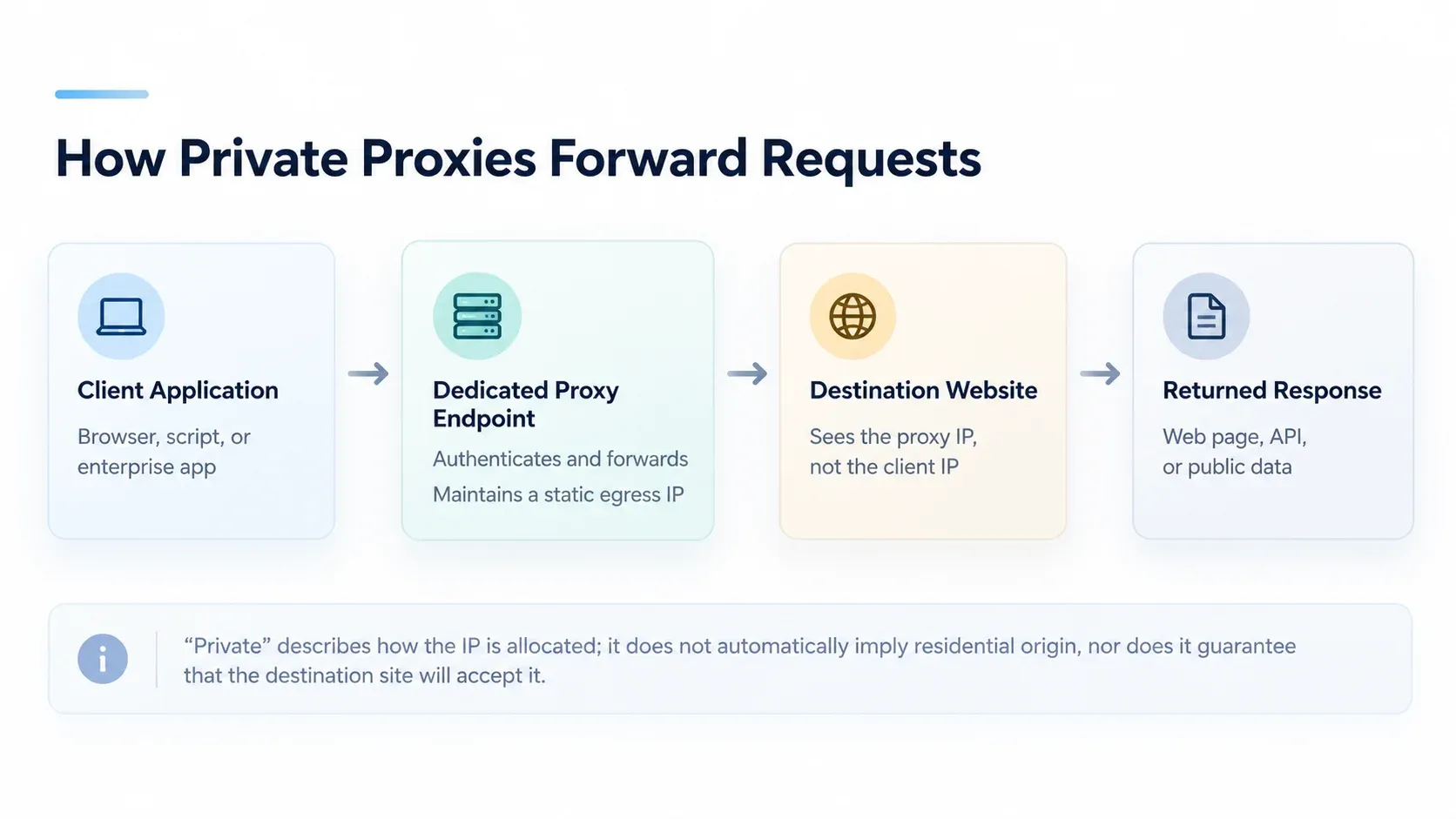
A private proxy routes a request through its exit IP before it reaches the target website.
Provider labels differ: Webshare’s Private proxies are shared with 1–2 other users, while its Dedicated proxies provide exclusive allocation. In this guide, private means single-customer allocation. That allocation is separate from the physical network source.
A private proxy can originate from a datacenter, ISP, residential broadband connection, or mobile network. It does not automatically mean greater anonymity, a spotless reputation history, or guaranteed access to every website. When a provider uses terms such as dedicated, private, static, or sticky, separately confirm who can use the IP, whether the address changes, and which network it belongs to.
Types of Private Proxies: Datacenter, ISP, Residential, and Mobile
“Private” describes who can use an IP; datacenter, ISP, residential, and mobile describe its network source. The right choice depends on how the target network treats that source, how stable the exit must be, and whether the workflow needs one address or a changing pool.
| Network type | Source | Typical fit | Main trade-off |
|---|---|---|---|
| Datacenter | Hosting or cloud network | Fixed egress, allowlisting, QA, recurring public-data collection | Hosting ASN is identifiable and may be restricted |
| ISP | IP associated with an internet service provider | Long sessions and ISP-associated fixed egress | Price and availability vary by region and product |
| Residential | Residential broadband | Research requiring a residential network perspective | Rotating pools commonly share IPs; sticky sessions do not establish exclusivity |
| Mobile | Mobile carrier network | Carrier-specific and mobile-network research | Carrier NAT means a dedicated device or port may still share an exit IP |
Private Datacenter Proxies
Private datacenter proxies use IPs from hosting or cloud networks and assign them to one customer for the agreed period. They are often billed per IP per month and provide a fixed exit without automatic rotation. This makes them useful for allowlisting, QA, SEO monitoring, and recurring authorized data collection. Their hosting ASN is usually easier for a target website to identify, so a datacenter route may be restricted even when the IP is exclusive.
Private ISP Proxies
Private ISP proxies use addresses associated with an internet service provider rather than a conventional cloud-hosting ASN. They can provide a stable exit for longer sessions, regional testing, and workflows where an ISP-associated network perspective matters. “ISP,” “static residential,” and similar labels are not consistent across vendors, so confirm the network ownership, retention period, and whether the address is genuinely dedicated before comparing prices.
Private Residential Proxies
Private residential proxies are sourced from residential broadband networks and may be useful when a task needs that network perspective or a specific residential region. A residential product is not automatically private: rotating residential pools commonly serve multiple customers, and a sticky session only keeps an address for a defined window. Look for explicit single-customer allocation if exclusivity is required.
Private Mobile Proxies
Private mobile proxies route through mobile carrier networks and fit carrier-specific research, mobile ad verification, and testing that depends on a cellular connection. Carrier NAT can place multiple devices behind one public exit, so a dedicated device, modem, or port does not always mean a unique public IP. Confirm exactly what the provider dedicates and how often the carrier address can change.
These descriptions identify the network source. The next comparison covers a separate purchasing dimension: who can use an IP and how long it remains unchanged. Dedicated, shared, rotating, sticky, and static are related terms, but they do not describe the same property.
Private vs. Shared vs. Rotating Proxies
Network type explains where an IP comes from; allocation and session behavior explain how that IP can be used. The distinctions below help separate exclusive ownership from shared access, rotation, and temporary session persistence.
Proxy Type |
IP Exclusivity |
IP Stability |
Common Billing |
Best For |
|---|---|---|---|---|
Dedicated (single-customer) |
Exclusive to one customer |
Often fixed; product-dependent |
Per IP or custom |
Fixed identity, allowlisting, ongoing tasks |
Shared |
Shared by multiple customers |
Fixed or rotating |
Per IP, traffic, or plan |
Lightweight tasks less sensitive to reputation noise |
Rotating Pool |
Shared or dedicated pool |
Changes per request or interval |
Usually per GB |
Large numbers of independent requests and collection tasks |
Sticky Session |
Does not imply exclusivity |
Maintained within a session window |
Usually per GB |
Continuous browsing and short-term sessions |
Static |
May be dedicated or shared |
Same IP retained over time |
Per IP, traffic, or period |
Tasks requiring stable egress |
Private Proxies vs. Shared Proxies
The key distinction is allocation rights. A private IP serves one customer, making performance and reputation easier to attribute. Shared IPs cost less, but other users may influence load, rate limits, or the target website’s historical assessment. Exclusivity does not guarantee quality: check IP history, network ownership, and performance on the target website.
Private Proxies vs. Rotating Proxies
Private and rotating are not mutually exclusive categories. The former answers who can use the IPs; the latter answers when a session switches IPs. An enterprise can buy a dedicated rotating pool or use sticky sessions within a shared pool. Keep these two axes separate to avoid confusing “retained for 30 minutes” with “permanently exclusive.”
Dedicated Proxies vs. Static Proxies
Dedicated emphasizes single-customer exclusivity; static emphasizes an unchanged IP. A product may offer both, or only one. At minimum, purchasing terms should explain whether IPs are shared, how long they are retained, when they are reclaimed, whether replacements are allowed, and whether replacements remain dedicated.
7 Best Private Proxy Providers at a Glance
With those distinctions in mind, the comparison below focuses on each provider’s dedicated datacenter offering, where single-customer allocation and per-IP prices can be compared directly. The individual reviews also cover relevant ISP options and broader network choices.
| Provider | Dedicated Datacenter Price | Purchase Conditions |
|---|---|---|
| Rola IP | From $3/IP/month | Per-IP monthly billing; unlimited included bandwidth |
| Webshare | $26.60/month for 20 IPs ($1.33/IP) | Displayed discounted tier; bandwidth and replacements configurable |
| Oxylabs | $2/IP on the $30/month Starter subscription | Subscription credit can be used across products; dedicated rate falls at higher tiers |
| Bright Data | $22/month for 10 IPs ($2.20/IP) | Dedicated tab; $1.30/IP at the 1,000-IP tier |
| Decodo | $5.55/month for 3 IPs ($1.85/IP), plus VAT | Small dedicated datacenter plan; broader product comparison lists rates from $1.15/IP |
| Rayobyte | $2.50/IP/month for 5–99 US IPs | Country-specific rates; $0.85/IP requires enterprise volume and commitment |
| Byteful | $20/month for 10 IPs ($2/IP) | Monthly product-page tier; New York, Miami, or Germany |
The prices above come from the official product pages linked in each provider section. Compare the same country, IP count, billing period, and traffic requirement; the table includes different purchase sizes so that small-plan costs remain visible.
1. Rola IP — Best for Flexible Proxy Infrastructure
Overview
Rola IP combines dedicated datacenter proxies with residential, mobile, and other static products. Its dedicated datacenter IP stays fixed during the subscription and is allocated to one customer, making it suitable for allowlisting, recurring monitoring, and persistent connections.
Key Features
- Dedicated, fixed datacenter IPs with no automatic rotation.
- HTTP(S) and SOCKS5 support.
- Monthly per-IP billing with unlimited included bandwidth.
- Residential and mobile products for workflows requiring different network sources.
Advantages
Teams can keep fixed datacenter exits for continuous monitoring and use residential or mobile products for network-specific research within the same provider ecosystem. A small deployment can start with a single IP.
Considerations
Dedicated datacenter and rotating products solve different tasks: the former retains a fixed exit, while rotating residential, datacenter, and mobile products use traffic-based billing. Choose by the target network and session requirement.
Pricing
Dedicated datacenter pricing starts at $3/IP/month, with unlimited bandwidth included and no per-GB overage. The fixed monthly structure suits recurring workloads with predictable IP counts.
Best for: Teams combining fixed datacenter egress with residential or mobile research.
See Rola IP Dedicated Datacenter Proxies for product details. For data-collection projects, explore its web scraping proxy solutions.
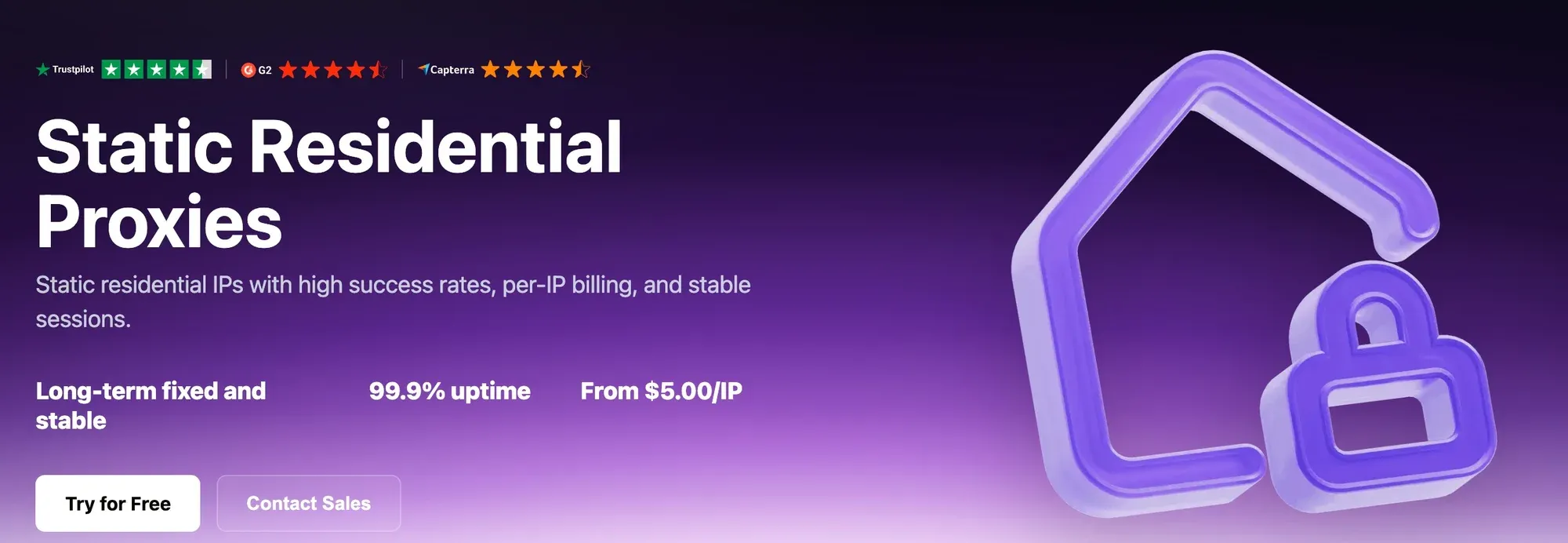
Rola IP’s static proxy product page.
2. Webshare — For Self-Service Dedicated Proxy Plans
Overview
Webshare offers self-service proxy purchasing with configurable IP counts, bandwidth, and replacements. Choose its Dedicated product for exclusive IPs: its separately named Private product shares each IP with 1–2 other users.
Key Features
- Dedicated datacenter IPs allocated exclusively to the customer.
- HTTP and SOCKS5 connections.
- Dashboard-based proxy lists and plan configuration.
- Bandwidth and replacement options that scale with the selected plan.
Advantages
Published small-plan prices and self-service configuration make Webshare a practical option for developers building an initial dedicated proxy list.
Considerations
The displayed 20-IP plan is a useful starting size, but bandwidth and replacement settings affect the final subscription. The full product range includes both capped and unlimited bandwidth options.
Pricing
The dedicated datacenter page displays 20 IPs for $26.60/month, or $1.33/IP, with a displayed 5% discount from $28. Larger quantities have different unit rates; 50 IPs are listed at $63/month.
Best for: Developers who want to configure and purchase dedicated proxy lists themselves.
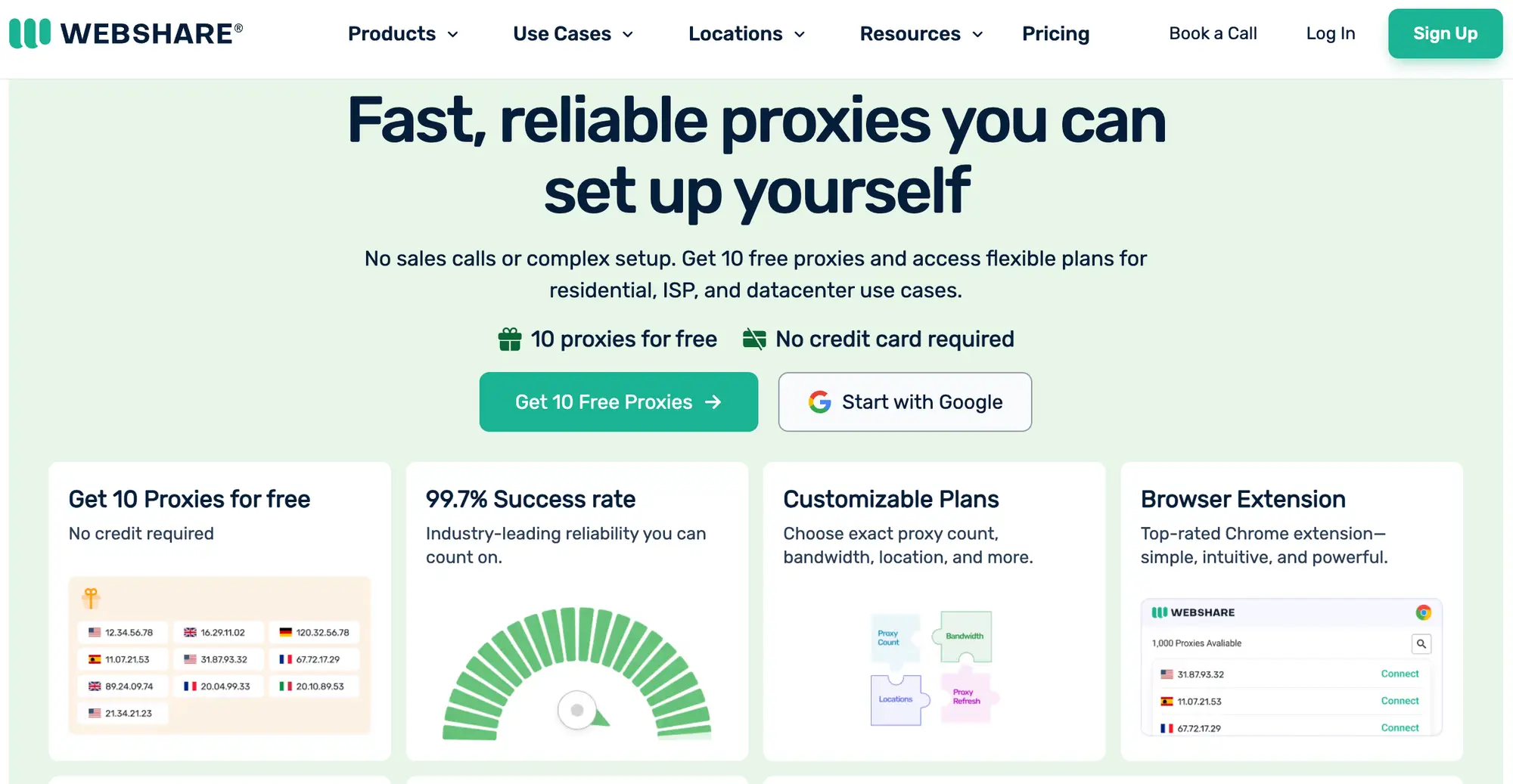
Webshare’s dedicated datacenter proxy product page.
3. Oxylabs — Best for Enterprise Private Datacenter Proxies
Overview
Oxylabs offers dedicated datacenter proxies alongside shared datacenter and other proxy networks. Its subscription system provides access to multiple products, with dedicated IP unit rates changing by subscription tier.
Key Features
- Dedicated datacenter IPs with exclusive allocation.
- HTTP, HTTPS, and SOCKS5 support.
- Subscription credit usable across its product range.
- Higher-volume subscriptions and enterprise purchasing options.
Advantages
Businesses can combine dedicated endpoints with other data-collection products under one subscription, then move to lower unit rates as their monthly budget grows.
Considerations
The monthly subscription minimum and the per-IP rate are separate costs to interpret together. A $2/IP rate does not mean a $2 monthly subscription.
Pricing
The $30/month Starter subscription lists dedicated datacenter IPs at $2/IP, enough for up to 15 IPs if all subscription credit is spent on that product. The dedicated rate is $1.75/IP on Basic ($100/month), $1.45/IP on Flexible ($500/month), and from $1.20/IP on Enterprise (starting at $2,500/month).
Best for: Organizations planning sustained proxy spending across multiple products or larger dedicated deployments.
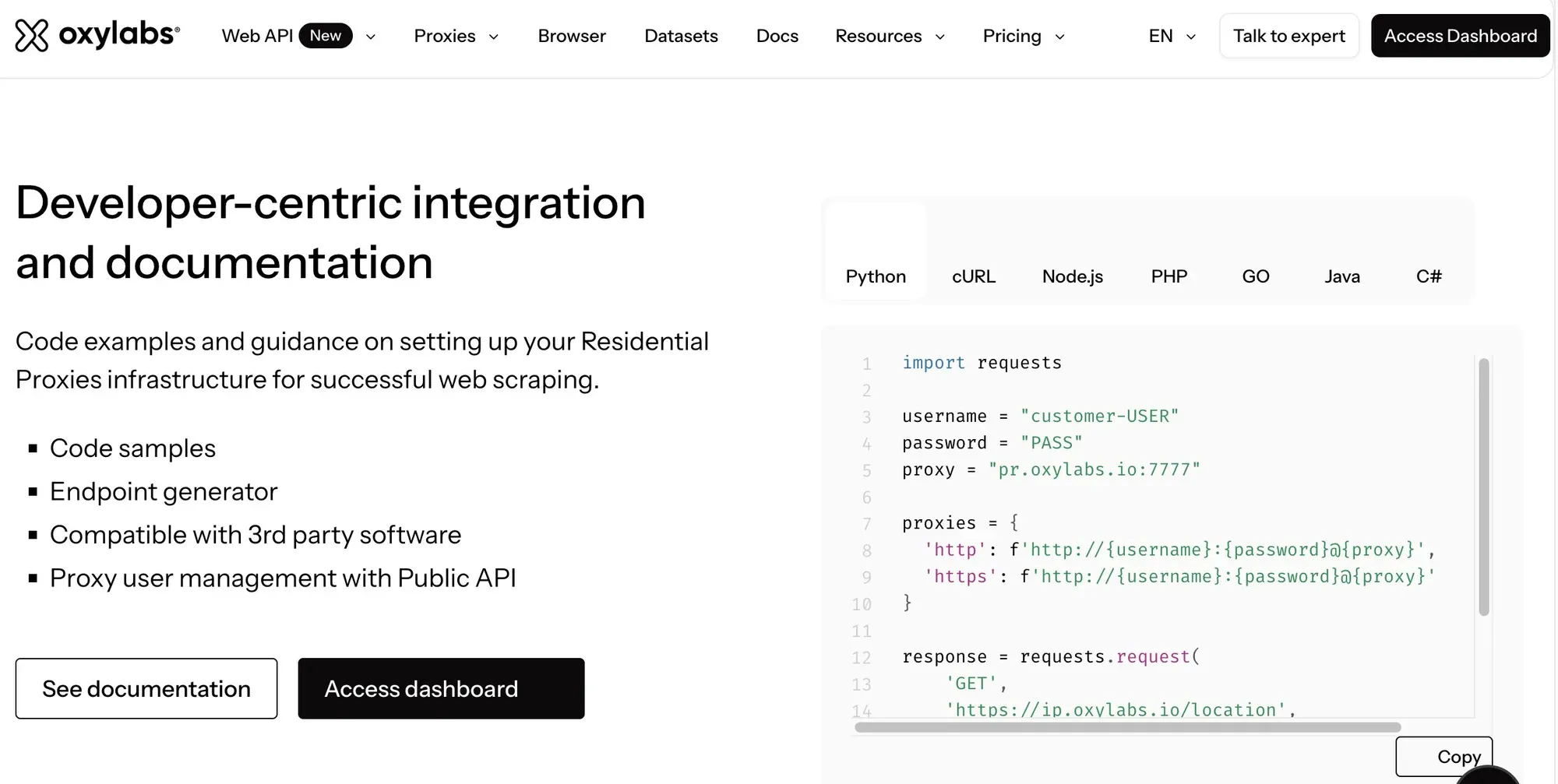
Oxylabs’ datacenter proxy product page.
4. Bright Data — Best for Advanced Proxy Management
Overview
Bright Data offers shared and dedicated datacenter proxies alongside ISP, residential, and mobile networks. Its Proxy Manager and configuration tools suit projects that need centralized routing and multiple proxy products.
Key Features
- Dedicated datacenter allocation with per-IP plans.
- Separate shared and traffic-based datacenter options.
- Proxy Manager for managing proxy traffic.
- Multiple network types for regional research and data collection.
Advantages
Its product range and management tools suit teams coordinating several workloads and maintaining different proxy configurations.
Considerations
The datacenter page separates Shared, Dedicated, and Pay/GB pricing. The $0.90/IP headline belongs to a large shared tier; dedicated purchasing starts at a different price and quantity.
Pricing
The Dedicated tab lists 10 IPs for $22/month ($2.20/IP), 100 for $170/month, 500 for $750/month, and 1,000 for $1,300/month ($1.30/IP).
Best for: Teams prioritizing proxy-management tools and configuration across several network types.
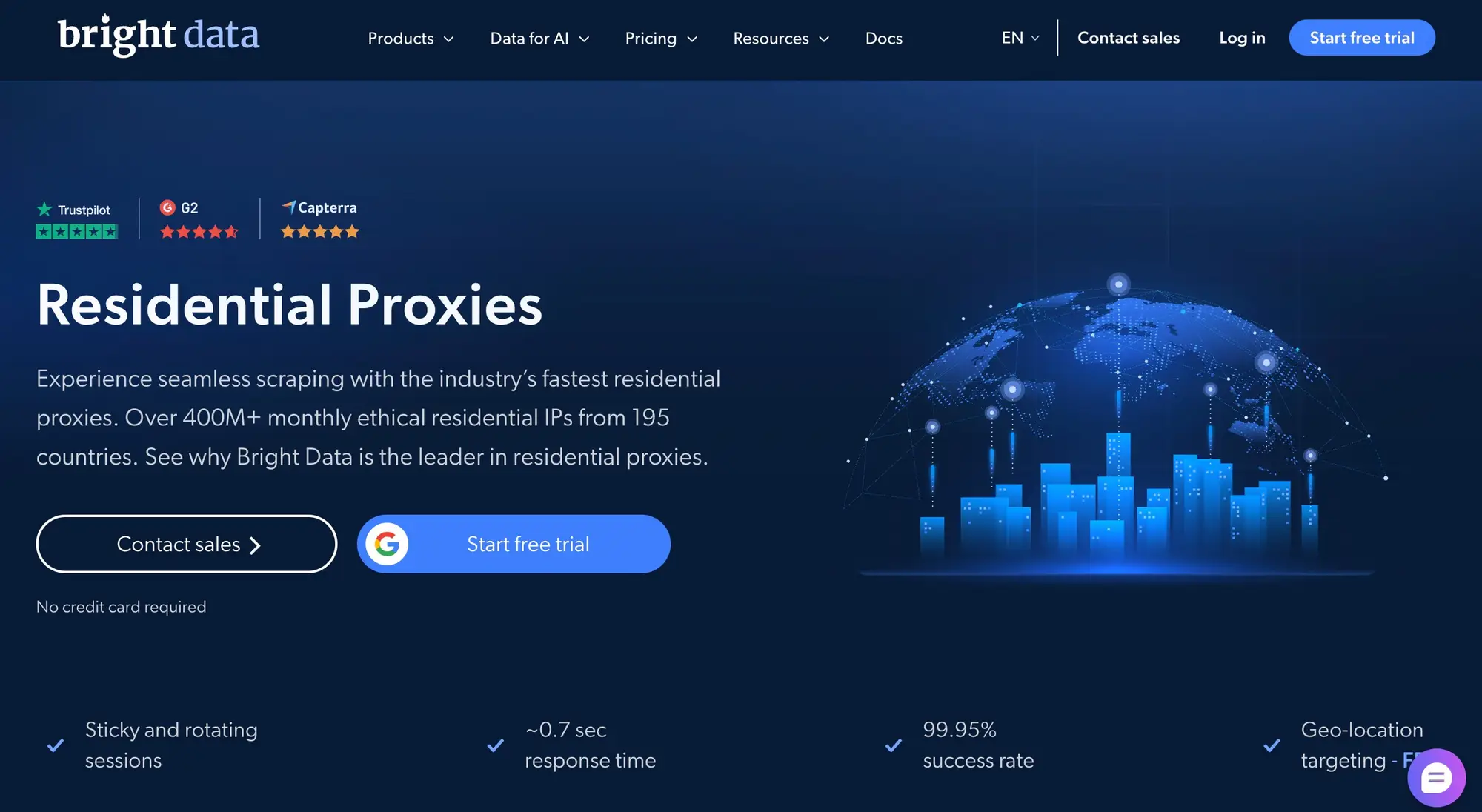
Bright Data’s proxy product page.
5. Decodo — For Self-Service Datacenter and ISP Options
Overview
Decodo, formerly Smartproxy, offers dedicated datacenter and dedicated ISP proxies alongside shared and rotating networks. Its small dedicated datacenter plan gives teams an entry point for fixed-IP testing.
Key Features
- Dedicated datacenter and dedicated ISP products.
- HTTP(S) and SOCKS5 support.
- Self-service dashboard and developer documentation.
- Username/password authentication and IP allowlisting for datacenter proxies.
Advantages
The three-IP dedicated datacenter plan suits a focused pilot, while dedicated ISP products provide a separate option for ISP-associated fixed egress.
Considerations
Decodo’s lowest shared datacenter price and dedicated datacenter price refer to different products and purchase sizes. ISP pricing is also separate from datacenter pricing.
Pricing
The dedicated product page lists 3 dedicated datacenter IPs for $5.55/month ($1.85/IP), plus VAT. Its broader datacenter comparison advertises dedicated pricing from $1.15/IP, separate from this small plan. Dedicated ISP pricing on the dedicated page starts with 10 IPs for $29/month, plus VAT.
Best for: Teams starting with a few fixed IPs and comparing datacenter with dedicated ISP options.
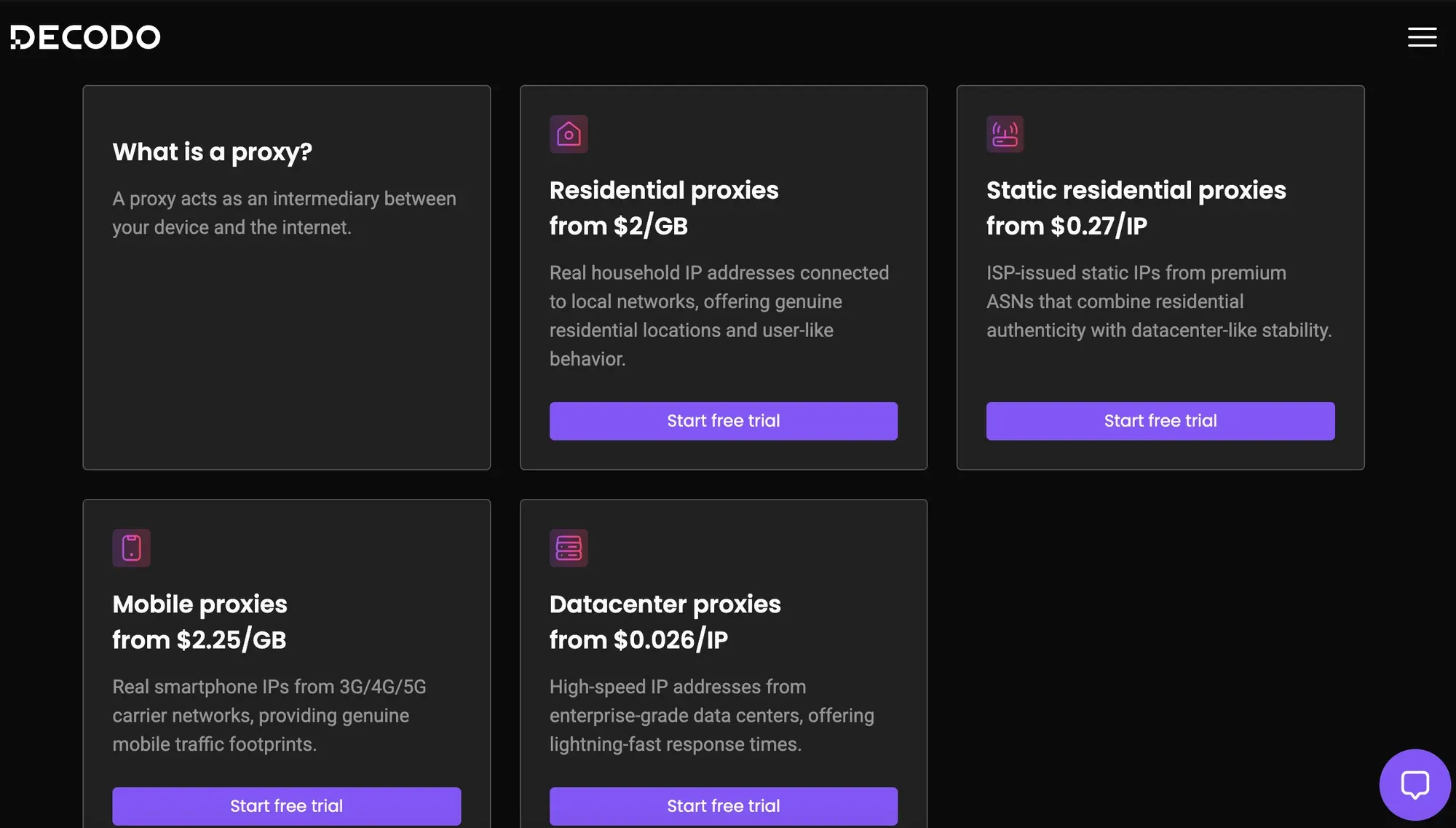
Decodo’s proxy product page.
6. Rayobyte — Best for Dedicated Datacenter Proxies Across Regions
Overview
Rayobyte’s static datacenter proxies are assigned exclusively to the customer and retain the same address over time. Its country-specific pricing and volume tiers suit businesses maintaining fixed exits across several regions.
Key Features
- Dedicated static datacenter IPs in 29 countries.
- HTTP(S) and SOCKS support.
- Username/password authentication or IP allowlisting.
- Unmetered traffic, subject to fair usage.
Advantages
Published country and quantity tiers help teams plan ongoing IP costs before moving to larger purchases.
Considerations
Unit prices vary by country and volume. The advertised $0.85/IP enterprise rate requires scale and a commitment; it is separate from the small-order US price.
Pricing
US dedicated IPs cost $2.50/IP/month for 5–99 IPs, $2.13/IP for 100–999, and $1.88/IP for 1,000–4,999. Enterprise pricing from $0.85/IP/month requires a sales quote and commitment.
Best for: Teams needing fixed datacenter IPs in several countries with a path to bulk purchasing.
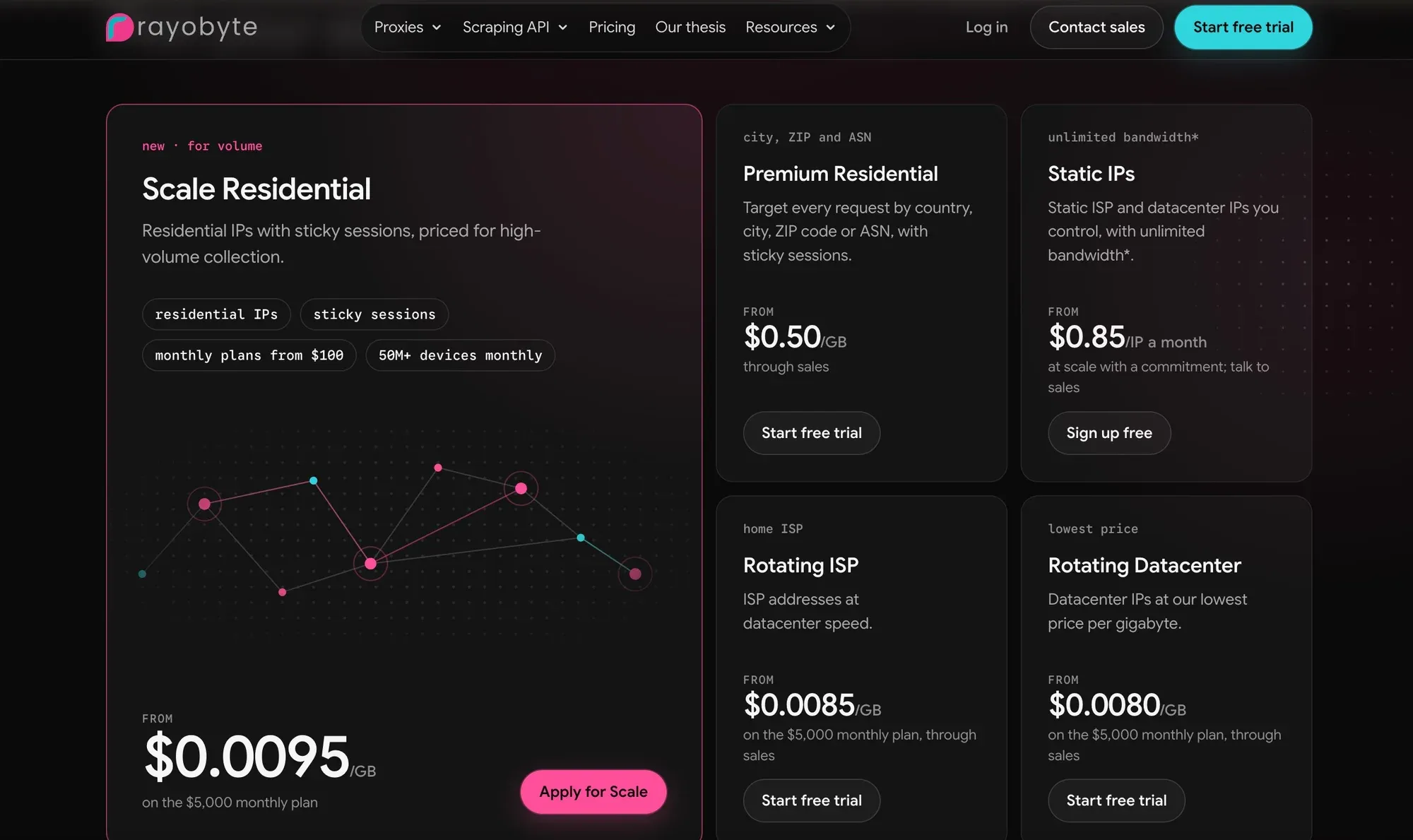
Rayobyte’s datacenter proxy product page.
7. Byteful — For Private Datacenter Options
Overview
Byteful states that all its datacenter proxies are private and dedicated. Its datacenter product page lists New York, Miami, and Germany, making it a focused option for projects requiring those locations.
Key Features
- Dedicated datacenter IPs with no shared datacenter offering.
- HTTP, HTTPS via CONNECT, and SOCKS5 support.
- Username/password authentication or IP whitelisting.
- Per-IP plans with unlimited data.
Advantages
Clear allocation and per-IP monthly cards make it straightforward to budget a small dedicated deployment.
Considerations
Its listed datacenter locations are narrower than the geographic coverage of its residential network. Match the deployment to New York, Miami, or Germany.
Pricing
The monthly datacenter pricing cards display 10 IPs for $20/month ($2/IP), 25 for $45/month ($1.80/IP), and 100 for $160/month ($1.60/IP).
Best for: Developers seeking dedicated datacenter IPs in the listed US and German locations.
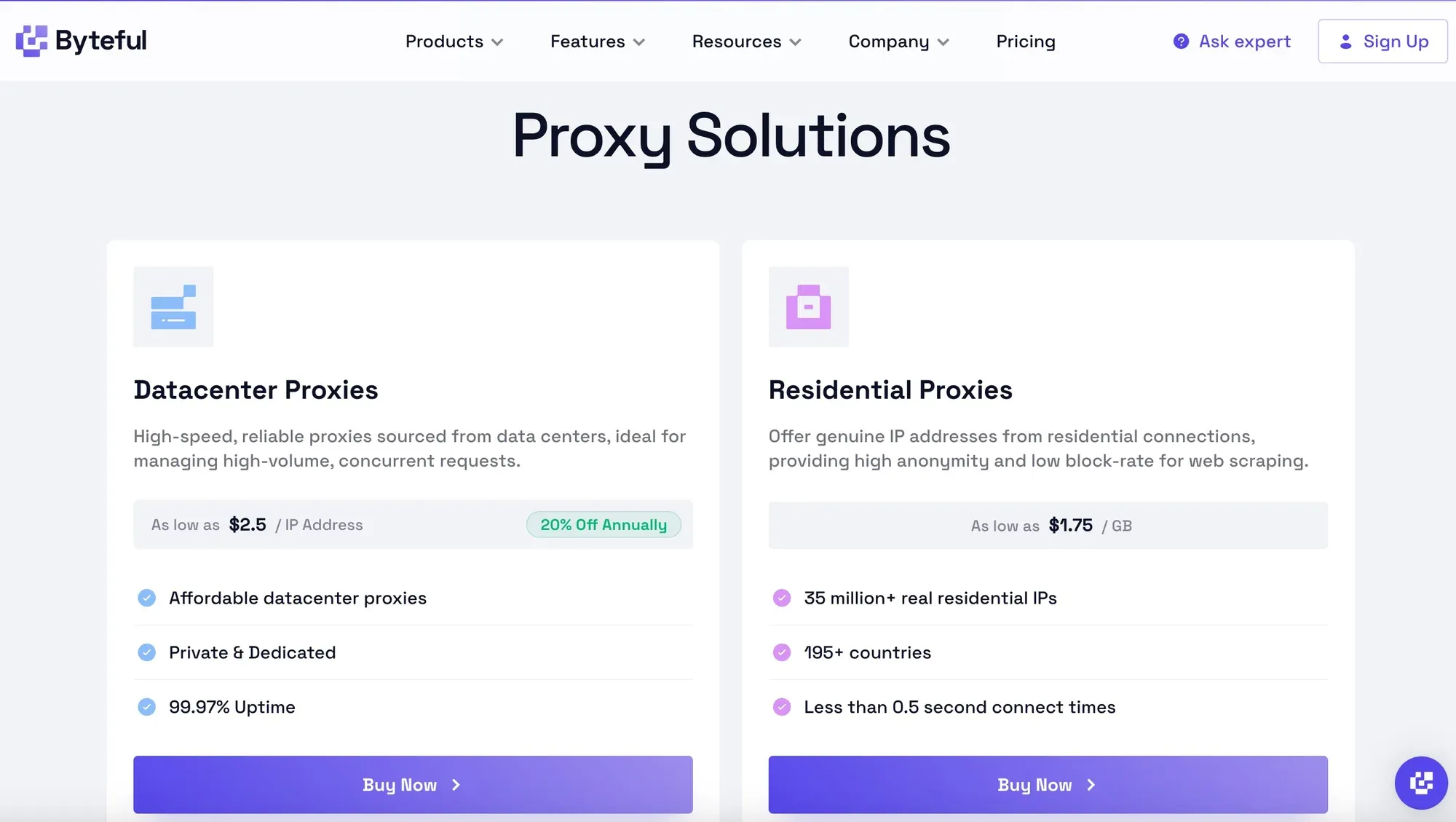
Byteful’s datacenter proxy product page.
How to Choose the Best Private Proxy Provider
Use the provider comparison to build a shortlist, then assess each candidate against your own network, session, and integration requirements.
- Verify IP exclusivity. Require the product page, order, or contract to specify single-customer allocation, the allocation period, and reclamation procedures.
- Check IP reputation and quality. Examine ASN information, historical anomalies, target-site responses, and the replacement policy.
- Compare speed, availability, and stability. Record connection failures, read timeouts, and latency percentiles for your actual countries, protocols, and concurrency.
- Evaluate geographic coverage. Total pool size does not mean your target country has inventory. Confirm current availability, especially for city-level requirements.
- Review bandwidth and pricing. Record the billing unit, minimum purchase, included traffic, traffic expiry, concurrency limits, and whether failed requests or retries consume paid traffic. Set a budget alert and a spending or failure-rate threshold at which the pilot stops.
- Check authentication and integration. Confirm HTTP(S), SOCKS5, username/password authentication, IP allowlisting, and API compatibility with existing tools.
- Review support and replacement policies. Define what qualifies as a faulty IP, replacement timing, refund conditions, and support hours.
The most useful metrics are not the advertised total pool size, but the dedicated IPs actually available for your target country and workflow, valid-response rate, stable operating duration, and total cost per valid record.
How Much Do Private Proxies Cost?
Once a plan meets those requirements, compare its total cost at your expected IP count and traffic volume.
Per-IP vs. Per-GB Pricing
Per-IP billing is common for dedicated datacenter and fixed ISP products, fitting projects with a clear number of required exits. Per-GB billing is common for rotating residential and mobile networks, with costs changing according to data transferred. Large dedicated deployments, unusual regions, or dedicated support often require custom enterprise quotes. Include bandwidth, concurrency, minimum purchases, long-term discounts, and failed-request retries in total-cost comparisons.
Factors That Affect Pricing
- Whether IPs are exclusive and how long they are retained.
- Datacenter, ISP, residential, or mobile network type.
- Target country, city, and inventory scarcity.
- Bandwidth, concurrency, traffic, and usage policies.
- IP count, subscription period, replacements, and support.
Cost per Valid Record: A Worked Example
For a one-month budget comparison, assume Plan A costs $60 and produces 30,000 valid records. Its cost per 1,000 valid records is $60 ÷ 30,000 × 1,000 = $2. Plan B costs $72, including retry traffic, and produces 48,000 valid records: $72 ÷ 48,000 × 1,000 = $1.50.
These example inputs show why the lower subscription price can have the higher effective cost. Use the same target pages and required fields to calculate valid output, and include subscription charges, metered traffic, retries, and paid extras in the numerator.
What Should You Check in a Private Proxy Pilot?
The pricing comparison gives you a budget; a small pilot shows whether the shortlisted service delivers enough valid results within it.
- Choose a provider and proxy type. Define the target website, region, session requirements, and budget before choosing Datacenter, ISP, Residential, or Mobile.
- Purchase or request Dedicated IPs. Confirm quantity, region, rental period, exclusivity, and replacement terms.
- Configure authentication. Use the supplied host, port, username/password, or IP allowlist.
- Verify connectivity. Check the exit IP, country, ASN, and connection stability against dashboard records.
- Test the real workflow. On authorized targets, record success rate, latency, IP stability, HTTP errors, and traffic consumption.
Use a small, bounded pilot with the same target pages, country, concurrency, timeouts, and request limits for each candidate. Record the proxy type, test date, duration, sample size, and number of retries. Define a valid result by the content or fields your workflow needs; HTTP 200 alone is insufficient.
| Check | What to Record | Decision Criterion |
|---|---|---|
| Allocation | Order terms, allocation period, replacement rules | Single-customer use is explicit |
| Egress | Observed IP, ASN, country, changes during the required session | Matches the network and stability requirement |
| Valid results | Valid records divided by attempted records, with retry counts | Meets the workflow’s predefined threshold |
| Latency | Connection failures, timeouts, median and tail latency | Fits the task’s time budget |
| Cost | Subscription, metered traffic including retries, paid extras | Fits the budget per valid record |
For Python setup and authentication, see the Python Requests proxy guide. For connection and read timeout settings, see the Python Requests timeout guide.
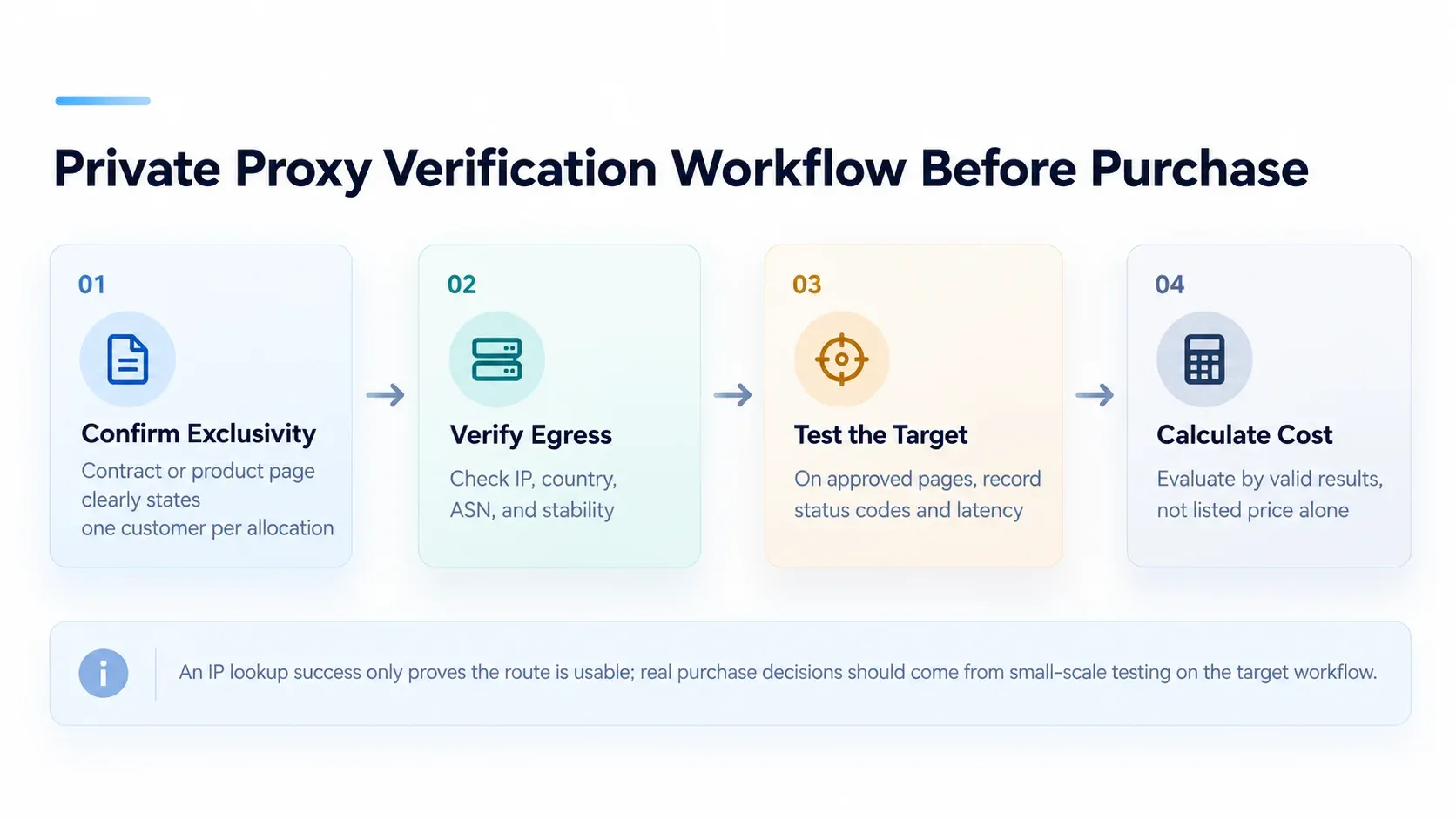
A practical workflow for comparing proxy options before purchase.
An IP-check response confirms the route is usable; it cannot prove exclusivity. Diagnose 407 as an authentication issue, 403 as an access refusal, and 429 as rate limiting before treating a failure as an IP-quality problem. Honor applicable request limits and Retry-After instructions, and stop at the pilot’s predefined budget or failure threshold. Collect only the fields needed for the authorized task.
Which Private Proxy Provider Should You Choose?
The best private proxy should meet three conditions: an explicit commitment to IP exclusivity, a network and session model suited to the target workflow, and sustainable total cost. Private Datacenter Proxies fit many projects prioritizing fixed egress and predictable budgets. ISP, residential, and mobile networks address different regional and network-environment requirements.
Rola IP suits teams that want to compare dedicated datacenter, residential, and mobile proxies within one provider ecosystem and configure different sessions for data collection, SEO monitoring, or website testing. For fixed egress, its dedicated datacenter product provides monthly per-IP billing and unlimited included bandwidth. A small pilot can establish the right IP count and cost per valid record for your targets.
To evaluate fixed egress, start with Rola IP’s fixed-IP plans and review regions, quantities, and plan conditions.