
Best Proxy for Twitter (X) in 2026: 7 Providers Compared

Oct 20, 2026 · Top Picks · 14 min read
Quick Answer: Which Twitter Proxy Should You Choose?
For teams managing authorized X accounts alongside recurring research, Rola IP is worth shortlisting first: ISP plans start at $5 per IP per month with unlimited traffic during the validity period, while residential packages cost $125 for 50GB or $200 for 100GB, valid for 30 days.
The best proxy for Twitter still depends on the task. Prioritize fixed egress for long account sessions, residential traffic for permitted research, and mobile networks for carrier testing. Use the comparison below to weigh Rola against alternatives for targeting, traffic expiry, protocols, and entry cost.
Why Does Proxy Quality Matter for Twitter (X)?
Ordinary browsing on X does not necessarily require a proxy. For account operations, regional checks, or permitted research that needs a controlled network exit, quality matters for three reasons:
- Session continuity: reliable connections and stable exits help keep sign-ins and multi-step account workflows consistent.
- Relevant locations: regional advertising and mobile quality assurance (QA) need suitable exits; account and browser settings also affect what X displays.
- Useful results per dollar: repeated loads and failed requests waste time and may consume billable traffic.
Quick Comparison: 7 Twitter Proxy Providers
| Provider | Residential pricing reference | Useful for | Main purchase condition |
|---|---|---|---|
| Rola IP | $4/GB PAYG; 50GB for $125; 100GB for $200 | Teams needing predictable monthly traffic and stable account sessions | Residential packages: 30 days. Separate ISP plans: from $5/IP/month, unlimited traffic during validity; seven-day trial with five ISP IPs |
| Bright Data | Promotional PAYG at $4/GB | ZIP/ASN targeting and regional data projects | The quoted rate uses a 50% promotion; confirm the applicable offer |
| Oxylabs | Starter: $30/month; residential usage at $6/GB, up to 5GB | Data pipelines needing multiple protocols | Subscription covers several products; compare the allowance for your intended usage mix |
| IPRoyal | Subscription: 1GB at $7/GB; PAYG: 1GB at $7.35/GB | Intermittent projects and non-expiring traffic | Subscription and PAYG rates differ; the lowest rate requires 10TB |
| Decodo | $4/GB PAYG; monthly 3GB plan at $3.75/GB | Self-service projects needing ZIP/ASN targeting | Monthly and enterprise tiers have different commitments; VAT can apply |
| SOAX | Sandbox Tier 1: $5/GB; Builder Tier 1: $3/GB | Teams using residential and mobile networks | Builder costs $200/month including 200 credits; Sandbox includes no credits |
| Webshare | Residential prices depend on product and plan | Budget integration and connectivity checks | The 10 free proxies and 100 proxies for $2.99/month are Proxy Server offers, not rotating residential traffic |
The price column compares residential traffic; separate ISP and Proxy Server offers are labeled where relevant. Prices are in USD, with applicable taxes and offer conditions detailed in the linked official pricing pages.
How to Choose a Proxy for Your X Workflow
Use the shortlist above to identify candidates, then match the product to the way your team works. An agency managing client-owned X accounts with permission may need consistent browser sessions and separate credentials for each client. A research team collecting permitted public data may instead prioritize target locations and traffic cost. These tasks call for different network and billing choices.
Match the Proxy Type to the Task
Proxy type |
Suitable X scenarios |
Recommended session strategy |
Advantages |
Limitations |
|---|---|---|---|---|
Rotating residential |
Permitted research into public posts, topics, and search results; regional page comparisons |
Rotate by task or batch; keep related requests in one session |
Egress resembles ordinary household networks; broad coverage |
Billed per GB; overly fast rotation breaks multi-step context |
Static residential / ISP |
Authorized brand-account operations, advertising click paths, long browser sessions |
Keep the assigned fixed IP throughout the workflow |
Stable egress; easier cost accounting per identity |
Check the billing period, exclusivity, and available locations |
Mobile |
Mobile app QA, carrier/4G/5G differences, mobile ad verification |
Maintain a session per account or test window |
Real mobile carrier network characteristics |
Compare carrier availability and traffic cost with the test requirements |
Datacenter |
Less sensitive public endpoints, health checks, permitted batch tasks that accept datacenter egress |
Fixed or rotating access as required |
Fast and usually inexpensive |
More likely to encounter additional verification on sensitive platforms; not appropriate for every X workflow |
Common pitfalls: A residential proxy is not necessarily a fixed identity. Rotating residential proxies can change IP per request, session, or custom interval. If a workflow needs sign-ins, consecutive redirects, and cookie consistency, explicitly configure sticky sessions or use static residential/ISP proxies.
Maximum sticky duration is not the only metric. Real residential nodes can go offline, so a long session time to live (TTL) is not the same as a dedicated static IP. For long-term fixed egress, consider dedicated/static ISP proxies. Compare sticky and rotating proxies when deciding whether related requests need to retain the same exit address.
Compare Cost per Successful Task
For traffic-based plans, divide the total billed cost, including retries, by the number of valid results. For per-IP plans, include the number of IPs and the billing period. A valid result means the expected page or fields, not merely an HTTP 200 response.
Before buying, confirm the minimum spend, traffic expiry, renewal terms, and whether failed requests or retries consume billable traffic. Check protocol support, usable concurrency, and location-specific charges as well. These conditions can matter more than pool size or a headline rate.
7 Proxy Providers for Twitter (X)
1. Rola IP
Rola IP is a practical starting point for teams that need both ongoing account sessions and a predictable research budget. Its fixed ISP product addresses session continuity, while residential packages let teams budget recurring traffic separately. Mobile and datacenter products cover additional network requirements.
Its rotating residential proxies list an 80M+ IP pool across 190+ countries and regions. PAYG costs $4/GB. For recurring usage, the 50GB package costs $125 ($2.50/GB) and the 100GB package costs $200 ($2/GB), each valid for 30 days. Higher-volume options include 1,000GB at $1/GB and 10,000GB at $0.60/GB with the same validity window.
For example, using 50GB at Rola’s PAYG rate costs $200, compared with $125 for its 50GB package. That is a $75 difference in base traffic charges if the project consumes the full 50GB within 30 days, excluding taxes and additional charges. If demand is small or uncertain, buying unused package capacity can erase the advantage.
For longer sessions on accounts you are authorized to manage, Rola IP’s ISP proxies start at $5 per IP per month with unlimited traffic during the validity period. Start with the listed seven-day trial with five ISP IPs to evaluate session continuity, required locations, and your normal browser workflow before choosing a monthly plan.
For carrier testing, mobile proxies cost $5/GB PAYG, while the 1,200GB package costs $2/GB and is valid for 30 days. Keep this budget separate from account-session and residential-research costs.
Rola’s residential configuration supports country, state, city, and sticky-session controls. Match location inventory and session behavior to the workflow: a multi-step login check needs continuity, while separate regional observations may use different exits.
| Pros | Cons / Trade-offs |
|---|---|
| 50GB/$125 and 100GB/$200 packages for predictable 30-day traffic budgets. ISP plans from $5/IP/month with unlimited traffic during validity. Seven-day trial with five ISP IPs for evaluating account-session workflows. Multiple network types for separate operational needs. |
Traffic packages must fit actual usage within 30 days. Check inventory and the applicable ISP price for your required location. The $4/GB residential PAYG rate is also available from other providers in this comparison. |
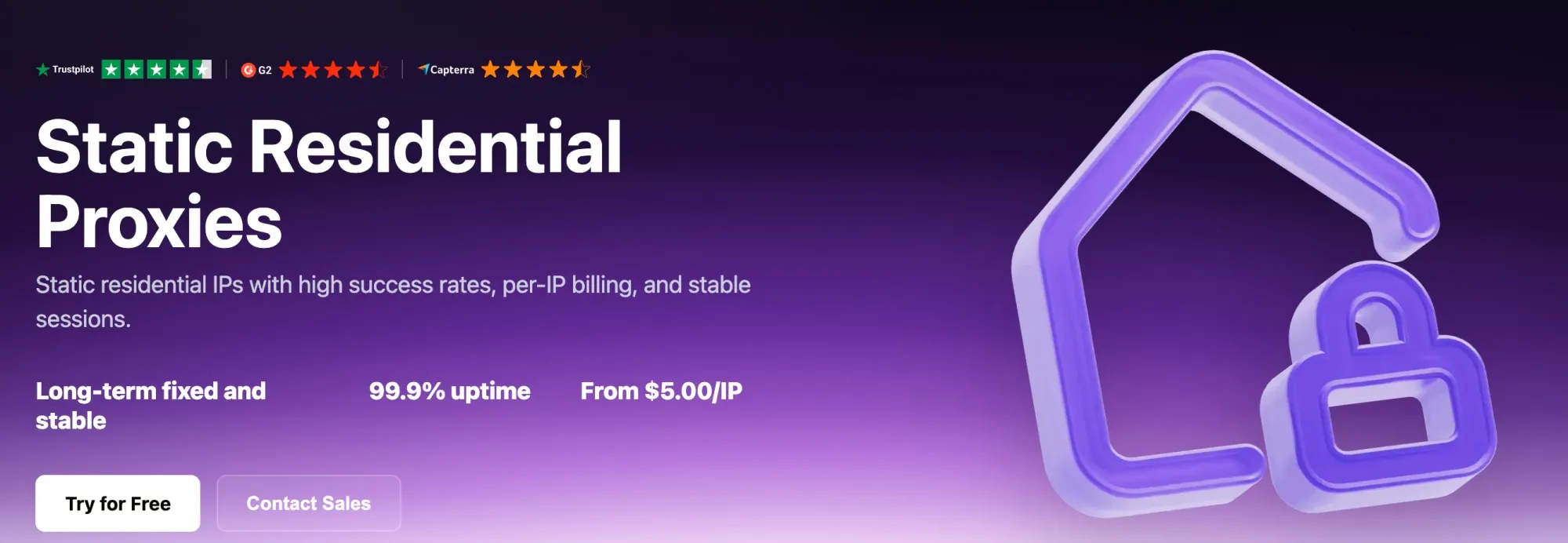
Figure 1. Rola IP static residential proxy page.
2. Bright Data
Bright Data’s strengths combine scale, control granularity, and enterprise tooling. Its public residential proxy page lists 400M+ monthly residential IPs across 195 countries, highlighting country, state/city, ZIP, and ASN targeting. For teams that continuously verify ad displays, perform regional QA, or collect public data across many cities, this targeting precision is more useful than a country’s IP count alone.
Its pricing page displayed a 50% residential promotion at the review date, including PAYG at $4/GB. Monthly offers listed 141GB for $499, 332GB for $999, and 798GB for $1,999. Compare the included traffic and monthly charge together, and confirm whether the offer applies to your purchase.
Proxy Manager and the wider data-access product range are relevant when your team needs tools beyond raw proxy routing. For a small pilot, begin with the specific targeting and integration requirements before adding other services.
| Pros | Cons / Trade-offs |
|---|---|
| Large residential pool and very granular geotargeting. Mature Proxy Manager, SLA, status-page, and enterprise ecosystem. Suitable for large-scale advertising, search engine results page (SERP), and social-media observation across countries and cities. |
Low advertised rates include a promotion; recheck renewals and campaign changes. Product and configuration complexity can be excessive for small teams. Proxy access and additional data-access products have distinct scope and billing. |
Pricing page: Bright Data residential proxy pricing
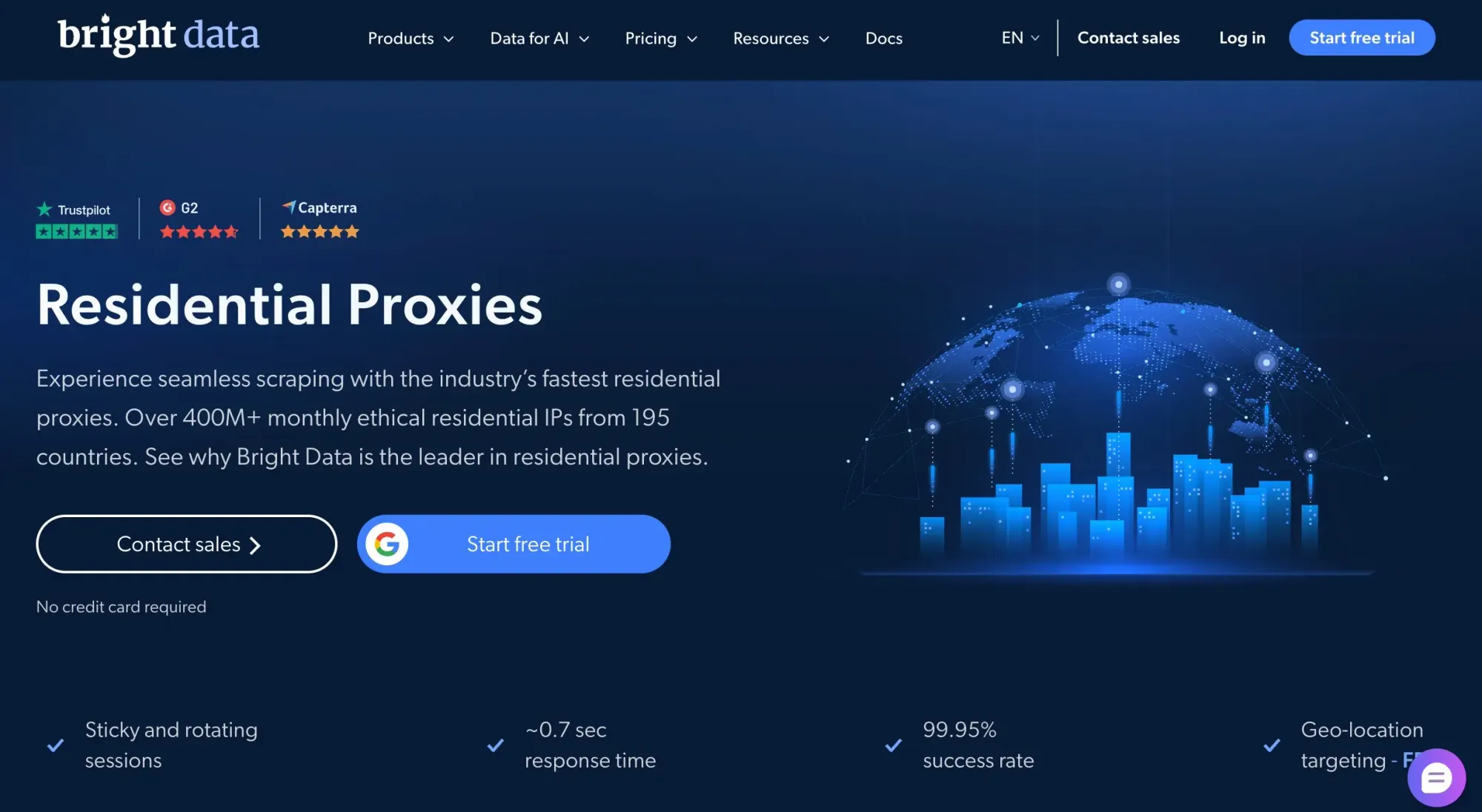
Figure 2. Bright Data residential proxy page.
3. Oxylabs
Oxylabs is better suited to teams with mature data infrastructure. Its public residential page lists 175M+ residential IPs, 195 locations, free geotargeting, sticky sessions, flexible rotation, and unlimited concurrency, with HTTP(S), HTTP/3, and SOCKS5 support. For engineers connecting proxies to crawler clusters, queues, monitoring systems, or enterprise permission workflows, network capabilities and support often matter more than the lowest unit price.
The pricing page uses a subscription framework with access to multiple products. Residential usage is listed at $6/GB for up to 5GB, $5/GB for up to 20GB, and $4/GB for up to 125GB; enterprise pricing lists $2.50/GB at 1,000GB and above. If you use several products within a subscription, calculate how the mix consumes the allowance rather than treating each listed maximum as a separate entitlement.
For X research, this offering is relevant when proxies form part of a pipeline with queues, monitoring, request limits, and content validation. Unlimited proxy concurrency does not increase the target platform’s permitted request rate.
| Pros | Cons / Trade-offs |
|---|---|
| Multiple protocols, sticky sessions, and unlimited concurrency support engineered integrations. Established enterprise support and high-capacity plans. 195 locations and granular targeting suit regional data projects. |
Small 5–20GB plans cost noticeably more per GB than some self-service competitors. Its enterprise infrastructure capabilities may exceed individual or small-team needs. |
Sources: Oxylabs residential pricing | Residential network features
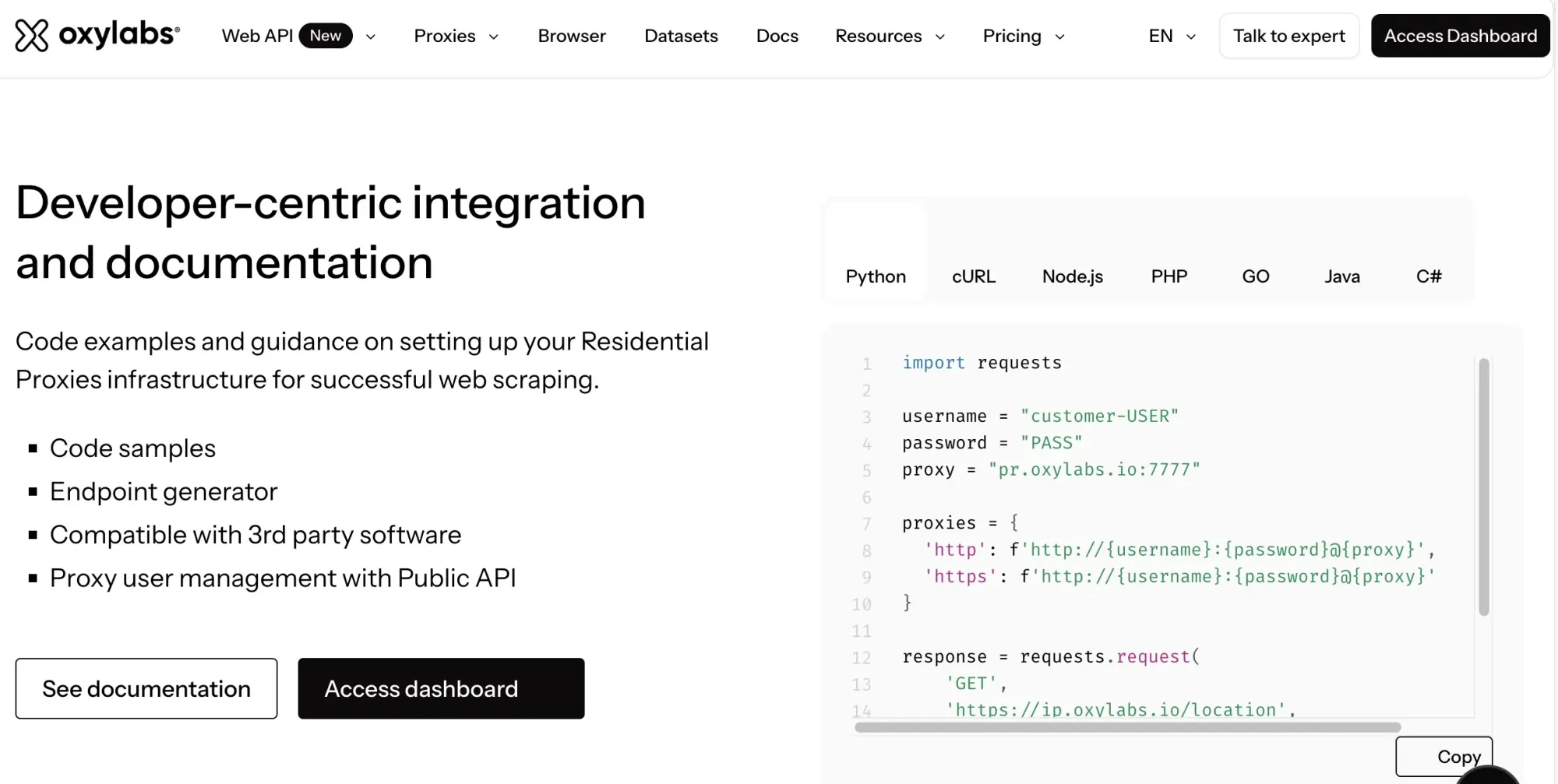
Figure 3. Oxylabs’ website section introducing developer integrations and documentation.
4. IPRoyal
IPRoyal’s defining feature is not the lowest unit price, but non-expiring traffic. If your Twitter/X research happens in phases—a few GB this month, then more next month—not losing unused bandwidth after 30 days can make budget predictability more important than the advertised price per GB.
The pricing page distinguishes subscriptions from PAYG. Subscription examples are 1GB at $7/GB, 2GB at $5.95/GB, and 10GB at $5.25/GB. Corresponding PAYG rates are $7.35, $6.25, and $5.51 per GB. The advertised subscription rate of $1.75/GB requires at least 10TB.
Its residential product lists 64M+ IPs across 195+ locations, rotating and sticky sessions, and unlimited concurrent sessions. Sticky sessions can last up to seven days. Treat that as a maximum session setting rather than the equivalent of a dedicated static IP; residential node availability still matters.
IPRoyal therefore suits low-to-medium usage, long gaps between tasks, and teams that want to retain prepaid traffic. If your project consistently consumes hundreds of GB daily, compare bulk pricing from Rola, Decodo, Bright Data, or Oxylabs more closely.
| Pros | Cons / Trade-offs |
|---|---|
| Non-expiring bandwidth suits intermittent projects. Sticky TTL up to seven days supports authorized workflows requiring longer sessions. Straightforward city-level targeting and unlimited concurrency. |
High entry-level unit pricing. Very low rates require approximately 10TB-scale purchases. Long sticky sessions depend on residential nodes remaining online and are not equivalent to fixed ISP proxies. |
Sources: IPRoyal residential pricing
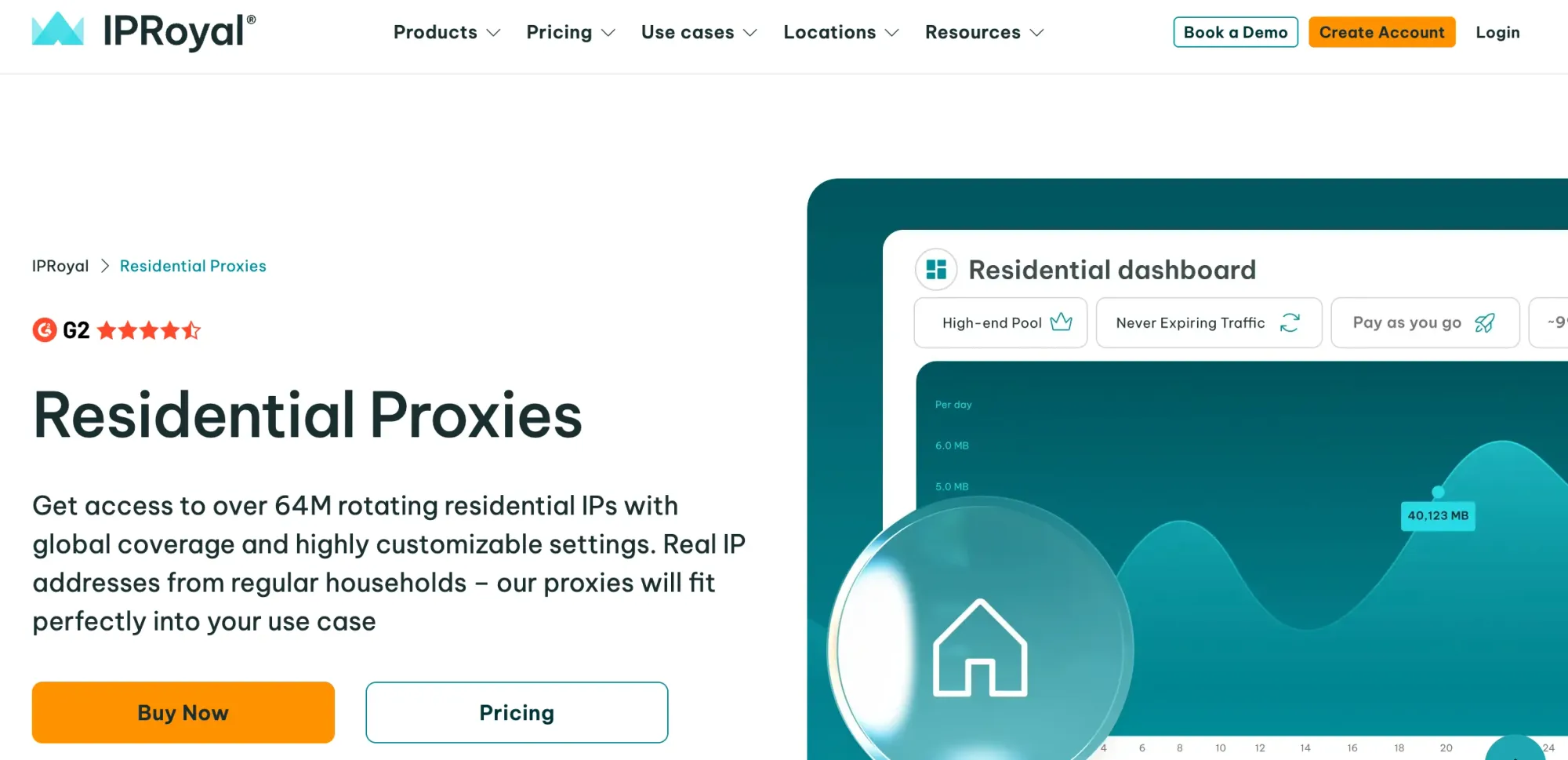
Figure 4. IPRoyal residential proxy page.
5. Decodo
Decodo, formerly Smartproxy, balances entry pricing, control granularity, and self-service usability. Residential PAYG is $4/GB. Monthly plans range from 3GB at $3.75/GB to 100GB at $2.75/GB. Enterprise 1TB pricing can reach $2/GB. Teams still validating the commercial value of a Twitter/X project do not need to commit to a large monthly bill first.
Its public page lists 115M+ IPs across 195+ locations, with country, state, city, ZIP, and ASN targeting, plus rotating and sticky sessions. The combination gives teams several location and protocol options to evaluate in a small pilot.
For regional X checks, ZIP- and ASN-level targeting can provide more precision than selecting a country alone. Choose the plan by expected usage, renewal terms, traffic validity, and applicable VAT.
| Pros | Cons / Trade-offs |
|---|---|
| Accessible self-service testing from 3GB. ZIP, ASN, and city targeting. Coverage across 195+ locations supports a broad geographic shortlist. |
The lowest $2/GB rate requires a 1TB enterprise volume. VAT and plan tiers affect the final bill. Check traffic validity and renewal conditions against the project schedule. |
Pricing page: Decodo residential proxy pricing
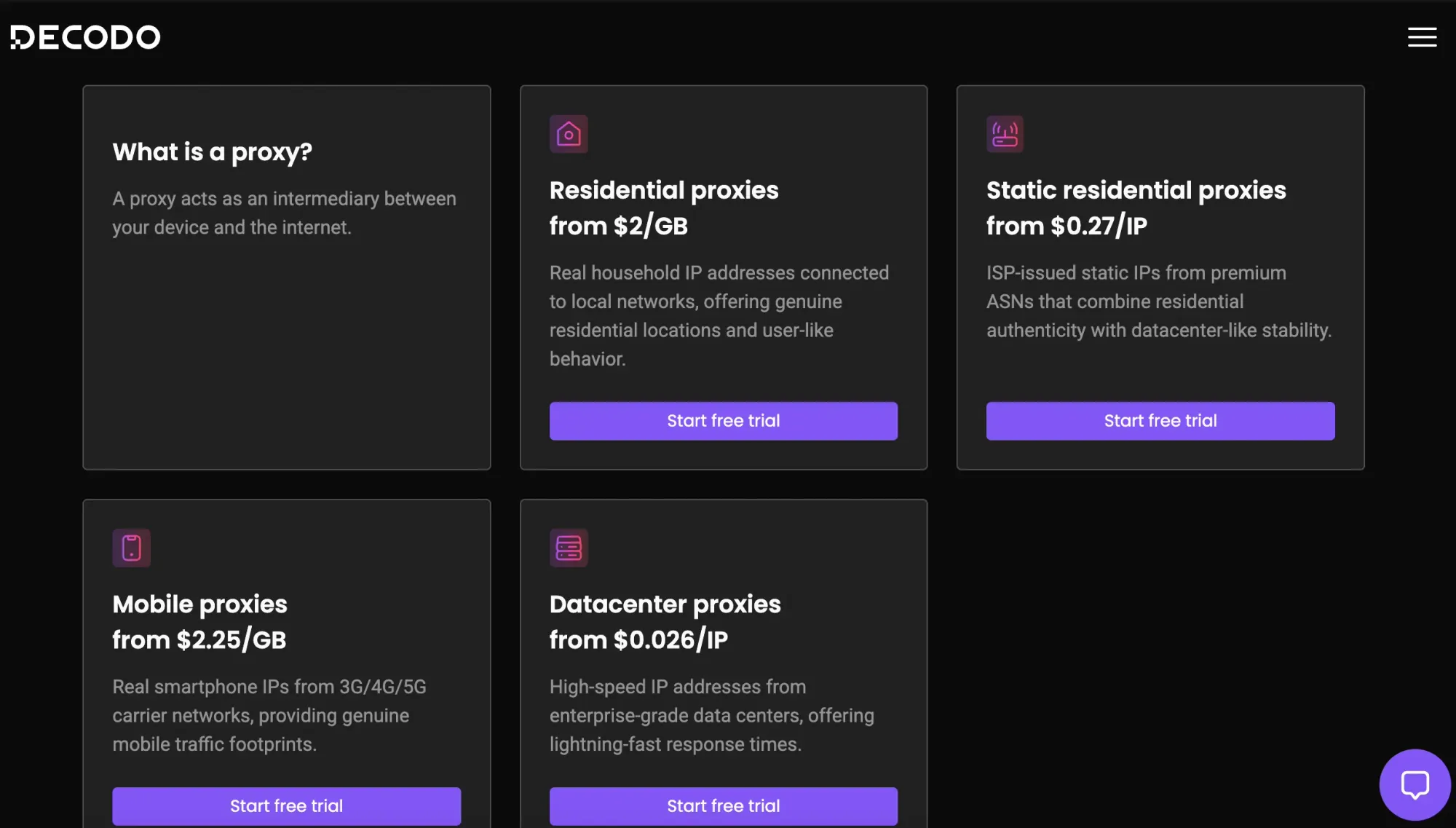
Figure 5. Decodo proxy products page.
6. SOAX
SOAX combines residential and mobile usage within a credit-based billing system. Plans also distinguish team seats, proxy packages, and targeting features. This is relevant when several people manage regional research and mobile-network QA.
Sandbox has no subscription fee and includes no credits: users purchase credits and pay the applicable usage rate. For Tier 1 networks, Sandbox costs $5/GB. Builder costs $200/month including 200 prepaid credits, with Tier 1 usage at $3/GB. Higher plans offer different rates and limits; ASN and ZIP targeting are listed for Scale and Enterprise.
For example, assume 100GB of Tier 1 traffic on Builder, no carried-over credits, and no VAT. The official calculator shows a $300 total: the $200 plan plus $100 in additional credits. Adding the $200 plan fee to a further $300 for all traffic would double-count the included allowance.
Credits added on Sandbox or monthly plans expire after 60 days; credits added on annual plans expire after 12 months. Check the geographic tier and credit expiry alongside the rate before choosing a plan.
| Pros | Cons / Trade-offs |
|---|---|
| Residential and mobile networks share one product and billing ecosystem. Advanced plans support finer targeting such as ASN and ZIP. Team seats, proxy packages, and enterprise support facilitate collaboration. |
Sandbox is not free traffic; credits and geographic tiers need a usage estimate. Low-volume individual usage may not be economical. Determine your target location’s pricing tier first. |
Pricing page: SOAX pricing page
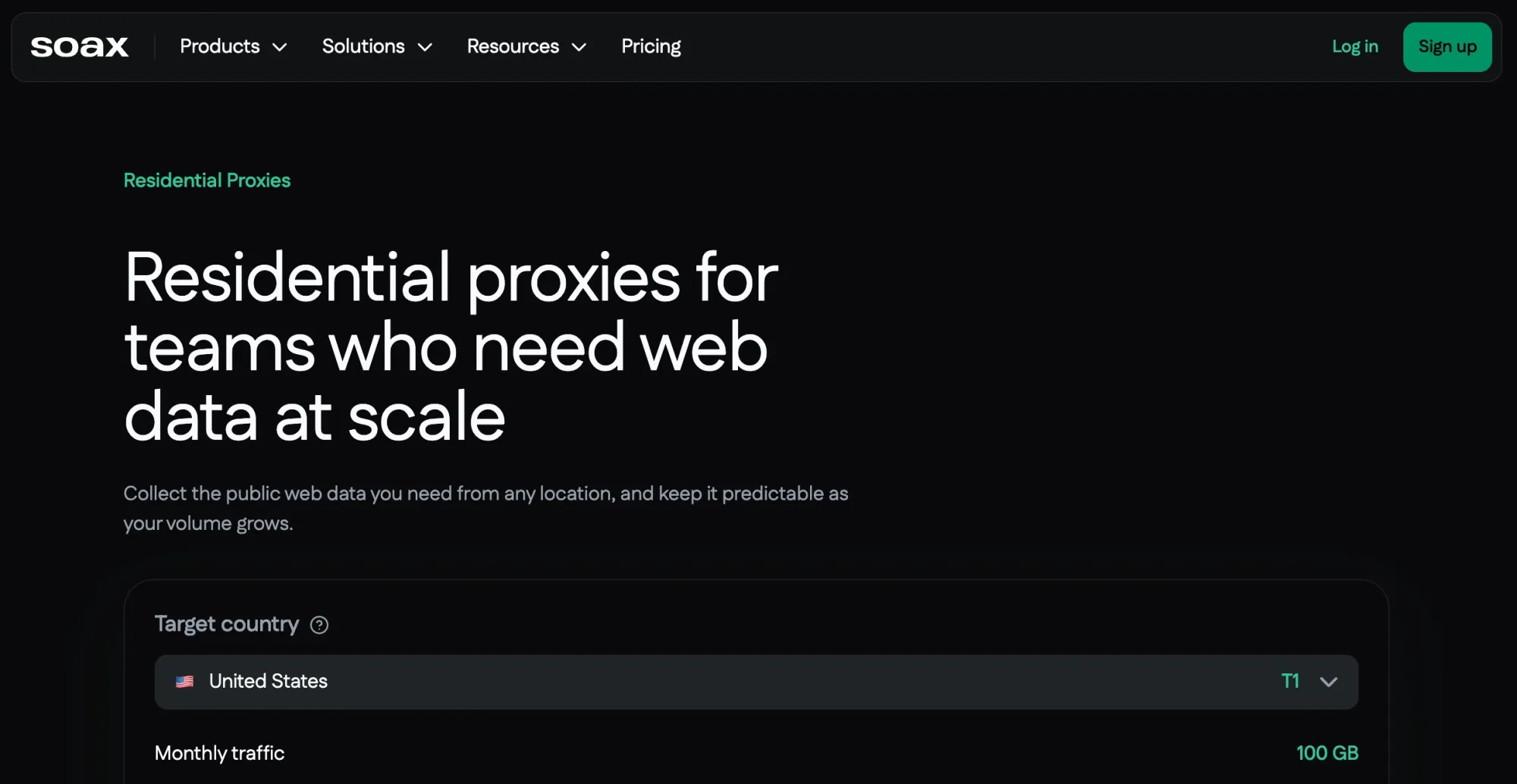
Figure 6. SOAX residential proxy page.
7. Webshare
Webshare suits teams that want to verify connectivity before increasing their budget. Its public pricing page offers 10 free Proxy Server proxies and 100 Proxy Server proxies at $2.99/month. It also offers static residential and rotating residential products. Because the three product types use different billing units, one minimum price cannot represent the entire service.
For Twitter/X projects, Webshare is an option to evaluate for public-page QA and low-cost connectivity checks, with retry, rendering, and content-validation logic handled by your application. Its strengths are easy self-service and convenient free testing. The products compared here cover datacenter, static residential, and rotating residential access. If the project needs carrier conditions, compare a mobile-network offering.
Use the low-cost entry point to validate integration, authentication, and routing. Then test the selected product against the actual authorized X workflow. If valid-page rates or session continuity are inadequate, diagnose the cause before changing the network type or buying a larger plan.
| Pros | Cons / Trade-offs |
|---|---|
| Free Proxy Server access for connectivity testing. Self-service interface and transparent per-IP product pricing. Residential, static residential, and datacenter proxies cover common basic requirements. |
The products compared here do not cover carrier-specific QA. Different products bill per IP, bandwidth, or plan; normalize costs before comparison. Complex anti-bot handling, JavaScript rendering, and automatic retries still require your own engineering stack. |
Pricing page: Webshare pricing page
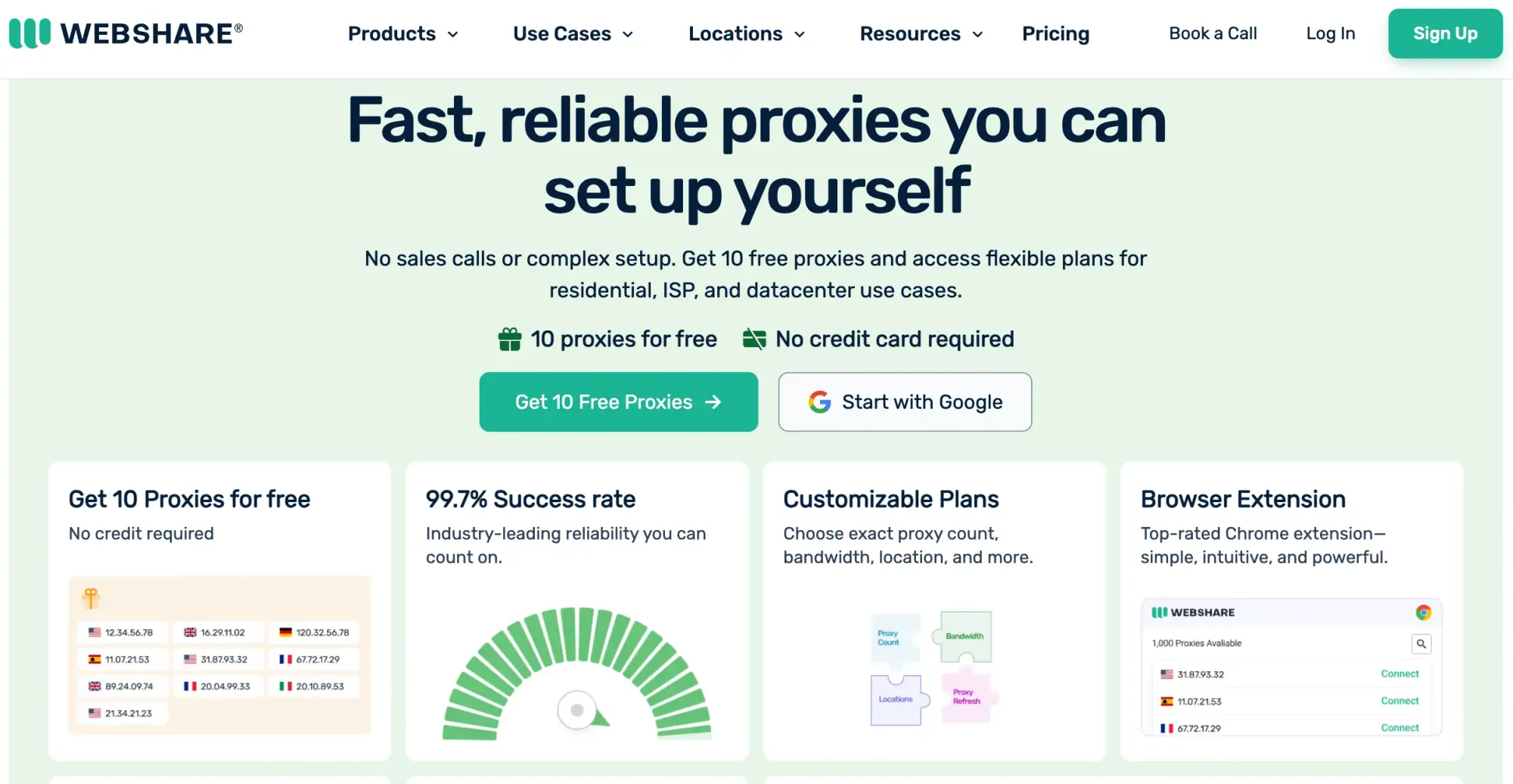
Figure 7. Webshare website homepage.
What Should You Check Before Connecting a Proxy to X?
Once you have a shortlist, use the following checks to prepare a small pilot before buying a larger plan.
Confirm the Access Method and Scope
For public-data research, start with the X API documentation and confirm the permissions and limits for the required data. For Python-based X research, compare the documented Playwright workflow with the API approach before choosing an implementation.
For account QA, use accounts you are authorized to operate and follow X’s applicable rules. Collect only the fields needed for the task, avoid unnecessary retention of user identifiers, and set a retention period appropriate to the project.
Record the Connection and Session Settings
Record the proxy protocol, host, port, authentication method, target location, and session setting. For a multi-step flow, keep the egress and cookies consistent. For regional QA, record browser language, time zone, and network location as separate test variables so unexpected results can be explained.
For authentication and integration steps, see Rola IP’s Python Requests proxy guide. Keep credentials out of source code, logs, and screenshots. If your runtime injects them through environment variables, restrict access and avoid exposing them through shell history or diagnostics.
The Requests proxy documentation covers configuration and cautions about sensitive credentials in environment variables and version-controlled files.
Verify Egress Before Testing the Target Workflow
Use the proxy checker for basic connectivity and egress checks. Repeat checks with the same session identifier to observe whether the exit IP remains stable over the intended test window.
An HTTP-header anonymity rating describes the headers checked by the tool. Check browser leaks separately, then run the intended X workflow and inspect the expected page or fields, including redirects and verification responses.
Set a Budget and Stop Conditions
Start with 20-50 representative tasks as a pilot, then extend validation across relevant regions and time windows. Record valid-result rate, median and P95 latency, billed traffic, retries, and session interruptions. P95 latency is the response time within which 95% of measured requests finish.
Set a spending cap before the run and a usage alert if the provider supports one. Pause when repeated authentication errors, rate limits, or invalid content prevent useful results. Investigate the cause before increasing concurrency or buying more traffic.
Choose by Workflow, Then Validate the Cost
If your team manages authorized brand accounts and expects regular research traffic, start by evaluating Rola IP’s ISP trial for session continuity and its 50GB or 100GB residential packages for the monthly research budget. Treat these as separate purchases serving different tasks, rather than routing every workflow through one proxy type.
Choose another shortlist when a different requirement dominates: IPRoyal for traffic retained between irregular projects, Bright Data or Decodo for ZIP/ASN targeting, Oxylabs for protocol options, SOAX for shared residential/mobile credits, or Webshare for low-cost integration checks. Commit to a larger plan only after a small pilot confirms the locations, valid results, and session behavior your work requires.