
8 Best Residential Proxies for Sneaker Bots in 2026: Complete Comparison

Sep 15, 2026 · Top Picks · 26 min read
The best residential proxies for sneaker bots worth evaluating first in 2026 include Rola IP, Decodo, Webshare, SOAX, Oxylabs, Bright Data, and IPRoyal. If your task prioritizes fixed U.S. IPs and low latency, HypeProxies can also be considered as an ISP proxy option. However, the final choice should be based on the target location, required session duration, valid response rate, and real bandwidth cost.
Key Takeaways
- Choose by authorized workflow: rotating residential proxies suit public, stateless regional monitoring, while ISP or static residential proxies fit persistent browser QA.
- Treat provider pool size, advertised prices, and sticky-session limits as starting points for a like-for-like test, not as guarantees of live inventory or purchase success.
- Start with the smallest suitable plan and compare valid-content rate, P95 latency, session persistence, traffic use, and cost per valid result in the same region and time window.
Provider |
Best for |
Proxy option |
Location and session focus |
Entry pricing shown |
Main trade-off |
|---|---|---|---|---|---|
Rola IP |
Precise regional validation and mixed residential/ISP deployment |
Rotating Residential, Static Residential |
190+ countries and regions; rotating and sticky sessions |
Residential PAYG $4/GB; large-volume plans as low as $0.60/GB; static residential from $5/IP |
Confirm target-city inventory and session requirements before buying |
Decodo |
Simple self-service setup and flexible residential sessions |
Residential, ISP |
195+ locations; country, state, city, ZIP, ASN |
PAYG $4/GB; high-volume monthly plans as low as $2/GB |
Lowest unit price requires a larger traffic commitment |
Webshare |
Small-scale budget testing |
Residential, Static Residential |
80M+ residential pool; self-service configuration |
About $3.50/GB for 1GB; high-volume plans as low as about $1.40/GB |
Advanced targeting and session controls should be verified by plan |
SOAX |
Precise targeting and adjustable sessions |
Residential, Mobile, ISP |
195+ locations; city, ASN, ISP; rotation interval up to one hour |
Starter: 25GB at $3.60/GB; $1.99 trial |
Starter has a 25GB monthly minimum |
Oxylabs |
Enterprise-grade global coverage |
Residential, ISP |
195 locations; city, state, ZIP; sticky sessions |
5GB Starter at $6/GB |
Higher unit cost for small volumes |
Bright Data |
Enterprise compliance, control, and broad targeting |
Residential, ISP |
195 countries; city, ZIP, ASN; Proxy Manager |
Residential PAYG standard price $8/GB; promotions may appear on the page |
Configuration and KYC process are better suited to professional teams |
IPRoyal |
Small purchases and longer sticky sessions |
Residential, ISP |
195+ countries; state and city; sessions configurable up to 7 days |
Subscription $7/GB; PAYG $7.35/GB |
Lowest rates mainly appear at very large volume tiers |
HypeProxies |
Fixed U.S. ISP IPs and low-latency tasks |
ISP, Residential |
Primarily U.S. coverage; narrower geographic range |
About $65/month for 50 IPs, or $1.30/IP |
Not suitable for teams that need broad country and city coverage |
Prices and inventory were checked on September 14, 2026, and may change with promotions, region, taxes, and plan terms. No proxy can guarantee bypassing retailer risk controls, entering a queue, or completing a purchase. Before using automation tools, follow retailer terms, purchase limits, and applicable local laws.
Understand What Sneaker Proxies Actually Do Before Buying
Sneaker proxies are proxy connections that route authorized monitoring or browsing requests through different network exits. Their main purpose is to separate outbound IPs, locations, and sessions. They do not replace compliant accounts, browser state, payment verification, or retailer permission.
Limited sneaker releases often vary by region, inventory changes quickly, and traffic spikes are concentrated around release times. Residential proxies can help brands, pricing researchers, and authorized automation users validate public product pages from different regions, while also letting independent test sessions use separate exits. They do not automatically fix invalid accounts, incorrect shipping information, or inconsistent browser cookies, and they should not be used to circumvent queues, purchase limits, or access controls.
In third-party comparisons, Proxyway’s 2026 sneaker proxy guide also treats proxy type, location, session persistence, and speed as core selection criteria. These factors do not carry the same weight in every workflow: public inventory monitoring benefits more from IP diversity and per-request rotation; authorized multi-step browsing depends more on keeping the same IP; and high-frequency static-resource testing may prioritize latency and predictable cost.
How Are Residential Proxies for Sneakers Different from Other Proxy Types?
Residential proxies are usually the most balanced choice for regional product monitoring and short-term sticky sessions. ISP proxies are better for a fixed identity and low latency, datacenter proxies fit low-risk pages where high-frequency access is permitted, and mobile proxies should only be used when you specifically need to observe how content appears through a mobile carrier network.
Residential Proxies for Sneakers
Rotating residential proxies assign exits from real residential network pools. They can rotate on every request or remain sticky for a defined period. Their main advantages are broad geographic coverage, the ability to scale across many public pages, and regional validation that more closely resembles ordinary home-network traffic.
The trade-off is that they are usually billed by the GB, and response times can vary with the node, region, and availability of online devices. Browser traffic can grow quickly when pages load images, fonts, video, and third-party scripts. For queues or multi-step forms, if a sticky residential IP goes offline mid-session, the application should stop and recover safely rather than switching IPs and continuing the submission.
ISP or Static Residential Proxies
ISP proxies, also called static residential proxies, use IPs registered to internet service providers but are usually hosted on stable server infrastructure. They provide long-lived fixed exits and more predictable latency, making them suitable for authorized fixed-browser profiles, account QA, repeated regional checks, or internal systems that require long-term allowlisting.
Their country and city inventory is generally smaller than a rotating residential pool, and they are often billed per IP per month. Fixed does not mean permanently usable: if a target site restricts an IP, sending more requests through it will only make the problem worse. When buying, also compare replacement rules, shared versus dedicated allocation, bandwidth limits, and regional inventory.
Datacenter Proxies for Sneakers
Datacenter proxies come from hosting or cloud networks. They are inexpensive, fast, and consistently online. For public static pages that permit automated access, image-resource tests, development environments, or monitoring that does not require a residential network identity, they can be a more economical choice.
However, searches for datacenter proxies sneakers often overlook network ownership. Retail sites can identify hosting-network ASNs, and entire subnets may be restricted together. Datacenter proxies should not be used for every workflow simply because they have the lowest latency, and they should never be used to bypass explicit site access controls.
Mobile Proxies
Mobile proxies provide exits through 3G, 4G, or 5G carrier networks. They are useful for validating pages shown to mobile-carrier users, regional content, or mobile-app network behavior. Their network identities are more heavily shared, rotation can be more complex, and costs are usually higher, so they are not the default option for general sneaker monitoring.
Proxy type |
IP source |
Session persistence |
GEO flexibility |
Typical cost model |
Best-fit compliant workflow |
Main limitation |
|---|---|---|---|---|---|---|
Rotating residential |
Home residential networks |
Per-request rotation or short sticky sessions |
High |
Per GB |
Public product and regional inventory monitoring |
Latency and node availability can vary |
ISP / static residential |
ISP-registered, server-hosted |
Long-term fixed |
Medium |
Per IP/month or per GB |
Stable browser sessions and repeat QA |
Limited city inventory and higher per-IP cost |
Datacenter |
Hosting or cloud networks |
Fixed or pooled |
Medium |
Per IP or traffic |
Low-risk pages where automation is permitted |
Network ownership is easier to identify |
Mobile |
Cellular carrier networks |
Carrier rotation or sticky |
Medium |
Per GB, port, or time |
Mobile-network rendering validation |
Higher cost and less predictable exits |
How Should You Choose Between Sticky and Rotating Residential Proxies?
An authorized workflow that needs cookies, queue state, or multi-step page context should use a sticky session. Stateless public product pages, price checks, and inventory checks are better suited to rotating residential proxies.
Sticky Sessions for Continuous Context
Sticky sessions try to keep multiple requests on the same outbound IP for a configured period. They are appropriate for post-login internal QA, regional shopping-flow tests, cart regression tests, or research tasks that require continuous browsing across several pages. The correct mapping is “one browser cookie context to one stable proxy session,” rather than changing IPs arbitrarily during a single flow.
Residential nodes come from real devices, so a long sticky session does not guarantee that the node will never disconnect. A task should save progress and restart identity-sensitive steps if the IP changes. If the business genuinely needs a fixed exit for hours or days, ISP proxies are usually more appropriate than trying to stretch a rotating residential session indefinitely.
Rotating Sessions for Stateless Monitoring
Rotating sessions can obtain a new exit on each request or after a configured interval. They are suitable for reading products that do not require login, comparing regional prices, checking whether an SKU is publicly shown as in stock, or performing distributed availability checks across multiple URLs that the team is permitted to access.
Faster rotation is not always better. Repeatedly requesting the same page increases bandwidth use and site load. A better strategy is to set a fixed check interval, add random jitter, cache unchanged results, and stop or back off on 429 or 403 responses rather than immediately switching to another IP and retrying.
| Workflow | Recommended session | Why | Avoid |
|---|---|---|---|
| Public product and inventory monitoring | Rotating residential | No identity persistence required; can cover multiple regions | High-frequency refreshes of the same URL |
| Regional page QA | Sticky residential | Keeps the same region and exit across multiple pages | Changing region or IP mid-flow |
| Long-running login tests | ISP / static residential | Fixed exit makes issues easier to reproduce | Assigning one fixed IP to unrelated users |
| High-speed static-resource testing | Datacenter | Low latency and predictable cost | Using it for pages that require a residential network identity |
How We Selected the Best Proxies for Sneaker Bots
We evaluated providers based on proxy sourcing, geographic precision, session control, pricing transparency, protocols and authentication, validation tools, and compliance boundaries rather than treating advertised pool size as the same thing as usable inventory.
Residential IP Sourcing and Availability
Total pool size is only an upper bound. What actually affects a task is the number of online IPs available in the target country or city at a specific time. Before buying, confirm whether the provider explains IP sourcing, consent mechanisms, sharing models, node refresh policies, and abuse handling. Test the target regions at multiple times of day instead of relying only on the global pool count.
GEO Targeting Accuracy
Country-level targeting is sufficient for many regional-store checks. State and city targeting is more useful for local inventory, delivery, or regional page differences. ZIP and ASN targeting are more precise, but available node counts are smaller, so there is little value in sacrificing stability solely for “more precision.” Every test should verify the actual country, city, and ASN using an independent IP data source.
Session Control and Protocols
A qualified sneaker proxy service should clearly support both rotating and sticky sessions and explain maximum duration, idle timeout, and behavior after a disconnect. HTTP(S) is sufficient for most browsers and automation tools; use SOCKS5 only when the software explicitly requires it. Authentication usually includes username/password credentials and IP allowlisting.
Peak-Period Stability
Normal-day average latency does not represent release-day peaks. Testing should use dates, time zones, regions, protocols, and concurrency levels similar to the real workload. Record connection success rate, valid page rate, median latency, P95 latency, IP persistence rate, and traffic consumed per valid record.
True Total Cost
With per-GB billing, the real cost includes both request and response traffic, and browser resources can consume far more bandwidth than raw HTML. With per-IP billing, check bandwidth allowances, fair-use terms, replacement rules, sharing, and renewal policies. Compare providers by cost per valid result, not just the lowest advertised unit price.
Best Residential Proxies for Sneaker Bots: Full Reviews
No provider is best across every region, retailer, and session length. The ranking below is more useful as a testing order than as any guarantee of purchase success.
1. Rola IP: Best for Precise GEO Targeting and Mixed Residential/ISP Deployment
Rola IP stands out because teams can choose rotating residential, static residential, datacenter, and mobile networks within the same product ecosystem, then assign different exits according to monitoring and session requirements. Its English residential proxy page lists coverage across 190+ countries and regions, an 80M+ pool, rotating and session-persistent connections, plus common access methods such as username/password authentication and IP allowlisting.
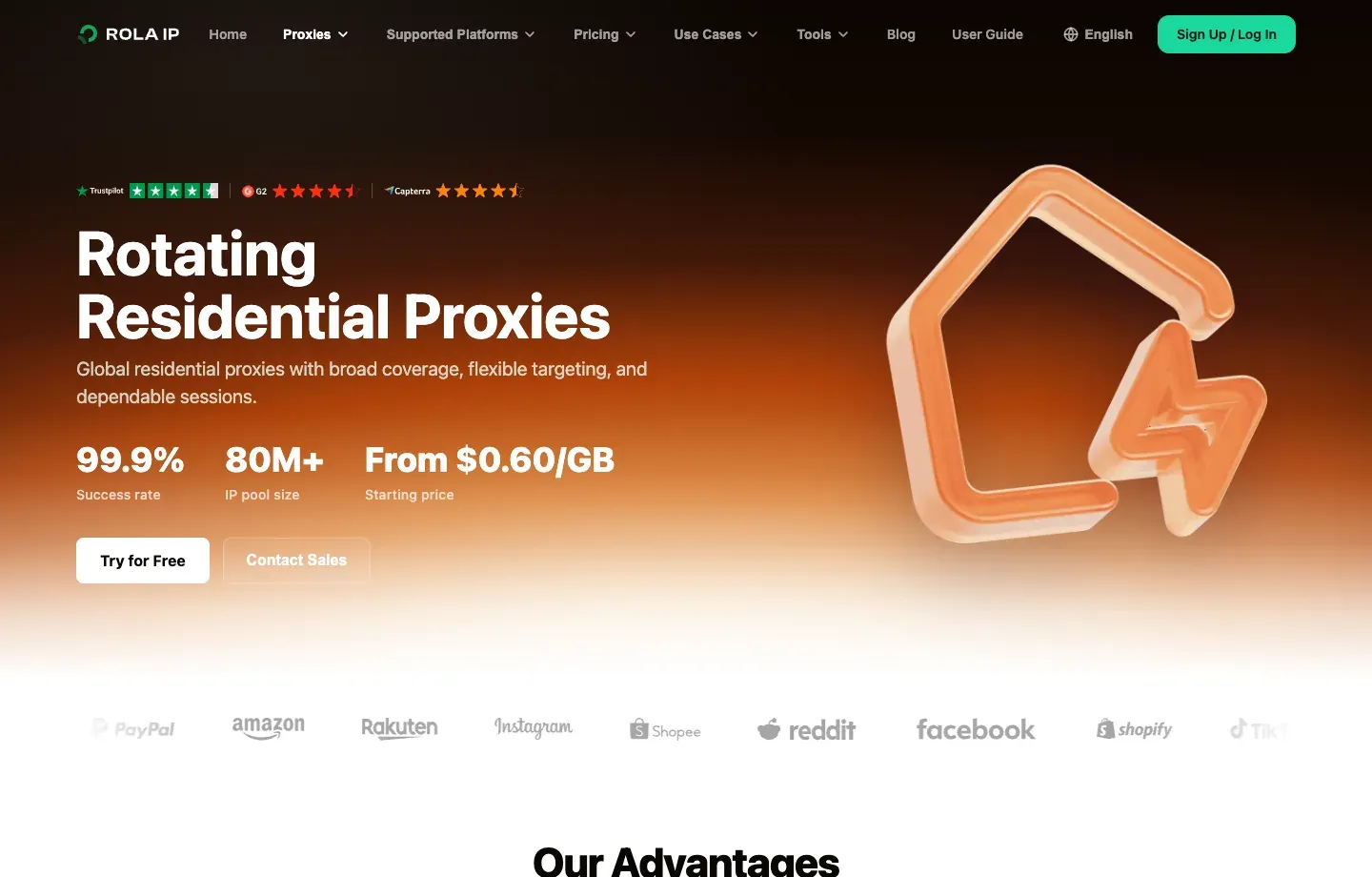
For sneaker monitoring, rotating residential proxies fit public product, price monitoring, and inventory validation across multiple regions. Country, state, or city parameters should match the target store’s location. Stateless requests can rotate, while tasks that require continuous context should use a sticky session. Rola IP’s current PAYG price is $4/GB, with lower unit prices at 50GB, 100GB, and larger tiers. The lowest $0.60/GB price corresponds to a 10,000GB plan valid for 30 days, not the default price for small users.
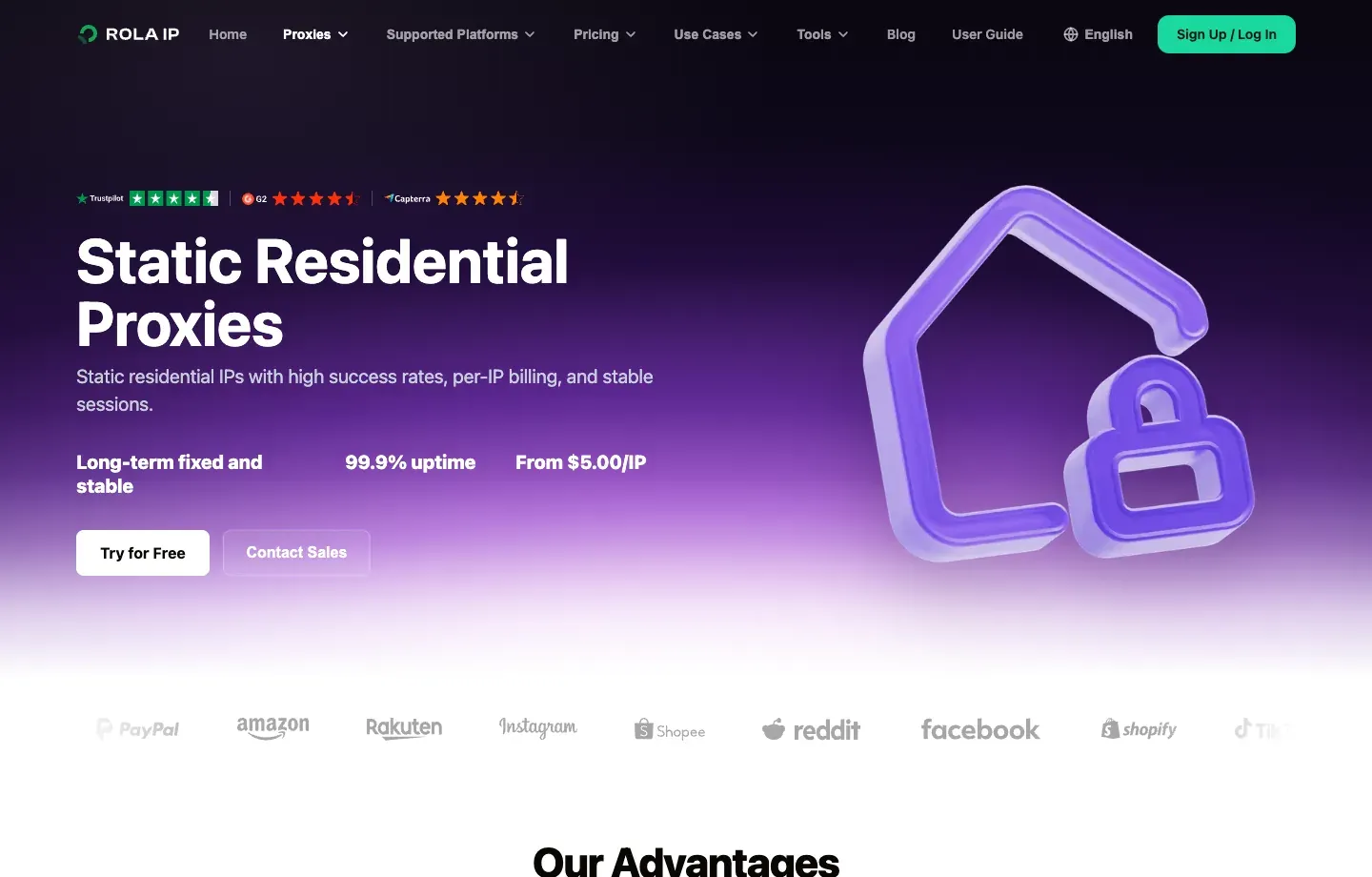
If a task requires a long-term fixed exit, the static residential proxy product offers per-IP purchasing, stable sessions, and unlimited traffic, with the current page showing prices from $5/IP. It is better suited to authorized long-running browser QA or repeat regional tests than to lightweight monitoring that needs frequent city rotation.
Pros
- Rotating and static residential products cover both monitoring and persistent-session workflows.
- 190+ countries and regions, with country-, region-, and city-level selection.
- HTTP(S)/SOCKS5 plus username/password and allowlist authentication for common browsers and tools.
- Sub-accounts, traffic quotas, and validation tools support team management.
- Optimized routes for mainland China can be useful for cross-border teams.
Limitations
- The lowest $0.60/GB rate requires a very large traffic plan; small teams should budget around PAYG or smaller packages.
- Online nodes in a specific city vary over time, so inventory still needs to be verified before purchase.
- The proxy provides the network layer only and does not guarantee that a retailer permits automation or that a purchase can be completed.
Best for: Teams that need public monitoring across multiple regions and want rotating residential plus fixed ISP-style sessions under one provider.
2. Decodo: Best for Simple Self-Service Setup and Flexible Targeting
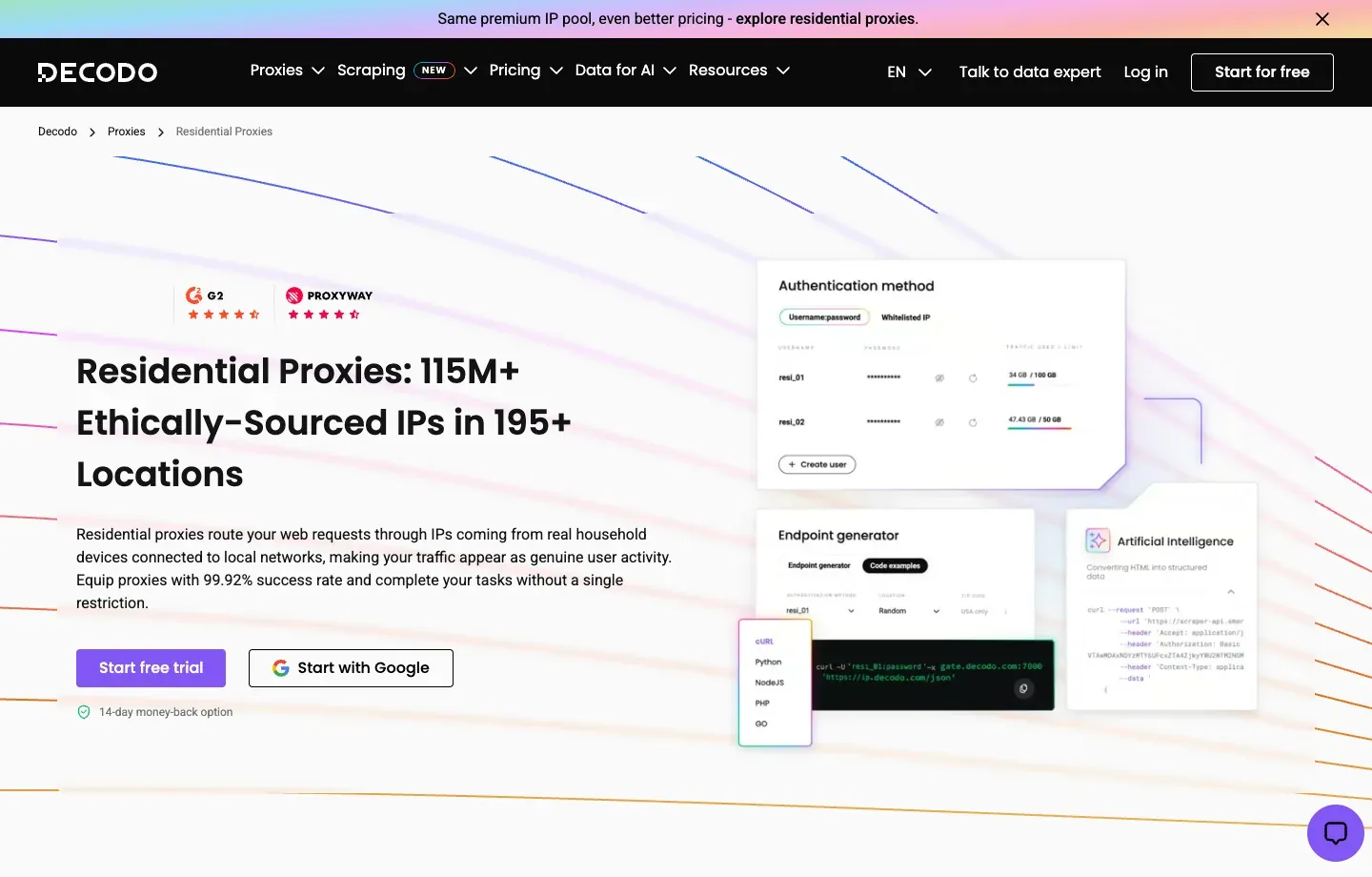
Decodo Residential Proxies currently lists 115M+ IPs across 195+ locations, with country/state/city/ZIP/ASN targeting, HTTP(S)/SOCKS5 support, and both rotating and sticky sessions. Its dashboard makes endpoint generation relatively straightforward, which suits users who want to complete a small validation quickly.
Sneaker workflow analysis. For public product pages, prices, and inventory polling, exits can rotate per request. For authorized workflows that need continuous cookies, geographic selection, or cart QA, keep a fixed session ID and maintain the same region throughout one task. Country, state, city, ZIP, and ASN targeting provide a relatively complete matrix for validating multiple stores or delivery areas instead of checking only country-level pages.
Control and scaling. Decodo’s dashboard provides endpoint generation, real-time usage statistics, spend analysis, allowlisting, and team collaboration. For a small team, generating an endpoint in the dashboard and copying it into a tool is less error-prone than manually constructing username parameters. As workloads expand, traffic and spend can also be reviewed by project. HTTP(S) covers most browsers and data-collection tools, while SOCKS5 fits software that explicitly requires that protocol.
Pricing and procurement. Current PAYG pricing is $4/GB, while a 3GB monthly plan is about $3.75/GB; $2/GB corresponds to higher enterprise traffic tiers. Residential plans can use the full proxy pool and advanced targeting, but monthly, PAYG, trial, and refund conditions differ. Low-volume users should compare minimum top-up requirements and how unused traffic is handled, while high-volume users should include extra GB consumed by retries in the real cost.
Pros
- Clear self-service purchasing and endpoint generation for fast first-round compatibility testing.
- Country, state, city, ZIP, and ASN targeting supports a broad regional test matrix.
- Both rotating and sticky sessions let teams separate public monitoring from continuous QA.
- Usage, spend, allowlisting, and team features help a project grow from individual testing to a small team.
Limitations
- $2/GB is not the default price for small users; the lowest rate requires a larger traffic commitment.
- A configurable sticky-session duration does not guarantee that a residential node stays online for the full period.
- Real-time city and ZIP node counts vary, so target-region inventory should still be checked before a release.
- Overall success-rate claims cannot replace valid-content testing against specific retail pages during peak traffic.
Best for: Individuals and small teams that want to start with low traffic, generate endpoints for multiple regions quickly, and manage rotating and sticky sessions in one dashboard.
3. Webshare: Best for Budget-Sensitive Small-Scale Trials
Webshare Residential Proxies offers self-service residential proxies. Its official page lists an 80M+ pool and an entry option of about $3.50/GB for 1GB, with larger-volume pricing falling to about $1.40/GB. Its purchasing and management interface is simple, making it suitable for low-cost sample testing before a larger procurement.
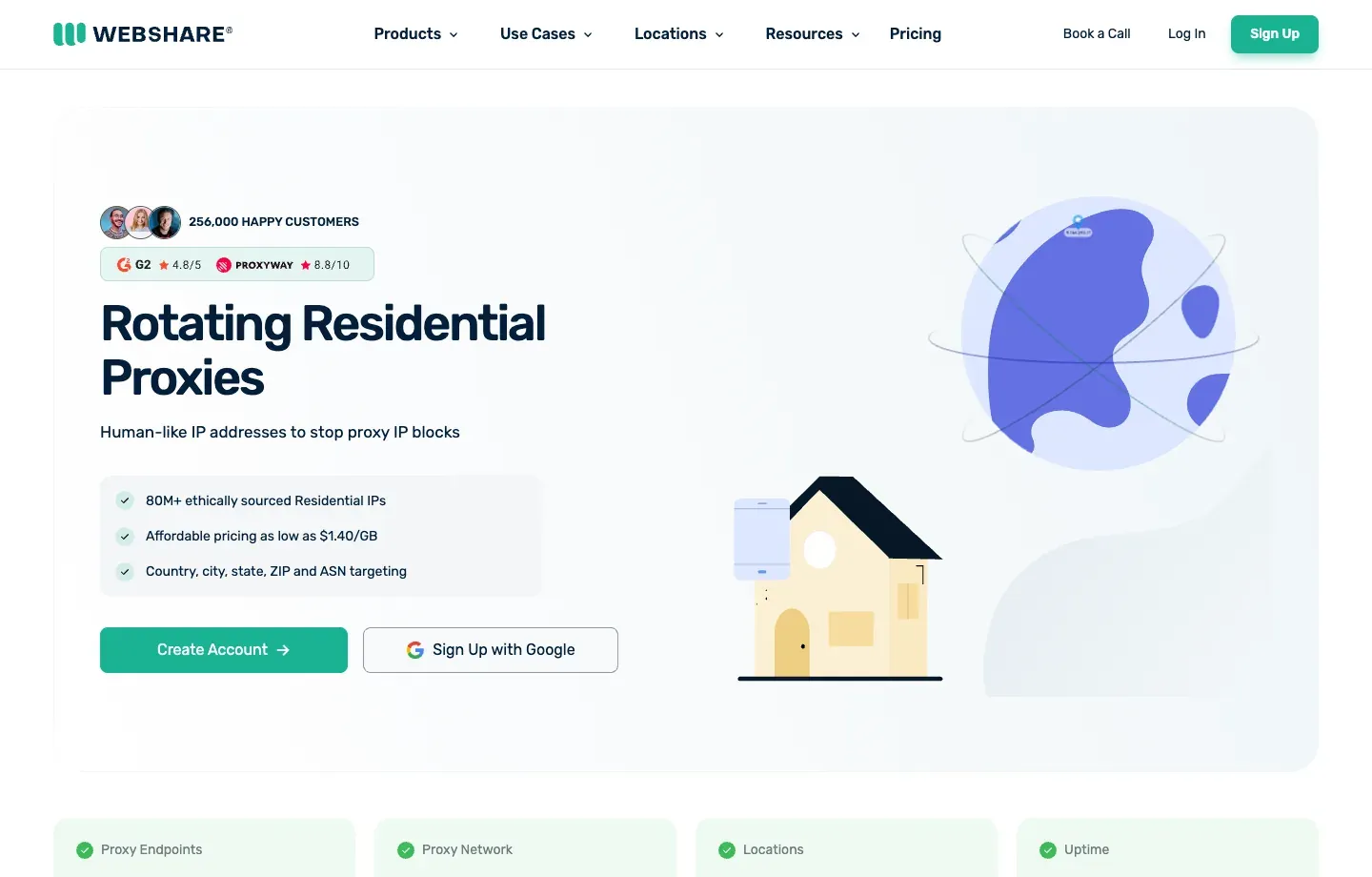
Sneaker workflow analysis. Webshare is a practical option for first checking whether a proxy works with existing software, whether usable nodes exist in the target country, and whether a public product page returns the correct regional content. Residential proxies can handle multi-region rotating monitoring, while static residential or datacenter products can take fixed-exit or low-risk page tests. Splitting these workloads across the three network types helps avoid using per-GB residential traffic for every task.
Management experience. Webshare’s strengths are its self-service dashboard and relatively low trial barrier. Users can begin with a small proxy list or residential endpoint and then increase bandwidth or quantity gradually. For someone buying proxies for sneaker bots for the first time, this model is easier to budget than immediately signing a large enterprise contract, and it also makes it easier to isolate whether an issue comes from protocol, authentication, geography, or the target page.
Pricing and procurement. The current page shows an entry option of about $3.50/GB for 1GB, while larger-volume pricing can fall to about $1.40/GB. That gap shows how strongly volume commitment affects unit cost. Before buying, confirm whether city or ZIP targeting is included in the selected plan, whether residential traffic rolls over, whether static IPs are shared, what the replacement rules are, and whether access to the intended target requires additional review.
Pros
- Small plans and self-service management suit budget-limited proof-of-concept testing.
- Residential, static residential, and datacenter products can be separated by task to control bandwidth cost.
- The pricing structure is relatively easy to understand and supports a small-sample-first approach.
- Teams that only need basic country or city testing face a relatively low setup barrier.
Limitations
- The lowest unit rates depend on larger volume; a 1GB test price does not represent scaled cost.
- Advanced targeting, session duration, and rules for specific targets must be verified plan by plan.
- Self-service plans generally provide less support depth and customization than more expensive enterprise offerings.
- If a workflow depends on a very small city or a specific ASN, verify live inventory rather than relying on the total pool size.
Best for: Individuals or startups with limited budgets that want to validate tool compatibility, basic geographic coverage, and real per-page traffic before deciding whether to scale procurement.
4. SOAX: Best for Precise Targeting and Customizable Sessions
SOAX Residential Proxies currently lists 155M+ residential IPs across 195+ locations, with city and ASN/ISP targeting, rotating and sticky sessions, and HTTP(S)/SOCKS5 support. SOAX’s value lies in flexible targeting and session parameters, making it suitable for teams that need rigorous QA across multiple regions.
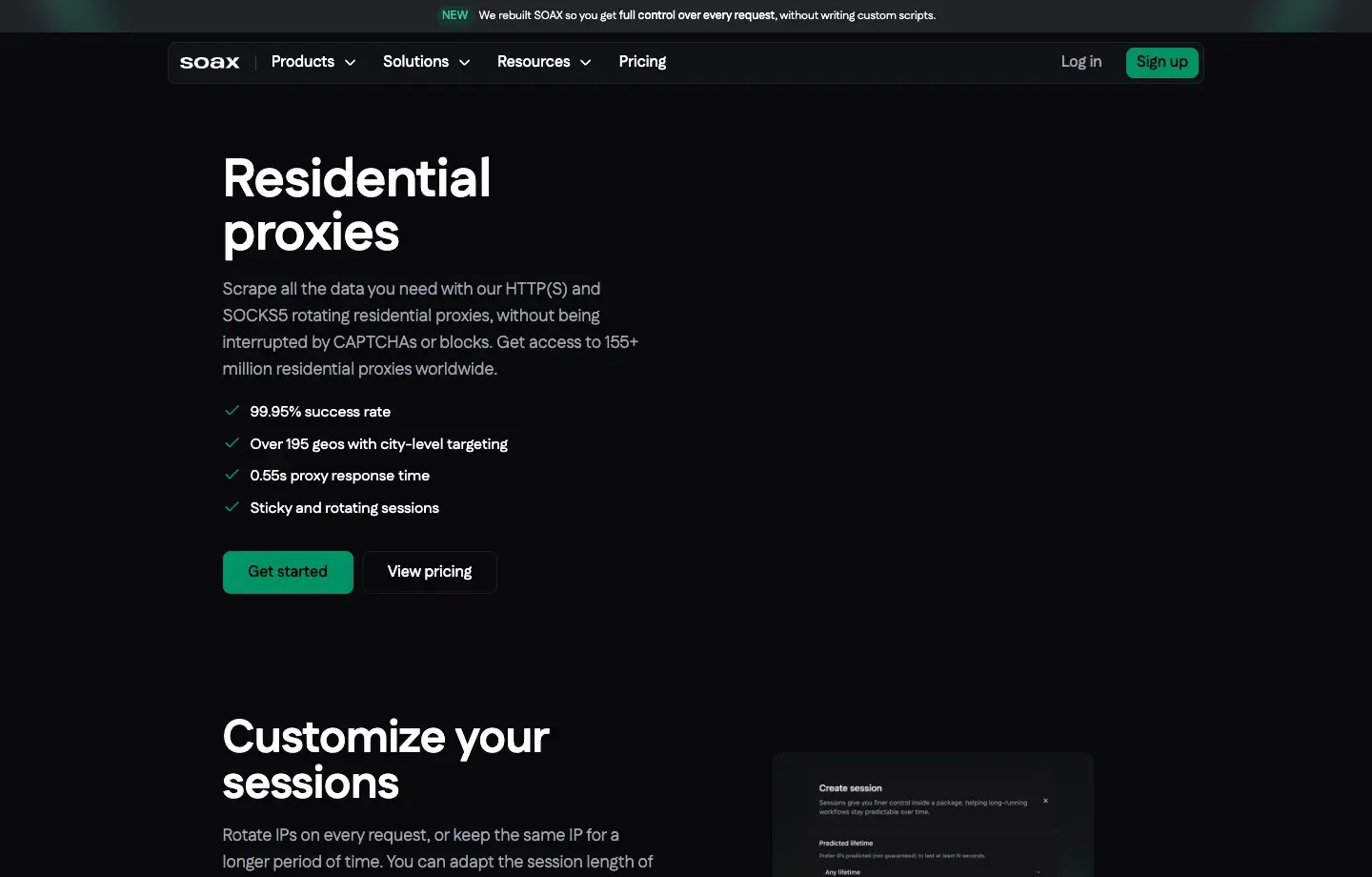
Sneaker workflow analysis. SOAX’s main advantage is not simply the number of IPs, but the combination of country, city, ASN, or ISP filters with session controls. Teams validating how pages appear in specific cities such as New York, London, or Tokyo can create separate endpoints for each location. Keep a session when continuous context is required and rotate only when sampling across users or locations. That is more controlled than blindly changing IPs on every request.
Residential and mobile combination. Residential and mobile traffic can be used within the same plan, which is convenient for QA teams that need to compare broadband web pages with mobile-carrier rendering. Mobile proxies usually cost more and have higher latency, so they should not be the default for every task. A more efficient design is to use residential traffic for routine public monitoring and mobile traffic only for clearly defined mobile-specific differences.
Pricing and procurement. The current Starter plan is 25GB at $3.60/GB, and there is also a $1.99 trial with 400MB for three days. The trial is enough to validate connectivity and a small number of locations, but it is not representative of peak performance. Before purchasing, confirm concurrency, live coverage in the target region, sticky-session duration, overage pricing, and the exact accounting model for residential versus mobile traffic.
Pros
- City, ASN, and ISP targeting fits detailed geographic and carrier testing.
- Rotating and customizable sticky sessions make it easy to separate stateless monitoring from continuous QA.
- Residential and mobile networks can be combined in one plan, reducing multi-product administration.
- Suitable for building a professional test matrix segmented by region, network type, and session mode.
Limitations
- The Starter monthly minimum is higher than pure PAYG and may not suit occasional personal use.
- A combined mobile/residential plan is convenient, but traffic and cost per valid result should still be measured separately.
- Fine-grained targeting reduces the available node pool, so small cities or specific ASNs may have variable capacity.
- Peak performance still needs equal-condition testing against the actual retail pages.
Best for: Professional QA, market-research, or ecommerce-intelligence teams with a defined city or ASN test matrix that need controlled comparisons between residential and mobile networks.
5. Oxylabs: Best for Enterprise Global Coverage and Technical Support
Oxylabs Residential Proxies lists 175M+ residential IPs across 195 locations, with country/state/city/ZIP targeting, sticky sessions, unlimited concurrency, and HTTP(S), HTTP3, and SOCKS5. For cross-market public product research, it provides a relatively complete endpoint-generation, user-management, and enterprise-support system.
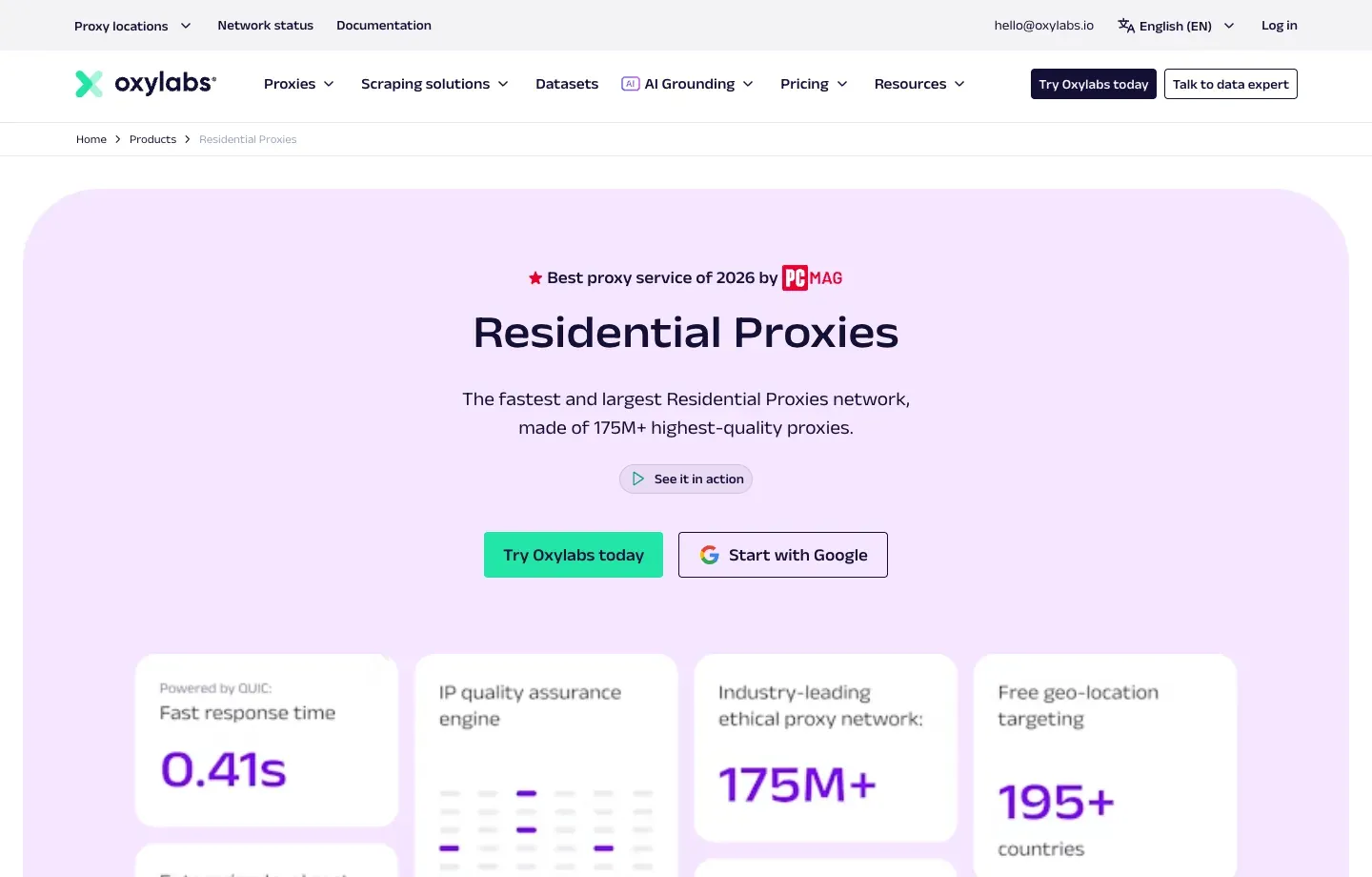
Sneaker workflow analysis. For public product research across the United States, Europe, and Asia, Oxylabs provides country, state, city, and ZIP targeting, making it possible to test the same product page across different delivery regions in a consistent framework. Sticky sessions can support authorized continuous browser QA. Unlimited concurrency is useful for internal data-collection infrastructure, but it does not mean that a target site permits unlimited requests.
Technical and team capabilities. HTTP(S), HTTP/3, and SOCKS5 cover different integration requirements, while endpoint generation, documentation, user management, and enterprise support are useful for collaboration across development teams. For enterprise procurement, an account manager, SLA, permission management, and a clear escalation path can matter more than the lowest unit price, especially when release windows are short and failures need to be diagnosed quickly.
Pricing and procurement. The current Starter plan is 5GB at $6/GB, while a 20GB plan is about $5/GB. It is not the least expensive option for small tests, but a small package can validate the target region and tool compatibility before a larger commitment. Enterprise buyers should also confirm contracted traffic, overage charges, trial limits, KYC, permitted targets, and the scope of support.
Pros
- Global coverage plus country, state, city, and ZIP targeting suits cross-market testing.
- Rotating, sticky, and multi-protocol capabilities cover both collection scripts and browser QA.
- Documentation, user management, account support, and procurement processes suit mature organizations.
- Unlimited concurrency gives internal architecture room to scale and centralize multiple projects.
Limitations
- Small-volume unit pricing is higher than entry-level providers, so individuals may not benefit from the enterprise features.
- Network size and official success-rate figures are global metrics and cannot predict performance on a specific retail page.
- High concurrency must still respect target-site limits; unlimited proxy concurrency is not permission to send unlimited requests.
- More enterprise features can make first-time configuration and procurement review more complex than pure self-service products.
Best for: Medium and large organizations that need global geographic coverage, formal SLAs, team permissions, support escalation, and compliant procurement processes.
6. Bright Data: Best for Enterprise Control and Compliance Workflows
Bright Data Residential Proxies offers broad geographic targeting, rotating and sticky sessions, Proxy Manager, usage controls, and enterprise compliance workflows. The current page lists 400M+ monthly residential IPs across 195 countries and supports country, state, city, ZIP, carrier, and ASN targeting.
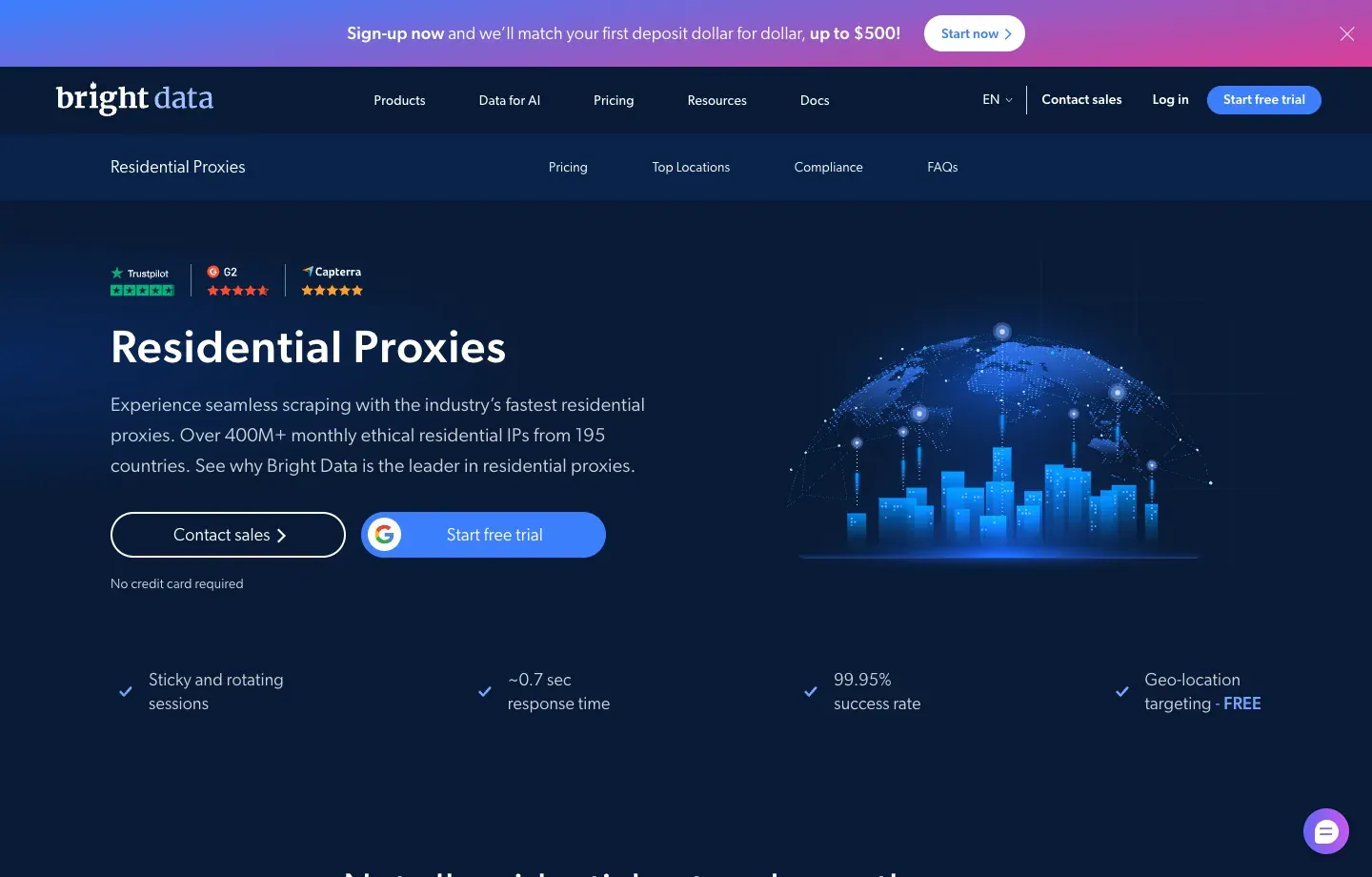
Sneaker workflow analysis. Bright Data is better suited to organizations that treat residential proxies as part of enterprise data infrastructure rather than buying only a few GB for a one-off task. Country, city, ZIP, carrier, and ASN targeting can support complex geographic matrices. Proxy Manager, real-time usage information, and spend limits help separate brands, markets, or test environments into controlled units.
Governance and compliance. Residential and mobile networks commonly require KYC, and Bright Data also emphasizes acceptable-use review, user permissions, and compliance materials. KYC adds onboarding steps, but for organizations that need vendor due diligence, audit evidence, budget approval, and multi-seat management, those processes can be an advantage. Teams should explain in advance whether the workload is public-page research, regional QA, or another authorized use case.
Pricing and procurement. The standard residential PAYG price is currently listed at $8/GB, although the page may show a limited-time 50% discount to $4/GB; promotional monthly tiers such as 141GB, 332GB, and larger volumes may also appear. Procurement teams should record the standard rate, promotion period, discount code, monthly commitment, and overage rules instead of treating a temporary discount as long-term TCO.
Pros
- Targeting, Proxy Manager, real-time analytics, budget limits, and team permissions are comprehensive.
- Multiple regions, projects, and users can be brought under a single enterprise-governance model.
- Residential, ISP, datacenter, and other data products can form a broader testing stack.
- Compliance and procurement materials plus enterprise support fit organizations that require auditable controls.
Limitations
- Standard PAYG pricing is relatively high, so the budget impact after a promotion ends should be evaluated in advance.
- The product line and control surface are more complex than small self-service services.
- KYC and target review can lengthen initial onboarding and are not ideal for unplanned last-minute procurement.
- 400M+ monthly IPs is a network-wide metric, not a guarantee of online inventory in one city at a specific moment.
Best for: Enterprise customers that need governance, auditing, fine-grained budget controls, multiple team seats, and advanced proxy management.
7. IPRoyal: Best for Small Traffic Purchases and Long Sticky-Session Tests
IPRoyal Residential Proxies currently lists 64M+ IPs in 195+ countries, with state and city targeting, unlimited concurrency, HTTP(S)/SOCKS5, and sticky sessions configurable for up to seven days. Its residential traffic is advertised as non-expiring, which can suit intermittent workloads.
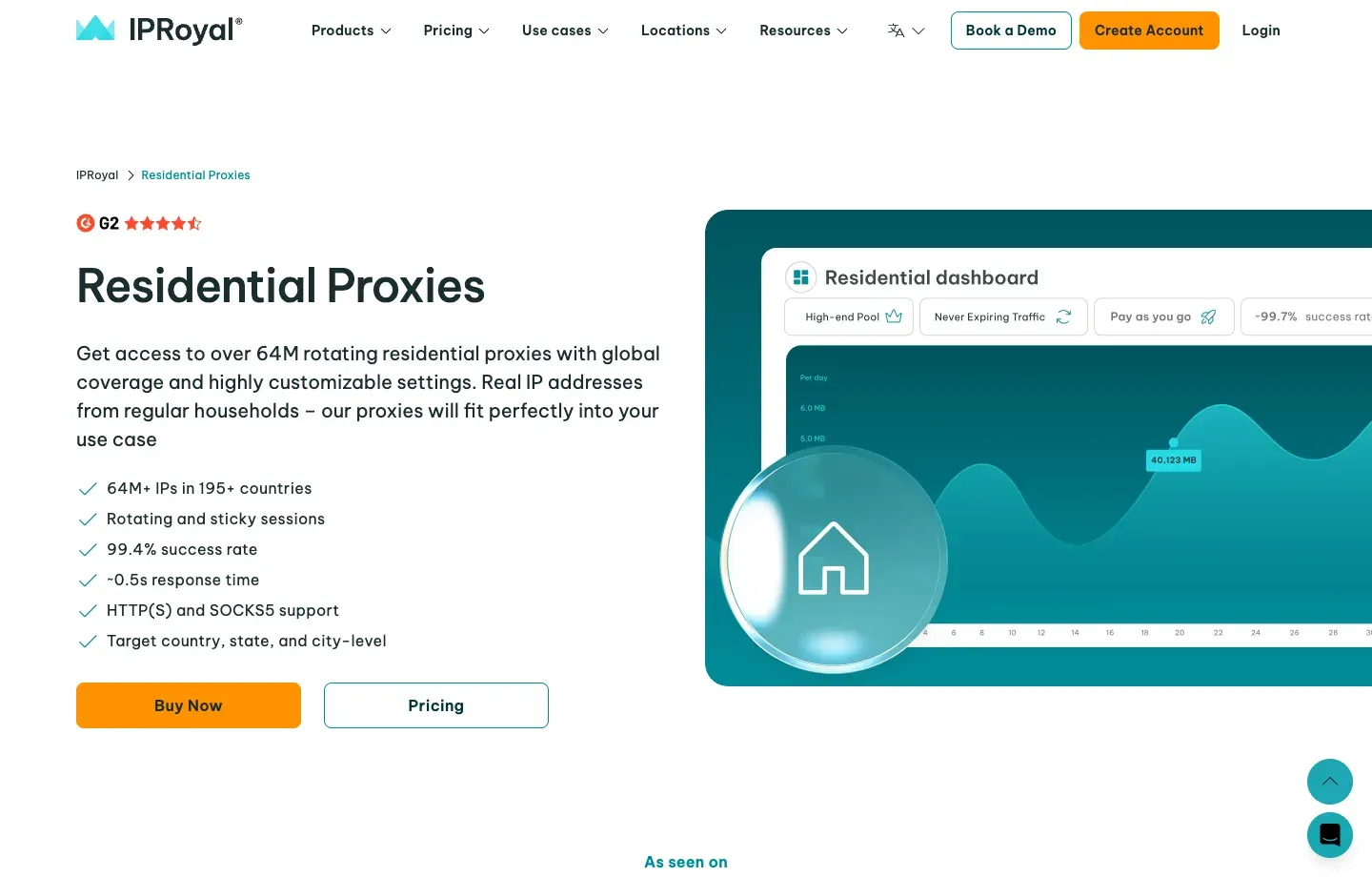
Sneaker workflow analysis. IPRoyal fits users whose tasks are spaced far apart and consume only a small amount of traffic each time. Non-expiring residential traffic means one purchase can span multiple test cycles, while a sticky parameter configurable up to seven days can be useful for testing long-TTL behavior. The underlying residential nodes still come from real devices and may go offline, so the configured maximum must not be interpreted as a connection guarantee.
Controls and product mix. A 64M+ pool, 195+ countries, state and city targeting, HTTP(S)/SOCKS5, and unlimited concurrency cover common integration needs. IPRoyal also offers ISP, datacenter, and mobile products. Public monitoring can use rotating residential proxies, while fixed-exit QA should compare ISP products separately instead of trying to extend a residential session indefinitely.
Pricing and procurement. Current subscription pricing starts at $7/GB, with PAYG at $7.35/GB; the lower $1.75/GB rate corresponds to a custom 10TB-scale commitment. Small-volume pricing is higher than some competitors, but non-expiring traffic can reduce waste for intermittent tasks. Compare the purchase amount, unused-traffic validity, sticky-session interruption rate, and cost per valid result together.
Pros
- Non-expiring residential traffic is friendlier to low-frequency or seasonal workloads.
- Small purchases and PAYG can validate the target region before a larger procurement.
- State and city targeting, HTTP(S)/SOCKS5, and flexible TTL cover common needs.
- ISP, datacenter, and mobile products can supplement later testing.
Limitations
- Small-volume unit pricing is not especially low; the advertised lowest rate applies only to TB-scale purchases.
- A seven-day sticky setting is a configurable maximum, and residential nodes can still go offline mid-session.
- Unlimited concurrency describes proxy-side capacity; the target page still requires responsible rate control.
- Teams that need enterprise SLAs, complex permissions, and centralized governance should evaluate whether the feature depth is sufficient.
Best for: Individuals and small teams with intermittent usage that want to preserve unused traffic or compare long sticky settings with fixed ISP sessions.
8. HypeProxies: A Specialized U.S.-Focused ISP Option
HypeProxies Proxy Solutions focuses on ISP, residential, and sneaker proxies. Its main ISP package currently lists 50 IPs for $65 per month, or about $1.30/IP, and emphasizes unlimited traffic and U.S. infrastructure.
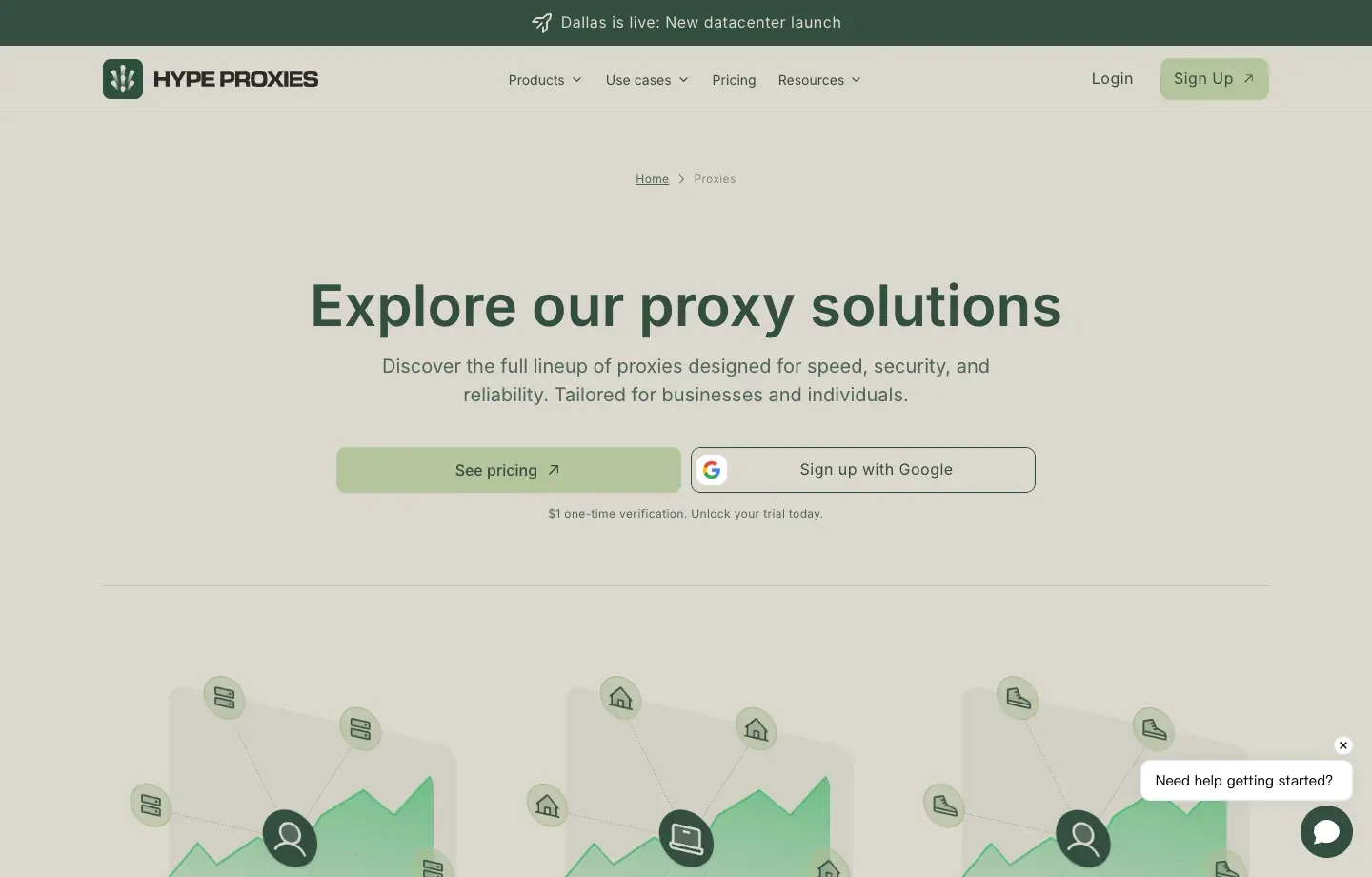
Sneaker workflow analysis. HypeProxies differentiates itself by presenting ISP and sneaker proxies as explicit product categories, with more emphasis on fixed U.S. exits, persistent sessions, and latency-sensitive testing. For users who need one IP to stay stable during an authorized browser QA flow, validate U.S. delivery regions, or preserve cookie context, per-IP purchasing can be easier to plan than per-GB rotating residential traffic.
How it differs from a global residential pool. ISP proxies are typically hosted on datacenter infrastructure but use network ownership that more closely resembles broadband providers, which can combine a fixed identity with lower latency. The trade-off is lower IP count and less geographic diversity. This does not replace a rotating residential pool that spans many countries and cities, especially when a workflow must sample Europe, Asia, and the United States together.
Pricing and procurement. The main ISP package currently shown on the homepage is 50 IPs for $65 per month, or about $1.30/IP, with unlimited traffic and U.S. infrastructure emphasized. For per-IP plans, confirm whether addresses are shared or dedicated, whether the same IP is retained after renewal, replacement limits, concurrency or thread rules, the actual state or city, and whether the intended retail target is permitted.
Pros
- Clear U.S. ISP and sneaker-use positioning for fixed-exit testing.
- Per-IP billing and unlimited traffic make persistent-session cost easier to plan.
- Fixed ISP infrastructure is usually online more consistently than residential nodes tied to real user devices.
- A focused product range suits users who already know that they specifically need U.S. ISP addresses.
Limitations
- Geographic coverage and pool diversity are narrower than large global residential providers.
- A 50-IP starting package may exceed the needs of an individual or a small single-region sample.
- Buyers should verify the exact state, city, ASN, and whether the addresses are truly dedicated.
- A “sneaker proxies” category must not be interpreted as a purchase-success guarantee; page, queue, and policy compatibility still require testing.
Best for: Teams focused on the United States that need fixed exits and long sessions and can estimate the required IP count in advance. Cross-continent monitoring should be paired with a global residential network.
How Should You Choose the Best Sneaker Proxy Providers by Use Case?
Choosing by workflow is more reliable than buying solely by overall ranking: use rotating residential proxies for cross-region public monitoring, ISP proxies for long-running authorized sessions, datacenter proxies for low-risk high-speed testing, and providers with mature controls and compliance processes for enterprise governance.
| User or workflow | First providers to test | Proxy type | Why |
|---|---|---|---|
| Small-team regional inventory monitoring | Rola IP, Decodo, Webshare | Rotating residential | Easy to start and scalable by traffic |
| City-level public page validation | Rola IP, SOAX, Oxylabs | Residential | City-level or finer targeting options |
| Long-running fixed-browser QA | Rola IP Static, Bright Data ISP, HypeProxies | ISP / static residential | Fixed IP and stable latency |
| Global enterprise procurement | Oxylabs, Bright Data, SOAX | Residential + governance | Multi-region coverage, support, and team controls |
| Intermittent low-volume tasks | IPRoyal, Webshare, Rola IP PAYG | Residential | Small or flexible traffic models |
| Mobile carrier page testing | SOAX or mobile proxy products | Mobile | Validate how pages appear on real mobile networks |
For best proxies for sneaker bots, the most practical answer is not to buy only one provider. Start by selecting two providers for a small A/B test. Compare valid page rate and cost under the same region, time window, target URL, request frequency, and session mode so differences in test conditions do not distort the result.
How to Buy Proxies for Sneaker Bots: Buying Checklist
Before you buy proxies for sneaker bots, write the target region, session length, traffic, protocol, and compliance boundaries into a test specification, then purchase the smallest package that can validate those requirements.
- List the retail pages you are permitted to access, the country/city, task time, and required data fields.
- Separate stateless monitoring from multi-step sessions that need to preserve cookies.
- Confirm that your tool supports HTTP(S) or SOCKS5 and either username/password or IP-allowlist authentication.
- Estimate per-page traffic for both browser and pure HTTP workflows; do not estimate HTML size alone.
- Check traffic expiration, auto-renewal, overage, refund, IP replacement, and KYC rules.
- Test both normal periods and high-traffic periods, recording valid page rate, P95 latency, and IP persistence.
- Review the provider’s acceptable-use policy and target restrictions to confirm that your workflow is permitted.
- Scale only after validating the smallest plan; do not make a large one-time purchase based solely on total pool size.
Free public proxies are not suitable for this type of workload. Their sourcing, number of shared users, logging policies, and historical reputation are usually unverifiable, and credentials or cookies may be exposed. A legitimate “free test” should come from a provider-controlled trial and use test pages with no sensitive account data.
How Many Proxies for Sneaker Bots Are Enough?
There is no universal ratio such as “one task requires X proxies.” The required amount depends on concurrent sessions, geographic distribution, whether sessions must remain fixed, proxy type, and the target site’s permitted access rate.
Plan Rotating Residential Proxies by Bandwidth and Concurrency
Rotating residential pools usually do not require buying a fixed number of IPs in advance. Instead, you purchase traffic and control concurrency. Start by determining pages per minute, average traffic per page, number of regions, and check frequency. For example, 50 public product pages transferring 1.2MB each and checked 30 times per day would consume about 1.8GB/day. With retry and page-change headroom, budgeting around 2.2-2.5GB/day is more realistic.
Plan ISP Proxies by Persistent Sessions
Fixed ISP proxies are better estimated by the number of independent test sessions that need to exist at the same time. One authorized persistent browser profile should map to one stable exit and be released when the task ends. Unrelated users should not share the same cookie and IP context. Keep a small amount of replacement and diagnostic capacity, but do not artificially create more sessions to evade purchase limits.
Estimate Residential Bandwidth with a Formula
Monthly traffic ≈ page count × MB transferred per page × checks per day × days ÷ 1024 × (1 + retry buffer)
Actual billing usually includes both upstream requests and downstream responses. When using a browser, blocking nonessential images, video, and fonts can reduce cost, but only if those resources do not affect page logic. Rola IP’s bandwidth calculator can help convert page volume and frequency into a traffic budget.
How to Test Residential Proxies for Sneakers
Testing should verify whether the proxy is stable in your target region and real workflow, not just run a one-time speed test against an IP-checking site.
Step 1: Validate Authentication, Protocol, and GEO
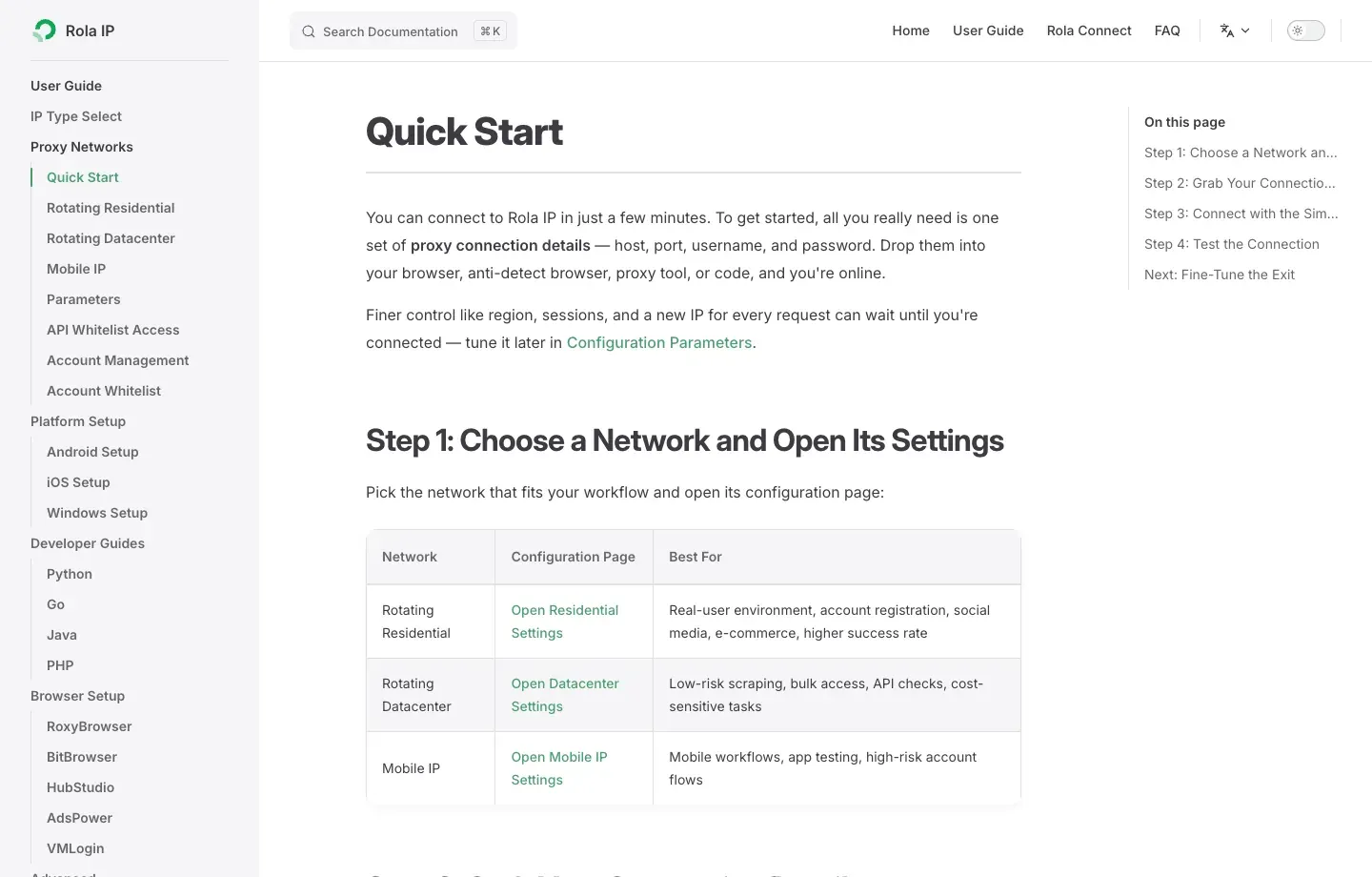
Follow Rola IP’s proxy quick start to create a connection and confirm the host, port, protocol, and authentication method. Then use an independent IP lookup to verify the country, city, ASN, and network type. If the target city does not match, adjust the parameters or inventory first instead of proceeding with business testing.
Step 2: Validate Rotating or Sticky Behavior
For rotation testing, send a small number of low-frequency requests and record exit changes. For sticky testing, check at intervals throughout the planned session length to verify that the same exit remains in use. Country, city, session ID, and duration should be configured according to the proxy parameters; do not mistake a newly generated random session for proxy instability.
Step 3: Validate Content on the Target Page
On representative pages that you are authorized to access, record the HTTP status, page title, expected product elements, regional currency, inventory fields, and response time. An HTTP 200 response that contains a CAPTCHA, login page, error template, or content from the wrong region should count as an invalid result.
Step 4: Compare Performance Before and During Peak Periods
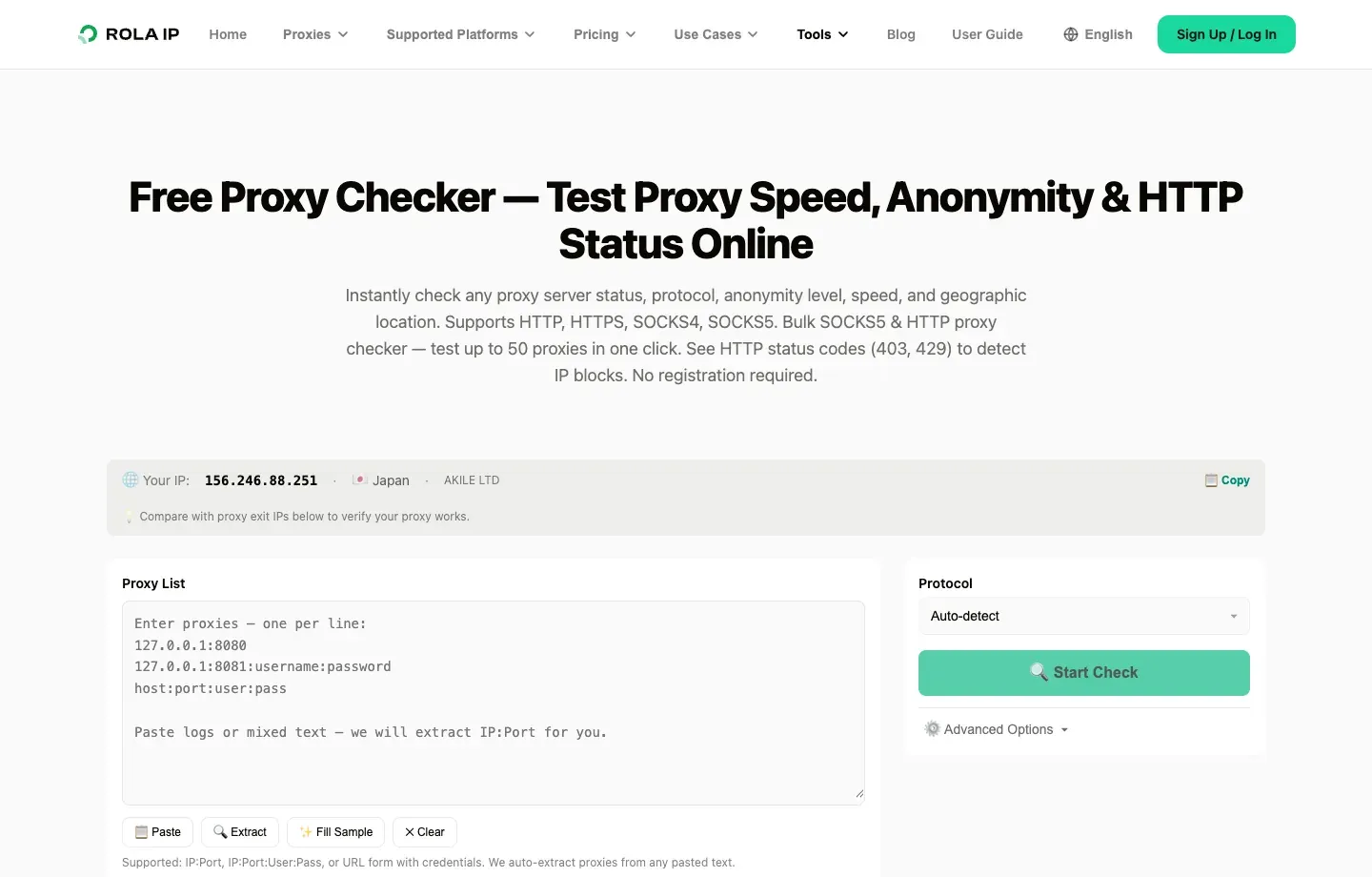
Compare providers using exactly the same URLs, regions, session parameters, concurrency, and time window. At minimum, track connection success rate, valid content rate, P50/P95 latency, sticky-session persistence, retry count, transferred GB, and cost per valid result. A proxy speed test can support initial latency checks, but it does not replace target-page validation.
Common Sneaker Proxy Problems and Troubleshooting
Troubleshoot in this order: authentication and network, actual GEO, session strategy, target-page content, then request rate and bandwidth. Do not respond to every error by repeatedly switching IPs.
| Symptom | Likely cause | What to verify first | Safe response |
|---|---|---|---|
| 407 Proxy Authentication Required | Incorrect credentials, port, or allowlist | Dashboard-generated format, special-character encoding, outbound IP allowlist | Regenerate credentials and test on the provider’s proxy-check page |
| Region mismatch | Incorrect parameter format or no online nodes in the target city | Country/city/ASN lookup results | Fall back to state or country level and ask the provider to confirm inventory |
| Sticky IP changes mid-session | Session ID changed, TTL expired, or residential node went offline | Session parameters and timestamps | Stop identity-sensitive steps and restart the flow |
| 429 Too Many Requests | Request rate is too high | Retry-After, concurrency, duplicate URLs | Slow down, cache results, and use exponential backoff |
| 403 or challenge page | Permission, policy, or risk-control restriction | Response body, site terms, supported-target rules | Stop repeated attempts and confirm authorization or use an official interface |
| Latency suddenly increases | Distant region, node load, or local network path | P95 latency, target region, concurrent connections | Reduce concurrency and test nearby regions rather than relying only on averages |
| Unexpected bandwidth consumption | Browser resources, repeated refreshes, or failed retries | HAR, resource types, and retry logs | Disable nonessential resources, deduplicate requests, and set budget alerts |
Conclusion
The right way to choose the best residential proxies for sneaker bots is to separate public monitoring, regional validation, and persistent sessions, then compare residential, ISP, and datacenter products under the same test conditions instead of looking only at global IP counts or the lowest unit price.
Rola IP suits teams that need precise regional coverage and want to manage both rotating and static residential products. Decodo and Webshare fit self-service and small-scale validation; SOAX, Oxylabs, and Bright Data lean toward advanced targeting and enterprise management; IPRoyal is useful for intermittent traffic and long-TTL tests; and HypeProxies is a more specialized U.S. ISP option.
Start with the smallest package that can be validated, test it against the target region, real pages, and planned session length, and scale based on valid page rate and total cost. Any proxies for sneaker bots should be used within retailer rules and applicable law and should not be treated as a way to bypass purchase limits or access controls.