
How to Scrape Airbnb Data from Authorized Files with Python

Aug 21, 2026 · Guides · 7 min read
To scrape Airbnb data without sending unauthorized automated requests to Airbnb, start with a file or dataset you are allowed to process. This guide provides a working Python parser for an authorized local HTML file, shows how to validate its JSON-LD output, and explains which collection details to keep with every record.
Airbnb’s current Terms of Service say not to use bots, crawlers, scrapers, or other automated means to access or collect data from the platform without authorization. They also prohibit attempts to avoid security or technical measures. The code below therefore reads a local file only. It never sends a request to Airbnb, handles a login, or attempts to work around a restriction.
Reviewed August 31, 2026. Airbnb terms and data formats can change; check the current source and your authorization before running a recurring workflow.
Quick answer
The compliant way to scrape Airbnb data is to avoid automated collection from Airbnb unless you have express authorization. Use an approved API, a licensed dataset, an export of your own data, or an HTML file supplied under permission. Then parse and validate that local input. This is also the safer model for Airbnb data scraping projects that need an audit trail, clear field definitions, and less maintenance.
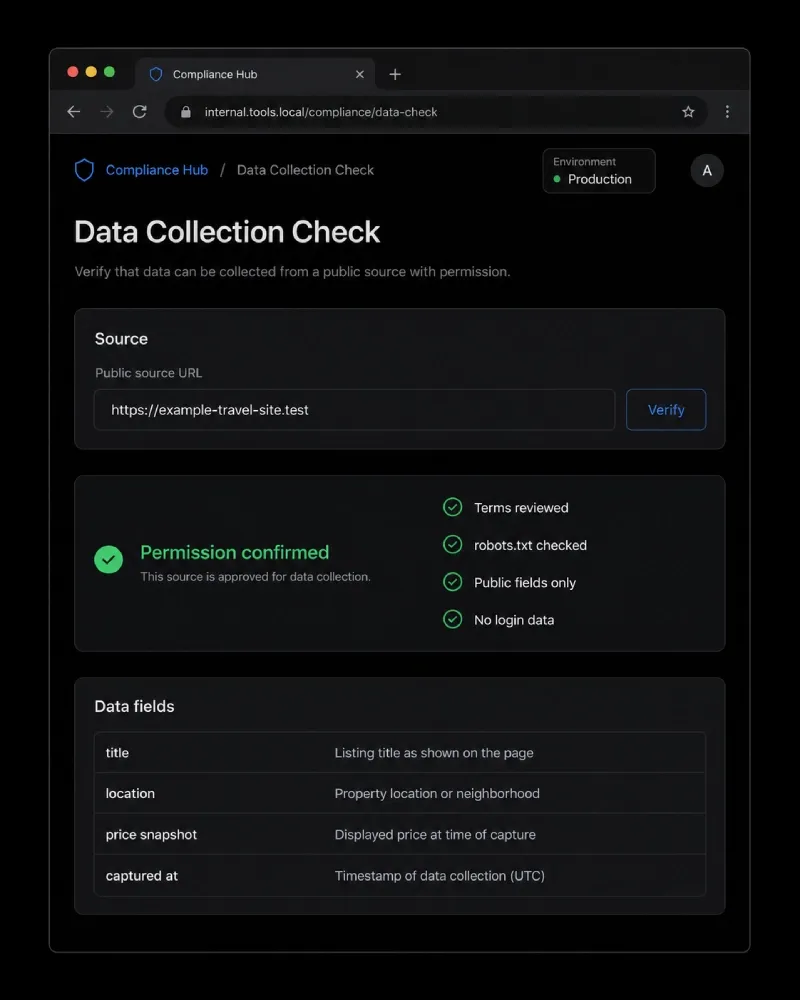
Illustrative UI mockup, not an Airbnb page. Check the source terms and your written authorization before collecting or processing any marketplace data.
Know what an authorized data project includes
Public visibility is not the same as permission to automate collection. Before you process a single page or file, write a short collection record that names the source, the business purpose, the permission or license, the allowed fields, the retention period, and the owner responsible for the data.
| Data source or task | Appropriate only when | Keep out of scope |
|---|---|---|
| Your own listing export | You control the listing or have the account holder’s authorization | Guest details, payment data, and content outside your stated purpose |
| A licensed travel dataset | The license covers the fields, geography, and intended use | Republishing, resale, or enrichment that the license does not allow |
| A file supplied by a partner | The partner has the right to share it and the agreement allows processing | Hidden identifiers, personal contact data, or unrelated records |
| An Airbnb platform page | Airbnb has expressly authorized the automated use | Login-gated pages, booking flows, messages, and any access that violates the Terms |
Airbnb’s Terms of Service were last updated on February 5, 2026 and explicitly restrict automated scraping. Its robots.txt is still useful for understanding crawler directives, but it is not a grant of permission and does not override the Terms or applicable law.
Build a collection checklist before you parse anything
Use this checklist for each source and keep it with the project documentation:
- Confirm authority. Record the contract, written permission, platform approval, or license that lets you use the data.
- Limit the fields. Collect only the fields needed for the defined analysis, such as a listing title, broad location, or a time-stamped price observation where permitted.
- Exclude sensitive data. Do not collect account credentials, guest data, private messages, payment information, or contact details that are not necessary and authorized.
- Check terms and crawler rules. Revisit them when the workflow changes. A changed policy is a reason to pause and review the collection plan.
- Record provenance. Save the source file name, license or approval reference, collection date, geography, search assumptions, and parser version with every output batch.
This discipline makes your data easier to explain later. It also prevents a common mistake: treating a one-time manual observation as if it were an approved recurring pipeline.
Parse an authorized local HTML file with Python
The following example is intentionally local-only. It reads authorized_listing.html from your computer and extracts structured JSON-LD that the file contains. Use it only with an HTML export or file you are allowed to process. It does not fetch a URL and does not call Airbnb.
Set up the local parser
In PowerShell, create an isolated environment and install the parser dependency:
python -m venv .venv
.venv\Scripts\Activate.ps1
python -m pip install beautifulsoup4 lxml
Save the next script as inspect_listing_html.py in the same folder as your approved input file.
import json
import sys
from datetime import datetime, timezone
from pathlib import Path

from bs4 import BeautifulSoup


def clean_text(value):
    return value.strip() if isinstance(value, str) else ""


def expand_nodes(value):
    """Return JSON-LD objects, including items nested inside @graph."""
    if isinstance(value, list):
        nodes = []
        for item in value:
            nodes.extend(expand_nodes(item))
        return nodes

    if isinstance(value, dict):
        nodes = [value]
        if "@graph" in value:
            nodes.extend(expand_nodes(value["@graph"]))
        return nodes

    return []


def address_text(address):
    if isinstance(address, str):
        return address.strip()
    if not isinstance(address, dict):
        return ""

    parts = [
        clean_text(address.get("addressLocality")),
        clean_text(address.get("addressRegion")),
        clean_text(address.get("addressCountry")),
    ]
    return ", ".join(part for part in parts if part)


def offer_details(node):
    offers = node.get("offers", {})
    if isinstance(offers, list):
        offers = offers[0] if offers else {}
    if not isinstance(offers, dict):
        return "", ""
    return clean_text(offers.get("price")), clean_text(offers.get("priceCurrency"))


def parse_local_html(path):
    soup = BeautifulSoup(path.read_text(encoding="utf-8"), "lxml")
    records = []
    lodging_types = {"LodgingBusiness", "VacationRental", "Accommodation"}

    for script in soup.select('script[type="application/ld+json"]'):
        raw_json = script.get_text(strip=True)
        if not raw_json:
            continue

        try:
            payload = json.loads(raw_json)
        except json.JSONDecodeError:
            continue

        for node in expand_nodes(payload):
            node_type = node.get("@type", [])
            if isinstance(node_type, str):
                node_types = {node_type}
            elif isinstance(node_type, list):
                node_types = {item for item in node_type if isinstance(item, str)}
            else:
                node_types = set()
            if not lodging_types.intersection(node_types):
                continue

            price_snapshot, currency = offer_details(node)
            records.append(
                {
                    "title": clean_text(node.get("name")),
                    "location": address_text(node.get("address")),
                    "price_snapshot": price_snapshot,
                    "currency": currency,
                    "source_file": path.name,
                    "parsed_at": datetime.now(timezone.utc).isoformat(),
                }
            )

    return records


if __name__ == "__main__":
    if len(sys.argv) != 2:
        raise SystemExit("Usage: python inspect_listing_html.py authorized_listing.html")

    source_path = Path(sys.argv[1])
    if not source_path.is_file():
        raise SystemExit(f"File not found: {source_path}")

    print(json.dumps(parse_local_html(source_path), indent=2, ensure_ascii=False))
Run it with:
python inspect_listing_html.py authorized_listing.html
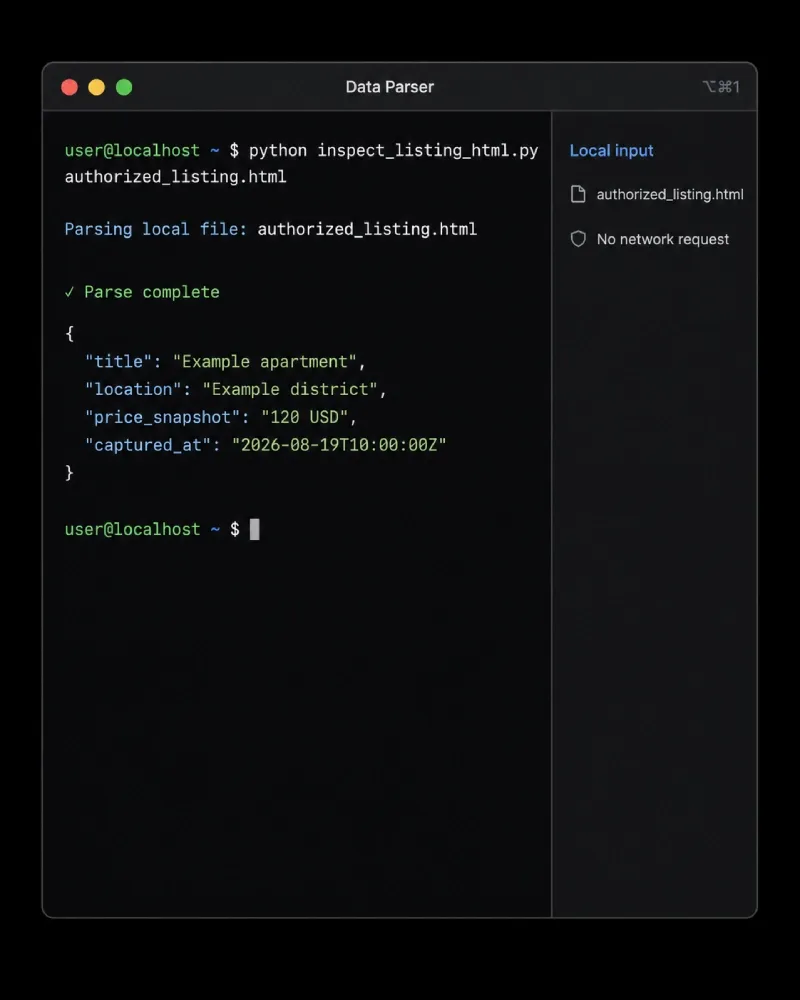
Illustrative local parser output. The example uses a fictional listing and makes no network request.
Verify the output instead of trusting every field
JSON-LD is helpful when it exists, but it is not a universal data contract. Check the result against the approved source and write down how each field is defined. For example, a displayed price may be a nightly amount, a total for selected dates, or an amount before taxes and fees. Do not turn an empty value into a guess.
For a reliable analysis table, keep at least these columns:
| Column | Why it matters |
|---|---|
source_file or licensed dataset ID |
Lets you trace the record back to its authorized source |
parsed_at |
Shows when your system processed the file |
price_snapshot and currency |
Prevents a number from losing its commercial meaning |
| Dates, guests, and stay length when applicable | Explains the conditions behind a displayed total |
| Geographic scope | Distinguishes a broad city observation from a precise address |
| Permission or license reference | Shows why the record is in the dataset |
If your approved input contains no JSON-LD, do not respond by probing hidden endpoints, reverse engineering client code, or trying to defeat an access control. Ask the data owner for a supported export, an API, or a licensed file format instead.
Where proxies fit in an authorized workflow
A proxy is a networking tool, not a permission mechanism. It can route a request through a particular region or provide a stable outbound connection for sources that have approved your collection method. It does not turn prohibited Airbnb web scraping into allowed activity, bypass a platform’s controls, or replace a contract with the data owner.
For other sources where you have permission to collect localized public data, a web scraping proxy can be part of the connection layer. Rola IP’s public product pages describe residential, ISP, and datacenter options, while its documentation explains the normal host, port, username, and password setup. Choose the network profile based on the authorized task, not on an attempt to avoid a platform rule.
For example, a permitted price-research workflow may need to verify how an approved source displays prices in several regions. In that case, proxies for price monitoring may help keep the connection setup consistent. The same rule applies to a static residential proxy used for an approved, stateful session: record the source approval and use the smallest collection scope that meets the business need.
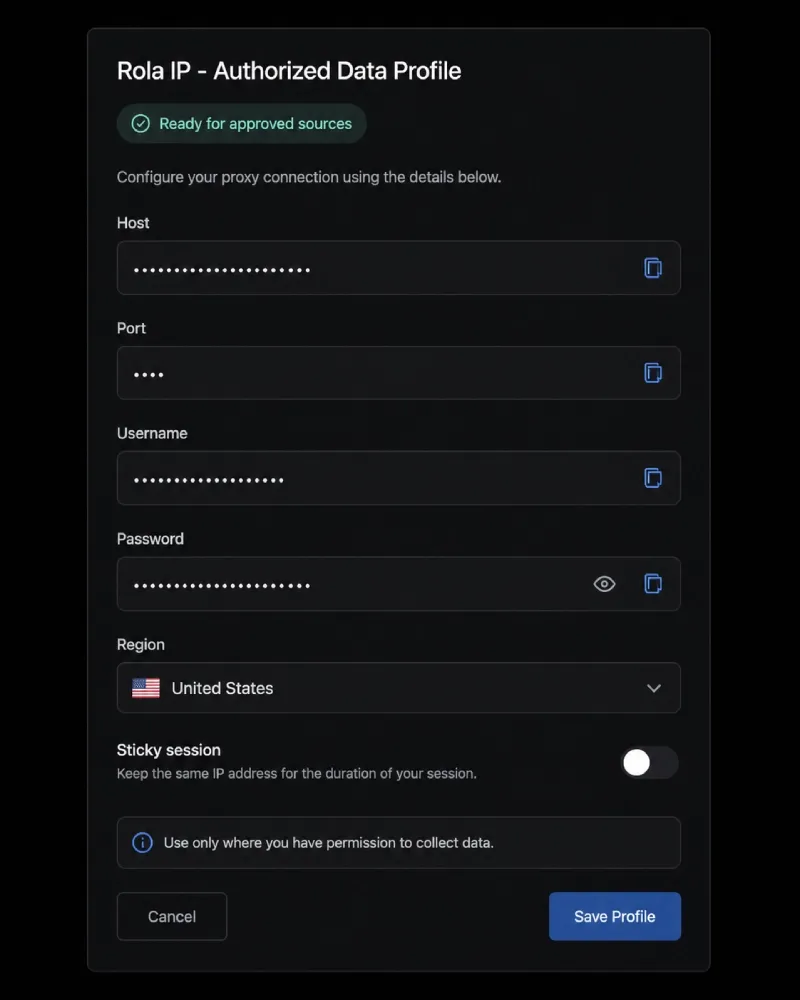
Illustrative Rola IP configuration mockup, not an actual product screen. Connection values are intentionally redacted.
If you are configuring Rola IP for an approved source, begin with the English proxy quick start. Test the connection against a benign endpoint you control before attaching it to a permitted data workflow, and never include live credentials in code repositories, screenshots, or support tickets.
Common Airbnb data scraping mistakes and safer alternatives
| Problem | Why it is a problem | Safer alternative |
|---|---|---|
| Starting with an Airbnb scraper because a page is visible | Airbnb’s Terms restrict automated collection from the platform | Get written authorization, use a licensed dataset, or analyze an approved export |
Treating robots.txt as a blanket approval |
Crawler rules do not supersede platform terms, contracts, or law | Review both the Terms and the permission that covers your use case |
| Trying to overcome a 403 or CAPTCHA | It can indicate that automated access is not allowed or that a control is active | Stop the run and review authorization instead of escalating automation |
| Saving a price without its conditions | Travel prices can depend on dates, guests, currency, fees, and locale | Save the assumptions and timestamp with every observation |
| Collecting every visible field “just in case” | Unnecessary data creates privacy, retention, and governance risk | Define a minimal schema before processing files |