
How to Scrape YouTube: Videos, Comments & Channels

Sep 4, 2026 · Guides · 16 min read
TL;DR
The safe approach to how to scrape YouTube is to prioritize the YouTube Data API to retrieve public, authorized-to-use videos, search results, comments, and channel metadata. Use search.list first to find video IDs, then use videos.list to batch-fill in view count, duration, and comment count; channel data uses channels.list, and top-level comments use commentThreads.list, paginated through nextPageToken. Only consider page parsing or browser automation for public fields the API doesn’t provide but that your project genuinely has permission to read.
The code snippets below illustrate the request, pagination, and field-mapping patterns. They are not a complete repository, so add API-key handling, retries, tests, and command-line packaging before using them in production. An actual call to the YouTube Data API requires your own API key. This article only covers public metadata and authorized data — it doesn’t download video files, and it doesn’t bypass login, age restrictions, regional restrictions, CAPTCHAs, or other access controls.

Figure 1: YouTube oEmbed returns English metadata for a public video.
What Is YouTube Data Scraping?
YouTube data scraping converts public, authorized-to-access video, channel, search-result, or comment information into structured records. “How to scrape YouTube videos” in a data project usually means scraping video metadata — not downloading .mp4 files. Common fields include video ID, title, description, publish time, channel ID, duration, view count, like count, comment count, thumbnail, and public status.
A complete YouTube scraper also needs to handle: separating search from detail endpoints, batch backfilling, pagination tokens, disabled comments, hidden subscriber counts, deleted videos, quota budgets, incremental updates, duplicate records, and data-retention rules.
Is It Legal to Scrape YouTube Data?
There’s no single answer that applies to every project — legality depends on the data type, access method, platform terms, copyright, privacy, jurisdiction, and intended use. Public metadata carries different rights and risks than the full video, captions, or comment text.
Commercial projects should complete a legal and data-governance review before launch, and build in source attribution, data minimization, retention periods, deletion requests, and access control. Using the YouTube Data API also means complying with its Terms of Service and Developer Policies; using a browser to access content doesn’t grant a license to copy, republish, or train on the data either.
What YouTube Data Can You Scrape?
| Data Object | Typical Fields | Recommended Entry Point | Common Limitations |
|---|---|---|---|
| Search results | Video ID, title, channel, publish time, description | search.list |
Each request costs 100 quota units; results don’t include full video statistics |
| Video details | Duration, view count, like count, comment count, status | videos.list |
Some statistics fields may be missing; up to 50 IDs per batch |
| Channels | Title, subscriber count, video count, total views, uploads list | channels.list |
Subscriber count may be hidden or rounded |
| Comments | Text, author display name, like count, publish time, reply count | commentThreads.list |
A video may have comments disabled; a thread may not include all replies |
| Captions | Available caption tracks and text | Official Captions resource with required OAuth authorization | Not every video has captions; language and permissions vary by video |
| Video files | Audio/video binary content | Out of scope for this article | Downloading, copying, and republishing may involve copyright and platform terms |
How Do You Choose Between the YouTube Data API, Page Parsing, and Browser Automation?
Prioritize the official API first, authorized static-page parsing second, and browser automation last as a final resort. The API provides documented, structured fields that are generally more predictable than internal page markup; parsing YouTube pages directly depends on volatile internal JSON and DOM; browser automation consumes more resources and is more easily affected by consent screens, regional versions, and dynamic loading.
| Method | Best Fit | Advantages | Limitations |
|---|---|---|---|
| YouTube Data API | Search, video details, channels, comments | Official, structured, clear pagination | Requires an API key and quota management |
| In-page JSON | Public fields the API doesn’t provide but permits reading | No need to render a full browser | The internal structure can change anytime — not a stable contract |
| Playwright/Selenium | Authorized fields that only appear after JavaScript runs | Can read the final DOM | High resource and maintenance cost; shouldn’t be used to bypass restrictions |
| Third-party YouTube scrapers | Teams that don’t want to maintain collection infrastructure | Quick to start, fields pre-packaged | Cost, vendor dependency, and data compliance need separate evaluation |
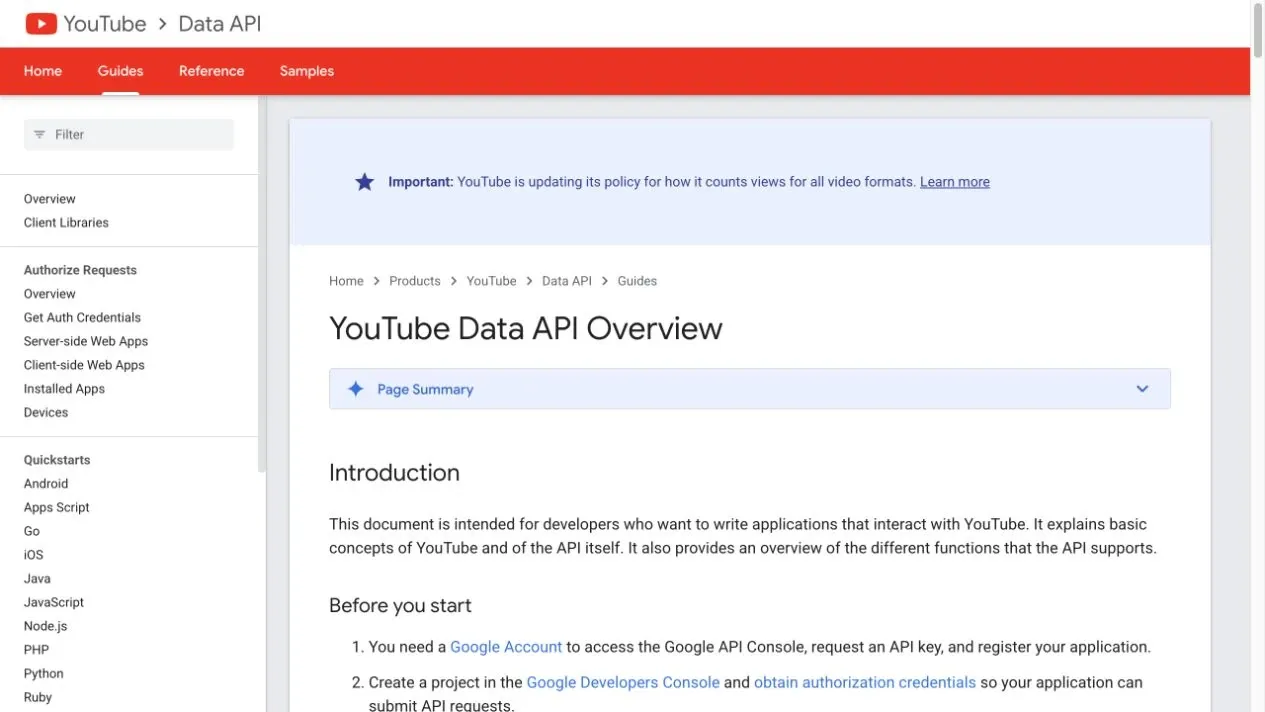
The YouTube Data API overview explains the resource, request, and authorization model; the YouTube API Services Terms and Developer Policies determine how data can be used and retained.
Hands-On: What Data Can You Extract From a Single Public Video Page?
For a single public YouTube video, the smallest reproducible exercise can use the YouTube oEmbed endpoint to extract the title, channel, channel link, thumbnail, and provider; view count, publish time, duration, and comment count should still come from the YouTube Data API’s videos.list. This clearly separates “page-card display data” from “complete video resource data,” and avoids writing an easily-changed browser-UI CSS selector as a long-term interface.
This article uses the public sample page https://www.youtube.com/watch?v=dQw4w9WgXcQ, passing that URL as the url parameter to the English JSON endpoint:
https://www.youtube.com/oembed?url=https://www.youtube.com/watch?v=dQw4w9WgXcQ&format=json
The oEmbed response normally contains title, author_name, author_url, thumbnail_url, thumbnail dimensions, and provider_name. Verify the current response before publication because endpoint availability and fields can change.
import requests

def fetch_video_card(video_url, session=None, timeout=(10, 30)):
    client = session or requests.Session()
    response = client.get(
        "https://www.youtube.com/oembed",
        params={"url": video_url, "format": "json"},
        headers={
            "Accept": "application/json",
            "Accept-Language": "en-US,en;q=0.9",
        },
        timeout=timeout,
    )
    response.raise_for_status()
    if "application/json" not in response.headers.get("Content-Type", ""):
        raise ValueError("Expected an application/json response")

    payload = response.json()
    required = {"title", "author_name", "author_url", "thumbnail_url"}
    missing = required.difference(payload)
    if missing:
        raise ValueError(f"Missing fields: {', '.join(sorted(missing))}")
    return {
        "title": payload["title"],
        "channel": payload["author_name"],
        "channel_url": payload["author_url"],
        "thumbnail_url": payload["thumbnail_url"],
        "thumbnail_size": f"{payload.get('thumbnail_width')}x{payload.get('thumbnail_height')}",
        "provider": payload.get("provider_name", "YouTube"),
    }
python scrape_video_example.py \
  --url "https://www.youtube.com/watch?v=dQw4w9WgXcQ"
For reproducibility, you can save a representative oEmbed response as a local fixture and test the field mapping against it. A fixture is not live data; it only confirms that the parser handles the response structure used in the test.
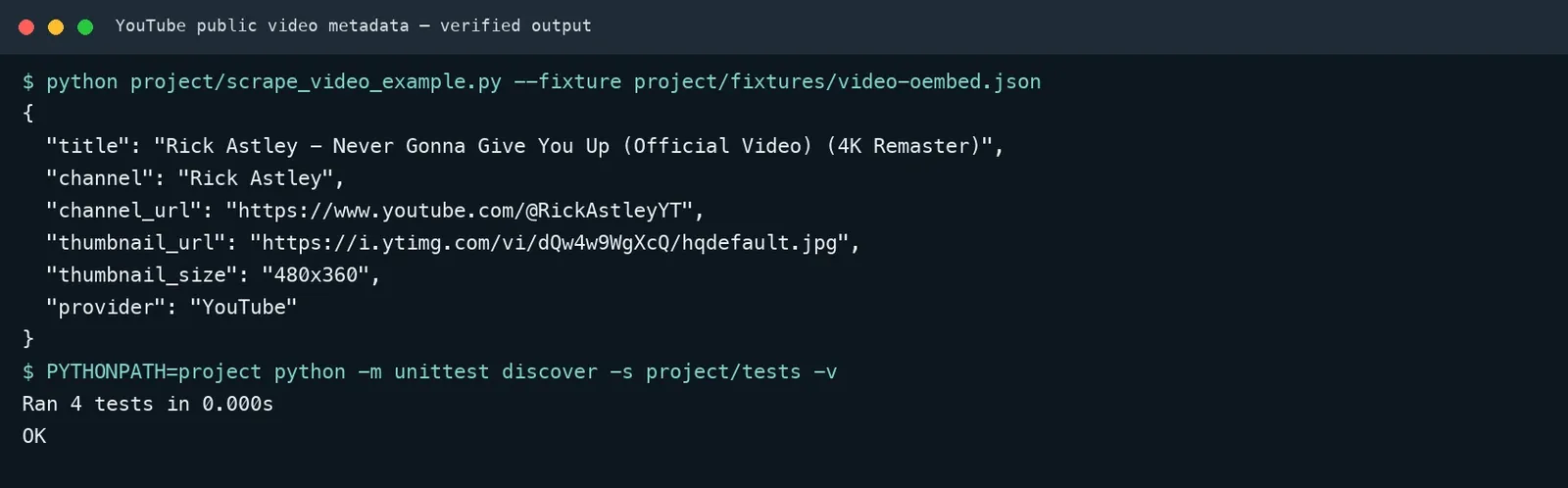
Figure 3: Example extraction output and test layout; run the checks in your own project.
This example has no view count or comment count — you shouldn’t fabricate fields that aren’t there. The search.list and videos.list sections below show how to get video IDs, publish time, duration, and engagement statistics once you have an API key.
Before You Start: Environment, Project Structure, and API Key
First set up a minimal project and put your API key into environment variables — don’t write the key into code or push it to Git. The following is a suggested layout, not a repository included with this article. Pin dependency versions in your own requirements.txt and run the tests against mocked responses before making live API requests.
project/
├── requirements.txt
├── youtube_scraper.py
└── tests/
    └── test_youtube_scraper.py
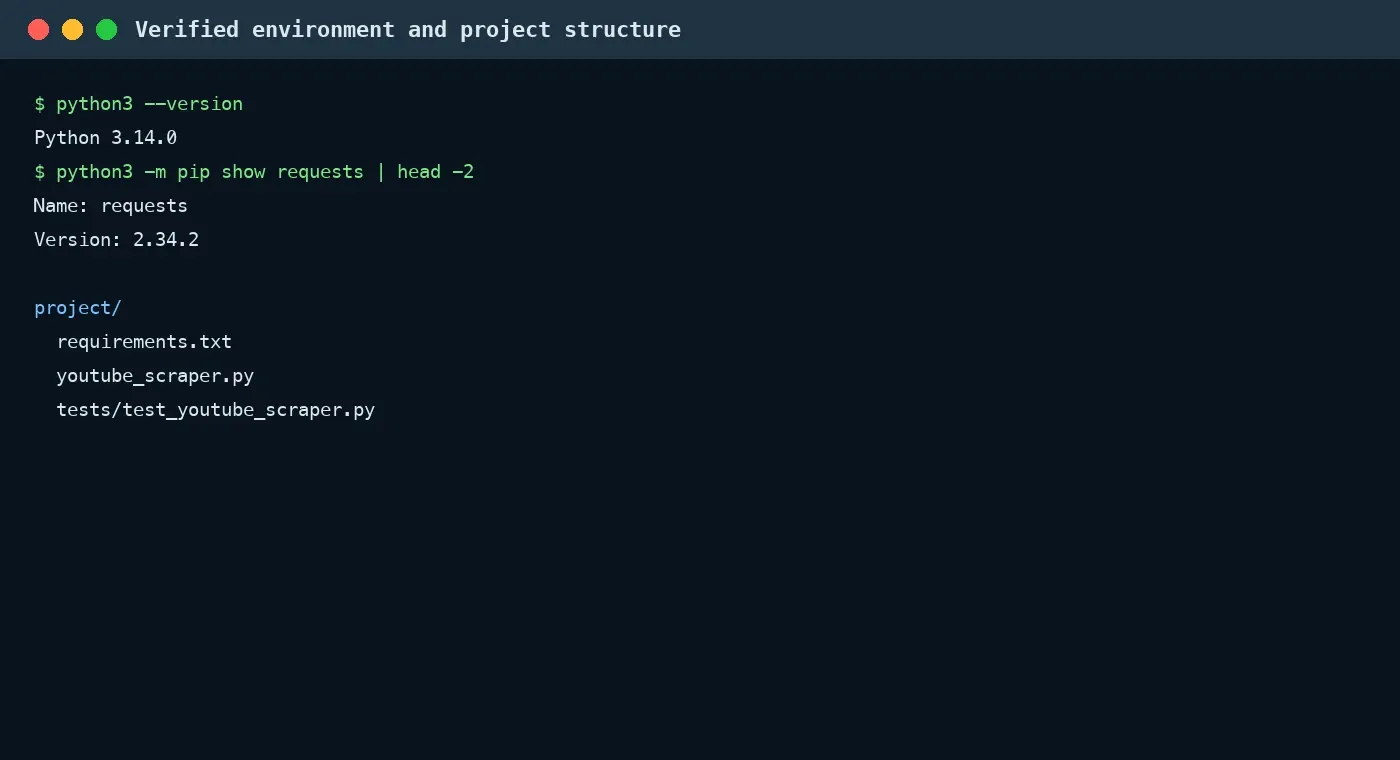
Figure 4: Example Python environment and suggested project structure.
Step 1: Create the Environment and Install Dependencies
python3 -m venv .venv
source .venv/bin/activate  # Windows: .venv\Scripts\Activate.ps1
python -m pip install -r requirements.txt
requirements.txt:
requests==2.34.2
Step 2: Create an API Key
Enable the YouTube Data API v3 in a Google Cloud project, then create and restrict an API key. In production, restrict which APIs can be called, the source IP, or the application type, and rotate any leaked key regularly. See the official YouTube Data API Quickstart for the process.
export YOUTUBE_API_KEY="your_api_key"  # macOS / Linux
$env:YOUTUBE_API_KEY="your_api_key"    # Windows PowerShell
The methods below assume a small client wrapper like this one. It centralizes the API URL, API key, timeout, and HTTP error handling; add exponential backoff around temporary 429/5xx responses in production.
import os
import requests

class YouTubeClient:
    base_url = "https://www.googleapis.com/youtube/v3"

    def __init__(self, api_key=None, timeout=(10, 30)):
        self.api_key = api_key or os.environ["YOUTUBE_API_KEY"]
        self.timeout = timeout
        self.session = requests.Session()

    def get(self, resource, **params):
        params["key"] = self.api_key
        response = self.session.get(
            f"{self.base_url}/{resource}", params=params, timeout=self.timeout
        )
        if not response.ok:
            error = response.json().get("error", {})
            reason = error.get("errors", [{}])[0].get("reason", "unknown")
            raise RuntimeError(
                f"YouTube API error: status={response.status_code}, reason={reason}"
            )
        return response.json()
How Do You Scrape YouTube Search Results?
Using search.list with type=video set converts a keyword search into video ID, title, channel, and publish time. Search results don’t include the full view count and duration, so you should hand the video IDs off to videos.list in the next step to batch-fill in the rest.
The following method belongs inside the YouTubeClient class shown above and uses its get() method.
def search_videos(self, query, max_results=25, page_token=None):
    data = self.get(
        "search",
        part="snippet",
        q=query,
        type="video",
        maxResults=min(max_results, 50),
        pageToken=page_token,
    )
    rows = []
    for item in data.get("items", []):
        rows.append({
            "video_id": item["id"]["videoId"],
            "title": item["snippet"]["title"],
            "channel_id": item["snippet"]["channelId"],
            "channel_title": item["snippet"]["channelTitle"],
            "published_at": item["snippet"]["publishedAt"],
            "description": item["snippet"].get("description", ""),
        })
    return rows, data.get("nextPageToken")
Run it with:
python youtube_scraper.py "python web scraping" \
  --max-results 10 \
  --output youtube_results.csv
When you check the official search.list documentation, pay particular attention to part, q, type, maxResults, pageToken, publishedAfter, regionCode, and relevanceLanguage. Don’t just save the title, since it can’t serve as a stable primary key — your database should use video_id as the unique identifier.
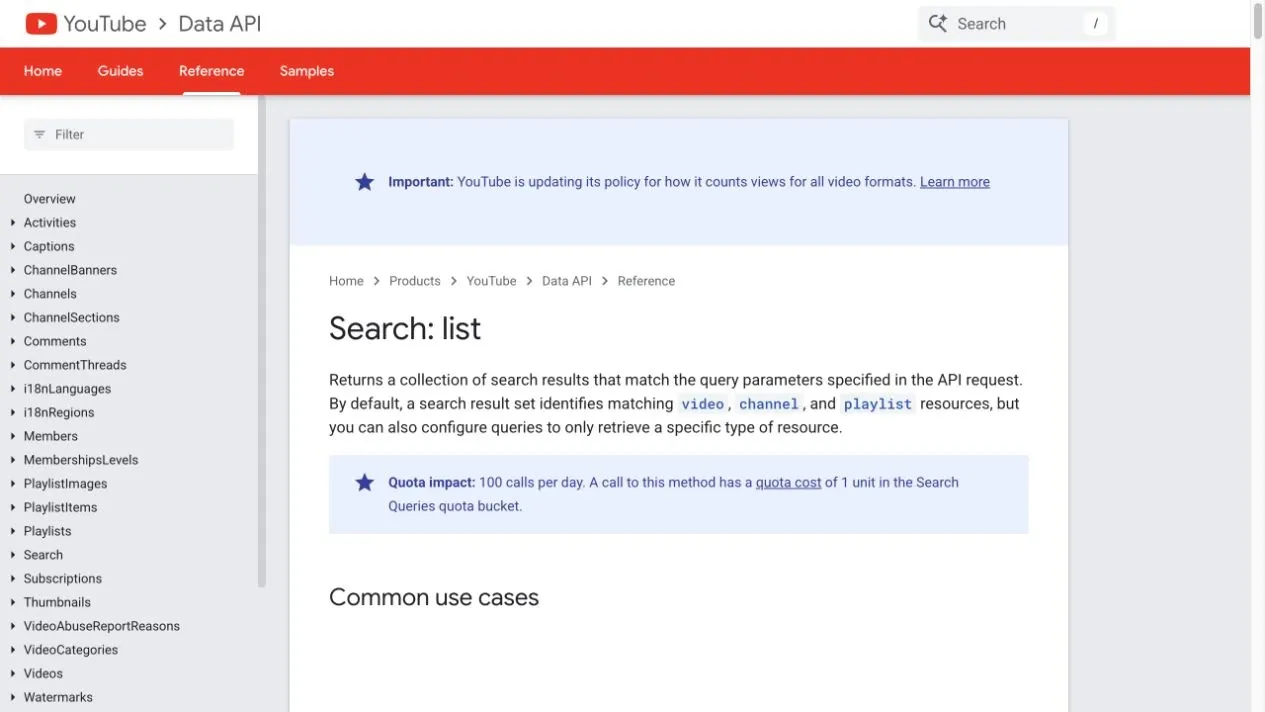
Figure 5: Google’s English search.list reference.
How Do You Paginate Through All Search Results?
Save nextPageToken after every request, until the token is empty, you hit your business limit, or you hit your quota budget. Don’t write page numbers as 1, 2, 3, since the YouTube API uses opaque tokens.
rows, token = [], None
while len(rows) < 200:
    batch, token = client.search_videos(
        "python web scraping",
        max_results=min(50, 200 - len(rows)),
        page_token=token,
    )
    rows.extend(batch)
    if not token:
        break
A production task should also save the query term, request time, region, language, token, count returned, and any API errors. Search ranking changes over time, so “scrape everything” should be defined as a snapshot at a given point in time, under given query parameters and a maximum page count — not a permanently complete set.
How Do You Build a YouTube Video Scraper and Backfill Video Details?
Deduplicating the video IDs from search and calling videos.list in batches of 50 significantly reduces the number of requests. videos.list is well suited to filling in contentDetails, statistics, and status, where duration uses ISO 8601 format, such as PT4M12S.
The following method also belongs inside YouTubeClient.
def video_details(self, video_ids):
    ids = list(dict.fromkeys(video_ids))
    output = []
    for start in range(0, len(ids), 50):
        data = self.get(
            "videos",
            part="snippet,contentDetails,statistics,status",
            id=",".join(ids[start:start + 50]),
        )
        for item in data.get("items", []):
            stats = item.get("statistics", {})
            output.append({
                "video_id": item["id"],
                "title": item["snippet"]["title"],
                "duration": item["contentDetails"]["duration"],
                "view_count": int(stats["viewCount"]) if "viewCount" in stats else None,
                "like_count": int(stats["likeCount"]) if "likeCount" in stats else None,
                "comment_count": int(stats["commentCount"]) if "commentCount" in stats else None,
                "privacy_status": item["status"]["privacyStatus"],
            })
    return output
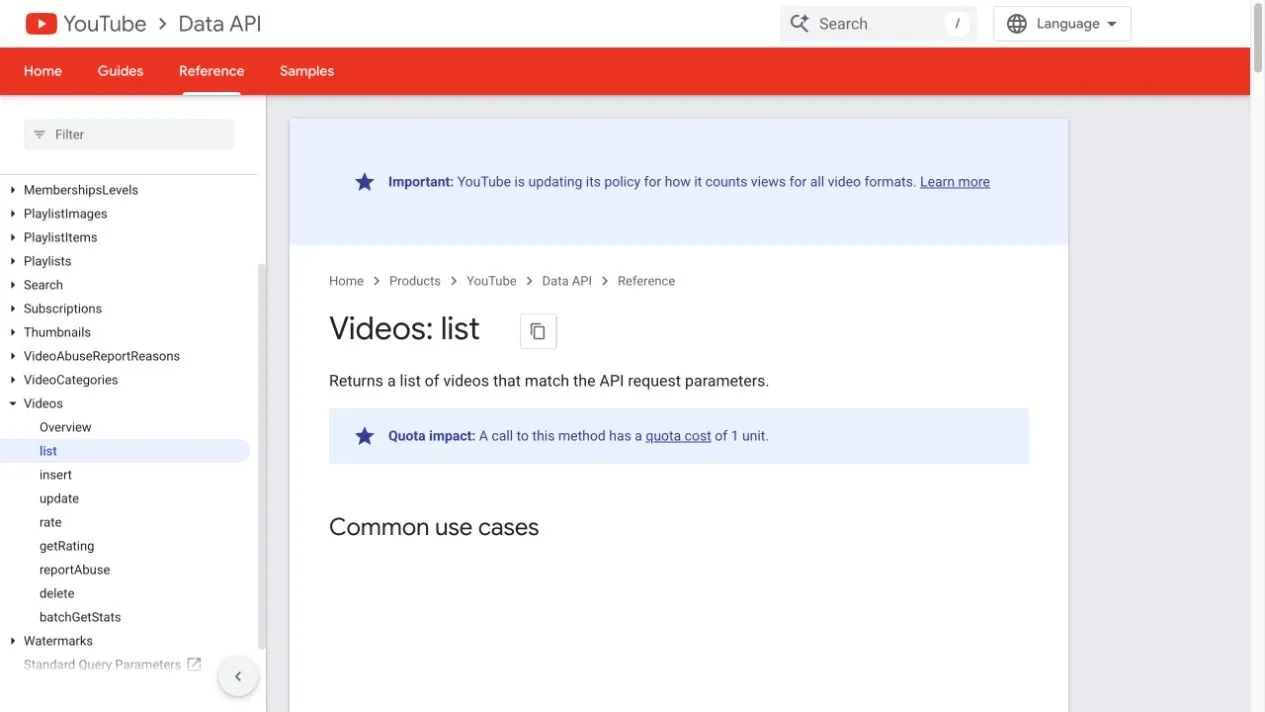
Figure 6: Google’s English videos.list reference.
Missing fields are normal: a deleted or privacy-set video may no longer be returned; like or comment statistics may be unavailable; numbers like viewCount are usually strings in the JSON. Your code should use .get() with a default before converting, and should also save fetched_at, to avoid directly comparing view counts collected at different times as if they were from the same moment.
How Do You Build a YouTube Comment Scraper?
Use commentThreads.list to get top-level comments, and keep paginating through nextPageToken. maxResults can go up to 100; if comments are disabled, the API returns an error, and your program should log it and skip — not retry indefinitely.
Place this method inside YouTubeClient so it can call the shared get() method.
def comments(self, video_id, limit=100):
    rows, token = [], None
    while len(rows) < limit:
        data = self.get(
            "commentThreads",
            part="snippet",
            videoId=video_id,
            maxResults=min(100, limit - len(rows)),
            order="time",
            textFormat="plainText",
            pageToken=token,
        )
        for item in data.get("items", []):
            thread = item["snippet"]
            top = thread["topLevelComment"]
            snippet = top["snippet"]
            rows.append({
                "comment_id": top["id"],
                "video_id": video_id,
                "author": snippet.get("authorDisplayName", ""),
                "text": snippet.get("textDisplay", ""),
                "like_count": snippet.get("likeCount"),
                "published_at": snippet.get("publishedAt"),
                "updated_at": snippet.get("updatedAt"),
                "reply_count": thread.get("totalReplyCount", 0),
            })
        token = data.get("nextPageToken")
        if not token:
            break
    return rows
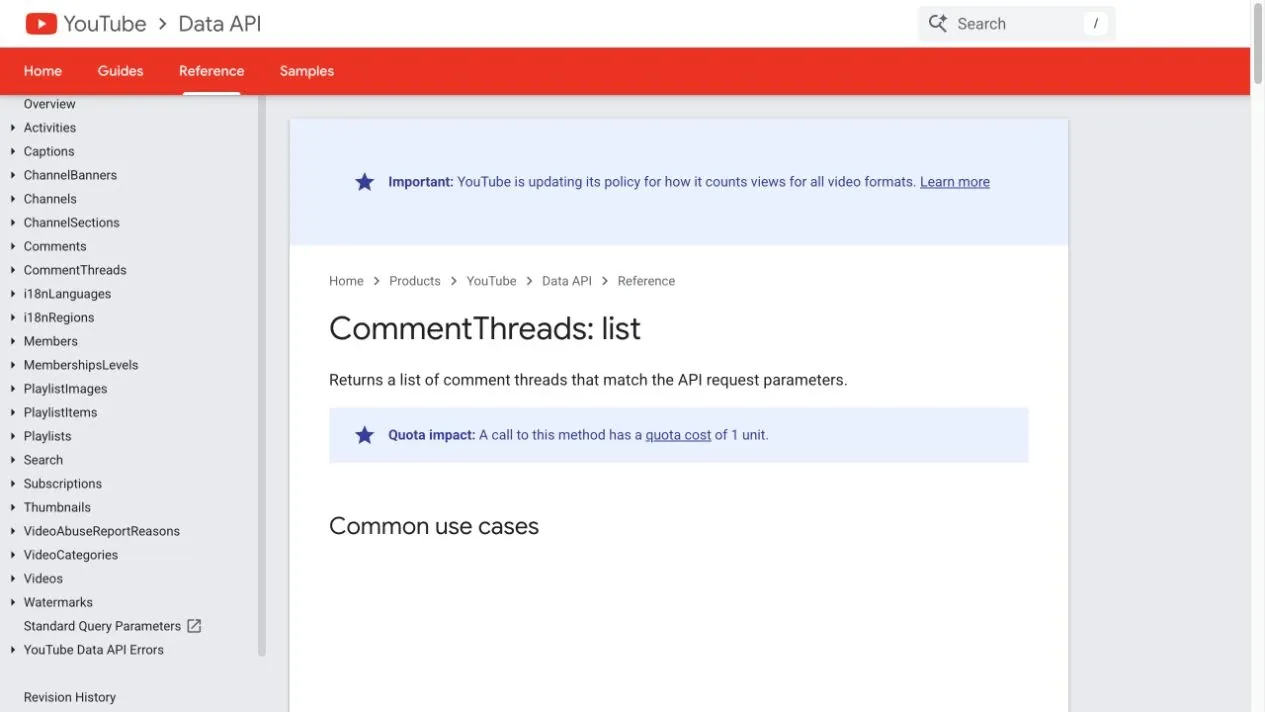
Figure 7: Google’s English commentThreads.list reference.
The threads returned by commentThreads.list may only include partial replies. If you need every reply, read totalReplyCount and call comments.list for parent comments that need backfilling. Comments can be deleted or edited, so incremental updates should save comment_id, published_at, updated_at, and the most recent fetch time.
How Do You Build a YouTube Channel Scraper?
Use channels.list to batch-fetch channel metadata, and find the public uploads list from contentDetails.relatedPlaylists.uploads. Search results already provide channelId, so deduplicating before batch-querying reduces redundant requests.
channels = client.channel_details(
    row["channel_id"] for row in search_rows
)
One possible implementation batches channel IDs in the same way as video IDs:
def channel_details(self, channel_ids):
    ids = list(dict.fromkeys(channel_ids))
    output = []
    for start in range(0, len(ids), 50):
        data = self.get(
            "channels",
            part="snippet,statistics,contentDetails",
            id=",".join(ids[start:start + 50]),
        )
        output.extend(data.get("items", []))
    return output
For channel records, it’s recommended to save channel_id, title, creation time, total views, video count, subscriber count, and the uploads playlist ID. Don’t use the display name as the primary key, since a channel can be renamed; subscriber count may also be hidden or rounded, and you shouldn’t assume every channel provides the same statistics fields.
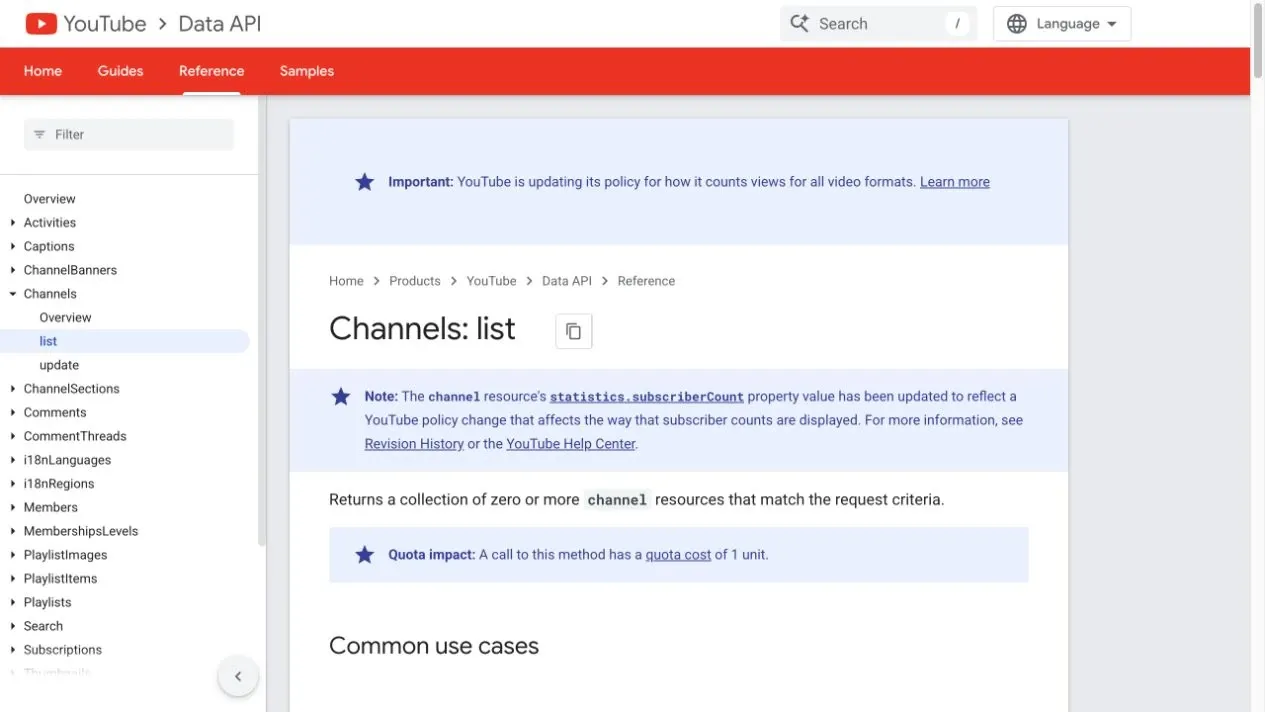
Figure 8: Google’s English channels.list reference.
How Do You Scrape YouTube Captions and Transcripts?
Only scrape captions or transcript text when a video genuinely provides captions and your intended use is licensed for it. Captions are content data, not equivalent to simple metadata; before storing, training on, republishing, or commercializing them, check copyright, API policy, and your project’s authorization.
If the video belongs to a channel you manage, prioritize the official Captions resource with OAuth authorization. A caption track being visible in the YouTube player does not automatically grant permission to download, store, republish, or commercialize its text. If your project lacks the required authorization, treat captions as unavailable rather than relying on an unspecified third-party tool; availability also varies by video settings and language.
Recommended output fields: video_id, language_code, is_generated, text, start_seconds, duration_seconds, fetched_at. Don’t lump auto-generated and human-made captions together, and don’t fabricate a missing language.
How Do You Handle Quota, Errors, and Retries?
Design a daily budget by method cost first, then apply limited retries only to temporary errors. A standard YouTube Data API project commonly starts with a 10,000-unit daily quota. Google documents search.list at 100 units per request, while videos.list, channels.list, and commentThreads.list generally cost 1 unit. Use the official quota calculator, cache search results, deduplicate IDs, and batch detail requests instead of repeatedly searching the same query.
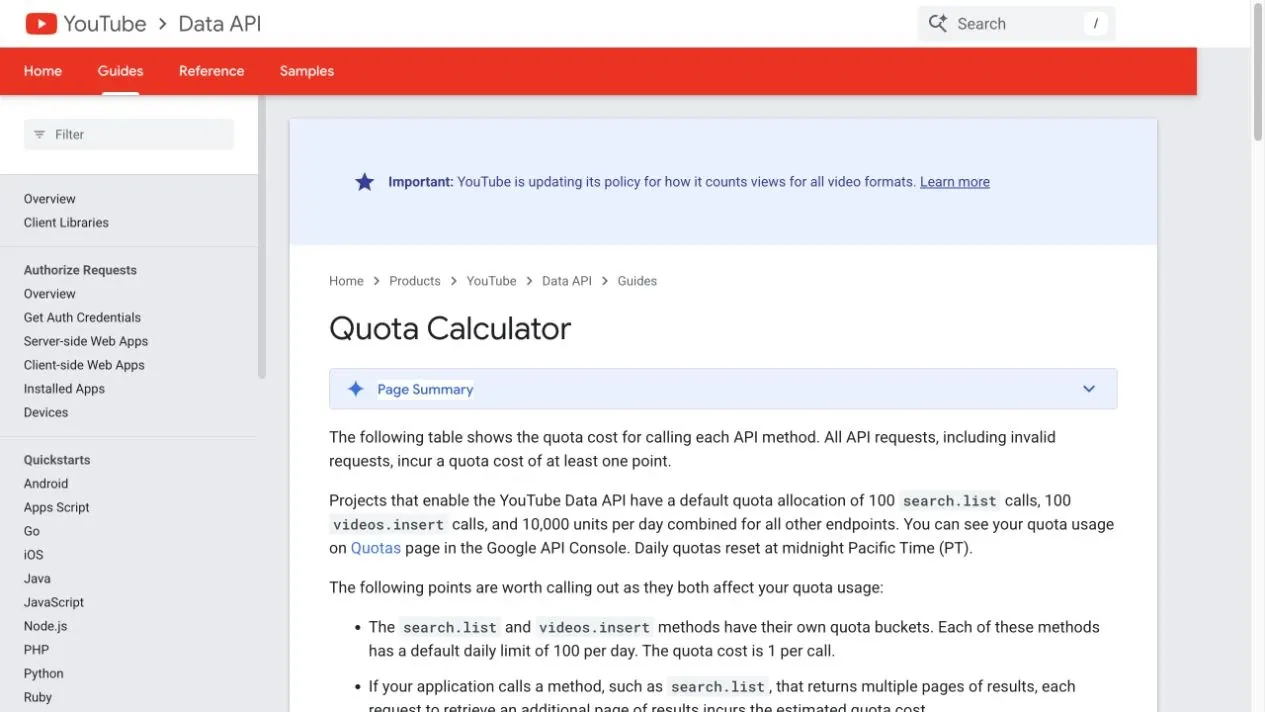
Figure 9: Google’s English YouTube Data API quota calculator.
| Error or Status | Retry? | Handling |
|---|---|---|
| 400 badRequest | No | Check parameters, video ID, part, and token |
| 403 quotaExceeded | No | Stop the task; check project quota and call design |
| 403 commentsDisabled | No | Flag as comments disabled and skip the video |
| 404 videoNotFound | No | Flag as deleted, private, or inaccessible |
| 429, 500, 502, 503, 504 | Limited retries | Exponential backoff, at most 2–3 attempts, with jitter |
| Network timeout | Limited retries | Distinguish connect vs. read timeout; preserve request context |
Don’t automatically retry permission errors, invalid parameters, or quota exhaustion. Your production client should log the endpoint, a parameter summary, status code, error reason, attempt count, elapsed time, and request ID — but the API key must never appear in logs.
How Do You Store, Deduplicate, and Incrementally Update YouTube Data?
Use video_id for videos, channel_id for channels, and comment_id for comments as unique keys. Search rank, view count, and comment count change over time, so you should store an entity’s “current value” separately from its “time-series snapshot.”
| Table | Unique Key | Update Strategy |
|---|---|---|
| videos | video_id |
Update title, status, and most recent fetch time |
| video_metrics_daily | video_id + snapshot_date |
Save view count, like count, and comment count daily |
| channels | channel_id |
Update title, statistics, and uploads playlist |
| comments | comment_id |
Update text and like count based on updated_at |
| search_snapshots | query + region + fetched_at + rank |
Preserve ranking snapshots — don’t overwrite history |
CSV suits small-scale exports; SQLite or PostgreSQL are better suited to incremental tasks. Before writing, convert count fields to integers, normalize time to UTC, properly decode HTML entities, and preserve the key IDs from the original API response. Comment text is user-generated content, and should be minimized according to your privacy and retention policy.
How Can Rola IP Support Authorized YouTube Regional Result Verification?
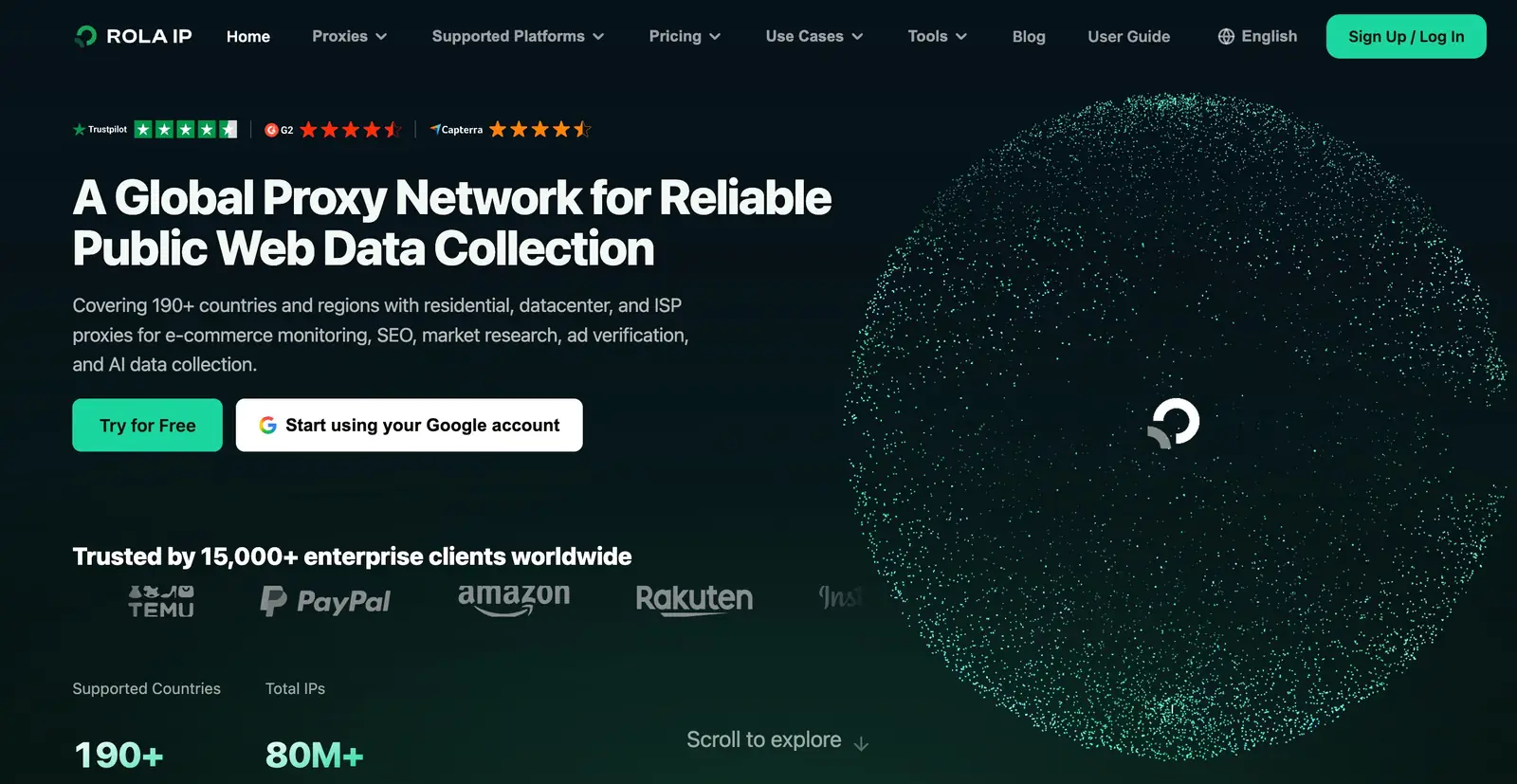
Figure 10: Rola IP proxy network product overview.
Rola IP provides residential, datacenter, ISP, mobile, and IPv6 proxy products that can be used for authorized, public, read-only regional verification. Its documentation describes country/city targeting, rotating or sticky sessions, and username/password or IP-whitelist authentication. These capabilities do not guarantee a particular YouTube result, access status, or request success rate. For a regional comparison, fix the query term, language, time, and device, and change only the network exit.
Rola IP product information was checked on September 3, 2026; coverage, pool size, pricing, and service-level claims can change. Prioritize the YouTube Data API’s regionCode and relevanceLanguage parameters for a reproducible regional query. Only consider a same-region Rola IP exit when you genuinely need to verify a public page’s network rendering and the project has the corresponding authorization; choose from residential proxy or rotating datacenter proxies based on the task. Follow the current Proxy Quick Start for the host, port, and account parameters rather than hardcoding an example gateway. Don’t use a proxy to access private videos, bypass login or age verification, increase your API quota, evade CAPTCHAs, or fake user engagement.
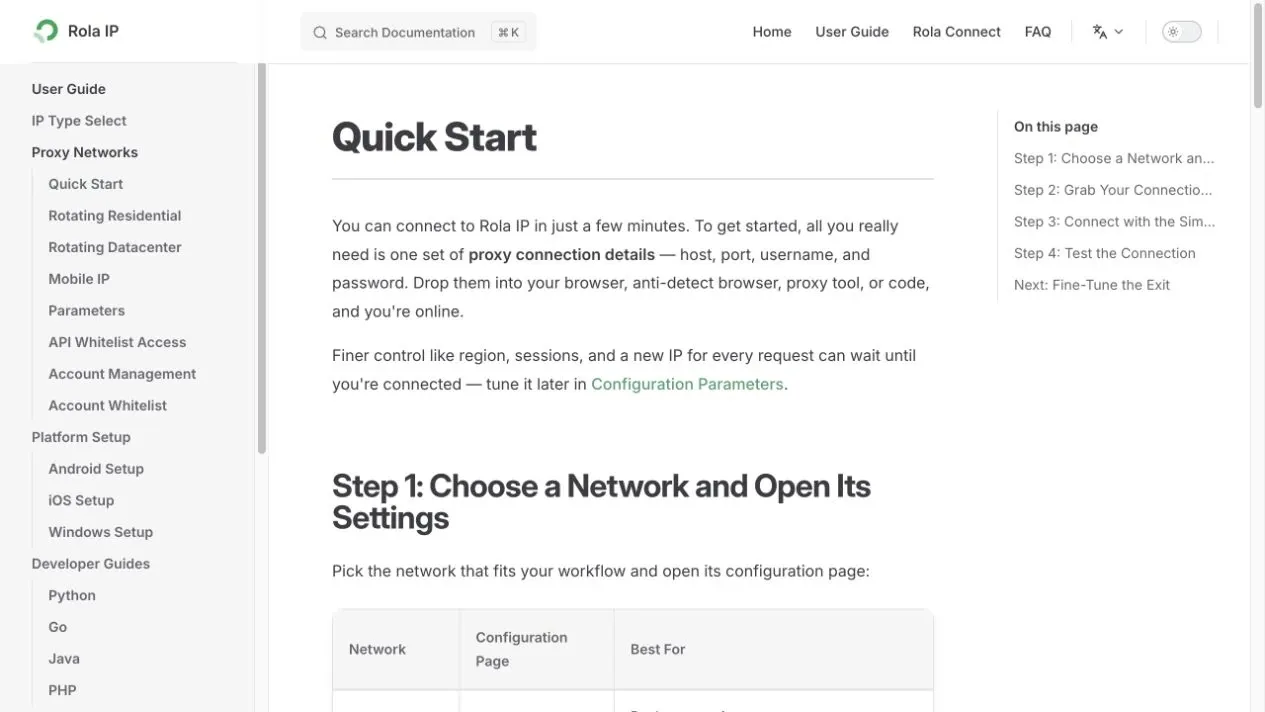
Figure 11: Rola IP English Proxy Quick Start documentation.
Rola IP Read-Only Verification Steps
- First confirm whether the YouTube Data API’s
regionCodealready meets your need — if the API can do it, don’t launch a page-proxy test. - Clearly define the authorized country or city, a fixed query term, language, test time, and maximum request count.
- Follow the Proxy Quick Start guide to get the host, port, username, and password, and save them to environment variables; see Python Proxy Integration for the full code structure.
- Set the region and session according to Proxy Parameters; keep a stable session for the same comparison batch.
- First use What Is My IP or an authorized IP-check endpoint to confirm the exit, then use the Proxy Checker to inspect protocol, latency, anonymity level, geographic mapping, and HTTP status; log the region and time before opening only public search pages or public video pages.
- Stop immediately if you encounter a login, a consent screen, an age restriction, a CAPTCHA, a 403, or a 429 — don’t switch through a large number of IPs to keep retrying.
For current product capabilities and parameter syntax, review Rola IP’s proxy documentation, configuration parameters, residential proxy page, datacenter proxy page, and Proxy Checker before configuring a production test. Product coverage, pricing, and service-level claims are subject to change.
import os
from urllib.parse import quote
import requests

proxy_url = (
    f"http://{quote(os.environ['ROLA_PROXY_USERNAME'], safe='')}:"
    f"{quote(os.environ['ROLA_PROXY_PASSWORD'], safe='')}@"
    f"{os.environ['ROLA_PROXY_HOST']}:{os.environ['ROLA_PROXY_PORT']}"
)
proxies = {"http": proxy_url, "https": proxy_url}

# Only verify the authorized network exit — no login, no submitting engagement, no bypassing restrictions.
response = requests.get(
    "https://www.youtube.com/generate_204",
    proxies=proxies,
    timeout=(10, 30),
)
print("YouTube network status:", response.status_code)
This code can only verify whether the proxy can establish a basic network connection to YouTube — a 204 doesn’t mean a search scrape succeeded, and it certainly doesn’t mean an account, regional content, or access restriction has been lifted. Run it only with your own authorized credentials and record the returned status and exit location; this article does not claim a live proxy success result.
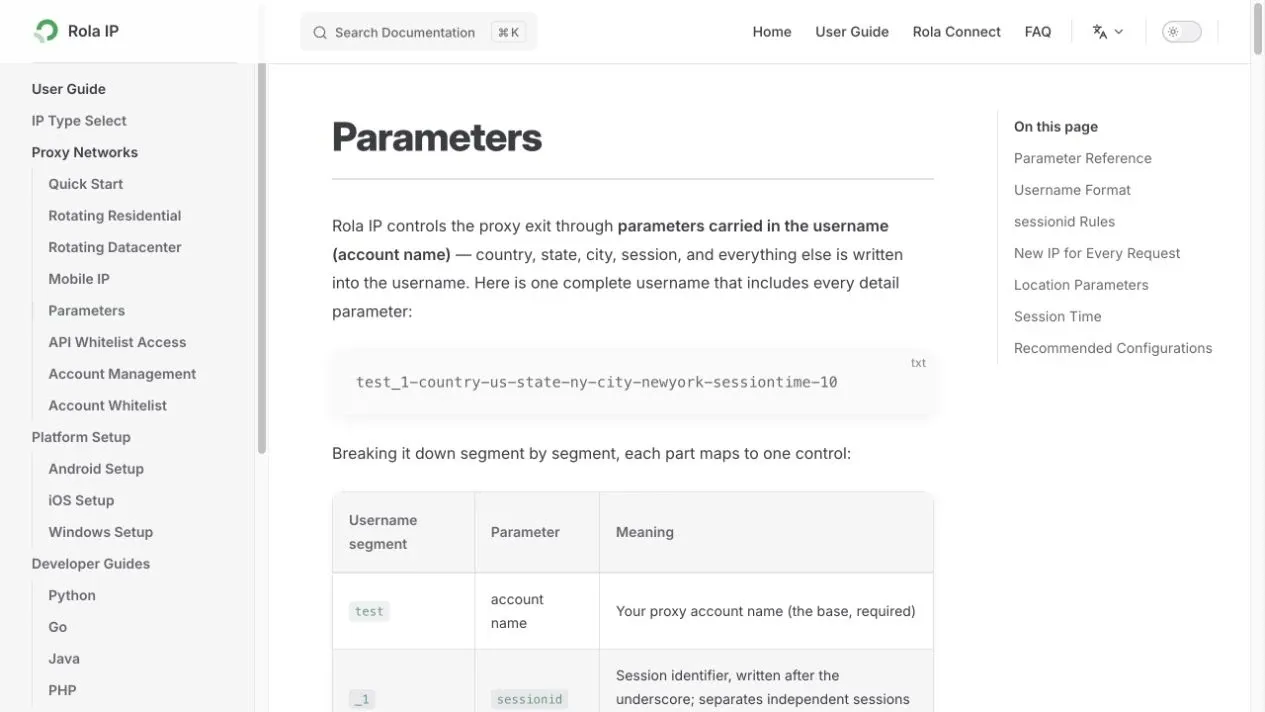
Figure 12: Rola IP English proxy parameters documentation.
How Should You Verify the Code, and Which Parts Need Your Credentials?
The snippets should be verified with mocked API responses before live use. A fixture-based test suite can validate field conversion, pagination stop conditions, and missing-field handling without consuming YouTube quota. Live API calls still require your own key and should be tested with a small, authorized sample.
python3 -m unittest discover -s tests -v
python3 -m py_compile youtube_scraper.py scrape_video_example.py
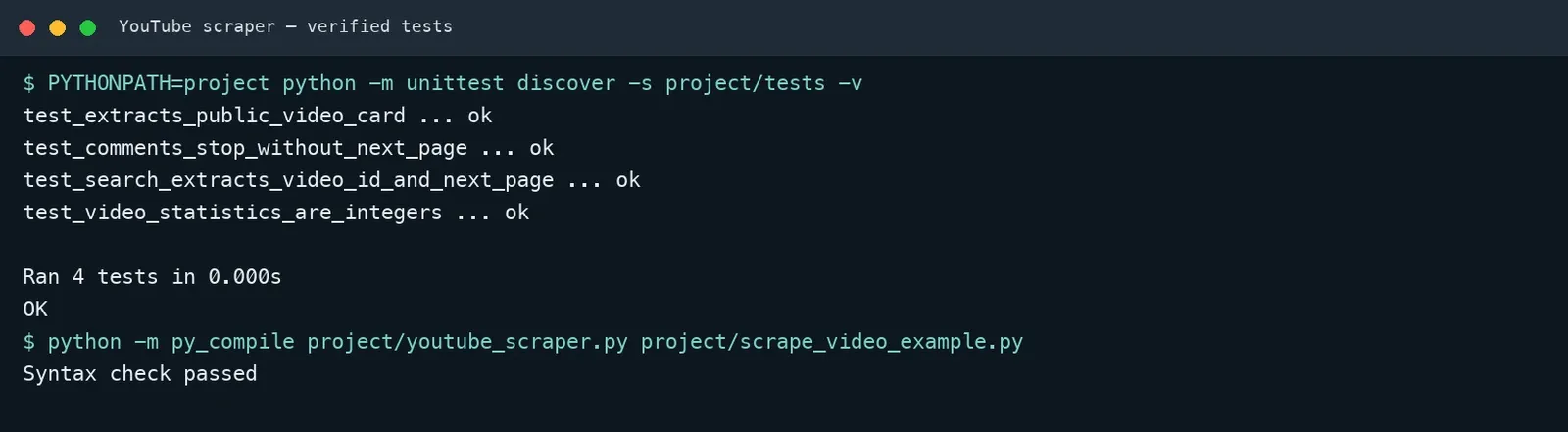
Figure 13: Illustrative test output; it does not represent a test run from files included in this article. Run the tests in your own project to verify current dependencies.
Recommended verification checks:
- The oEmbed response can extract a public video’s title, channel, thumbnail, and provider.
- The
search.listresponse correctly extracts video IDs and preservesnextPageToken. - String counts returned by
videos.listcan be safely converted to integers. - The comment response stops normally when there’s no next-page token, without entering an infinite loop.
- Your completed script passes a
py_compilesyntax check.
Compliance, Copyright, and Privacy Boundaries
Being publicly visible doesn’t mean unlimited collection, long-term storage, or republication is allowed. Before starting, check the YouTube Terms of Service, YouTube API Services Terms, Developer Policies, and applicable law.
- Don’t access private data, and don’t bypass login, payment, age, regional, or technical access controls.
- Don’t download or republish unauthorized video, audio, or captions.
- Only save business-necessary fields for comments, and set a retention period, deletion, and access control.
- Don’t use scraped results to harass creators, profile minors, or manipulate engagement.
- When displaying content publicly, preserve the video ID, channel ID, original URL, and source attribution.
- Build a synchronized update process for when the API policy requires deleting or refreshing data.
Common Troubleshooting
| Problem | Common Cause | Fix |
|---|---|---|
| Search returns results, but details come back empty | The video was deleted, is private, isn’t available in the region, or the ID is wrong | Log the missing ID — don’t keep requesting it |
| Comment endpoint returns a 403 | Comments disabled, a permission issue, or a quota problem | Read the error reason and handle it by category |
| View count can’t convert to an integer | The field is missing, null, or was indexed directly by mistake | Check whether the field exists; convert present values to integers and preserve missing values as null/None |
| Duplicate search results | Multiple pages return the same video, or multiple queries overlap | Deduplicate by video_id |
| Page parsing suddenly stops working | The internal JSON or DOM was redesigned | Migrate to the official API first, and keep fixture tests |
| Cost rising quickly | Repeated use of expensive search requests | Cache search results and batch-call the details endpoint |
Conclusion
The reliable path for how to scrape YouTube is combining the official API, batch backfilling, pagination, quota control, and incremental storage into one verifiable pipeline. Use search.list to get search results, videos.list to fill in video statistics, channels.list to get channels, and commentThreads.list with comments.list to handle comments; only scrape captions when they’re available and authorized.
Before going live, use your own API key to run a small-scale validation, log quota, error rate, and field-completeness rate, and then gradually expand the task.