
LinkedIn Scraper Tools Compared: Profiles, Jobs, Pricing, and Proxy Support

Sep 9, 2026 · Guides · 10 min read
TL;DR
To scrape LinkedIn job postings with Python, begin with an approved API, partner feed, export, or written authorization. This tutorial uses a fictional JobPosting fixture to demonstrate parsing without contacting LinkedIn, then shows how an authorized endpoint can be retrieved with bounded Requests calls. It also explains where Rola IP can provide regional or isolated network routing without changing the target’s access rules.
For authorized HTML or JSON feeds, Requests can retrieve the response and Beautiful Soup can parse structured elements. Playwright is appropriate only when an authorized page genuinely requires browser-rendered state. Scrapy becomes useful when a permitted job includes multiple URLs, pagination, retries, scheduling, and exports. A proxy is an optional network layer: it routes egress traffic, but it does not create legal permission or make unauthorized LinkedIn automation acceptable.
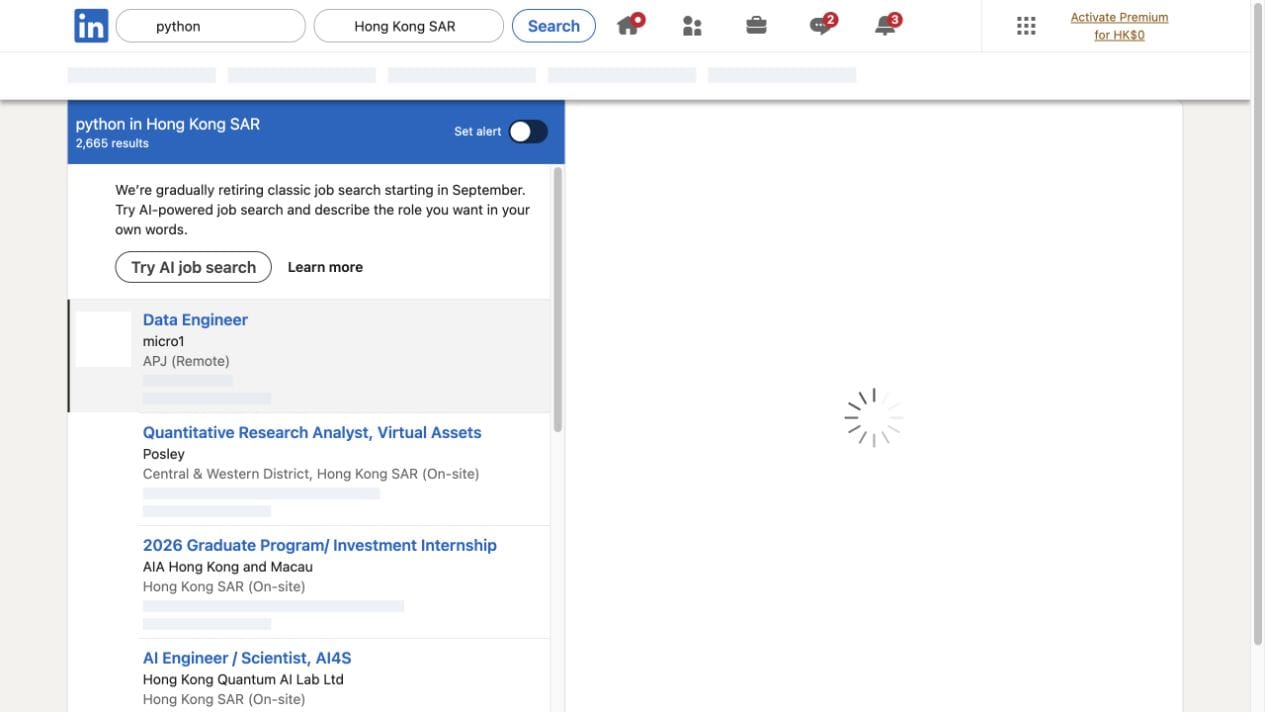
Start With Permission and the Data Source
Before writing a single selector, answer four fundamental questions:
- Who owns the data and has authorized its use? Review LinkedIn’s User Agreement, Professional Community Policies, and current robots.txt.
- Is there an official route? LinkedIn job-related APIs are not generally available as unrestricted public-data endpoints. Eligibility varies by the specific product, use case, approved permissions, partner status, and current LinkedIn documentation. Consult the LinkedIn Developer Portal and Microsoft Learn documentation before designing a live integration.
- What format do you receive? A CSV export requires a CSV reader. Direct JSON feeds can be validated immediately. HTML pages may include schema.org
JobPostingJSON-LD blocks, but layout and fields can change across locales. - What is the permitted frequency and retention window? Establish strict request budgets, avoid unnecessary polling, and purge collected records once the approved retention window closes.
When architecting an enterprise collection system, teams evaluate infrastructure requirements using a web scraping proxy planning framework to isolate network traffic from internal office networks. If any authorization requirement is ambiguous, stop at the fixture stage and consult the data owner. The rest of this article uses fictional records so code can be executed safely without contacting LinkedIn.
Authorized Data Sources Comparison
Source Type |
Access Route |
Common Scope / Use Case |
Technical Requirements |
Key Limitations |
|---|---|---|---|---|
LinkedIn Official API |
Microsoft Learn LinkedIn Talent and Job Posting API programs |
Enterprise recruiting, ATS integration, authorized talent analytics |
OAuth 2.0 client credentials, partner program approval |
Scope-restricted; partner program requirements, supported endpoints, and enterprise permissions vary across specific LinkedIn API products |
Partner / Employer Feed |
Direct XML or JSON feeds from hiring organizations |
Job syndication and verified career board integrations |
Pre-authenticated endpoint, mutual TLS or API key |
Limited to participating employers and agreed fields |
Organizational Export |
LinkedIn Recruiter or Company Page CSV and JSON exports |
Internal workforce planning, hiring audits |
Periodic manual or automated batch export |
Batch-oriented; depends on enterprise account permissions |
Authorized Static HTML Fixture |
Saved offline HTML fixture or permitted staging environment |
Parser prototyping, QA testing, schema regression checks |
Local filesystem or fixture parser (Beautiful Soup) |
Offline only; static snapshot without live server queries |
Create a Local JobPosting Fixture
Set up an isolated virtual environment and install the required parsing library:
# macOS / Linux
python3 -m venv .venv
source .venv/bin/activate

# Windows (PowerShell)
python -m venv .venv
.venv\Scripts\Activate.ps1

python -m pip install beautifulsoup4==4.13.4 requests==2.32.3
The fixture file contains three fictional JobPosting records. Each record uses the schema.org JobPosting structure that an authorized HTML response may expose. Save the complete code block below as job_fixture.html to reproduce the parser output:
<!doctype html>
<html>
<head>
  <meta charset="utf-8">
  <title>Authorized Job Fixture</title>
</head>
<body>
  <article class="job">
    <script type="application/ld+json">
    {
      "@context": "https://schema.org",
      "@type": "JobPosting",
      "title": "Data Analyst",
      "hiringOrganization": {
        "@type": "Organization",
        "name": "Northwind Labs"
      },
      "url": "https://authorized.example/jobs/101",
      "jobLocation": {
        "@type": "Place",
        "address": {
          "addressLocality": "Seattle",
          "addressCountry": "US"
        }
      }
    }
    </script>
  </article>

  <article class="job">
    <script type="application/ld+json">
    {
      "@context": "https://schema.org",
      "@type": "JobPosting",
      "title": "Python Engineer",
      "hiringOrganization": {
        "@type": "Organization",
        "name": "Contoso Research"
      },
      "url": "https://authorized.example/jobs/102",
      "jobLocation": {
        "@type": "Place",
        "address": {
          "addressLocality": "Austin",
          "addressCountry": "US"
        }
      }
    }
    </script>
  </article>

  <article class="job">
    <script type="application/ld+json">
    {
      "@context": "https://schema.org",
      "@type": "JobPosting",
      "title": "QA Automation Developer",
      "hiringOrganization": {
        "@type": "Organization",
        "name": "Fabrikam Systems"
      },
      "url": "https://authorized.example/jobs/103",
      "jobLocation": {
        "@type": "Place",
        "address": {
          "addressLocality": "Boston",
          "addressCountry": "US"
        }
      }
    }
    </script>
  </article>
</body>
</html>
The fixture intentionally uses authorized.example URLs to ensure no real LinkedIn posting is queried or implied.
Parse JobPosting JSON-LD With Beautiful Soup
JSON-LD separates structured data fields from presentation markup. In real-world schema.org JobPosting data, objects may include fields such as datePosted, employmentType, and jobLocation. Only parse these fields when your authorized data specification requires them and the payload explicitly provides them. Always treat them as optional and handle missing keys defensively.
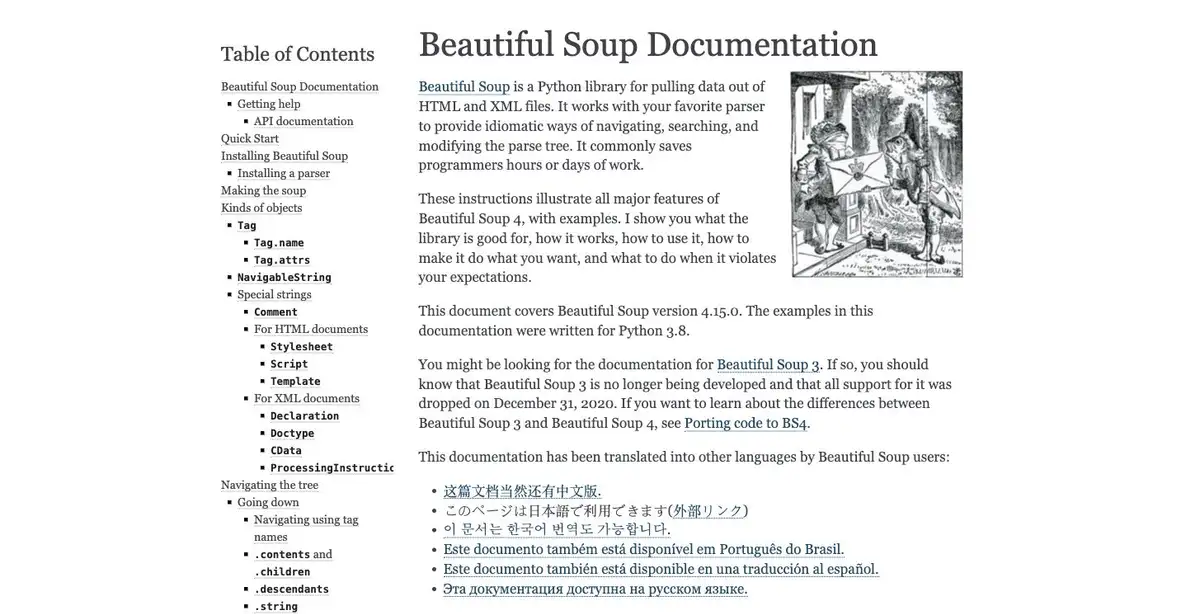
Save this script as parse_fixture.py:
import json
from pathlib import Path

from bs4 import BeautifulSoup


def parse_jobs(html: str):
    soup = BeautifulSoup(html, "html.parser")
    jobs = []
    for tag in soup.select('script[type="application/ld+json"]'):
        try:
            value = json.loads(tag.string or "")
        except json.JSONDecodeError:
            continue
        records = value if isinstance(value, list) else [value]
        for record in records:
            if isinstance(record, dict) and record.get("@type") == "JobPosting":
                organization = record.get("hiringOrganization") or {}
                location_data = record.get("jobLocation") or {}
                address_data = location_data.get("address") or {}
                locality = address_data.get("addressLocality")
                country = address_data.get("addressCountry")
                location_str = f"{locality}, {country}" if locality and country else None

                jobs.append({
                    "title": record.get("title"),
                    "company": organization.get("name"),
                    "url": record.get("url"),
                    "location": location_str,
                    "date_posted": record.get("datePosted"),
                    "employment_type": record.get("employmentType"),
                })
    return jobs


jobs = parse_jobs(Path("job_fixture.html").read_text(encoding="utf-8"))
if not jobs:
    raise RuntimeError("No JobPosting records found")
print(f"Parsed {len(jobs)} authorized fixture records.")
for job in jobs:
    print(f"- {job['title']} - {job['company']}")
Run python3 parse_fixture.py. The local terminal execution produces:
$ python3 --version
Python 3.9.6
$ python3 parse_fixture.py
Parsed 3 authorized fixture records.
- Data Analyst - Northwind Labs
- Python Engineer - Contoso Research
- QA Automation Developer - Fabrikam Systems
The fixture parser was tested on September 8, 2026 with Python 3.9.6 and Beautiful Soup 4.13.4 against the local HTML fixture. This verifies that the parsing logic extracts structured records cleanly without querying live servers.
Add Network Retrieval Only for an Authorized Endpoint
When a data owner provides an approved endpoint or feed, wrap the parser with a bounded HTTP request. Validate the response status, final URL, and content type before parsing:
import requests

url = "https://authorized.example/jobs/123"
response = requests.get(
    url,
    headers={"User-Agent": "ExampleResearchBot/1.0 (contact: [email protected])"},
    timeout=20,
)
response.raise_for_status()

content_type = response.headers.get("content-type", "").lower()
if "text/html" not in content_type and "application/json" not in content_type:
    raise ValueError(f"Unexpected content type: {content_type or 'missing'}")

body = response.text
if any(marker in body.lower() for marker in ("captcha", "challenge", "sign in")):
    raise RuntimeError("Access challenge detected; stop and use an approved API or export.")
The challenge check serves as an immediate halt condition. Do not inject browser-masking scripts, CAPTCHA bypass plugins, stolen cookies, or rotating-proxy logic designed to circumvent platform controls.
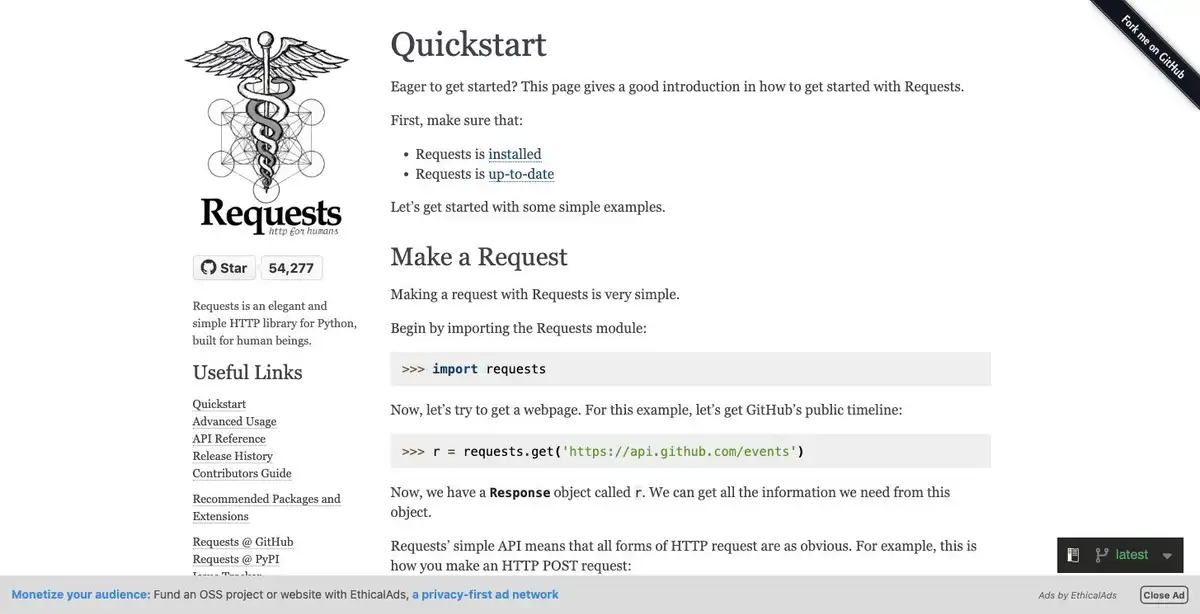
For approved API integrations, manage OAuth credentials using environment variables or secret vaults. Respect documented rate limits and never write access tokens or personal identifiers to persistent logs.
How Rola IP Fits an Authorized LinkedIn Job Data Workflow
Rola IP provides network-layer routing, while the data owner and LinkedIn govern whether collection is permitted. A proxy does not grant access rights, override terms of service, or solve anti-bot challenges. In enterprise pipelines, network routing is utilized to ensure egress traffic originates from approved regions or isolated gateways.
Aligning Network Routing With Authorized Workflows
| Proxy Category | Target Network Context | Typical Role in Authorized Workflows | Operational Focus |
|---|---|---|---|
| Residential Proxy | Consumer ISP network context, if supported by the current account | Consider only when an authorized regional workflow specifically requires it | Confirm location, protocol, session behavior, and limits in current Rola documentation |
| Datacenter Proxy | Data center network infrastructure, if supported by the current account | Consider for permitted server-to-server feeds when the destination accepts that route | Confirm endpoint, protocol, allowlisting, and limits before use |
| Mobile Proxy | Mobile network context, if supported by the current account | Consider only for an authorized mobile-network QA requirement | Confirm carrier, location, protocol, and session behavior in the account |
Choose the Rola IP resource according to the authorized workflow’s required network type, location, session continuity, protocol, and budget. If an authorized regional test genuinely requires consumer ISP context, evaluate a residential proxy only when the current Rola account supports that configuration. Coverage, protocol, session behavior, and cost must be confirmed in the current product page or account dashboard. Treat datacenter and mobile options the same way: verify the exact capability before production use.
Configuring Rola Credentials and Egress Verification
Always retrieve proxy credentials from environment variables rather than hard-coding them in source files. For complete credential formatting and connection syntax, consult the official Python proxy integration guide.
First verify the public exit IP through an approved diagnostic endpoint. If the workflow also requires country, ASN, or network-type validation, use a separately approved IP-information source and record its lookup date. The ipify endpoint used below confirms only the observed public IP:
import os
import requests

# Load Rola credentials from environment variables
proxy_user = os.environ["ROLA_PROXY_USER"]
proxy_pass = os.environ["ROLA_PROXY_PASS"]
proxy_host = os.environ["ROLA_PROXY_HOST"]
proxy_port = os.environ["ROLA_PROXY_PORT"]

# Build authenticated proxy dictionary
from urllib.parse import quote

encoded_user = quote(proxy_user, safe="")
encoded_pass = quote(proxy_pass, safe="")
proxy_url = f"http://{encoded_user}:{encoded_pass}@{proxy_host}:{proxy_port}"
proxies = {"http": proxy_url, "https": proxy_url}

# Step 1: Verify observed public exit IP
# Note: ipify confirms only the observed public IP; use specialized services for ASN/country validation if required.
verify_response = requests.get(
    "https://api.ipify.org?format=json",
    proxies=proxies,
    timeout=15,
)
verify_response.raise_for_status()
egress_ip = verify_response.json().get("ip")
print(f"Verified egress IP: {egress_ip}")

# Step 2: Query authorized endpoint using bounded parameters
target_url = os.environ["AUTHORIZED_TARGET_URL"]
response = requests.get(target_url, proxies=proxies, timeout=20)
response.raise_for_status()
print(f"Authorized endpoint HTTP status: {response.status_code}")
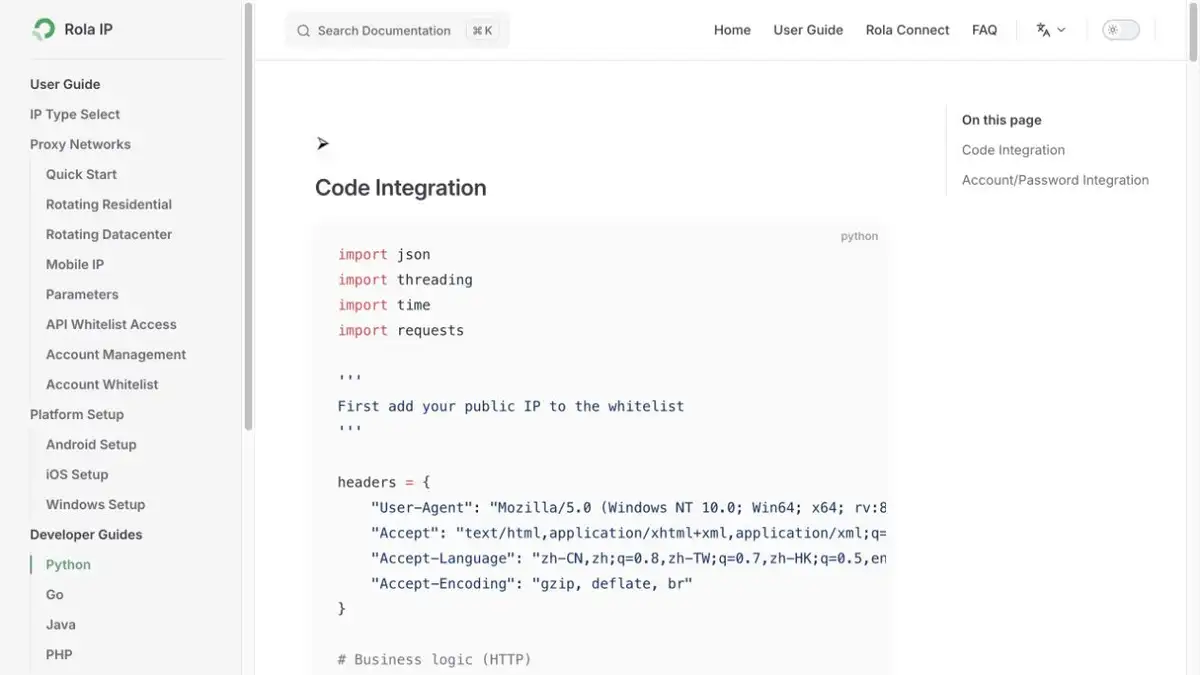
Session Management: Sticky vs. Rotating Boundaries
- Sticky Sessions: Use a persistent session parameter (such as
session_idin the username) for sequential, paginated requests of the same authorized dataset to maintain connection consistency. - Rotating Sessions: Rotate IPs only between distinct, independent regional collection batches.
- Hard Stop Rules: An HTTP 403, HTTP 429, sign-in redirect, or CAPTCHA is a stop and review signal. Never rotate to another proxy IP to evade an access control or retry a rejected request.
When Playwright or Scrapy Makes Sense
Requests + Beautiful Soup: The default architecture for permitted static HTML pages or JSON feeds. It offers minimal overhead, simplified debugging, and straightforward local testing.
Playwright: Apply only when an authorized internal workflow requires client-side JavaScript execution or interactive state reproduction. Browser engines introduce significant CPU and memory overhead, and automated browsers do not bypass platform access controls.
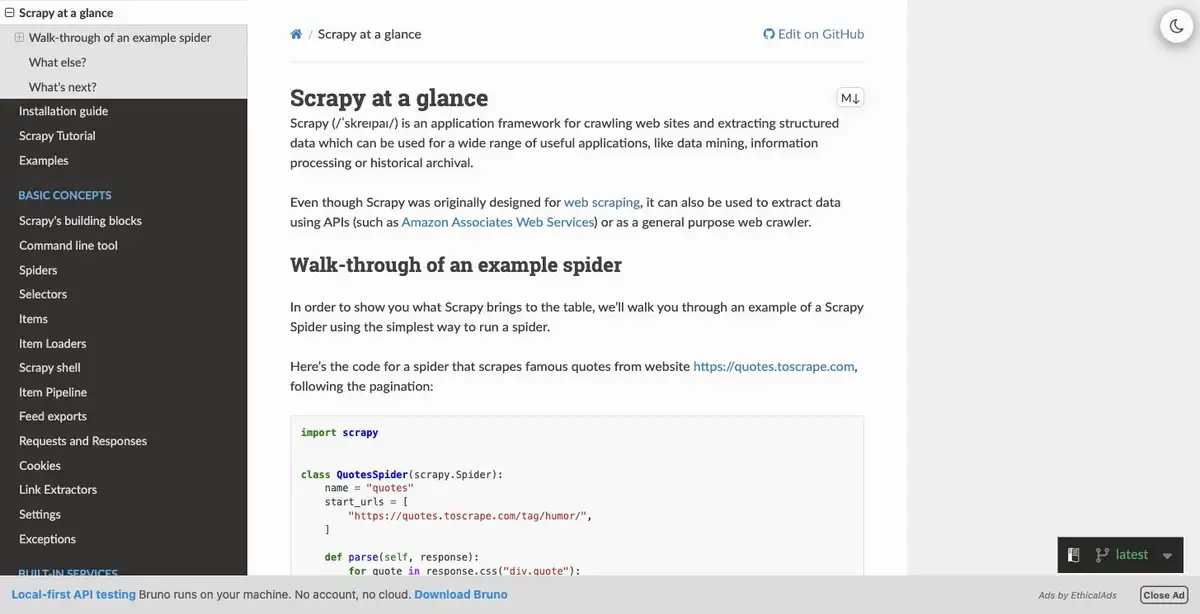
Scrapy: Ideal when an authorized data agreement covers many endpoints requiring scheduled queues, item pipelines, automatic backoff, and CSV/JSON exports.
Troubleshooting
| Symptom | Likely Cause | Verification Step | Resolution |
|---|---|---|---|
| HTTP 407 (Proxy Authentication Required) | Invalid proxy username/password or unwhitelisted client IP | Check ROLA_PROXY_USER and ROLA_PROXY_PASS values |
Verify credentials against Rola dashboard or add IP to whitelist |
| Proxy connection timeout | Unreachable proxy port or high network latency | Test endpoint connectivity with a standalone proxy checker | Confirm the documented hostname, port, protocol, credentials, allowlist status, DNS resolution, and outbound firewall rules. Do not substitute a direct IP unless Rola documentation explicitly provides and supports one. |
| Exit location mismatch | Location parameter missing from proxy authentication string | Run IP check against https://api.ipify.org?format=json |
Compare the complete authentication string with the current Rola dashboard or documentation. Do not append a guessed country, city, or session suffix. |
| Proxy has no internet egress | Expired package traffic balance or regional outage | Inspect traffic balance in Rola user console | Check account traffic status, active plan validity, and gateway reachability in the Rola console. |
| HTML contains “sign in” or “challenge” | The endpoint returned an access-control page | Save a redacted response and inspect final URL | Stop immediately; use an approved API/export or contact owner |
| Parser returns zero jobs | JSON-LD is absent, malformed, or nested differently | Count JSON-LD scripts and print only redacted @type values |
Update parser for the authorized fixture; handle nulls gracefully |
JSONDecodeError |
A script tag is empty or contains invalid JSON | Log tag index and position, not sensitive payload body | Skip malformed optional blocks and require at least one valid record |
| HTTP 403 or 429 | Permission denied or request rate threshold exceeded | Check approved documentation and response rate-limit headers | Stop execution; do not rotate IPs or increase concurrency |
| Job fields change | Markup, schema drift, or locale variation | Compare a new authorized sample with the fixture | Version the parser, add schema validation, and log missing keys |
Compliance and Data Handling
Job postings can contain employer contacts, compensation figures, hiring-manager details, or other personal information. Define a field allowlist before collection. For a typical parser, keep only approved fields such as title, hiringOrganization.name, jobLocation, and datePosted; omit contact details, candidate data, cookies, OAuth tokens, and account identifiers unless the written authorization explicitly requires them. Encrypt exports, restrict access by role, set a deletion deadline, and never write personal information or credentials into application logs.
Do not claim that unauthenticated scraping is an approved workflow. Never use this guide to circumvent authentication, rate thresholds, CAPTCHAs, or robots.txt rules. Recheck LinkedIn’s User Agreement and API terms periodically before launching new collection workflows.
Final Recommendation
The most reliable Python workflow is source-first: utilize an approved API, partner feed, or export whenever available. When developing ingestion logic, build and test your parser against local fixtures. Requests paired with Beautiful Soup provides the cleanest pattern for authorized static responses. Treat Rola IP as an optional network routing utility for regional visibility and network isolation, not as an access-bypass tool.