
Best Web Scraping Tools for Python: A Tested Stack Tutorial

Sep 3, 2026 · Comparisons · 10 min read
TL;DR
The best web scraping tools for Python depend on what the page actually requires. Use Requests + Beautiful Soup when the data is present in the initial HTML, Scrapy when the hard part is coordinating many pages and records, and Playwright when JavaScript or browser interaction creates the data you need. Selenium remains a sensible choice for teams already invested in WebDriver or Selenium Grid.
These tools are not interchangeable. Requests fetches responses, Beautiful Soup parses markup, Scrapy orchestrates crawls, and Playwright or Selenium runs a browser. A proxy is another layer again: it changes network routing but does not render JavaScript, parse HTML, or grant permission to collect data.
Choose the Layer Before You Choose the Library
Most “best tool” lists flatten several different jobs into one ranking. That makes a parser look like a competitor to a browser, even though a useful project may need both.
Think about a Python scraping stack in this order:
- Transport: send an HTTP request and receive a response.
- Rendering: run JavaScript when the required state is not in the initial response.
- Parsing: turn HTML or XML into fields and records.
- Orchestration: schedule URLs, manage retries, export items, and monitor repeated runs.
- Network routing: choose how an authorized request reaches the destination.
A web scraping proxy belongs to the fifth layer. It does not replace the fetcher, parser, crawler, or browser you select.
| Workload | Recommended starting point | JavaScript execution | Main reason to choose it |
|---|---|---|---|
| A few static HTML pages | Requests + Beautiful Soup | No | Small dependency and clear control over retrieval and parsing |
| A recurring multi-page crawl | Scrapy | No in its base downloader | Scheduling, concurrency, retries, pipelines, and exports live in one framework |
| Data added after page load | Playwright | Yes | Real browser engines and DOM-aware locators |
| Existing WebDriver or Grid estate | Selenium | Yes | Fits established browser-testing infrastructure |
| Browser operations you do not want to host | Managed browser or scraping API | Service-dependent | Outsources some browser or crawl infrastructure |
Before launching a browser, inspect the page’s response and the browser’s Network panel. If an authorized JSON endpoint already returns the data, a direct HTTP request is usually easier to test and operate than a browser session.
Build a Reproducible Test Project
The examples below use a local fixture rather than a third-party site. This keeps the result repeatable and avoids presenting an external site’s behavior as permission to collect it.
The executed project used Python 3.9.6 for the Requests and Playwright scripts. Current Scrapy documentation required Python 3.10 or newer at the time of review, so use a supported Python release for a fresh Scrapy environment and recheck the requirement before publication.
Create a virtual environment, activate it, and install the pinned packages:
python3 -m venv .venv
source .venv/bin/activate
python -m pip install requests==2.32.5 beautifulsoup4==4.13.4 playwright==1.60.0 scrapy==2.13.3
python -m playwright install chromium
On Windows PowerShell, activate the environment with .venv\Scripts\Activate.ps1 instead. Playwright needs both the Python package and a browser binary; installing only the package is not enough for the browser example.
Save this as fixtures/index.html:
<!doctype html>
<html lang="en">
<head><meta charset="utf-8"><title>Python Scraping Tool Fixture</title></head>
<body>
  <ul id="products">
    <li class="product" data-sku="A-101"><span class="name">Desk Lamp</span><span class="price">$24</span></li>
    <li class="product" data-sku="A-102"><span class="name">Monitor Stand</span><span class="price">$35</span></li>
    <li class="product" data-sku="A-103"><span class="name">Cable Tray</span><span class="price">$18</span></li>
  </ul>
  <script>
    window.addEventListener("DOMContentLoaded", () => {
      document.querySelector("#products").insertAdjacentHTML("beforeend", `
        <li class="product" data-sku="J-201"><span class="name">Laptop Riser</span><span class="price">$42</span></li>
        <li class="product" data-sku="J-202"><span class="name">USB-C Hub</span><span class="price">$29</span></li>
      `);
    });
  </script>
</body>
</html>
The response contains three products. JavaScript adds two more after the document loads. Start a local server from the project directory:
python -m http.server 8765 --directory fixtures
Open http://127.0.0.1:8765/index.html in a browser. Success means you can see five products. Leave the server running while you test the scripts in another terminal.
Requests + Beautiful Soup: Best for Static HTML
Requests is an HTTP client. Beautiful Soup is a parser. Pairing them gives a compact workflow for pages whose response already contains the required markup.
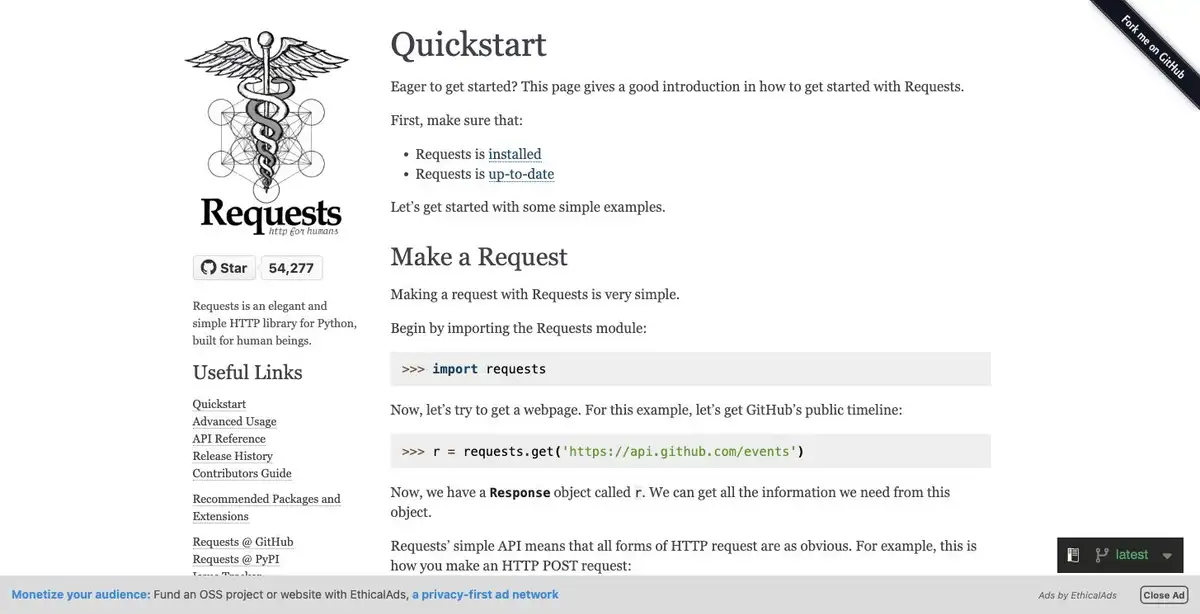
Save this as static_scrape.py:
import csv
import requests
from bs4 import BeautifulSoup

response = requests.get("http://127.0.0.1:8765/index.html", timeout=10)
response.raise_for_status()

soup = BeautifulSoup(response.text, "html.parser")
rows = [
    {
        "sku": card["data-sku"],
        "name": card.select_one(".name").get_text(strip=True),
        "price": card.select_one(".price").get_text(strip=True),
    }
    for card in soup.select(".product")
]

if not rows:
    raise RuntimeError("No products found; inspect the response and selector.")

with open("static-products.csv", "w", newline="", encoding="utf-8") as file:
    writer = csv.DictWriter(file, fieldnames=["sku", "name", "price"])
    writer.writeheader()
    writer.writerows(rows)

print(f"Requests + Beautiful Soup collected {len(rows)} static products.")
Run it:
python static_scrape.py
The executed result was:
Requests + Beautiful Soup collected 3 static products.
That count is the important signal. Requests receives the original HTML but does not execute the script that adds the other two products.

Choose this stack when you can inspect the response, selectors are reasonably stable, and a simple script is easier to maintain than a crawler project. Set a timeout, call raise_for_status(), validate that records were found, and write deterministic output. If the required content is missing from response.text, first inspect the page’s network requests; do not assume a browser is the only solution.
Scrapy: Best for Crawl Orchestration
Once a script grows into a queue of URLs, retry rules, pagination, exports, and recurring runs, orchestration becomes the real problem. Scrapy packages those concerns into a crawler framework.
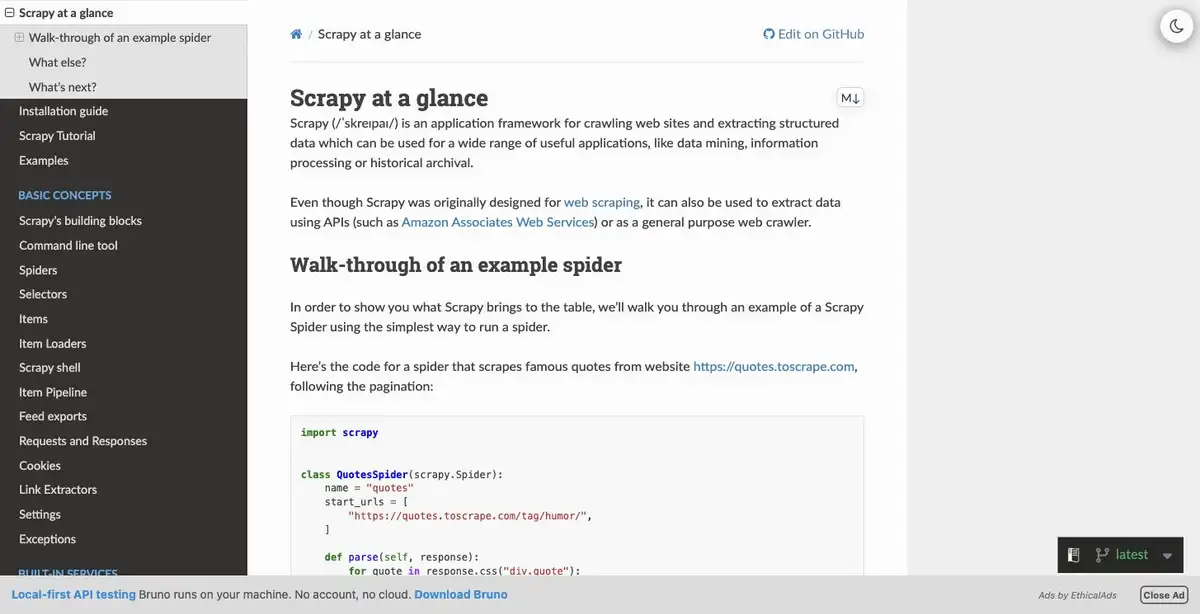
This small spider deliberately reads the same local fixture without a browser:
import scrapy
from scrapy.crawler import CrawlerProcess


class ProductSpider(scrapy.Spider):
    name = "fixture_products"
    start_urls = ["http://127.0.0.1:8765/index.html"]

    def parse(self, response):
        for card in response.css(".product"):
            yield {
                "sku": card.attrib["data-sku"],
                "name": card.css(".name::text").get(),
                "price": card.css(".price::text").get(),
            }


process = CrawlerProcess(
    settings={
        "FEEDS": {"scrapy-products.json": {"format": "json", "overwrite": True}},
        "LOG_LEVEL": "ERROR",
    }
)
process.crawl(ProductSpider)
process.start()
print("Scrapy saved scrapy-products.json")
Run python scrapy_spider.py. The executed JSON file contained three records because base Scrapy did not render the fixture’s JavaScript. That is expected, not a failed crawl.
Scrapy is the better starting point when you need request scheduling, concurrency control, retry policies, item pipelines, and repeatable exports. It is more structure than a one-page job needs. If only a subset of requests requires a browser, keep browser rendering limited to those requests rather than turning every URL into a browser session. For routing that is specific to this framework, see the separate guide to scrapy rotating proxies.
Playwright: Best When the Browser Creates the Data
Use Playwright when the required state appears only after JavaScript execution or a legitimate interaction. It supports Chromium, Firefox, and WebKit through synchronous and asynchronous Python APIs.
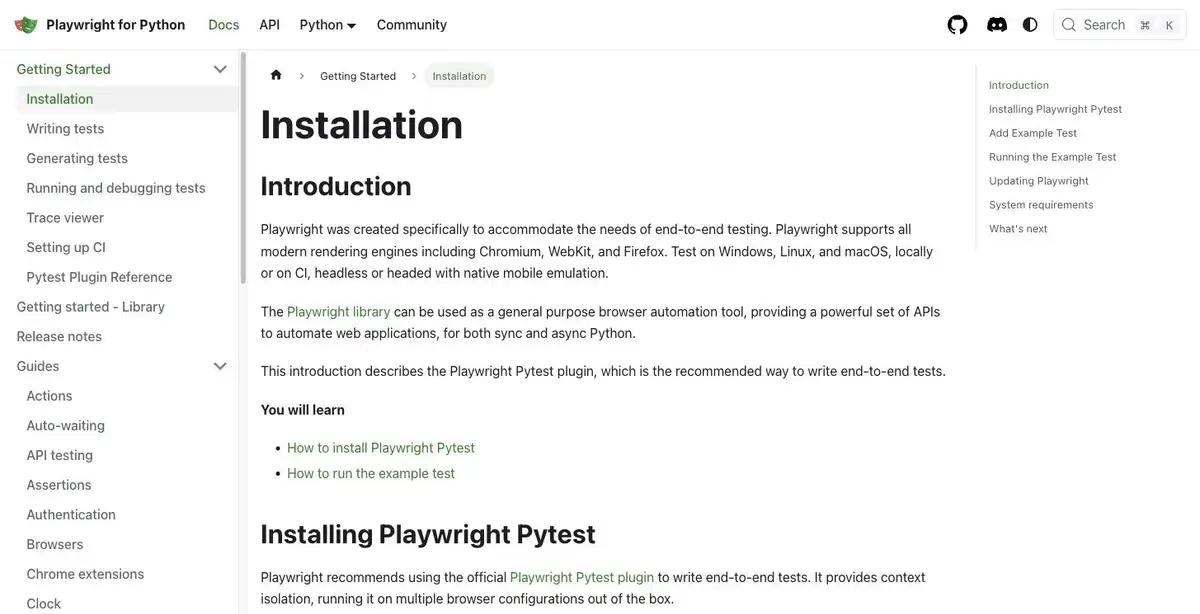
Save this as browser_scrape.py:
import csv
from playwright.sync_api import sync_playwright

with sync_playwright() as playwright:
    browser = playwright.chromium.launch()
    page = browser.new_page()
    page.goto(
        "http://127.0.0.1:8765/index.html",
        wait_until="domcontentloaded",
        timeout=10_000,
    )
    cards = page.locator(".product")
    cards.nth(4).wait_for(state="visible", timeout=5_000)
    rows = [
        {
            "sku": card.get_attribute("data-sku"),
            "name": card.locator(".name").inner_text().strip(),
            "price": card.locator(".price").inner_text().strip(),
        }
        for card in cards.all()
    ]
    browser.close()

if not rows:
    raise RuntimeError("No rendered products found; inspect page state and selector.")

with open("rendered-products.csv", "w", newline="", encoding="utf-8") as file:
    writer = csv.DictWriter(file, fieldnames=["sku", "name", "price"])
    writer.writeheader()
    writer.writerows(rows)

print(f"Playwright collected {len(rows)} rendered products.")
Run python browser_scrape.py. The executed result was:
Playwright collected 5 rendered products.
The locator waits for the fifth card, which is an observable condition tied to the expected page state. This is more reliable than adding an arbitrary sleep. On a real page, use selectors and waits that represent the actual completion condition.
The tradeoff is operational cost. Browser binaries increase install size, startup time, CPU use, memory use, and deployment complexity. A successful five-row local run proves that JavaScript rendered the extra records; it does not prove Playwright will be faster, more scalable, or more resilient than another tool on every site.
Where Selenium Still Fits
Selenium also runs real browsers. It remains a practical choice when a team already maintains WebDriver tests, Selenium Grid, browser policies, and operational knowledge around that ecosystem. Reusing a stable internal platform may matter more than adopting a different automation API.
For a new Python scraping-only project, Playwright often provides a more cohesive browser-first setup, but that is a workload judgment rather than a universal performance ranking. Selenium Manager can automate some driver management, yet browser installation, enterprise restrictions, selectors, waits, downloads, and deployment still need attention. Prefer explicit waits for observable conditions, and do not mix implicit and explicit waits because Selenium’s documentation warns that the resulting timeout behavior can become unpredictable.
Add a Proxy Only for a Real Routing Requirement
Proxy configuration belongs after tool selection. It may be relevant for an authorized regional test, a documented egress requirement, or session routing. It does not grant access, accept a site’s terms for you, solve a CAPTCHA, render JavaScript, or repair a broken selector.
Keep credentials out of source code. This Requests pattern reads both the proxy and target from environment variables:
import os
import requests

proxy_url = os.environ["ROLA_PROXY_URL"]
target_url = os.environ["AUTHORIZED_TEST_URL"]

try:
    response = requests.get(
        target_url,
        proxies={"http": proxy_url, "https": proxy_url},
        timeout=20,
    )
    response.raise_for_status()
except requests.exceptions.Timeout:
    raise SystemExit("The request timed out; verify the target and proxy route.")
except requests.exceptions.RequestException as error:
    raise SystemExit(f"Request failed: {error}")

print(response.status_code)
Execution status: NOT EXECUTED. No Rola IP credentials or authorized external target were supplied for this project, so no successful proxy result is claimed. Test it only with your own authorized destination and credentials, then redact the terminal before taking a publication screenshot.
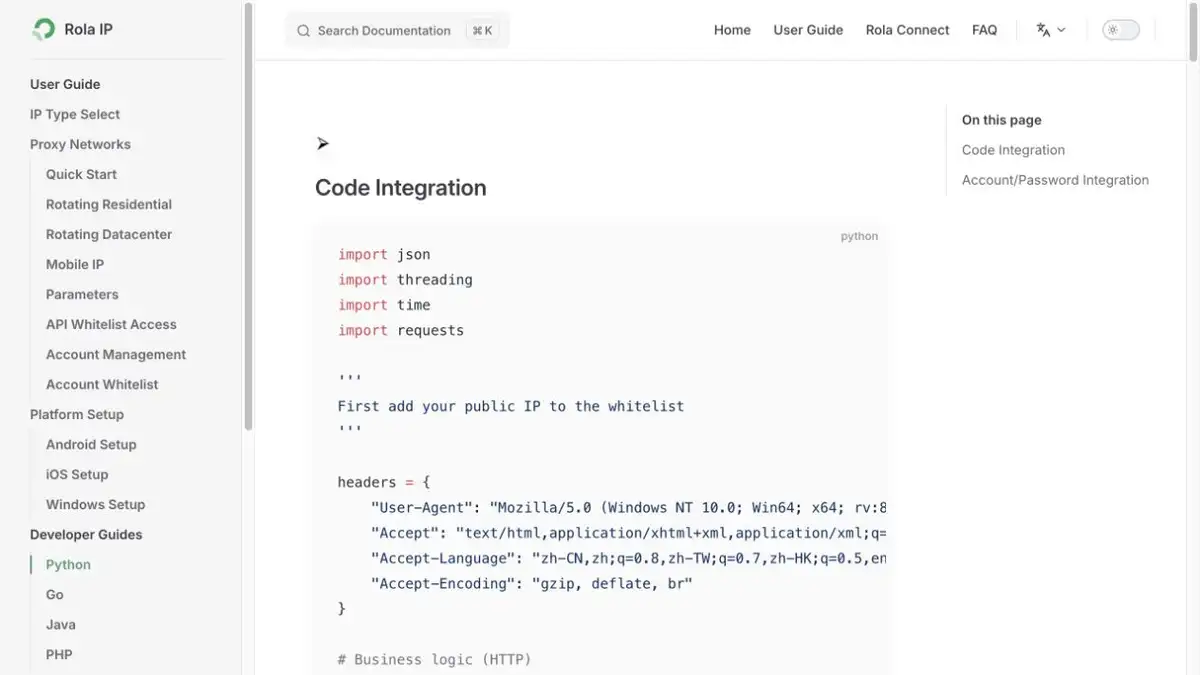
For current endpoint and authentication details, follow the Python proxy integration documentation rather than copying an account-specific endpoint into the article.
Production Checklist
A local fixture removes many of the failures that matter in production. Before a scheduled run, document these decisions:
- Permission and scope: confirm that collection is authorized and compatible with applicable terms, robots directives where relevant, privacy obligations, and data-use rules.
- Retrieval path: prefer a documented API or an authorized underlying request when it returns the same data more directly.
- Timeouts and retries: use bounded timeouts, conservative retries, backoff, and a rate that does not burden the service.
- Selectors and validation: fail clearly when expected records or fields disappear instead of silently writing an empty file.
- State: identify whether login, cookies, location, or session continuity is necessary and permitted.
- Storage: define schemas, deduplication, timestamps, retention, and handling for partial results.
- Observability: record status codes, retry counts, record counts, and validation failures without logging credentials or personal data.
- Network routing: consider a residential proxy only when the approved workload has a documented location or session requirement.
- Concurrency: increase parallelism gradually and measure target health, local resource use, error rates, and output quality. A higher setting is not automatically a better one.
Managed browser services or scraping APIs can reduce browser-hosting work, but they add vendor limits, usage cost, and security review. Check what URLs, HTML, cookies, or session data leave your environment before adopting one.
Troubleshooting the Stack
| Symptom | Likely cause | How to verify | Smallest useful fix |
|---|---|---|---|
| Requests returns fewer records than the browser | JavaScript adds records after the initial response | Compare response.text with the rendered DOM or Network responses |
Use the authorized JSON request if available; otherwise use a browser for the affected page |
Connection refused on 127.0.0.1:8765 |
The fixture server is not running or the port differs | Open the fixture URL in a browser | Start the local server and use the same port in every script |
| Playwright cannot find Chromium | The package was installed without its browser binary | Run the script and inspect the installation error | Run python -m playwright install chromium in the active environment |
| A script writes zero rows | The selector or page state changed | Save the response or inspect the rendered DOM and count .product elements |
Update the selector and keep the explicit empty-result failure |
| Scrapy sees static content only | Base Scrapy does not run page JavaScript | Compare Scrapy output with the rendered browser output | Reproduce the underlying data request or integrate browser rendering only where necessary |
| Proxy request fails before reaching the target | Credentials, scheme, endpoint, allowlist, or environment variables are wrong | Check sanitized error text and current provider documentation | Correct the smallest configuration mismatch; never print the full credential URL |
Final Recommendation
Start with the least complex layer that can produce the required, authorized data. Requests + Beautiful Soup is the clearest static-page stack. Move to Scrapy when crawl orchestration becomes the problem. Add Playwright when the browser genuinely creates necessary state. Keep Selenium when WebDriver compatibility or existing Grid infrastructure is a real advantage.
That is more useful than naming one universal winner. The tool should match the delivery path, scale, and operating environment of the job—and the local test should produce an observable result before the workflow touches a production target.