
How to Read a JSON File in Python (With Examples)

Aug 20, 2026 · Guides · 8 min read
TL;DR
To read a JSON file in Python, import the standard-library json module, open the file with UTF-8 encoding, and pass the file object to json.load():
import json

with open("settings.json", encoding="utf-8") as file:
    data = json.load(file)

print(data)
json.load() returns regular Python objects. A JSON object becomes a dict, while a JSON array becomes a list. Use json.loads() instead when the JSON is already in a string rather than a file.
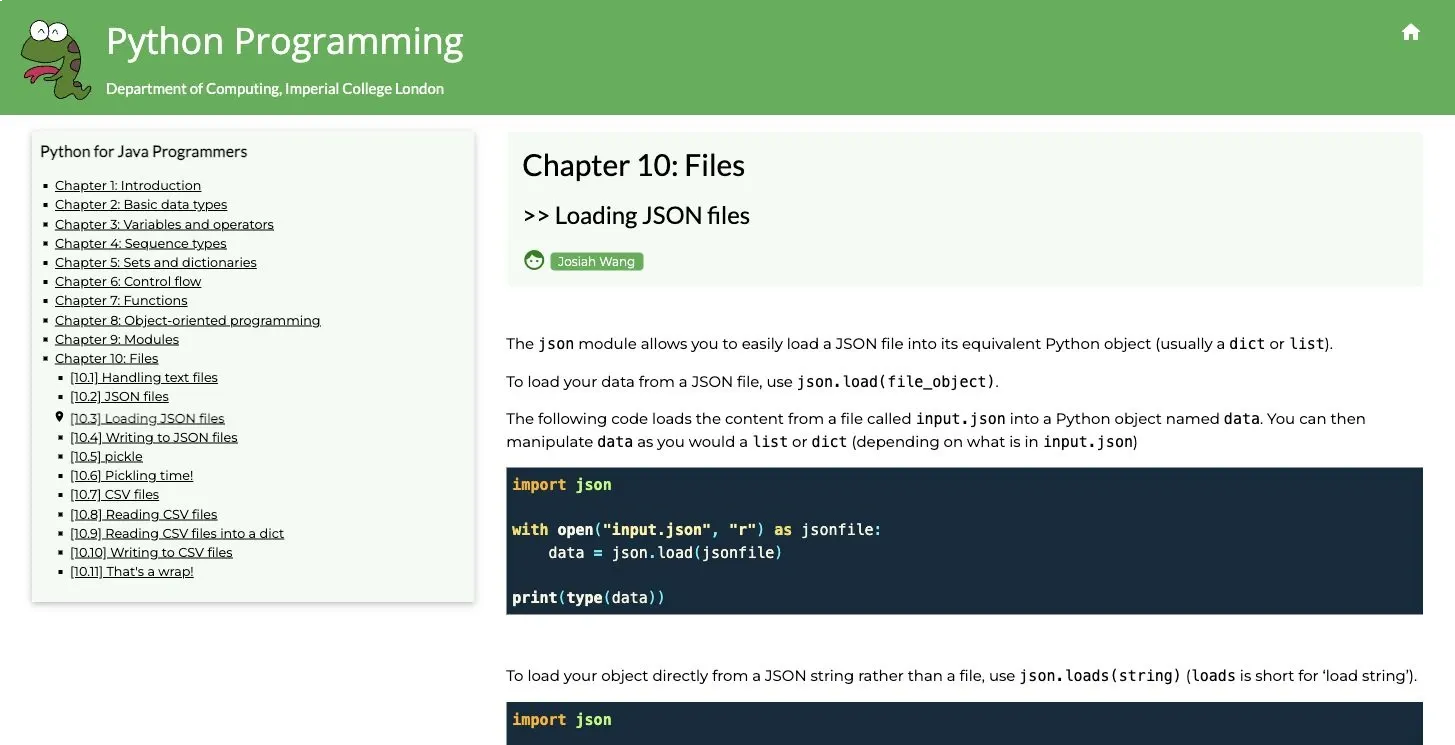
A concise file-loading example from Imperial College London’s Python tutorial.
Start with a small JSON file
Suppose settings.json contains this data:
{
  "project": "Rola research",
  "active": true,
  "regions": ["us", "de"],
  "limits": {
    "requests_per_minute": 120,
    "timeout_seconds": 20
  },
  "price": 19.99,
  "notes": "café ☕"
}
Read the file and access its values like this:
import json

with open("settings.json", encoding="utf-8") as file:
    data = json.load(file)

print(type(data).__name__)
print(data["project"])
print(data["limits"]["timeout_seconds"])
print(data["notes"])
Expected output:
dict
Rola research
20
café ☕
The with statement closes the file automatically, including when parsing raises an exception. Setting encoding="utf-8" also makes the expected text encoding explicit. That matters once a file contains names, accented characters, or non-Latin text.
The freeCodeCamp walkthrough shows the same beginner pattern in a complete tutorial context.
json.load() and json.loads() solve different problems
Their names differ by one letter, which causes plenty of avoidable errors:
| Input you have | Function to use | Example |
|---|---|---|
| An open file object | json.load() |
data = json.load(file) |
| A string, bytes, or bytearray containing JSON | json.loads() |
data = json.loads(json_text) |
For a string:
import json

json_text = '{"status": "ok", "count": 3}'
data = json.loads(json_text)

print(data["count"])
Do not pass a file object to json.loads(). Do not pass a file path string to it either. A value such as "settings.json" is only a filename, not the contents of that file.
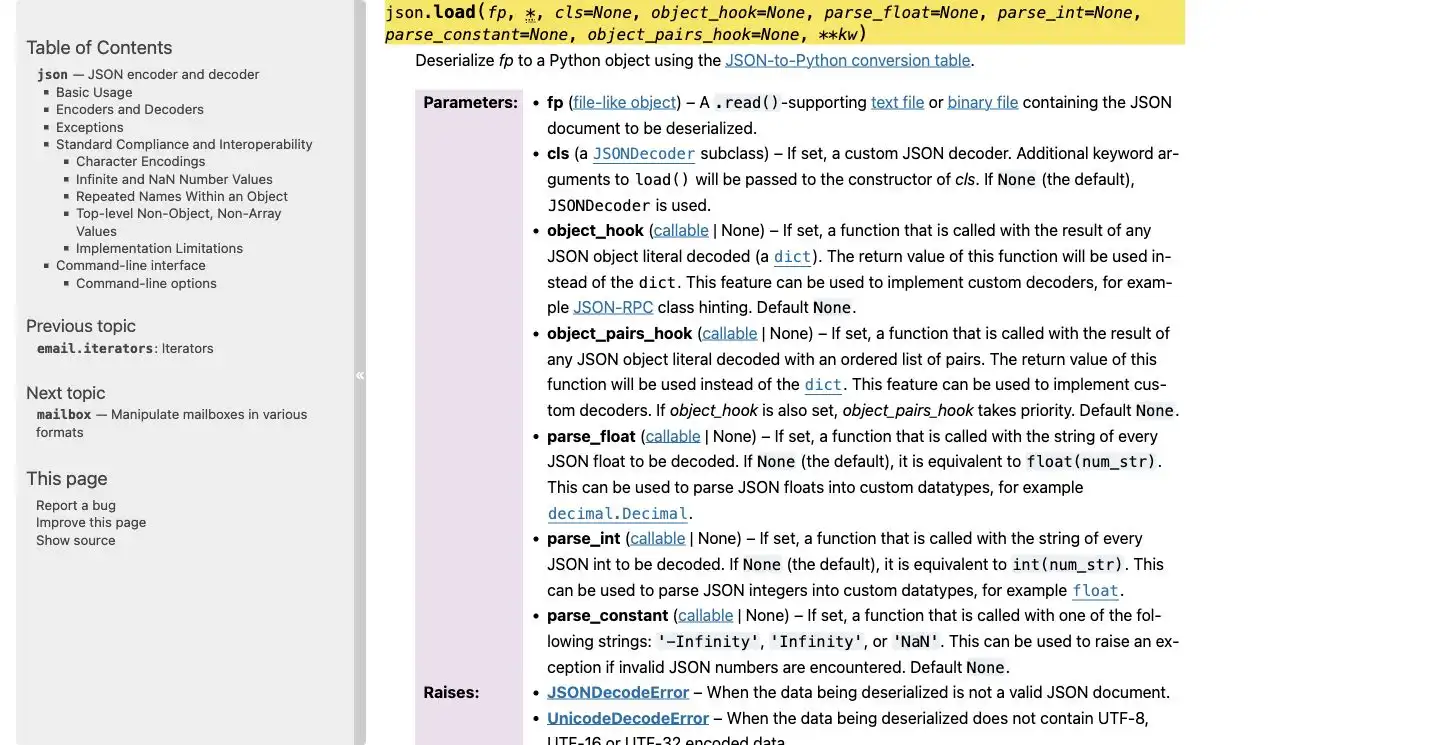
Python’s official reference documents the json.load() parameters and the parsing exceptions it can raise.
Use pathlib when relative paths become confusing
Python resolves a relative path from the process’s current working directory, which may differ from the folder containing the script. This is why code can work in an editor and fail from a scheduler, test runner, or another terminal directory.
If the JSON file sits next to the script, build the path from __file__:
import json
from pathlib import Path

json_path = Path(__file__).resolve().parent / "settings.json"

with json_path.open(encoding="utf-8") as file:
    data = json.load(file)
This pattern is intended for Python scripts. In notebooks and interactive environments, __file__ may not be defined. Use Path.cwd() only when the working directory is intentional, or pass an explicitly configured base directory.
When debugging a missing file, print the resolved path before changing anything else:
print(json_path.resolve())
print(json_path.exists())
If exists() returns False, the problem is the path or filename. The JSON parser has not run yet.
What Python types will you get?
The decoder maps JSON values to familiar Python values:
| JSON value | Python value |
|---|---|
| object | dict |
| array | list |
| string | str |
| integer | int |
| decimal number | float by default |
true or false |
True or False |
null |
None |
The top-level value does not have to be an object. If a file begins with [ and contains an array, json.load() returns a list:
with open("users.json", encoding="utf-8") as file:
    users = json.load(file)

for user in users:
    print(user["name"])
Check type(data) or the first non-whitespace character in the file if you expected a dictionary but received a list.
Read nested values without turning every missing key into a crash
Square brackets are appropriate when a field is required. They raise KeyError if the key is absent, which can expose bad or incomplete input early:
timeout = data["limits"]["timeout_seconds"]
For optional fields, .get() lets you supply a default:
retry_count = data.get("limits", {}).get("retry_count", 0)
That expression handles a missing limits object, but it does not handle every possible wrong type. If untrusted input might contain "limits": null or a string in that position, validate the structure before using it:
limits = data.get("limits")

if isinstance(limits, dict):
    retry_count = limits.get("retry_count", 0)
else:
    retry_count = 0
For arrays, use an index only after checking that the item exists:
regions = data.get("regions", [])
first_region = regions[0] if regions else None
This is longer than a chain of brackets, but the fallback is visible. Readers maintaining the code later can tell which fields are mandatory and which are optional.
Handle file and JSON errors separately
Several failures can happen before or during parsing. Catching them separately makes the error message useful.
import json
from pathlib import Path

json_path = Path("settings.json")

try:
    with json_path.open(encoding="utf-8") as file:
        data = json.load(file)
except FileNotFoundError:
    print(f"File not found: {json_path.resolve()}")
except IsADirectoryError:
    print(f"Expected a file but found a directory: {json_path.resolve()}")
except PermissionError:
    print(f"Permission denied: {json_path.resolve()}")
except UnicodeDecodeError as error:
    print(f"The file is not valid UTF-8: {error}")
except json.JSONDecodeError as error:
    print(
        f"Invalid JSON at line {error.lineno}, "
        f"column {error.colno}: {error.msg}"
    )
These exceptions point to different fixes:
FileNotFoundError: verify the current directory, resolved path, spelling, and filename case.IsADirectoryError: confirm that the path points to a JSON file rather than a directory.PermissionError: check whether the current user has permission to read the file.UnicodeDecodeError: confirm the file’s actual encoding. Do not silence it witherrors="ignore", because dropped characters can change the data.JSONDecodeError: inspect the reported line and column for invalid syntax.
Common JSON syntax mistakes include single quotes, trailing commas, comments, unquoted property names, and Python values such as True or None. Valid JSON uses double quotes, has no comments, and spells those values true and null.
You can also validate a file from the terminal:
python -m json.tool settings.json
The command prints formatted JSON when the file is valid. When parsing fails, it reports the location of the syntax error.
Read JSON Lines one record at a time
A .jsonl or .ndjson file usually stores one complete JSON value per line:
{"id": 1, "status": "ok"}
{"id": 2, "status": "retry"}
{"id": 3, "status": "ok"}
The entire file is not one JSON document, so json.load() will fail after the first object. Parse each nonempty line with json.loads() instead:
import json

records = []

with open("records.jsonl", encoding="utf-8") as file:
    for line_number, line in enumerate(file, start=1):
        if not line.strip():
            raise ValueError(f"Blank line at record line {line_number}")

        try:
            records.append(json.loads(line))
        except json.JSONDecodeError as error:
            raise ValueError(
                f"Invalid JSON on record line {line_number}: {error.msg}"
            ) from error
Strict JSON Lines requires every line to contain a valid JSON value. null is valid, but a blank line is not. If your input intentionally permits blank lines, replace the exception with continue and document that permissive behavior.
This is also the right pattern when you want to process each record and discard it rather than keep the full list in memory.
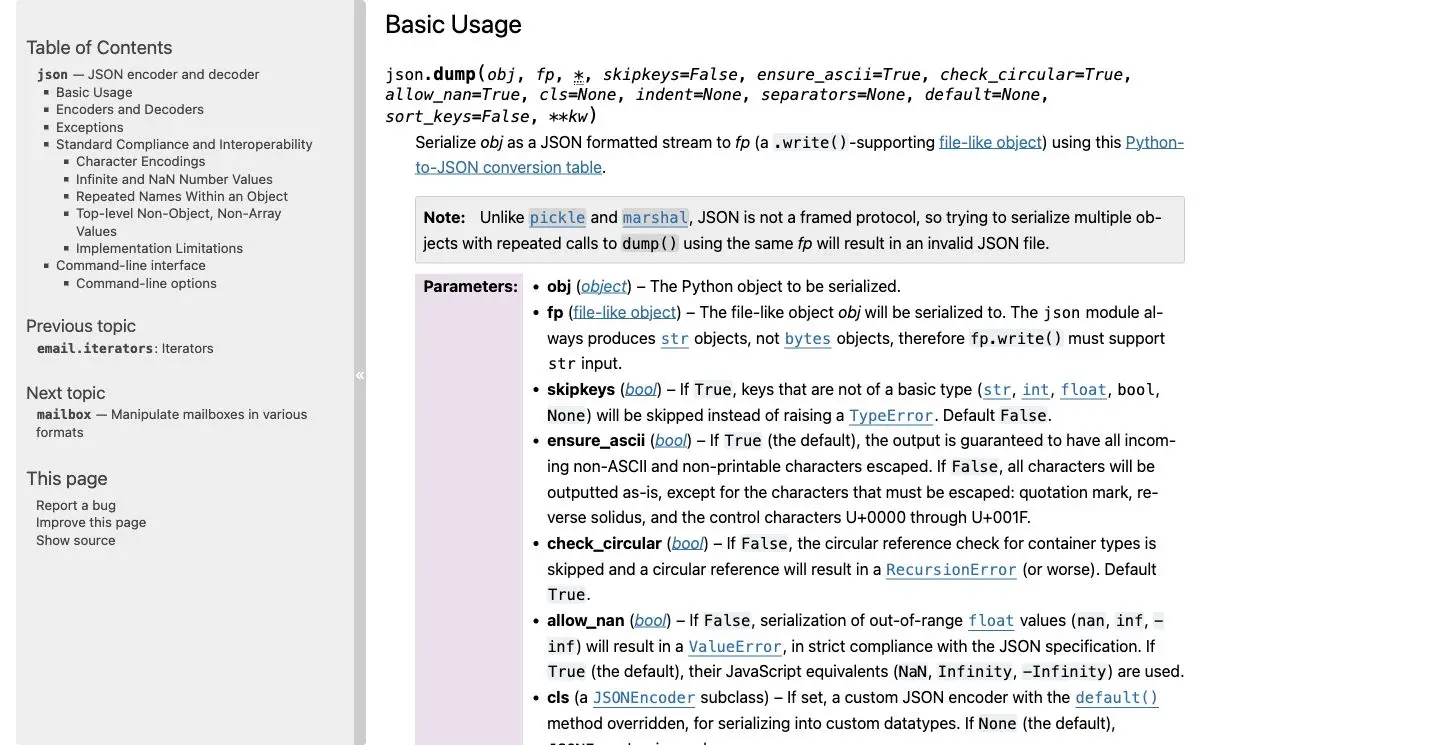
The official documentation notes that JSON is not a framed protocol. Separate objects need a container format such as JSON Lines or a valid enclosing array.
Large JSON files need a different plan
json.load() reads and decodes one complete JSON document into memory. A 2 GB file can therefore require much more than 2 GB of available memory once its strings, dictionaries, and lists become Python objects.
Choose the approach based on the format you control:
- For JSON Lines, iterate over the file and process one line at a time.
- For one huge JSON array or object, use a streaming parser such as
ijson, or change the export format if you control the producer. - For data analysis, a format designed for tabular or columnar processing may fit better than one enormous JSON document.
Do not split ordinary JSON at arbitrary newline or byte positions. A string can contain escaped characters, and nested objects can span many lines. Chunking without a parser can corrupt record boundaries.
Preserve decimal values when binary floats are unsuitable
JSON numbers with a decimal point become Python float values by default. That is fine for many measurements, but some workflows need decimal arithmetic with the original decimal representation.
Pass Decimal as parse_float:
import json
from decimal import Decimal

with open("settings.json", encoding="utf-8") as file:
    data = json.load(file, parse_float=Decimal)

print(type(data["price"]).__name__, data["price"])
Expected output:
Decimal 19.99
This choice changes how the decoder creates non-integer numbers. It does not validate that a value represents a price, percentage, or any other business concept.
When the JSON comes from an API or web request
Local parsing and network retrieval are separate stages. A proxy cannot repair a missing local file, incorrect encoding, or malformed JSON already saved to disk.
For an HTTP response, check the status and content type before decoding it. A server may return an HTML error page even when the URL normally serves JSON. The following example uses a reserved example domain, so it is NOT EXECUTED as a live integration test:
import requests

try:
    response = requests.get(
        "https://api.example.com/items",
        timeout=20,
    )
    response.raise_for_status()

    content_type = response.headers.get("content-type", "")
    media_type = content_type.partition(";")[0].strip().lower()

    if not (
        media_type == "application/json"
        or media_type.endswith("+json")
    ):
        raise ValueError(
            f"Expected a JSON response, received "
            f"{content_type or 'no content type'}"
        )

    data = response.json()

except requests.exceptions.Timeout:
    print("The request timed out.")
except requests.exceptions.HTTPError as error:
    print(f"HTTP error: {error}")
except requests.exceptions.JSONDecodeError as error:
    print(f"The response was not valid JSON: {error}")
except requests.exceptions.RequestException as error:
    print(f"Request failed: {error}")
except ValueError as error:
    print(error)
The specific JSON decoding branch must appear before the broad RequestException branch because Requests’ JSONDecodeError is also a RequestException. A JSON content type is useful evidence, but it does not guarantee that the response body contains valid JSON.
If this stage fails, inspect the request rather than changing the file parser. The guides to Python requests headers and Python requests timeout cover two common network-side causes.
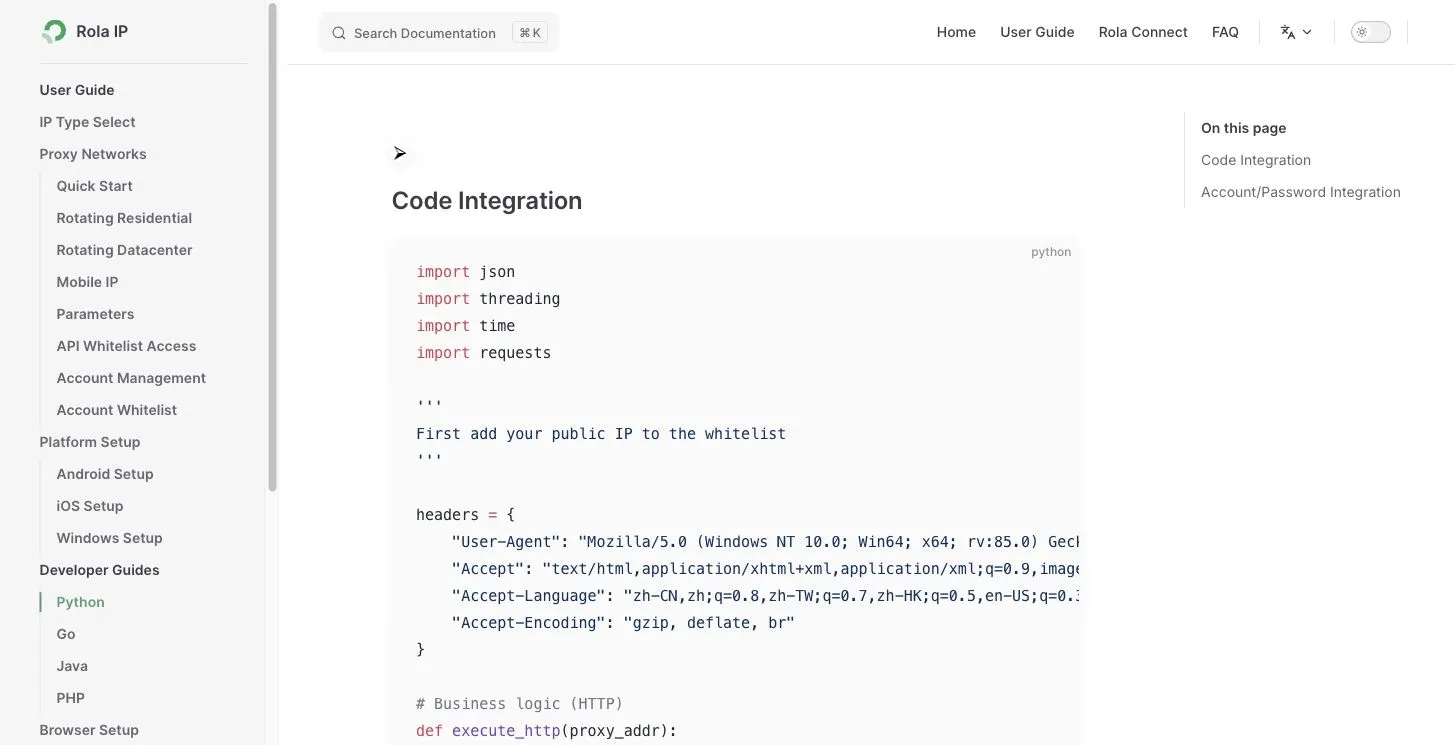
Some authorized collection workflows also need requests to originate from a specific region. In that case, follow the current Python proxy integration instructions and confirm that you have permission to access and collect the target data. Rola IP’s web scraping proxy page explains the relevant use case. None of these network settings changes how json.load() parses a local file.
A short debugging checklist
If reading a JSON file still fails, check the problem in this order:
- Print the resolved path and confirm that the file exists.
- Open it with the expected encoding, usually UTF-8.
- Decide whether the input is one JSON document, a JSON string, or JSON Lines.
- Run
python -m json.toolagainst a standard JSON document. - Use the line and column from
JSONDecodeErrorto find the first syntax problem. - Confirm whether the top-level result should be a dictionary or list.
- Validate optional and required fields before using nested values.
- For network responses, check the status code and content type before parsing.
Conclusion
The basic answer is only three steps: open the file, pass it to json.load(), and work with the returned Python object. Most failures happen around that line, not inside it. Resolve the path, encoding, input format, and file size first. Use json.loads() for strings and individual JSON Lines, and keep HTTP retrieval errors separate from local parsing errors.