
How to Scrape Dynamic Web Pages with Python: 3 Methods

Aug 17, 2026 · Guides · 13 min read
TL;DR
The most reliable way to scrape a dynamic web page with Python is to extract its underlying JSON/XHR endpoint when one exists; otherwise, render the page with Playwright or Selenium, wait for a specific element, and then extract the rendered DOM.
This tutorial shows all three approaches and explains when each one is appropriate. You will build a small scraper for JavaScript-rendered product cards, handle pagination and infinite scroll, add a proxy, verify the output, and diagnose the failures that occur most often on real sites.
Scope | Use these techniques only on pages you are permitted to access. Respect robots.txt where applicable, terms of service, privacy requirements, rate limits, authentication boundaries, and applicable law. This guide does not cover bypassing CAPTCHAs, paywalls, or access controls.
What Counts as a Dynamic Web Page?
A dynamic web page loads or changes important content after the initial HTML response, usually through JavaScript, XHR/fetch requests, user interaction, or client-side frameworks such as React, Vue, and Angular.
A normal requests.get() call downloads the server response, not the browser state after JavaScript runs. If a product grid, live price, account table, or search result appears only after an API call or interaction, Beautiful Soup cannot see it unless you first retrieve the data source or render the page.
| Symptom | Likely cause | Best first move |
|---|---|---|
| Browser shows data; response HTML does not | JavaScript rendering | Inspect Network → Fetch/XHR |
| More cards appear on scroll | Infinite scroll or cursor pagination | Find the API cursor or automate scrolling |
| Content appears after a click | Interaction-triggered request | Replay the request or click with a browser |
| Different data by location/session | Cookies, headers, or IP location | Reproduce the browser context |
| 403, 429, or CAPTCHA | Rate limit or anti-bot control | Slow down, cache, and review access rules |
Choose the Right Python Scraping Method
Use the lightest method that returns complete data: direct JSON/XHR first, Playwright for modern browser automation, and Selenium when compatibility with an existing WebDriver stack matters.
| Method | Use it when | Advantages | Trade-offs |
|---|---|---|---|
| Requests + XHR/API | The browser calls a stable data endpoint | Fast, cheap, easy to scale | Requires request discovery and authorization |
| Playwright | The page needs JavaScript or interactions | Auto-waiting, modern locators, browser contexts | Browser CPU and memory |
| Selenium | Existing WebDriver/Grid ecosystem | Mature ecosystem and broad browser support | More explicit synchronization work |
| Scraping API | You want managed rendering/retries | Less infrastructure to maintain | Provider cost and less low-level control |
Prerequisites and Tested Environment
The examples target Python 3.11+ and current Selenium 4 or Playwright for Python, with Chrome or Chromium installed. Use the commands for your operating system.
macOS/Linux
python3 -m venv .venv
source .venv/bin/activate

python -m pip install --upgrade pip
python -m pip install requests beautifulsoup4 selenium playwright
python -m playwright install chromium
Windows PowerShell
py -m venv .venv
.\.venv\Scripts\Activate.ps1

python -m pip install --upgrade pip
python -m pip install requests beautifulsoup4 selenium playwright
python -m playwright install chromium
Selenium 4 includes Selenium Manager, so a separate ChromeDriver download is usually unnecessary. Playwright installs its browser binaries with the final command. Pin dependency versions in production and retest selectors after upgrades.
Before running the examples: The following snippets are reusable templates. Replace the example URLs, selectors, and proxy credentials with values from your own authorized target and Rola IP account. Code that depends on a live website or authenticated proxy service must be verified in the corresponding environment.
Step 1: Confirm That the Page Is Actually Dynamic
Compare the raw HTTP response with the rendered DOM before choosing a browser tool; many “dynamic” pages expose the required data in a JSON request that is easier to reproduce.
- Open the page in Chrome and inspect View Source or the response returned by
requests.get(). - Search for a visible product name or another unique value. If it is missing, open the Chrome DevTools Network panel and filter for Fetch/XHR.
- Reload the page, trigger the relevant click or scroll, and inspect requests whose responses contain the desired fields.
- Use “Copy as cURL,” then reproduce only the headers, query parameters, cookies, and body that are genuinely required.
import requests

url = "https://example.com/api/products?page=1"
response = requests.get(url, timeout=30)
response.raise_for_status()

for item in response.json()["results"]:
    print(item["name"], item["price"])
Prefer this method when the endpoint is public, stable, and permitted. Do not copy private tokens or bypass authorization. Direct API requests avoid browser startup, reduce bandwidth, and usually make pagination easier to reason about.
Step 2: Scrape JavaScript-Rendered Content with Playwright
Playwright is a strong default for new Python projects because its auto-waiting and actionability checks wait for elements to become usable, while browser contexts make cookies, headers, and proxies straightforward to isolate.
from playwright.sync_api import sync_playwright

URL = "https://example.com/products"

with sync_playwright() as p:
    browser = p.chromium.launch(headless=True)
    page = browser.new_page()
    page.goto(URL, wait_until="domcontentloaded", timeout=30_000)

    cards = page.locator(".product-card")
    cards.first.wait_for(state="visible")

    products = []
    for card in cards.all():
        products.append({
            "name": card.locator("h2").inner_text(),
            "price": card.locator(".price").inner_text(),
        })

    print(products)
    browser.close()
The important line is the element-level wait. domcontentloaded confirms that the initial document arrived; it does not guarantee that asynchronous product data is ready. Waiting for .product-card makes the success condition explicit.
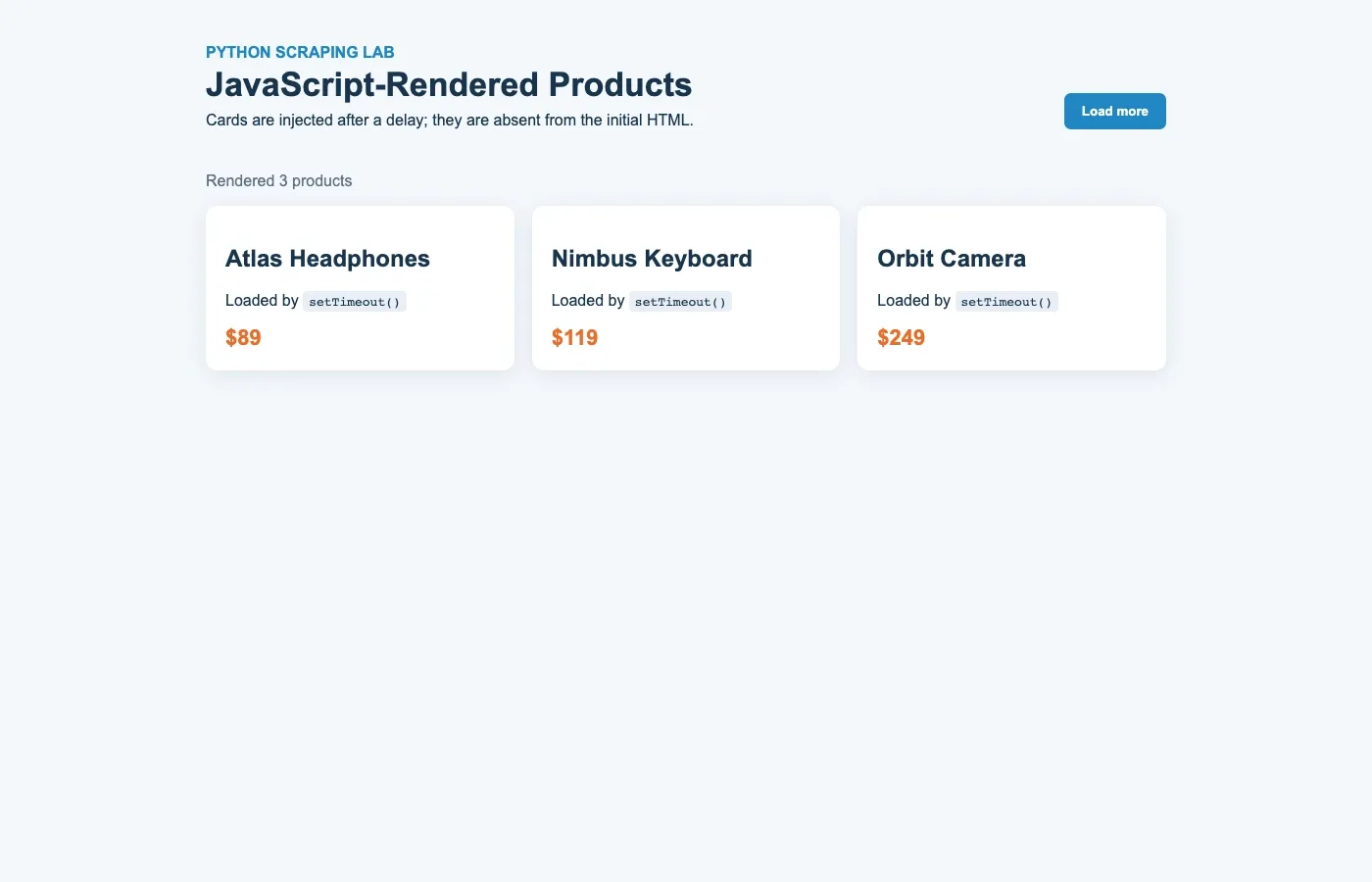
Verified example | The companion local test was executed successfully with Chromium on August 12, 2026. It waited for the first rendered card and extracted three product names and prices.
Step 3: Scrape the Same Page with Selenium
Selenium works well when a project already uses WebDriver, but use WebDriverWait and expected conditions instead of fixed sleeps.
from selenium import webdriver
from selenium.webdriver.common.by import By
from selenium.webdriver.support.ui import WebDriverWait
from selenium.webdriver.support import expected_conditions as EC

URL = "https://example.com/products"
driver = webdriver.Chrome()

try:
    driver.get(URL)
    wait = WebDriverWait(driver, 20)
    wait.until(EC.visibility_of_element_located((By.CSS_SELECTOR, ".product-card")))

    for card in driver.find_elements(By.CSS_SELECTOR, ".product-card"):
        name = card.find_element(By.CSS_SELECTOR, "h2").text
        price = card.find_element(By.CSS_SELECTOR, ".price").text
        print(name, price)
finally:
    driver.quit()
Avoid mixing implicit and explicit waits; the official Selenium waiting-strategies guide warns that the resulting timeout can become unpredictable. Keep the explicit wait close to the condition that proves the page is ready.
A complete example of how to use Selenium for web scraping extends this pattern with bounded pagination, CSV export, record validation, and failure screenshots.
Step 4: Handle Infinite Scroll and “Load More”
Stop an infinite-scroll loop when the number of cards or page height no longer increases, and always set a maximum iteration count.
def load_all_cards(page, selector=".product-card", max_rounds=20):
    previous_count = 0

    for _ in range(max_rounds):
        count = page.locator(selector).count()
        if count == previous_count:
            break
        previous_count = count

        page.evaluate("window.scrollTo(0, document.body.scrollHeight)")
        try:
            page.wait_for_function(
                "([sel, old]) => document.querySelectorAll(sel).length > old",
                [selector, count],
                timeout=5_000,
            )
        except Exception:
            break

    return page.locator(selector).count()
For a “Load more” button, click only while the locator is visible and enabled, then wait for the card count to increase. A capped loop prevents a changed selector or endless feed from running forever.
Step 5: Scrape Dynamic Pages with Rola IP Proxies
Pair Rola IP with Playwright or Selenium when a permitted dynamic-scraping job needs JavaScript execution plus regional residential IPs, request rotation, or a stable proxy session.
A browser automation tool and a proxy solve different problems. Playwright or Selenium executes JavaScript and interacts with the page; Rola IP routes that browser traffic through a selected proxy network. A proxy does not render JavaScript, repair a broken selector, or solve a parsing bug, but it can provide the regional exit and session behavior required by a legitimate distributed collection workflow.
Rola IP’s web scraping proxy is designed to work with standard HTTP/HTTPS proxy settings rather than a proprietary scraping SDK. The current product information describes an 80M+ residential IP pool across 190+ countries and regions, HTTP(S)/SOCKS5 support, rotating and sticky sessions, geographic controls, account-level traffic allocation, and routes optimized for teams connecting from mainland China. Treat pool size and success-rate figures as provider-reported metrics and test them on your own targets.
What Is Rola IP?
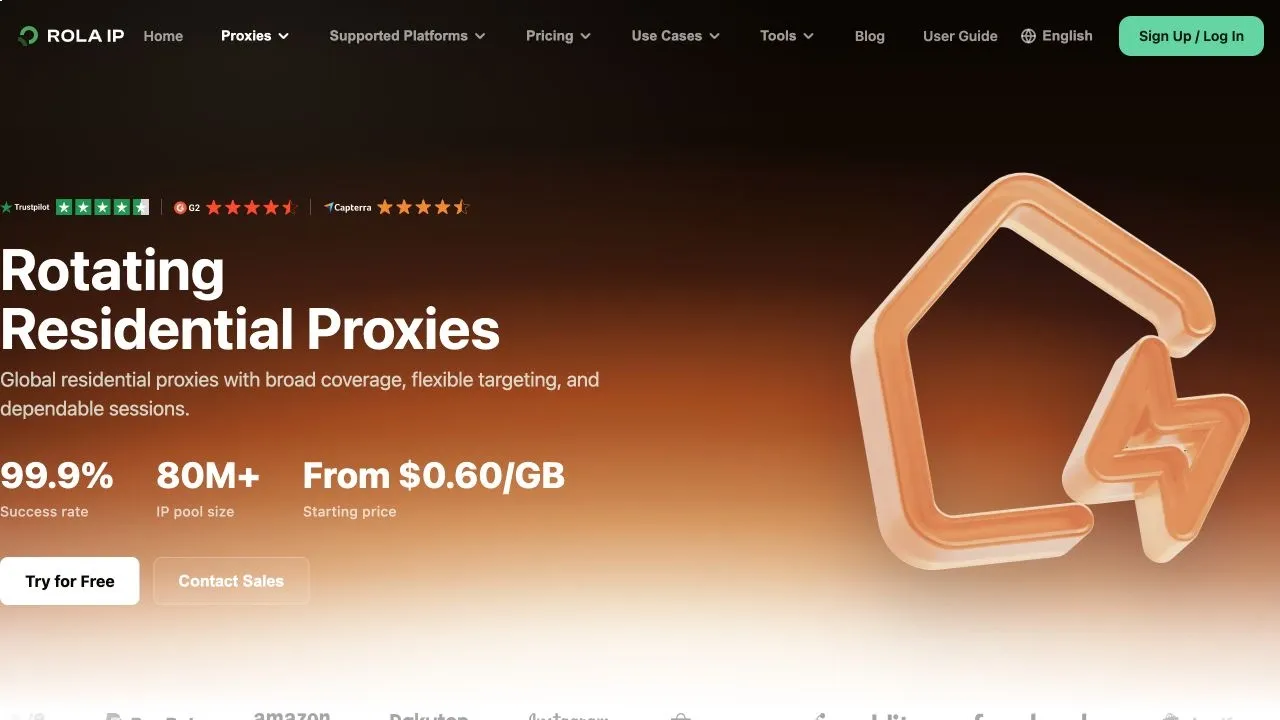
Rola IP is a proxy service for web scraping, price monitoring, SEO tracking, ad verification, and market research, with rotating residential, rotating datacenter, static residential, static datacenter, and mobile proxy products.
Rola IP does not scrape the page for you. Instead, it gives Python scripts, Playwright, Selenium, servers, and browsers a configurable network exit. Your crawler remains responsible for rendering, interaction, parsing, and data quality, while the proxy layer controls IP type, exit location, rotation, and session duration. This separation suits teams that already have scraping code and want to retain engineering control.
For integration, Rola IP supports HTTP(S) and SOCKS5, username/password authentication, IP allowlisting, or combined authentication. Teams can create subaccounts, allocate traffic quotas, and use APIs and examples for common programming languages. It also offers optimized routes for teams connecting from mainland China, where cross-border network variability can otherwise affect browser loading.
Which Proxy Products Does Rola IP Offer?
Rola IP offers five proxy categories that prioritize different combinations of authenticity, speed, session stability, bandwidth cost, and mobile-network identity.
| Product | Main characteristics | Best fit for dynamic pages |
|---|---|---|
| Rotating residential | Residential-network exits; per-request rotation or sticky sessions; bandwidth-based usage | Regional e-commerce, search results, fares, and advertising pages |
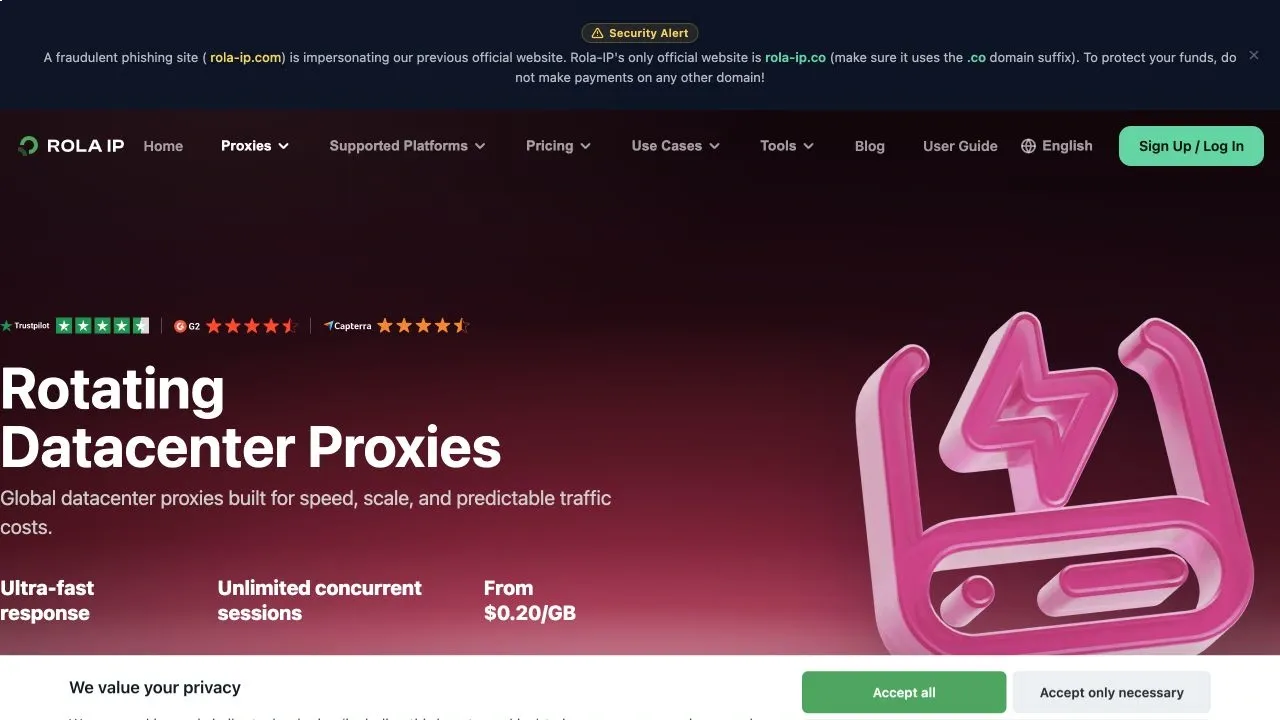
| Rotating datacenter | Fast, scalable, and generally lower-cost; rotating or session-based | Public directories, bulk pages, and SEO checks on less sensitive targets |
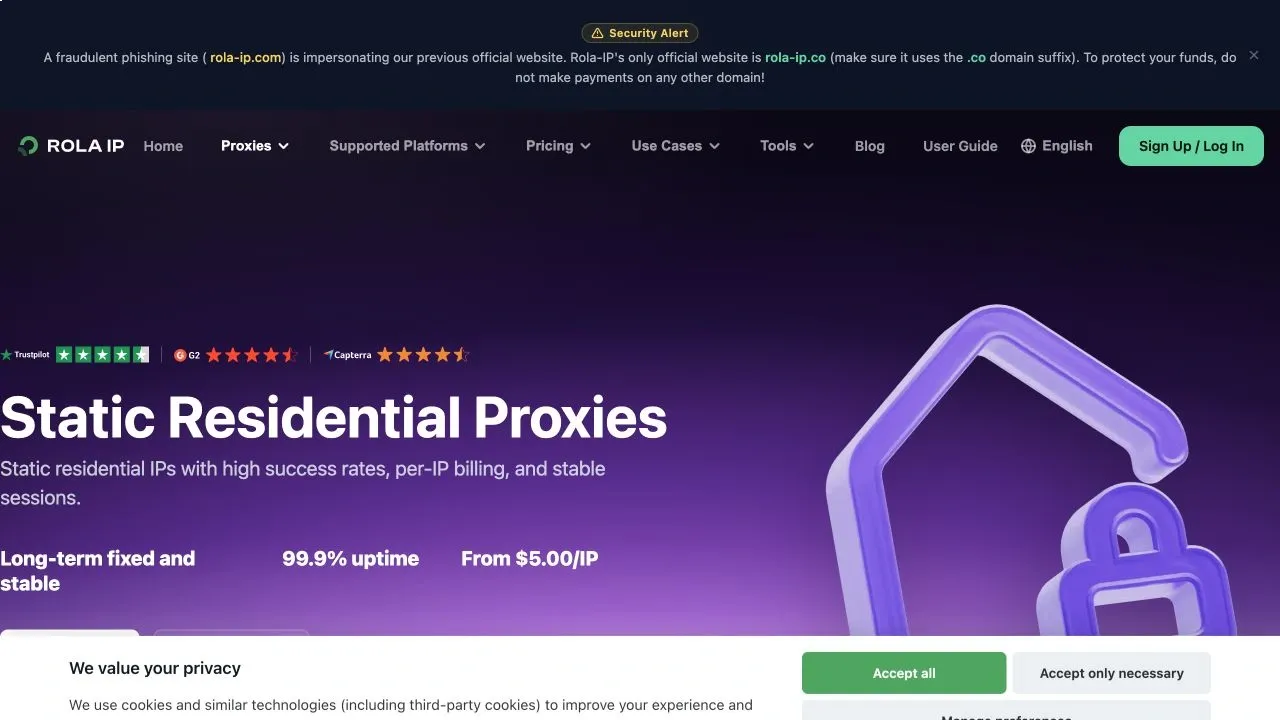
| Static residential (ISP) | Dedicated fixed IP with residential identity and persistent sessions; unlimited traffic during validity | Login flows and long-running browser sessions that need a durable identity |
| Static datacenter | Dedicated fixed exit, stable speed, predictable cost, and unlimited traffic during validity | Continuous public-data monitoring and fixed-egress workflows |
| Mobile | Mobile-carrier network exits for mobile location and network context | Mobile search, mobile ad display, and authorized app or mobile-web testing |
Which Rola IP Product Should You Use for Dynamic Web Scraping?
Start with rotating residential proxies for most geo-specific dynamic pages; consider rotating datacenter proxies for high-volume, less protected targets, and use static proxies when a workflow requires a long-lived IP identity.
For price, inventory, or search snapshots across several countries, rotating residential proxies provide a practical balance. The current product page lists coverage in 190+ countries and regions, an 80M+ residential pool, and country- and city-level targeting. If city precision matters, confirm availability for the required market and validate the returned content with representative URLs.
For public directories, editorial sites, or other less protected targets, rotating datacenter proxies can favor throughput and cost. Their speed is useful for parallel collection, but datacenter ASNs may be easier for some sites to identify. Compare cost per usable record—not price per GB alone—because extra 403s, 429s, and invalid pages can erase an apparent saving.
Static residential proxies suit tasks that must preserve one IP for longer periods, such as navigating several pages after login, retaining cart state, or running an extended browser session. Static datacenter proxies also provide fixed egress where the target is not sensitive to IP type. Both static categories include unlimited traffic during the purchased validity period, which can make browser-heavy workloads more predictable.
Use mobile proxies only when the task genuinely requires a mobile-carrier environment, such as validating mobile search or mobile advertising. They should not be the default for ordinary web scraping merely because the traffic looks more consumer-like; they may not offer the best speed-to-cost ratio for that workload.
Quick selection | Geo-specific public pages: rotating residential. High-volume, less sensitive targets: rotating datacenter. Persistent identity: static residential. Fixed egress with speed and predictable cost: static datacenter. Mobile-network context: mobile proxies.
How Rola IP Supports a Python Dynamic-Scraping Workflow
Rola IP turns geography, IP type, rotation, and team access into a configurable proxy layer, allowing the same Python crawler to serve different markets and session requirements.
- Geographic coverage: select country and supported city exits for localized prices, inventory, ads, or search results.
- Rotating and sticky sessions: rotate independent page jobs while keeping one exit for multistep browser flows.
- Concurrency: the product brief lists support for 3,000+ concurrent connections; validate practical concurrency against the plan, target limits, and local browser capacity.
- Team controls: separate projects or workers with subaccounts and traffic quotas.
- Flexible authentication: use credentials, IP allowlisting, or both for development machines and cloud workers.
- Broad compatibility: standard proxy protocols work with Requests, Scrapy, Playwright, Selenium, and common browser environments.
- Diagnostics and support: location, connectivity, and proxy-checking tools help isolate exit problems, with 24/7 technical support available.
These capabilities do not guarantee identical results on every target. Hold the URL set, location, browser version, session rule, and concurrency constant; then measure successful page loads, field completeness, retries, traffic, and cost per usable record before choosing a product and plan.
Choose Rotating or Sticky Sessions for the Page Flow
Use rotating sessions for independent page loads and sticky sessions when multiple browser actions must preserve the same IP identity.
| Dynamic-page workflow | Recommended session | Why |
|---|---|---|
| Independent product or SERP pages | Rotating | A fresh exit can be assigned to each independent request |
| Login → search → pagination | Sticky | Cookies and IP identity remain aligned during the flow |
| Shopping cart or form sequence | Sticky | Changing IP mid-flow can invalidate state |
| Regional price snapshots | Rotating by region | Each run can represent a defined market |
| Infinite scroll on one page | Sticky | All scroll requests belong to one browser session |
Rola IP residential credentials can encode location and session choices in the account string. Keep one session ID throughout a stateful task, and create a different session ID for each independent worker. Do not rotate the IP between a login and its subsequent authenticated actions.
Configure Rola IP in Playwright
Pass the Rola IP gateway, port, username, and password through Playwright’s proxy option, then verify the exit before visiting the target.
import os
from playwright.sync_api import sync_playwright

proxy = {
    "server": os.environ["ROLA_PROXY_SERVER"],  # e.g. http://gate.rola.vip:PORT
    "username": os.environ["ROLA_PROXY_USER"],
    "password": os.environ["ROLA_PROXY_PASSWORD"],
}

with sync_playwright() as p:
    browser = p.chromium.launch(headless=True, proxy=proxy)
    context = browser.new_context(locale="en-US")
    page = context.new_page()

    page.goto("https://api.ipify.org?format=json")
    print("Proxy exit:", page.text_content("body"))

    page.goto("https://example.com/products", wait_until="domcontentloaded")
    page.locator(".product-card").first.wait_for(state="visible")
    print("Cards:", page.locator(".product-card").count())

    browser.close()
Store credentials in environment variables rather than source code. Generate the exact gateway, port, and username parameters in the dashboard because locations and session syntax can change. The browser context should also use the language, timezone, and cookies expected by the target workflow; an IP from one region combined with a contradictory locale can return unexpected content.
Configure Rola IP in Selenium
For Selenium, set the Rola IP gateway as Chrome’s proxy server and use IP allowlisting or a supported authentication method when credentials are required.
import os
from selenium import webdriver

options = webdriver.ChromeOptions()
options.add_argument(f"--proxy-server={os.environ['ROLA_PROXY_SERVER']}")

driver = webdriver.Chrome(options=options)
try:
    driver.get("https://api.ipify.org?format=json")
    print(driver.find_element("tag name", "body").text)
finally:
    driver.quit()
Chrome does not accept username/password in the --proxy-server argument. For authenticated Selenium traffic, use IP allowlisting, a properly secured local forwarding proxy, or another authentication mechanism supported by your environment. Avoid unmaintained extensions and never put live proxy credentials in a public repository.
Verify Location, Session Behavior, and Traffic
A successful connection is not enough; confirm that the detected country, session persistence, content variant, and traffic consumption match the intended job.
- Open an IP-check endpoint and record the detected IP, country, ASN, and timestamp.
- Repeat the request within the same sticky session and confirm that the exit remains stable.
- Start a new rotating session and confirm that the exit changes when rotation is expected.
- Open the target page and verify the actual localized price, language, inventory, or SERP—not only the IP database result.
- Monitor traffic by account or worker and calculate GB per usable record, including retries and browser assets.
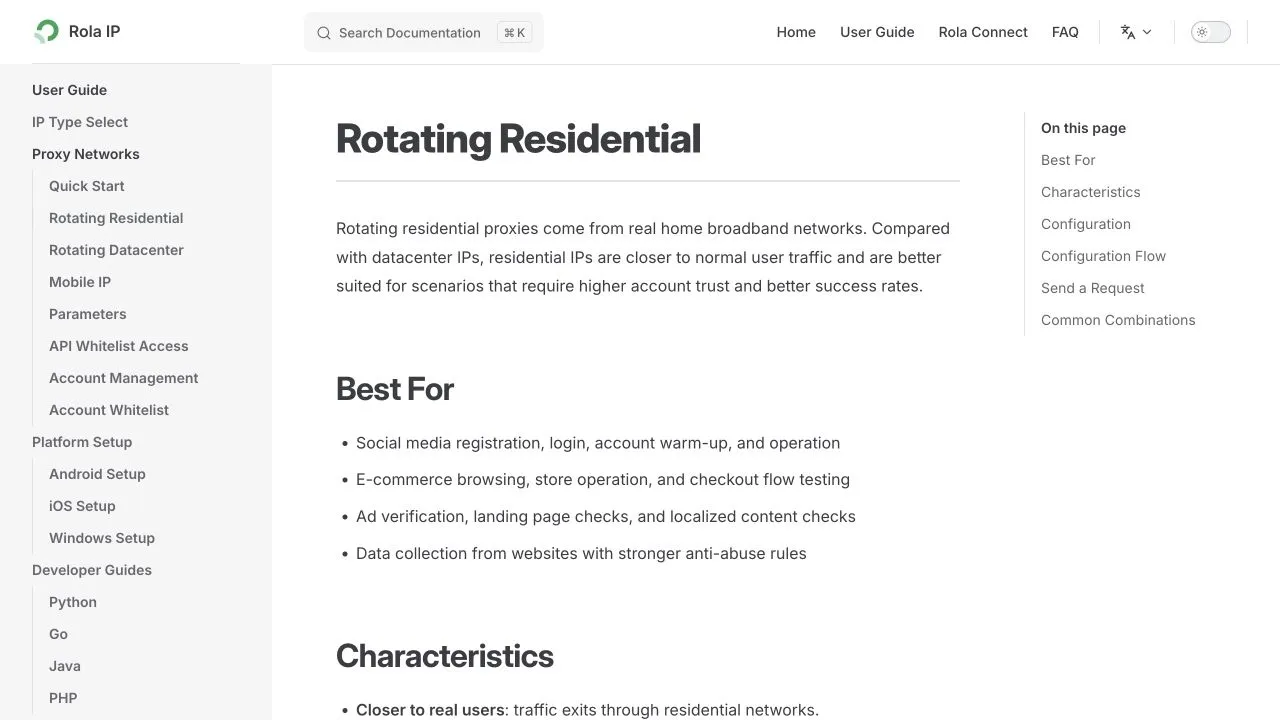
The Python proxy integration provides connection examples, while the rotating residential proxy setup explains location and session parameters.
Where Rola IP Fits—and Where It Does Not
Rola IP is most useful when proxy routing is the bottleneck; it should not be presented as a replacement for browser rendering, selector maintenance, CAPTCHA handling, or data validation.
- Good fit: regional e-commerce pages, localized SERPs, ad verification, travel prices, and public market research.
- Good fit: parallel workers that need separate accounts, traffic quotas, or controlled sessions.
- Not a rendering engine: Playwright or Selenium must still execute JavaScript.
- Not an observability platform: your crawler must still track valid records, retries, blocks, and selector failures.
- Not permission to bypass controls: use the service only for data and pages you are authorized to access.
Practical Rola IP workflow | Start with one location and a small request set. Verify the exit, run rotating and sticky variants, compare usable-record cost, then scale concurrency gradually. This separates proxy quality from browser, selector, and parsing errors.
Step 6: Save Structured Output and Verify It
Validate required fields before writing JSON or CSV, and save a screenshot or HTML snapshot when a page fails.
import csv

required = {"name", "price"}
valid = [row for row in products if required <= row.keys() and all(row.values())]

with open("products.csv", "w", newline="", encoding="utf-8") as file:
    writer = csv.DictWriter(file, fieldnames=["name", "price"])
    writer.writeheader()
    writer.writerows(valid)

assert valid, "No complete product rows were extracted"
- Check that the row count is plausible, not merely nonzero.
- Normalize prices only after preserving the original text.
- Record the URL, retrieval time, status, retry count, selector version, and proxy region.
- On failure, save
page.screenshot()andpage.content()before closing the browser.
Common Errors and Fixes
Most dynamic-scraping failures come from choosing the wrong data source, waiting for the wrong event, brittle selectors, blocked requests, or state that was not reproduced.
| Problem | Likely cause | Fix |
|---|---|---|
| Empty HTML in Beautiful Soup | Content rendered after response | Use the XHR endpoint or a browser |
| Timeout waiting for selector | Wrong frame, selector, or blocked API | Inspect frames/network; capture screenshot |
| StaleElementReferenceException | DOM replaced after interaction | Find the element again after the update |
| Only first batch is captured | Scroll/cursor not advanced | Wait for count increase and cap the loop |
| 403 or 429 | Rate limit, policy, or IP reputation | Reduce rate; cache; use permitted proxy access |
| CAPTCHA appears | Automation or request pattern challenged | Pause and review access; do not bypass controls |
| Wrong regional content | Cookie, language, or exit mismatch | Verify headers, context, and exit IP |
| Memory grows continuously | Browser/pages not closed | Reuse contexts carefully and close resources |
Production Checklist
A production scraper needs explicit success criteria, bounded retries, rate control, observability, and selector tests—not just a script that works once.
- Prefer stable data attributes or semantic locators over generated CSS classes.
- Use exponential backoff with a strict retry limit; never retry every failure indefinitely.
- Throttle per domain and reuse cached results where freshness requirements allow.
- Separate navigation failures, extraction failures, and validation failures in metrics.
- Use sticky sessions for multistep workflows and rotation for independent requests when permitted.
- Keep credentials in environment variables or a secret manager.
- Run small selector fixtures in CI so site changes fail visibly.
For larger proxy-based crawlers, review the practical Rola IP documentation before rollout.
Summary
For scraping dynamic web pages with Python, first look for a reusable XHR/JSON endpoint; if browser execution is required, use Playwright or Selenium with explicit element waits, bounded scrolling, validation, and responsible request rates.
The browser is only one layer of a dependable scraper. Long-running systems also need data validation, monitoring, retry limits, credential security, and a clear compliance boundary. Add proxy infrastructure only when the workload genuinely requires regional access, session continuity, or distributed requests.