What Is a Residential Proxy and How Does It Work? A Complete Guide

Aug 4, 2026 · Proxy Basics · 14 min read
Residential proxies let a browser, app, or data-collection tool send traffic through an Internet Service Provider (ISP)-assigned IP address in a chosen location. The proxy gateway receives a request, applies the selected targeting and session rules, forwards it through a residential IP, and returns the website response. This is useful for legitimate location-specific research, localized search-result checks, ad verification, and quality assurance (QA), but it does not override a website’s rules or eliminate risk controls.
TL;DR
A residential proxy routes a request through an ISP-assigned exit IP in a selected location. Providers may offer country or city targeting, IP rotation, and sticky sessions. It can support permitted localized research, SEO checks, ad verification, and QA, but it does not guarantee access or override site rules. Choose the session model and location for the workload, then validate results with a small, authorized test.
What Is a Residential Proxy?
Residential proxy is a proxy service that routes traffic through an IP address assigned by an ISP to a residential internet connection. The destination website sees the residential address as the source of the request rather than the user’s original IP address.
The term has two parts. A proxy is the intermediary that forwards traffic, while residential describes the network context of the exit IP. Many datacenter addresses, by comparison, originate from cloud or hosting providers. Neither type is inherently good or bad; they differ in routing, performance, availability, and cost.
For example, a retailer’s regional catalog can display different public prices, stock messages, language, or delivery options by location. A QA team may use a residential endpoint in the relevant region to check that customer-facing experience. The proxy changes the network path, not a site’s access rules.
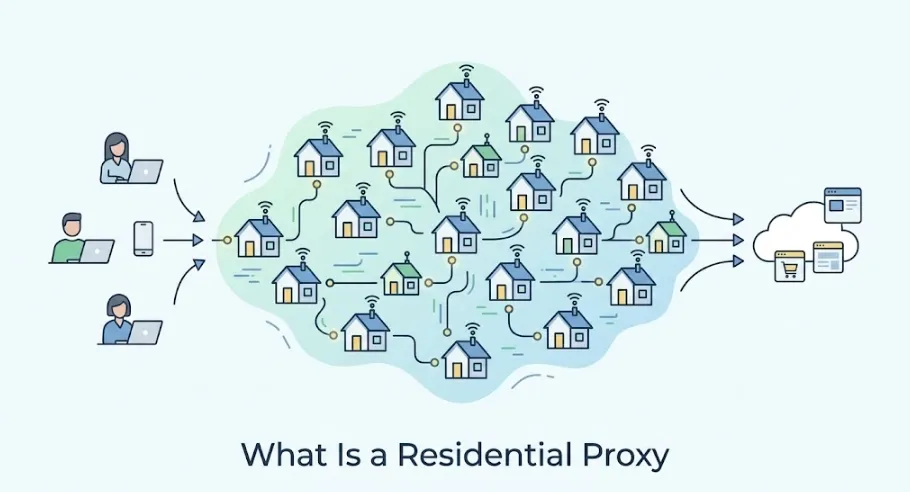
Residential Proxy Definition
A residential proxy service consists of a gateway and an exit network. The gateway normally exposes a host and port, along with credentials or an IP allowlist. Once the client connects, it applies the selected location and session settings, chooses an eligible residential exit address, and returns the target site’s response. This distinction matters because the gateway manages routing while the residential IP is the address visible to the target.
Related Residential Proxy Terms
What Is a Residential Proxy IP?
A residential proxy IP is the ISP-assigned address that appears to the target site as the request’s network origin. IP geolocation databases can associate that address with a country, region, city, ISP, or ASN, although those records can be incomplete or outdated. An address labeled as residential should not be treated as a guarantee of a precise physical location.
What Is a Residential Proxy Server?
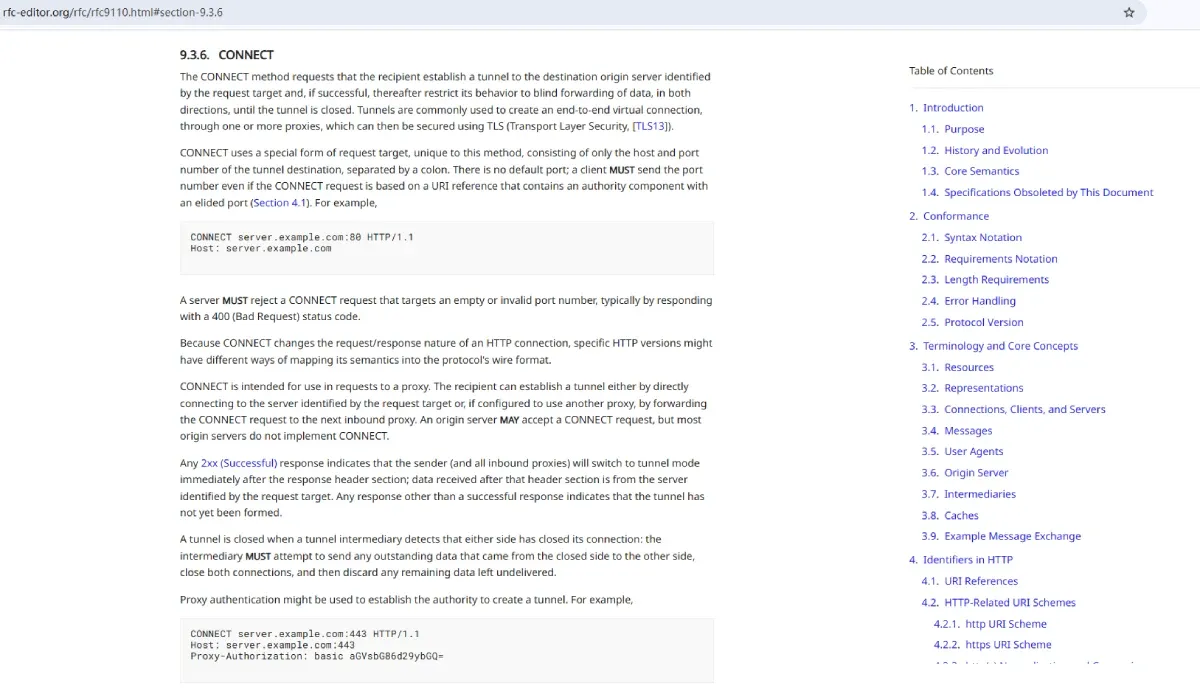
A residential proxy server is the gateway infrastructure that authenticates a client, applies routing preferences, forwards the request through a residential exit IP, and relays the response. A server may support Hypertext Transfer Protocol (HTTP), Hypertext Transfer Protocol Secure (HTTPS), or SOCKS5, depending on the provider and workflow. The meaning of the HTTP CONNECT method is defined by the IETF HTTP Semantics specification.
How Does a Residential Proxy Work?
Residential routing is easiest to understand as a controlled request path. The path has three stages: the client connects to a proxy gateway, the gateway chooses an exit IP, and the target website responds to that exit IP. This structure enables request-level location and session choices that a device-wide connection may not provide.

Step 1: Send a Request to the Proxy Gateway
The browser, application, or web-data tool is configured with a proxy host, port, and authentication method. Common authentication methods are a username and password or an allowlisted source IP. The gateway verifies the request before forwarding it. Credentials belong in a secure secret store or environment configuration, not in shared scripts or public repositories.
For an application, the proxy is usually configured at the HTTP client, browser profile, or operating-system layer. The gateway can receive targeting choices in its username format, dashboard settings, or API parameters. Available fields vary by provider, so the relevant proxy parameters should be checked before deploying a workflow.
Step 2: Route Traffic Through a Residential IP
After authentication, the gateway selects an available residential IP matching the requested country, city, state, ASN, or ISP where that option is offered. With a rotating configuration, the gateway can assign a new address per request or at a configured interval. With a sticky session, it attempts to preserve the same exit IP for the session duration.
The practical choice depends on whether continuity matters. A public price-monitoring job that makes independent requests may use rotation. A localized QA test involving a multistep checkout flow usually needs a stable session. Selecting a new IP for every page of a stateful flow can create inconsistent localization and break the test; keeping an IP longer than necessary can reduce pool flexibility.
Step 3: Access the Target Website Through the Assigned IP
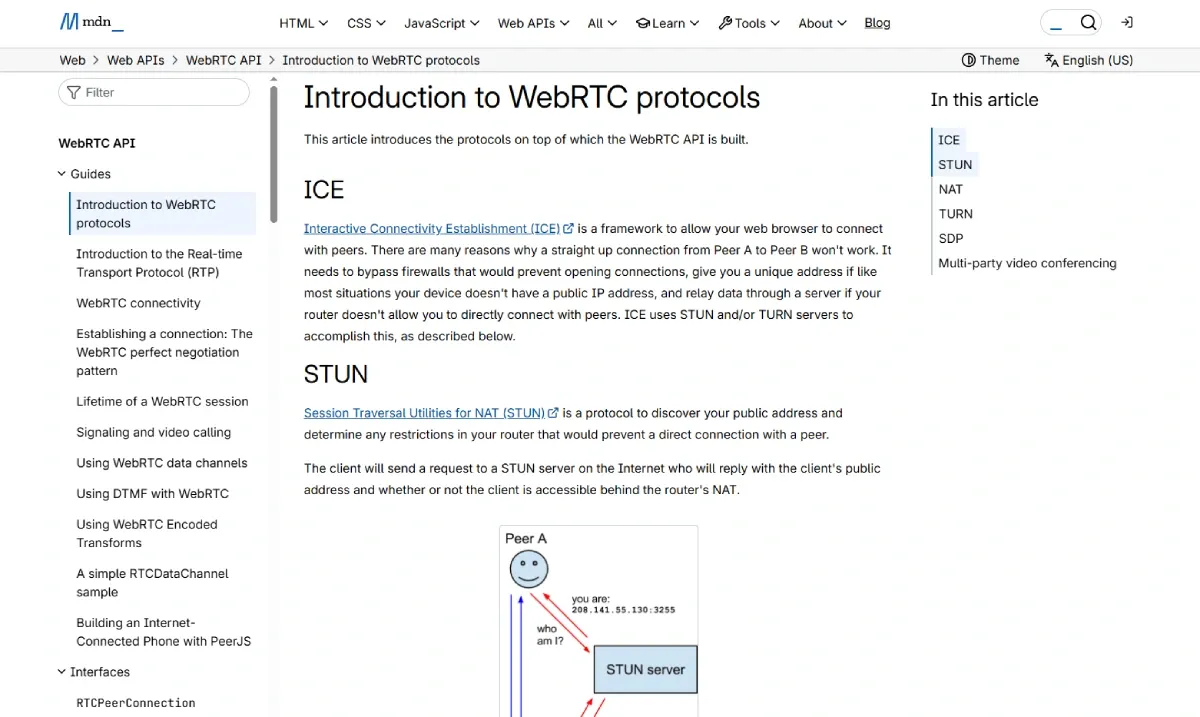
The target website receives the request from the assigned residential IP. Its response returns through that IP and the gateway to the client. The website can still evaluate many other signals, including request volume, cookies, browser fingerprinting, TLS characteristics, account behavior, and its own rate limits. Browser privacy behavior is also relevant: MDN’s WebRTC protocol documentation explains why network and browser settings must be evaluated together in browser-based testing.
How Residential IPs Affect Website Risk Assessment
Residential IPs may provide an ISP network context that differs from a cloud-hosted address, but a target site does not assess traffic by IP type alone. IP history, known abuse reports, geo consistency, request patterns, and authenticated-user behavior all contribute to risk decisions. A residential IP therefore does not guarantee access, prevent all CAPTCHAs, or authorize activity a site prohibits.
A compliant collection workflow makes one bounded request for information that is publicly available, records its purpose, and respects the response and rate limits. A workflow that rapidly retries blocked pages or attempts to defeat access controls creates a materially different risk profile. The correct response to a block is to review the target’s published rules, permissions, and technical configuration, not to escalate circumvention attempts.
Where Do Residential Proxy IPs Come From?
Residential IP supply can come from ISP partnerships, static residential networks, or consent-based peer networks. In the latter model, participants may opt in through an application or software development kit (SDK) that permits their device or connection to contribute bandwidth under disclosed terms. The implementation model matters because it affects informed consent, network reliability, and accountability.
Transparent providers should be able to explain, at an appropriate level, how addresses are acquired, how consent is obtained and documented, how participants can leave the network, and how misuse reports are handled. They should also distinguish genuine ISP-routed addresses from labels based only on an IP database. A purchaser should ask whether the provider has an acceptable-use policy, an abuse-contact process, and meaningful controls over downstream use.
Ethical sourcing is not a marketing detail. It is part of procurement risk management. A network with unclear origin can expose both the provider and its customers to consent, contractual, and reputational problems, even when a particular workflow is otherwise legitimate.
Types of Residential Proxies
The two main choices are rotation behavior and address allocation. Those choices determine whether a workflow favors broad sampling, session continuity, exclusivity, or predictable cost.
Rotating Residential Proxies

Rotating residential proxies change the exit IP per request, after a set interval, or according to a session rule. They fit public web-data collection, market research, ad checks, and other tasks where individual requests do not need the same identity or cookie state. The value is distribution across eligible locations, not an assurance that every request will succeed.
Before scaling a job, test a small representative sample: target geography, expected page types, concurrency, response rate, and data volume. Watch for HTTP status changes, challenge pages, unexpected redirects, and geography mismatches. Rotation does not compensate for a poorly designed crawler, an excessive request rate, or a disallowed target.
Static Residential Proxies
Static residential proxies provide a persistent ISP-assigned address for longer-lived sessions. They are a better fit for approved business workflows that need a stable regional context, such as a QA session across several pages or a managed connection with an allowlisted partner. In some product taxonomies these are called ISP proxies.
Persistence has a tradeoff: the same IP accumulates a history with the target site, for better or worse. Teams should separate environments, protect credentials, and use a narrow session scope. A static address should not be treated as a tool for unauthorized account activity.
Shared vs. Dedicated Residential Proxies
Shared access means more than one customer may draw from a common pool. It can offer broad availability and lower entry cost, but IP reputation and availability may vary. Dedicated access reserves an address or allocation for one customer, which can simplify session consistency and operational investigation. It is usually more expensive and still does not remove the need for policy-compliant behavior.
Benefits and Limitations of Residential Proxies
Residential proxies are a routing option, not a universal solution. Their strengths matter when a legitimate task genuinely needs a location-specific ISP context. Their limits determine when a datacenter proxy, a VPN, direct access, or a first-party data source is the more appropriate choice.
Key Benefits
The main benefit is geographic control. Depending on the provider, a client can choose a country, region, city, ISP, or ASN and verify the public experience presented from that network context. Rotation is useful for independent, permitted requests, while sticky sessions can preserve continuity during an authorized multistep flow. Centralized gateway credentials and routing settings also make it easier to manage access across an approved project.
Residential routing can be especially relevant for localized QA, public market research, SEO observation, and ad verification because those tasks often need the location shown in the result to match the location being measured. The useful outcome is not simply a different IP address, but a documented observation that includes the target geography, time, response status, and scope of the test.
Key Limitations
The tradeoffs are material. Residential traffic often costs more than datacenter traffic, and latency, availability, and IP reputation can vary across a pool. Geolocation databases can disagree with each other or with what a target website displays, while a sticky session can expire or lose its assigned IP. A representative low-volume test should therefore validate visible locale, session retention, response times, error patterns, and bytes consumed per successful result before a workflow is scaled.
Most importantly, an ISP-assigned exit address cannot make an incompatible workflow compliant or technically reliable. Target sites can still apply rate limits, challenge pages, and account-level controls based on many signals beyond IP type. Selecting the lightest tool that fits a documented, permitted requirement usually produces clearer operations and lower cost.
Residential Proxies vs. Datacenter Proxies vs. Mobile Proxies vs. VPNs
The right technology follows the target environment and the task. Comparing labels alone is less useful than comparing address source, routing control, session needs, and operational constraints.
| Option | IP source | Routing and location controls | Typical permitted fit | Main tradeoff |
|---|---|---|---|---|
| Residential proxy | Residential ISP networks | Per-request targeting, rotation, and sticky sessions where offered | Localized public-web research and QA | Variable latency, IP reputation, and higher traffic cost |
| Datacenter proxy | Cloud and hosting providers | Provider-dependent targeting; often high-throughput | High-speed tasks that do not need a residential context | Hosting-network ranges may not fit some localized tests |
| Mobile proxy | Cellular carrier networks | Carrier-network exits; sessions and location options vary | Authorized mobile-network testing | Higher cost and more variable availability |
| VPN | VPN-server infrastructure | Usually device-level routing with a server location | Secure remote access and general privacy needs | Less request-level control than a proxy gateway |
Residential Proxies vs. Datacenter Proxies
For a fuller technical selection framework, see datacenter vs residential proxies. Datacenter proxies can be the sensible choice for a permitted high-volume task that does not require a residential ISP context. Residential routing is more appropriate only when that context is relevant to the measurement or user experience being tested.
Residential Proxies vs. Mobile Proxies
Mobile proxies use IP addresses associated with cellular carrier networks. They can be useful when a legitimate test must reflect a mobile-network context, but availability, cost, and latency can differ from residential networks. The choice should follow the target environment: a desktop-localization QA check does not automatically need a mobile route, while a mobile-specific product experience may.
Residential Proxies vs. VPNs
A Virtual Private Network (VPN) generally encrypts device-level traffic to a VPN server and changes the visible public IP for that connection. A residential proxy instead commonly provides programmable, request-level routing for a specific browser or application. A VPN can be sufficient for general privacy or secure remote access. A residential proxy is better suited to an authorized workflow needing per-request geo-targeting, rotation, or controlled sticky sessions.
Top Use Cases for Residential Proxies
The strongest use cases have a clear business purpose, a defined geography, and public or authorized data. They also include a plan for data minimization and operational monitoring.
Web Data Collection and Market Research
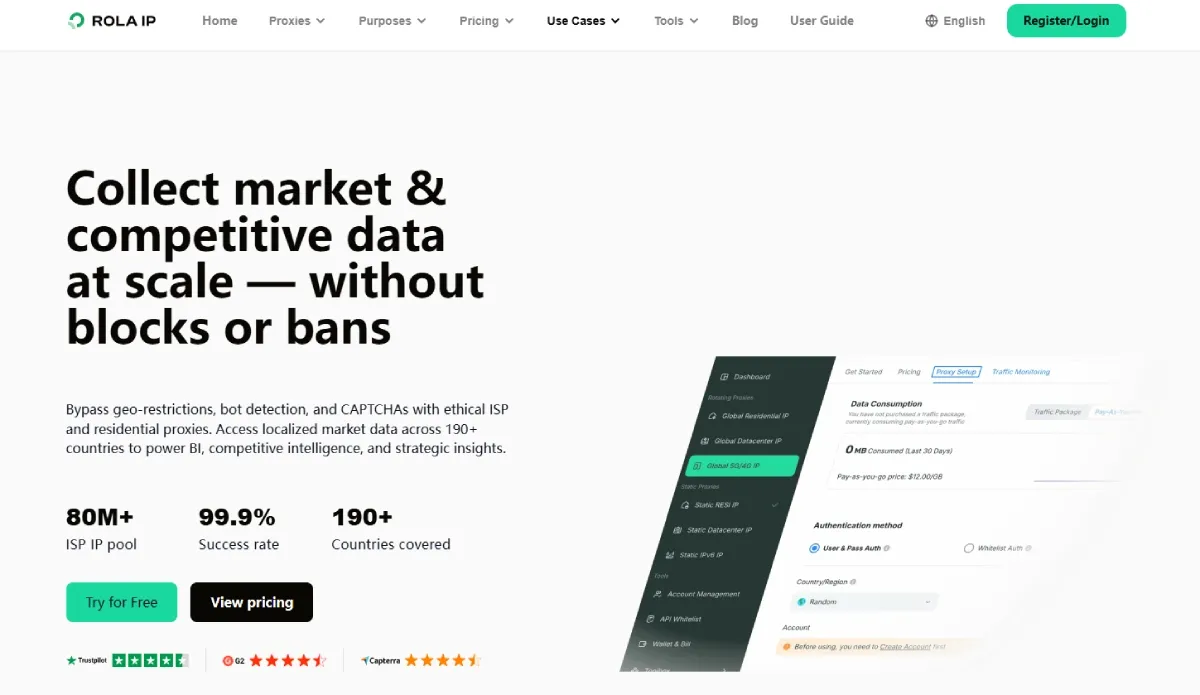
Teams can monitor public product listings, stock indicators, and stated prices across permitted regional pages. The useful output is an auditable dataset with collection time, location, URL, and response status, not indiscriminate copying of pages. Proxies for market research can support a location-specific sampling design when the target’s terms and applicable law allow it.
SEO Monitoring
Search results can vary by location, language, device, and personalization context. Residential routing can help analysts check public localized Search Engine Results Pages (SERPs), provided the request pattern respects search-engine terms and rate limits. Residential proxies for SEO monitoring are most useful when the reporting geography is stated alongside the ranking result.
Ad Verification and Brand Protection
Advertisers may need to view whether a permitted campaign is displayed in an intended region or whether public pages use their marks without authorization. A location-specific ad verification proxy can support observation from the relevant geography. Evidence should capture the public creative, page URL, time, and region, while avoiding collection of unnecessary user data.
E-Commerce Intelligence
Regional offer comparisons can reveal public differences in catalog availability, shipping claims, or promotions. Reliable collection requires normalized product identifiers, timestamped observations, and cautious interpretation: different prices may reflect taxes, membership status, inventory, or local laws rather than a simple regional strategy.
Website Testing and Quality Assurance
QA teams can test language, currency, regional restrictions, delivery estimates, and consent flows from the expected customer geography. Sticky sessions are normally preferable for a multistep user journey. Test accounts should be authorized, isolated from production customer data, and removed according to the team’s retention policy.
Social Media and Account Operations
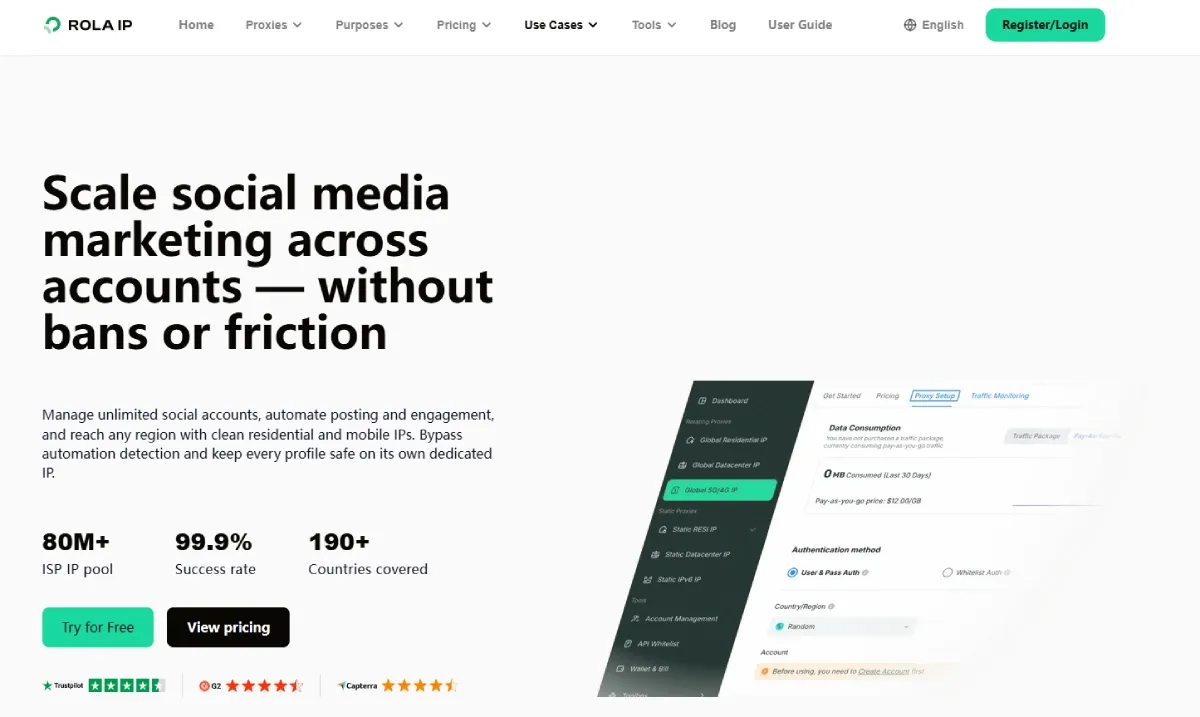
Residential routing can support legitimate regional business operations only where platform policies permit it. It should not be used to automate prohibited actions, create deceptive accounts, or evade platform enforcement. For most account workflows, official business tools and documented platform APIs are the more durable starting point.
How to Set Up a Residential Proxy
To set up residential proxy access, gather the proxy host, port, credentials or allowlisted source IP, protocol, target geography, and session preference. Configure those details in the browser, operating system, or application that will make the request. Then verify the exit location on a permitted endpoint before running a production workload.
- Select a protocol supported by the client and provider, such as HTTP(S) or SOCKS5.
- Create credentials or configure an allowlist in the provider dashboard.
- Set the gateway host and port in the client.
- Choose country or other available targeting, plus rotating or sticky-session behavior.
- Send a low-volume request to a permitted test URL and record the response, visible IP, and location.
- Monitor errors, traffic use, session changes, and credential access after deployment.
The configuration format differs between tools. The detailed how to set up a residential proxy guide and proxy quick start documentation provide product-specific steps. A common setup mistake is to test only connectivity. A useful validation also checks the selected geography, protocol behavior, session retention, and the target application’s handling of timeouts.
How to Choose the Best Residential Proxy Provider
Provider selection should start with the intended workload, not a headline pool-size claim. A short controlled evaluation is more informative than a broad promise because performance changes by target, geography, protocol, and request pattern.
Evaluate IP Quality and Ethical Sourcing
Ask how addresses are sourced, how user consent is obtained, how providers investigate abuse, and whether they have a documented acceptable-use policy. Seek clear answers rather than vague claims about “real users.” Ethical acquisition and accountability are important operational criteria, especially for teams that must document vendor due diligence.
Check Coverage and Targeting Options
Confirm the countries, cities, states, ZIP codes, ASN, and ISP choices needed for the actual use case. Granular targeting is valuable only if the target site recognizes that granularity and the provider can reliably deliver it. Test the exact locations used in reports or QA plans.
Review Performance Metrics
Compare success rate, latency, uptime, concurrency, session stability, and error reporting for a permitted representative workload. Define each metric before comparing vendors. For example, a success rate should specify the target set, HTTP status criteria, timeout threshold, geography, and observation period. A provider-wide figure without that context is not a forecast for a specific site.
Confirm Technical Compatibility
Check protocol support, authentication methods, API capabilities, dashboard controls, documentation quality, and support channels. Rola IP customers can consult the Rola IP documentation for configuration references and the listed proxy protocols supported for protocol details. Compatibility should be validated with the intended browser, scraper, or application library before a commitment.
Understand Pricing Before Scaling
Pricing may be based on bandwidth, IP allocation, subscriptions, or a combination of these. Measure bytes per successful response using a small compliant sample, include retry traffic in the estimate, and set usage alerts. This avoids treating the advertised unit price as the full cost of an unreliable workflow.
How Rola IP Supports Residential Proxy Workflows

Coverage and Controls for Location-Specific Access
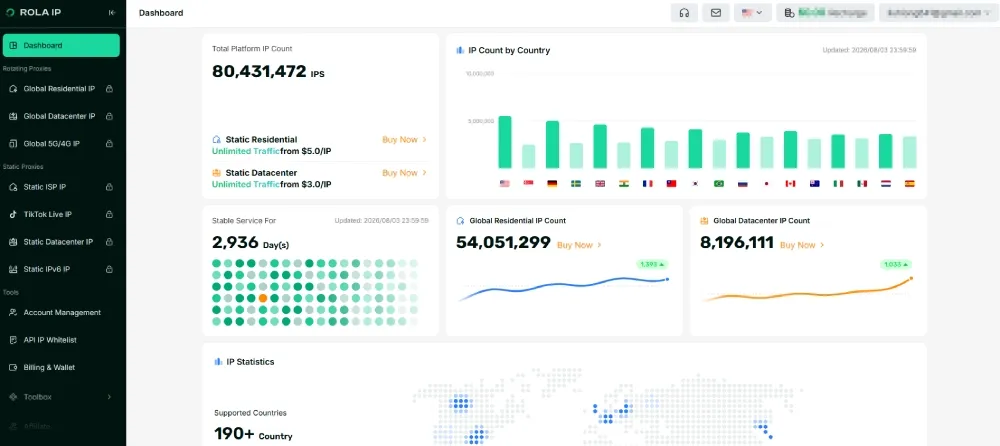
Rola IP provides residential proxy routing for location-specific workflows such as public web-data collection, localized SEO observation, ad verification, and QA. Its configuration materials describe routing choices and session-related controls so teams can align rotation with independent requests and sticky sessions with authorized multistep tests.
A Commitment to Responsible Proxy Use
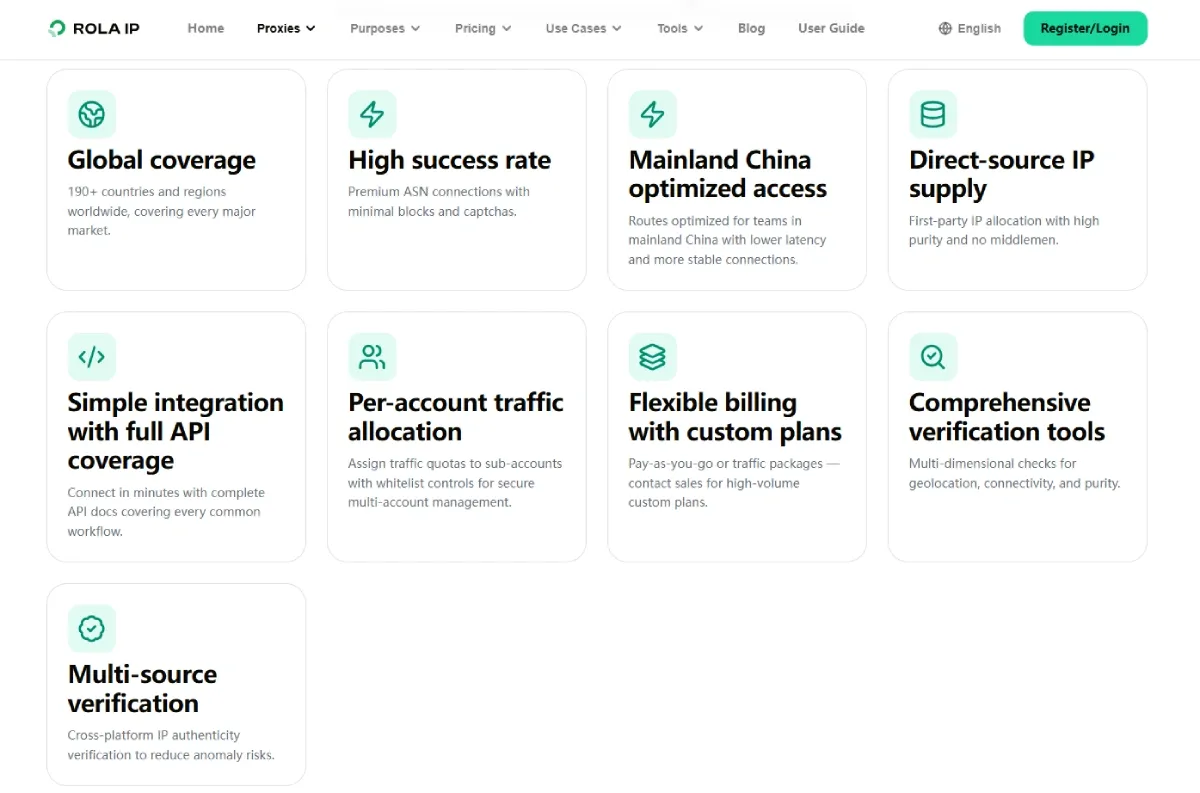
Responsible proxy operation requires both provider controls and customer judgment. Rola IP positions its network around transparent sourcing and responsible use. Customers remain responsible for following applicable law, contracts, target-site terms, and platform policies. No proxy configuration should be used for fraud, unauthorized account activity, or attempts to defeat access controls.
Built for Evaluation and Integration
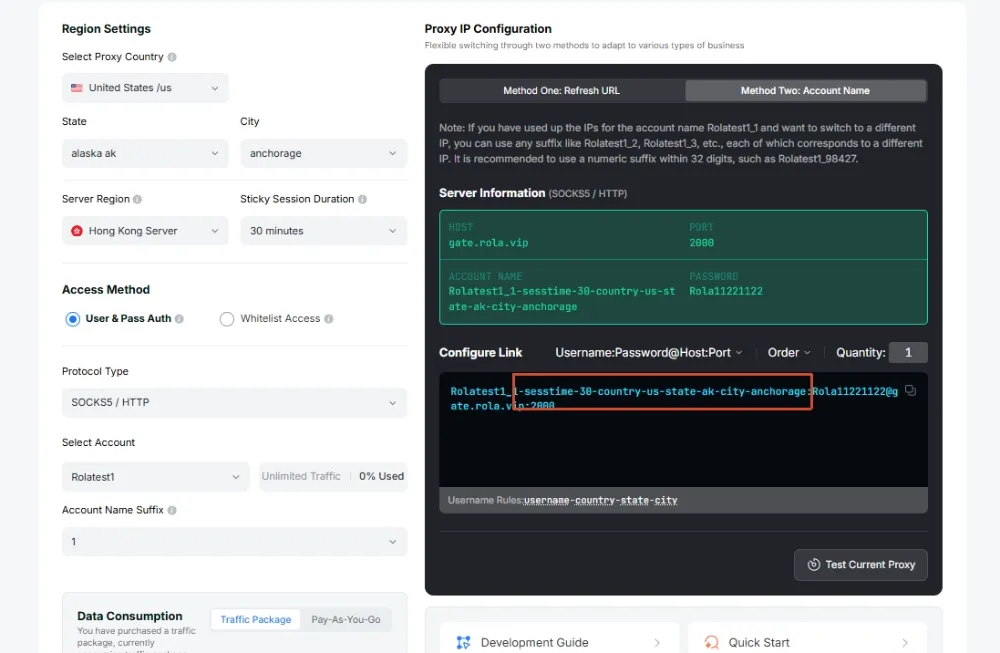
Rola IP provides documentation, dashboard-based configuration, and integration guidance for supported proxy workflows. Teams should validate compatibility with a permitted representative workload before considering a larger buy residential proxy commitment.
Best Practices for Responsible Residential Proxy Use
Use residential proxies only for a documented, lawful purpose and treat access restrictions as boundaries rather than technical puzzles. Collect only the public data needed for that purpose, minimize personal information, and apply retention and access controls to the resulting dataset.
Request behavior should resemble the measured needs of the workflow: bounded concurrency, explicit timeouts, exponential backoff after transient failures, and no automated retries against denial or challenge pages. Maintain logs for endpoint configuration, target scope, traffic volume, error classes, and credential changes. These records help teams distinguish a network issue from a target-side policy response.
Credentials need the same care as other production secrets. Use separate credentials for separate projects where possible, limit access, rotate compromised credentials, and remove unused allowlist entries. Periodic reviews should confirm that location choices, data retention, and target permissions still match the original business case.
Conclusion
What is a residential proxy and how does it work? It is a controlled routing service that sends a request through an ISP-assigned exit IP selected by geography and session rules. It can help with legitimate localized public-data, SEO, ad-verification, and QA workflows when the chosen network context is genuinely relevant. Transparent sourcing, appropriate configuration, documented permissions, and measured testing are the foundations of responsible use. Explore Rola IP’s residential proxy network when evaluating location-specific, policy-compliant access for a defined workload.