
SOAX Review 2026: Features, Pricing, Pros, Cons, and Alternatives

Sep 2, 2026 · Comparisons · 14 min read
TL;DR
- SOAX is a proxy service built for web data collection, SEO monitoring, ad verification, and market research, with its strengths concentrated in residential and mobile proxies, fine-grained geo-targeting, and flexible session control.
- It suits technical teams that need city, ISP, and ASN-level targeting and are willing to invest some learning time in configuration flexibility. If a project cares more about static residential IPs, Chinese-language documentation, or a simpler procurement process, it’s worth comparing other options alongside it.
- When choosing among SOAX alternatives, focus on comparing valid-result rate in your target regions, session stability, response speed, billing method, and operational cost. Rola IP, Oxylabs, Decodo, and IPRoyal each target different teams and use cases — no single one fits every task just because of its IP count.
SOAX Review: What Is SOAX?
SOAX is proxy infrastructure, not a consumer-grade VPN for everyday browsing. Users forward requests to residential or mobile network exits through a gateway, credentials, and targeting parameters. Common use cases include web scraping proxy workflows, SEO ranking checks, ad verification, e-commerce price monitoring, market research, and localized page testing.
SOAX’s core experience is built around “one gateway, many parameters”: users can choose country, region, city, carrier, or ASN in the connection configuration, and decide whether to rotate the IP on every request or keep the same exit for a period of time. This design suits developers who need to run regional tasks in bulk, but it also means first-time users need to understand how the parameters relate to each other before getting started.
Actual onboarding usually involves creating proxy credentials, choosing a target region, generating a connection string, setting up rotation or a sticky session, and then testing the exit in a script, a scraping tool, or a browser environment. Country and city targeting can reduce the work of building your own proxy pool, but more parameters also mean more room for misconfiguration. For teams that only need a small number of long-term fixed IPs, complex targeting and rotation capability may not translate into real value.
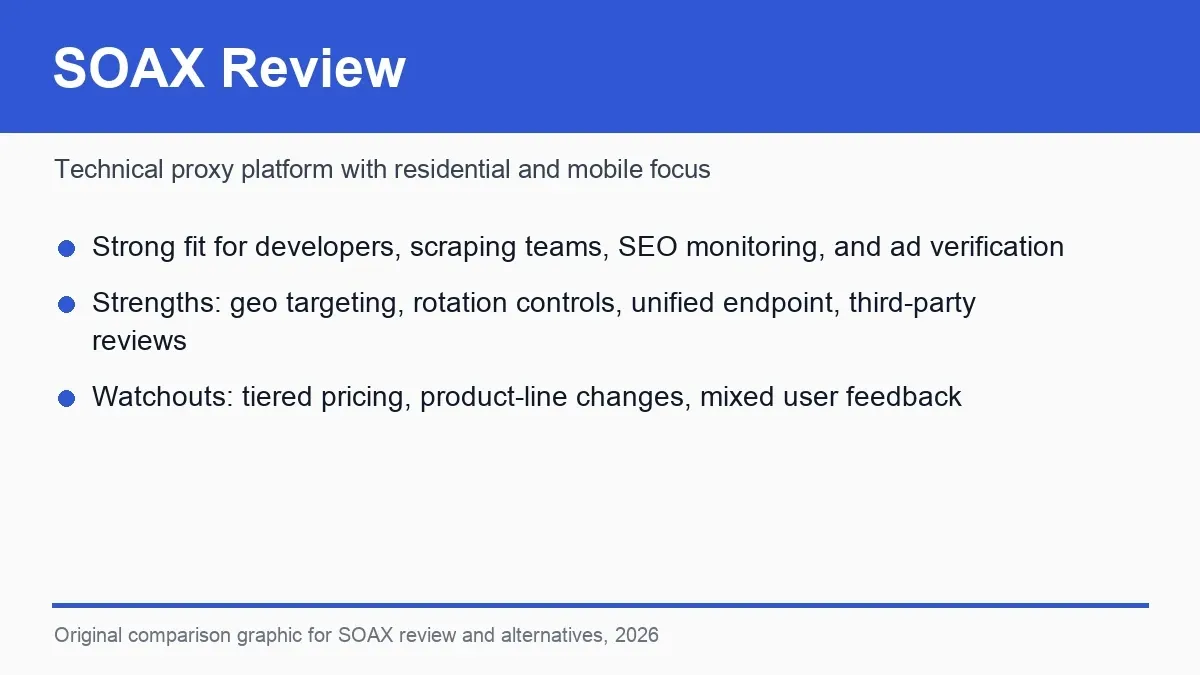
Figure 1: SOAX website interface and product navigation.
SOAX Product Line: Go by the Current Official Pages
SOAX’s residential proxies suit web data tasks that need broad regional coverage and rotating exits; mobile proxies are better suited to mobile ads, carrier differences, and verifying mobile-specific localized content. Both product types let you control requests through targeting and session parameters, but the real choice shouldn’t just come down to a “residential” or “mobile” label — it should depend on what the target site requires in terms of network type, speed, and session continuity.
SOAX’s product pages and plan structure have gone through changes in recent years, so readers may find different product names or feature combinations in older reviews. A more practical way to judge it is to start from the current task: focus on the residential pool and targeting when you need frequent rotation; focus on carrier coverage when you need a mobile-network perspective; and when you need a fixed exit, confirm whether the current plan can provide a long enough session, or look toward a dedicated ISP/static residential option instead.
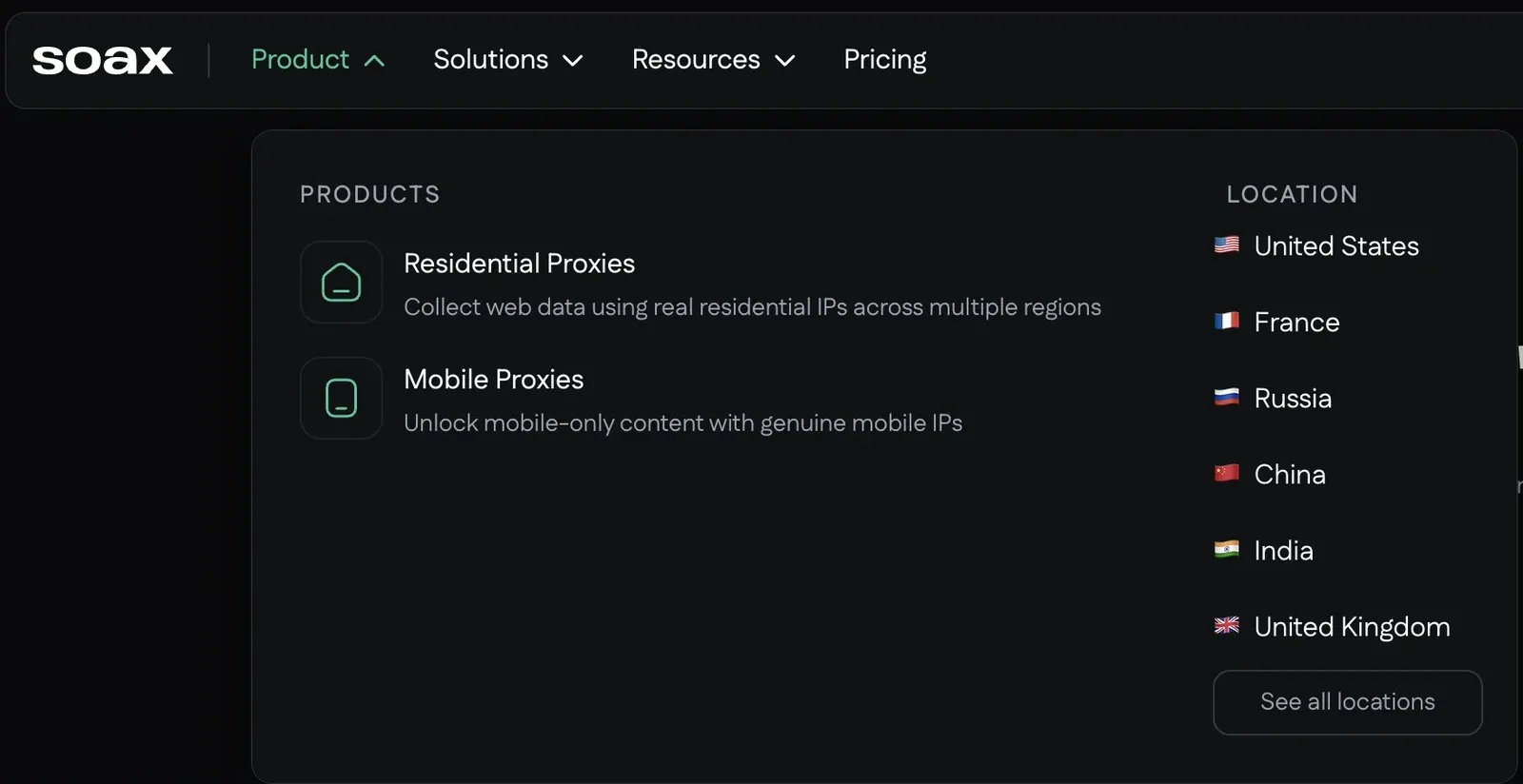
Figure 2: SOAX’s public product page and proxy network targeting.
| Dimension | Current Focus | Best-Fit Tasks | What to Verify |
|---|---|---|---|
| Residential proxies | Residential network exits, targeting, and rotation | Web scraping, SEO, market research, price monitoring | Calculate cost by country and traffic |
| Mobile proxies | Mobile carrier exits | Mobile ad verification, mobile content testing | Test actual latency and stability |
| A unified endpoint | Control type and parameters through one entry point | Bulk configuration and switching strategies | A parameter error can affect targeting and billing |
| Sessions and rotation | Configure IP changes by task | Rotating access and continuous flows | Verify whether sticky sessions meet your business needs |
SOAX Pricing Review: Flexible, But Budget Modeling Needs to Follow Real Regions
SOAX’s pricing suits projects that plan by traffic, but a multi-region task can’t just apply one per-GB number. Available resources, task failure rate, page size, and retry count all vary by country; a monitoring project covering ten countries is usually much harder to budget for than one running in a single mature market.
Budget estimates should account for successful requests and failed traffic together. For example, if two plans have the same traffic unit price, but one needs more retries, returns more challenge pages, or downloads larger error responses, its cost per valid record will be noticeably higher. During a small-scale trial, log total traffic, the count of complete results, and the retry count before deciding on plan size.
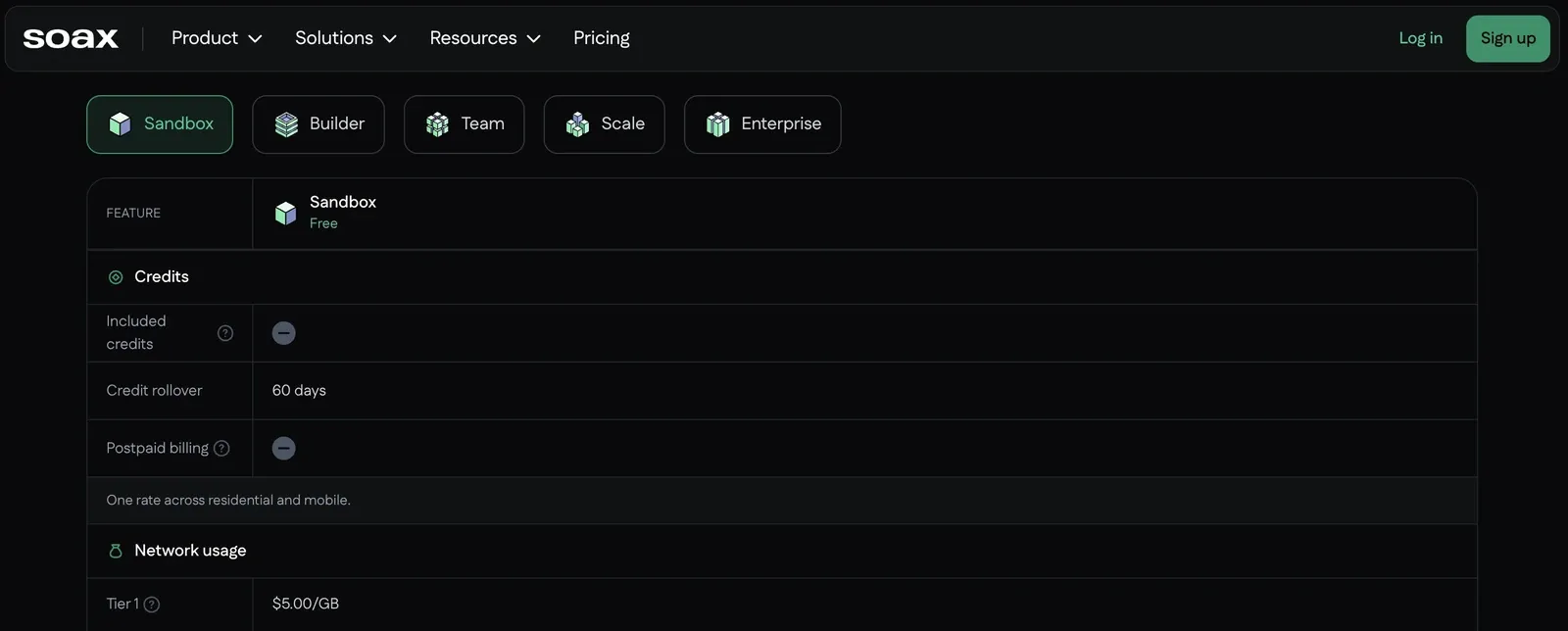
Figure 3: SOAX’s pricing page showing plans and traffic information.
SOAX Performance and Reliability: You Must Run a PoC Against Your Target Site
SOAX’s speed and success rate vary with country, target site, request frequency, and session settings. Residential proxies may perform stably in some regions while needing more retries in cities with fewer resources; mobile proxies are closer to a mobile user’s network but usually carry higher latency, and aren’t a good fit for migrating every ordinary web task over to them.
What’s actually worth recording isn’t a single speed test — it’s how many pages across a full batch of tasks return complete fields. Beyond the valid-result rate, also check target-region accuracy, P95 latency, the ratio of CAPTCHAs and challenge pages, how often the exit changes mid-session, the distribution of 429/403 errors, and the traffic consumed per result. An HTTP 200 can still correspond to a challenge page or empty content, so you must validate the page structure and key fields.
In public user reviews, common positive feedback centers on targeting options, proxy availability, and support experience; negative feedback more often involves performance in specific regions, understanding the billing, and inconsistency in issue handling. These reviews are best used to build a trial checklist — for example, testing target-city inventory, session duration, and traffic statistics first — rather than treating any individual experience as your own result.
SOAX Ease of Use: More Technical Controls, a Learning Curve for New Users
The SOAX Dashboard and Onboarding Flow
The first time around, users typically create a proxy account or credentials, then choose country, city, ISP/ASN, and session mode in the proxy generator. The resulting host, port, username, and password can be plugged into Requests, Scrapy, browser automation tools, or a third-party scraping platform. For developers, this parameterized approach makes it easy to write different regional tasks into a configuration file.
The part that’s genuinely easy to get wrong is session strategy. Rotating per request suits independent, unrelated pages; pagination, a shopping cart, localized redirects, or a flow that needs cookie continuity should use a sticky session. If the exit switches mid-task, even a successful request can end up with inconsistent region, language, and page state.
SOAX’s dashboard feels more like a technical product’s backend than a one-click app. Developers can usually pick up the gateway, username parameters, and session settings fairly quickly; someone using a proxy for the first time will need time to distinguish rotating IPs, sticky sessions, authentication methods, and regional filtering. Once initial configuration is done, a unified gateway simplifies bulk tasks, but when a regional mismatch or session anomaly comes up, troubleshooting still depends on having clear parameter records.
| User Type | Fit Assessment | Reason |
|---|---|---|
| Developers and data teams | Good fit | Needs programmable targeting, rotation, and session control |
| Cross-region SEO/ad verification teams | Good fit, but test cost first | Regional distribution can affect budget |
| Long-term fixed-exit workflows | Not necessarily optimal | Should also compare static residential/ISP products |
| Budget-sensitive small-to-mid teams | Proceed carefully | Need to calculate real cost per valid result by region |
| Proxy newcomers | Proceed carefully | Parameters, rotation, authentication, and billing all need to be learned |
| Teams needing Chinese-language materials | Decide after comparing | Verify each vendor’s documentation language and support hours |
SOAX Pros and Cons Summary
SOAX Pros
- Clear residential and mobile network targeting, suited to compliant web data, SEO, ad verification, and market research.
- A unified endpoint with rotation control can reduce some cross-proxy-type configuration work.
- Public product materials clearly describe targeting capability like country, city, ISP, and ASN.
- Developers can configure strategy based on request and session needs.
SOAX Cons
- Multi-region billing can make budget forecasting more complex.
- Performance and support experience can vary by region — you can’t infer the whole network from a single market.
- Not lightweight for beginners; it requires understanding parameters, sessions, rotation, and authentication.
- Long-term fixed IPs, static residential proxies, Chinese-language materials, or a simpler configuration flow aren’t its strongest points.
When Should You Look for SOAX Alternatives?
If SOAX is already reliably handling your target tasks, there’s no need to migrate just for a lower advertised price. The real signal worth switching on is a mismatch between the product structure or usage cost and your long-term business needs. The following situations are especially worth building an alternatives test around.
- You need an explicit static residential/ISP product, rather than mainly relying on residential/mobile networks.
- You want a more predictable budget, and want to buy based on cost per valid result rather than a flat traffic unit price.
- You need Chinese-language documentation, Chinese-language communication, or support hours that match your team’s time zone.
- You need specific onboarding materials for price monitoring, ad verification, SEO, or public web data collection.
- You need rotation, sticky sessions, city-level targeting, sub-accounts, whitelisting, and API management.
- You want one vendor to offer residential, static residential, mobile, and datacenter proxies for different projects to choose from.
Best SOAX Alternatives 2026: Quick Comparison
| Alternative | Core Positioning | Who It Fits | What to Watch For |
|---|---|---|---|
| Rola IP | Residential, static residential, mobile, and datacenter options | Data collection, SEO, ad verification, price monitoring, Chinese-speaking teams | Confirm coverage, pool size, availability, and price, and run a PoC |
| Oxylabs | Enterprise scale, compliance, and data-collection products | Large enterprises and high-budget data teams | Cost and sales-process thresholds are higher |
| Decodo | A mid-market, multi-product mix | Small-to-mid teams, SEO, and e-commerce monitoring | Still need to calculate plan and valid-result cost |
| IPRoyal | Budget and purchase flexibility | Small teams and lightweight tasks | Test reliability before scaling up |
| Proxy-Cheap | Price-driven | Low-cost, early-stage validation | Independently verify marketing-style comparisons |
| Live Proxies | Private pools and longer sessions | Workflows that emphasize session stability | Confirm region, replacement rules, and long-term cost |
| ScraperAPI | API-based scraping infrastructure | Developers who don’t want to manage a proxy pool | Less raw proxy control; cost is based on valid pages |
Rola IP
Rola IP is a more direct SOAX alternative, suited to teams that want to choose between dynamic residential, static residential, mobile, and datacenter proxies on the same platform, and that need Chinese-language product pages and configuration materials. Compared with SOAX, which is mainly built around residential and mobile networks, Rola IP’s product categories map more easily to different tasks: use dynamic residential for large-scale regional rotation, static residential when you need a stable exit, mobile proxies for mobile scenarios, and you can evaluate datacenter proxies for basic high-speed tasks.
This kind of separation is more practical for teams running multiple types of projects at once. SEO and price monitoring can use dynamic residential by region with sticky sessions; ad verification can choose residential or mobile exits depending on whether the audience is desktop or mobile; and workflows involving a post-login flow, continuous pagination, or a need for a fixed source are better served by testing static residential first. Teams don’t have to use the same IP type for every task, and it becomes easier to calculate cost by project.
Rola IP supports common username/password and whitelist authentication, and provides documentation for proxy parameters, code integration, and browser configuration. For sub-accounts or multi-person teams, account and quota management help isolate traffic by project. When actually choosing, you should still use your target site to test city targeting, session persistence, concurrency, and traffic consumption; Rola IP’s strength is a clear product range and setup path — not a guarantee that every website will perform identically.
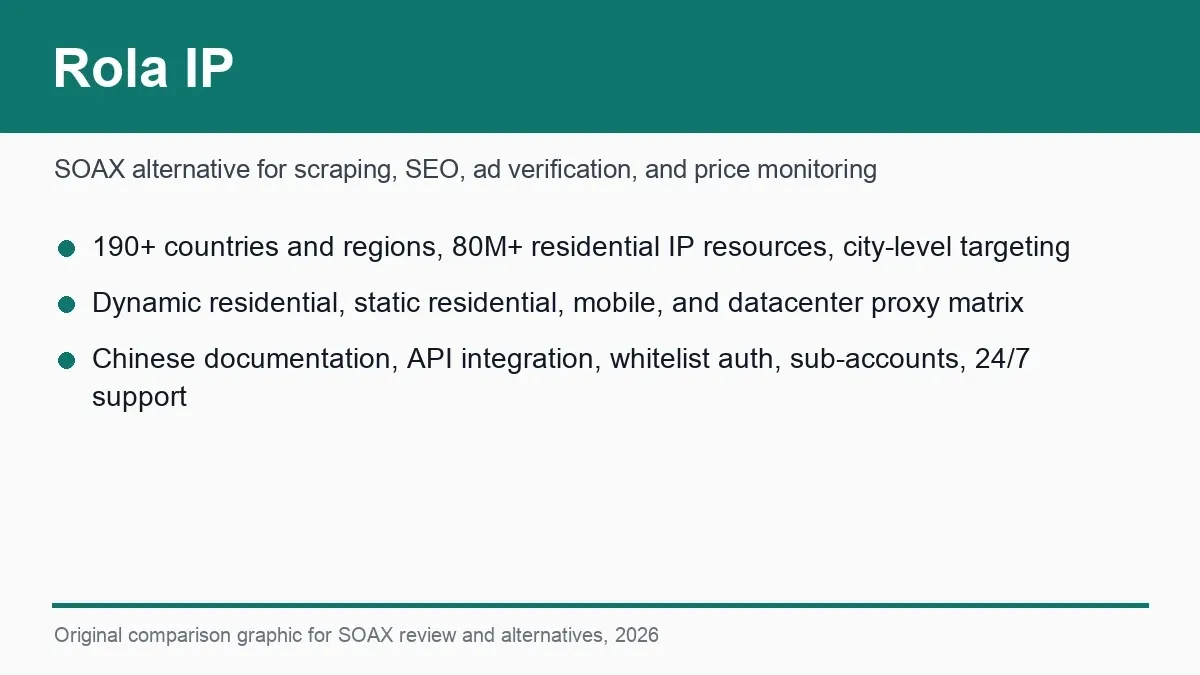
Figure 4: Rola IP product interface.
For network-type details, see residential proxies, static residential proxies, and mobile proxies.
Oxylabs
Oxylabs targets enterprise-level proxy and data-collection needs, with products covering residential, mobile, ISP, and datacenter proxies, plus managed tools like Web Unblocker and Scraper API. Its strengths are its product matrix, enterprise procurement support, documentation, and large-scale project service, suiting organizations that need contracts, compliance materials, dedicated support, and cross-team deployment.
For a small team that just wants to quickly test a small amount of traffic, Oxylabs’ enterprise positioning and procurement cost may feel heavy. It’s better suited to complex targets, large-scale concurrency, or projects that want to hand off some unlocking and parsing work to the vendor. When comparing it with SOAX, be clear about whether you need raw proxy control or a higher-level data-collection product.
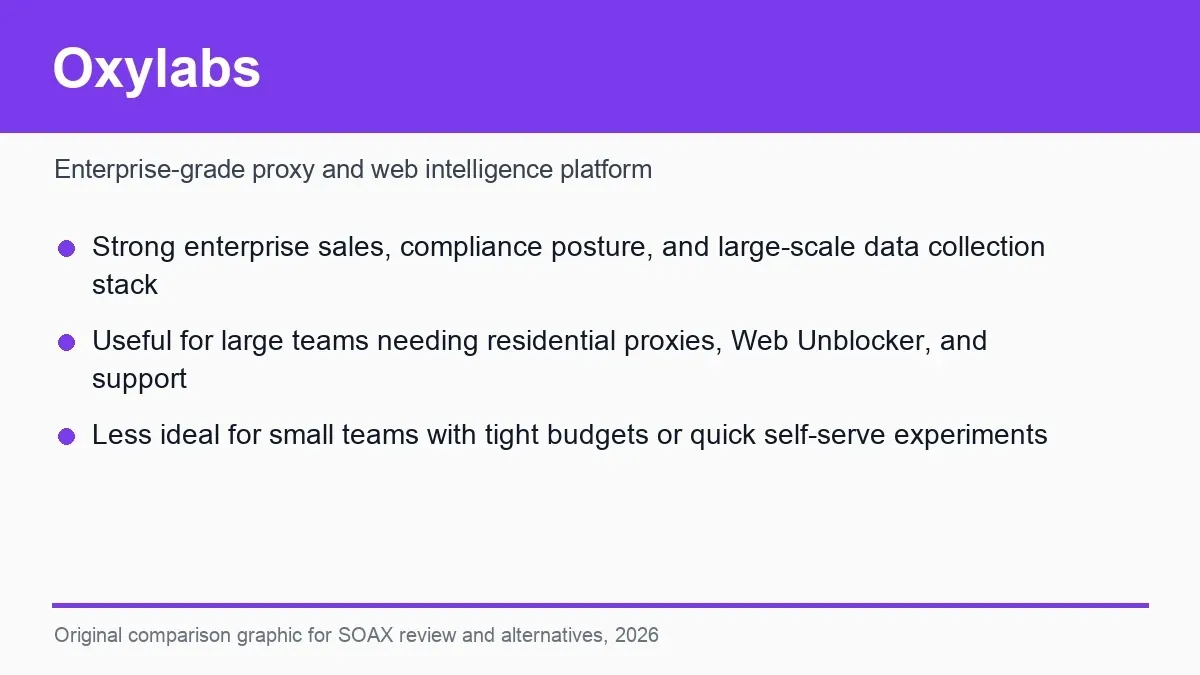
Figure 5: Oxylabs product page, positioned as an enterprise-oriented proxy and data-collection service alternative to SOAX.
Decodo
Decodo offers residential, mobile, ISP, and datacenter proxies, along with site-unlocking, a scraping API, and a browser extension — a broader product mix than a plain proxy gateway. Its dashboard and documentation are aimed at self-service users, suiting small-to-mid teams that need multiple proxy types without going through a heavy enterprise procurement process.
The key difference from SOAX is the range of choice and the layering of tools: teams can manage raw proxies while also using managed scraping products for some scenarios. Worth noting: with more products, the billing model and feature boundaries need to be compared item by item — verify regional stability, P95 latency, CAPTCHA rate, and API credit consumption using the same target.
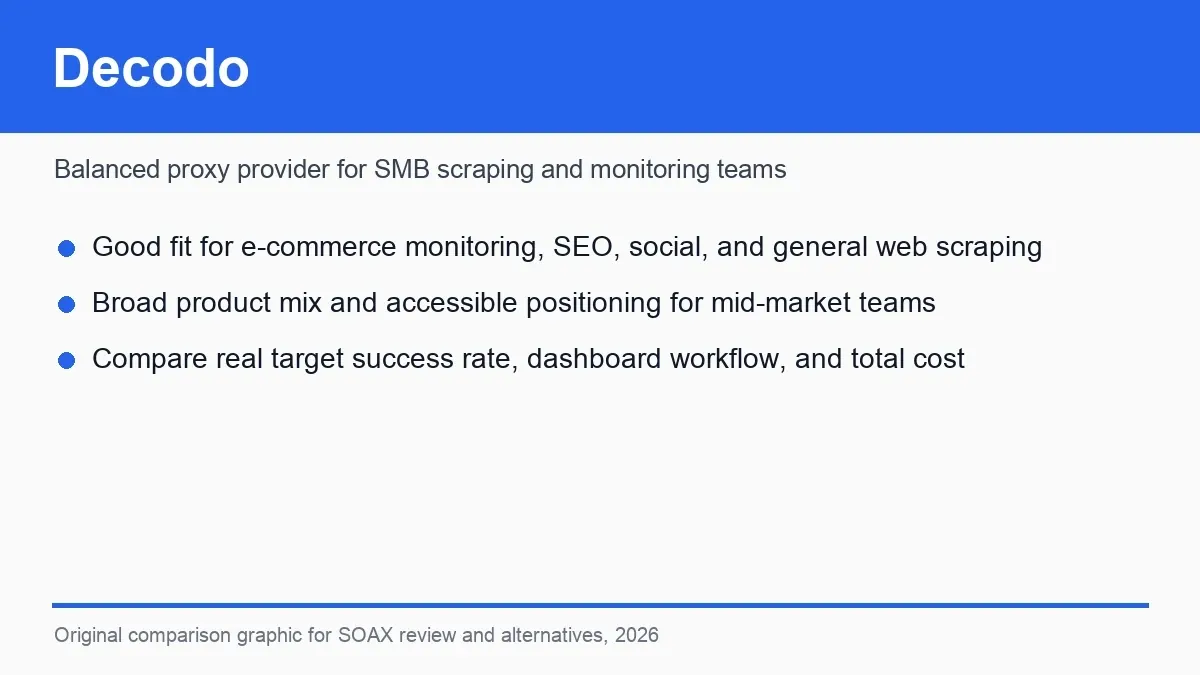
Figure 6: Decodo product page, showing its proxy service categories and positioning as a SOAX alternative.
IPRoyal
IPRoyal’s products include residential, ISP, datacenter, and mobile proxies, with a relatively friendly entry threshold, suiting individual developers, small teams, and projects whose traffic needs aren’t fully defined yet. Residential traffic and static IP products are presented separately, so users can choose based on rotating tasks or a long-term fixed exit.
It’s often seen as a budget SOAX alternative, but a low sticker price doesn’t necessarily mean a lower total cost. Target-country inventory, session stability, concurrency, retry-on-failure, and traffic validity period all affect actual spending. Before scaling up, test your most important regions first, rather than just buying the cheapest plan.
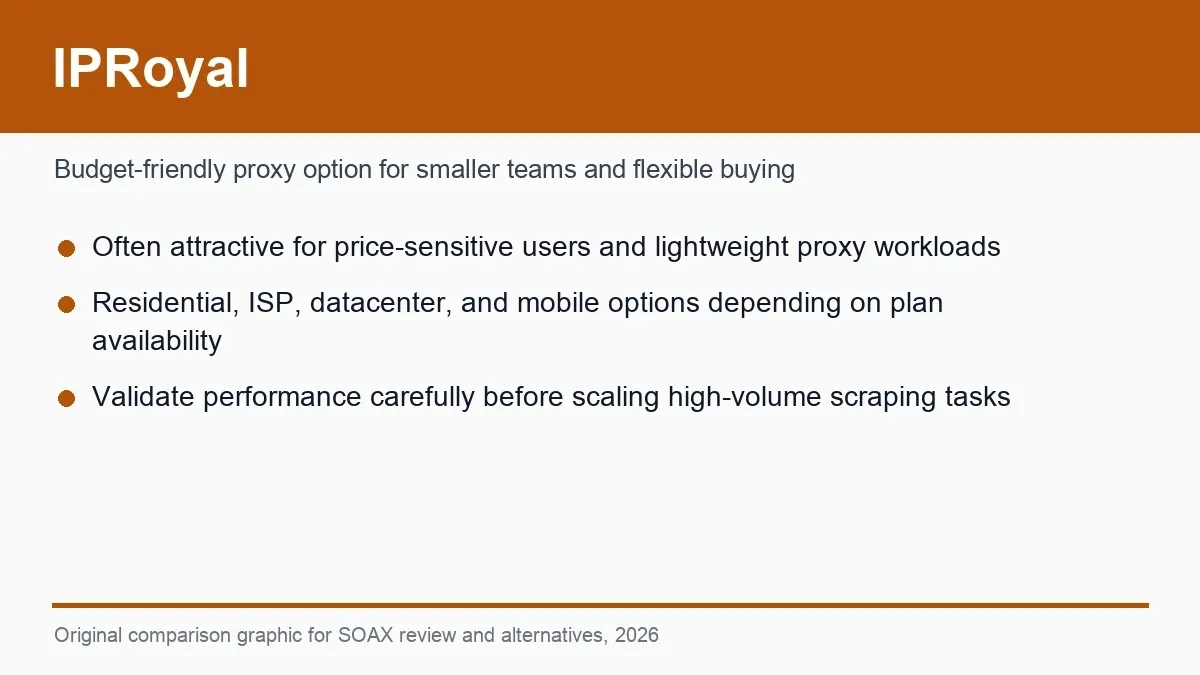
Figure 7: IPRoyal product page, positioned as a budget-oriented SOAX alternative.
Proxy-Cheap
Proxy-Cheap emphasizes low-cost residential, mobile, and static proxies, suiting budget-limited early validation, short-term projects, and tasks without complex regional requirements. Its purchasing flow is relatively straightforward, making it easy to confirm with a small budget whether a workload is worth pursuing further.
Its main trade-off is that enterprise capability and deep regional performance need to be verified on your own. Teams should focus on checking target-country accuracy, sustainable session duration, concurrency limits, replacement policy, and support responsiveness. If a task demands high stability and delivery timelines, don’t decide based on entry-level pricing alone.
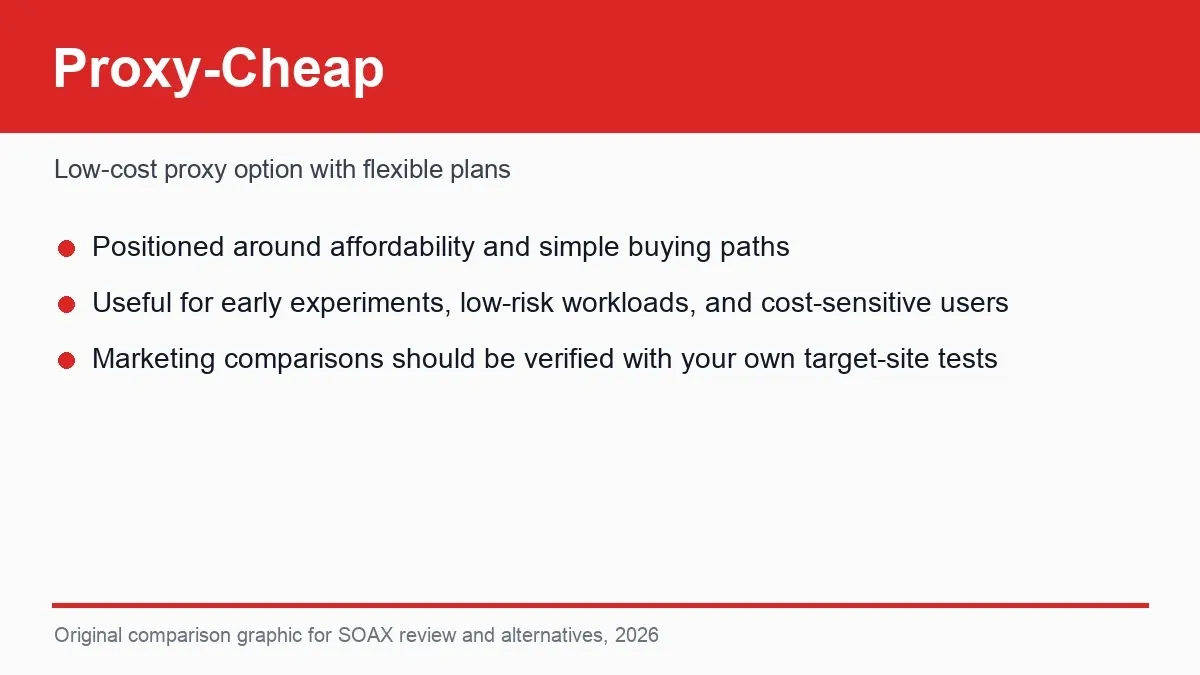
Figure 8: Proxy-Cheap product page, positioned mainly around price.
Live Proxies
Live Proxies puts more emphasis on private proxy pools, a stable exit, and longer sessions, suiting social media management, market research, or workflows that need a continuous network identity. Compared with SOAX’s broad rotation and fine-grained targeting, it’s worth evaluating specifically for teams that prioritize exit consistency.
Before purchasing, clarify exactly what “private” means — a dedicated IP, a dedicated port, or limited user sharing — and confirm country coverage, replacement frequency, concurrency, and renewal cost. If a project needs a large amount of city-level rotation, SOAX or a broader residential network may be a better fit; if a project needs a fixed session, Live Proxies has a clearer positioning.
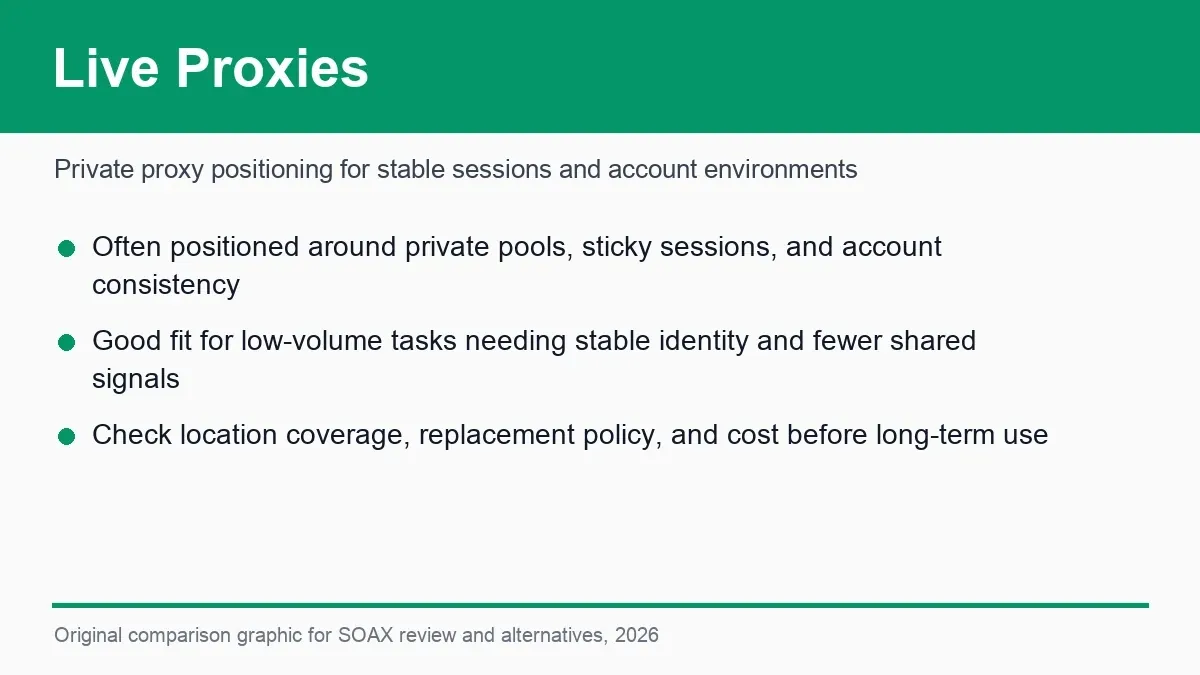
Figure 9: Live Proxies product page, positioned around private proxy pools and stable sessions.
ScraperAPI
ScraperAPI doesn’t simply provide proxy credentials — it packages proxy rotation, request headers, retries, and some JavaScript rendering into an API. Developers submit a target URL and receive the page result directly, suiting teams that don’t want to maintain a proxy pool or anti-scraping logic.
This managed approach can shorten development time, but it reduces control over the specific exit, session, and browser environment, and complex features may consume more API credits. It’s better suited to scraping tasks aimed at “just get me the page”; ad verification, account sessions, or workflows that need a precise network identity are usually still better served by raw proxies.
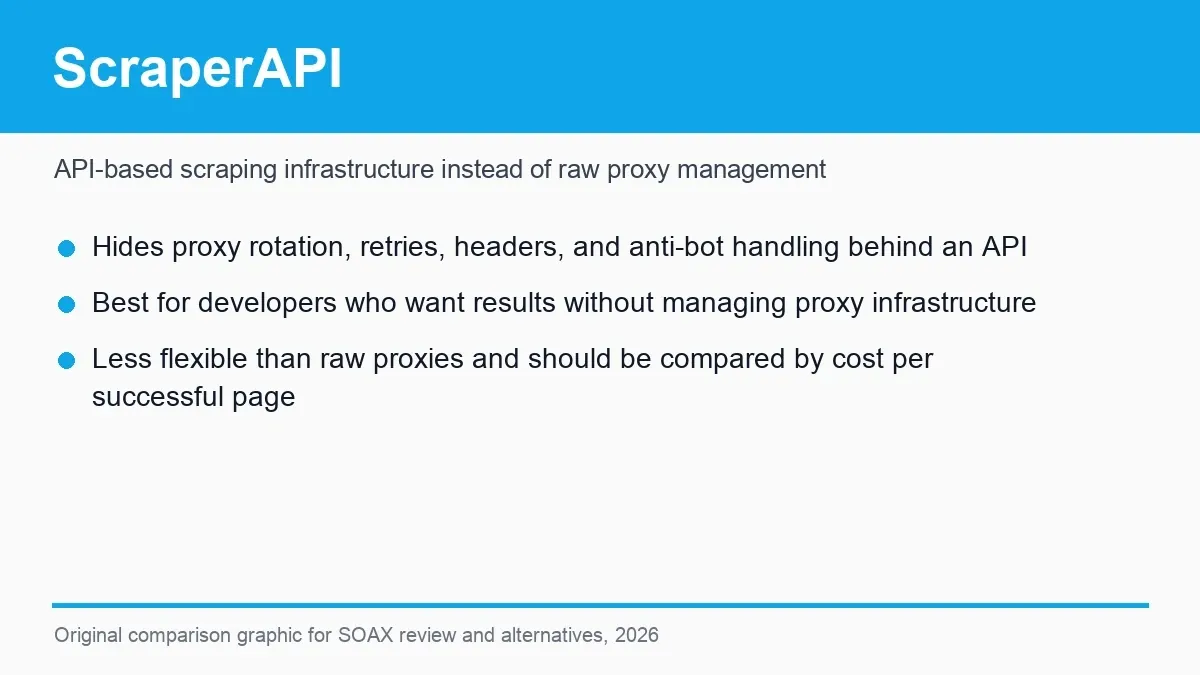
Figure 10: ScraperAPI product page, illustrating the difference between an API-based scraping service and managing raw proxies.
How Do You Evaluate Rola IP and SOAX by the Same Standard?
Both SOAX and Rola IP can serve cross-region network tasks, but they organize their products differently. SOAX emphasizes controlling residential and mobile networks through a unified entry point; Rola IP separates dynamic residential, static residential, mobile, and datacenter proxies, making it easier to choose network type by project. The comparison below doesn’t presuppose a winner — it’s meant to help teams map product capability onto real workflows.
When comparing Rola IP and SOAX, first break your business task down into network requirements. Compare dynamic residential’s targeting and rotation when you need cross-city collection; compare sticky sessions and static residential when you need continuous pagination, a post-login flow, or a stable identity; and test mobile proxies when you need a carrier-network perspective. This approach avoids using one proxy type to carry every task, and makes it easier to track traffic and failure cost.
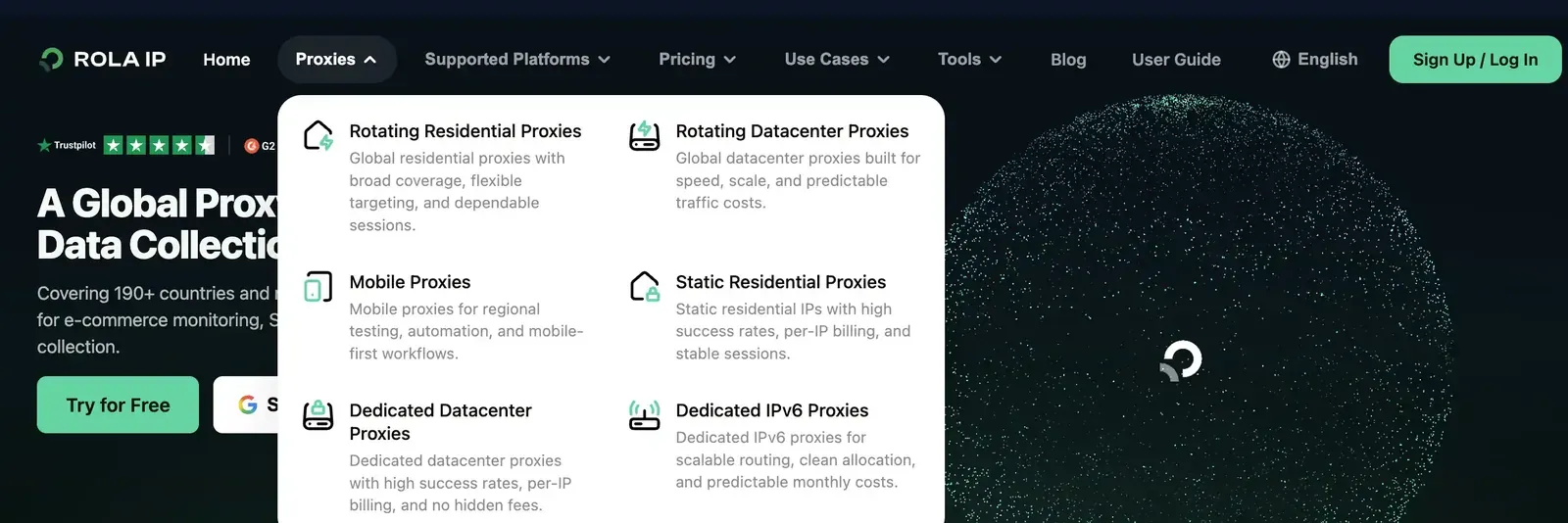
Figure 11: Rola IP’s proxy platform page, showing residential, static residential, mobile, and datacenter proxy categories.
| Need | SOAX | Rola IP | How to Decide |
|---|---|---|---|
| Residential/mobile networks with unified control | Current focus | Can be combined by product category | Confirm whether you need unified mesh logic |
| A long-term fixed exit | Confirm the current product line | Compare static residential products | Verify fixed-exit, replacement, and session requirements |
| Chinese-language materials and support | Confirm current availability | Confirm current availability | Compare documentation and support resolution time |
| Target-region network performance | Needs to be measured | Needs to be measured | Test valid-result rate and P95 latency on the same URL |
| Price monitoring/SEO/ad verification | Testable | Testable | Run a PoC against your target site for success rate and cost |
| Budget predictability | Model against the current plan | Model against the current plan | Compare cost per valid result |
How Do You Fairly Compare SOAX Alternatives?
The key to fairly comparing SOAX alternatives is having every vendor perform exactly the same task. Fix the target site, country, URL, request volume, concurrency, session duration, and test window, and define success as “key fields complete, correct region, and no challenge page” — not just logging an HTTP 200.
- Choose representative public URLs for each site and country.
- Fix the request volume, concurrency, rotation mode, and sticky-session duration.
- Log the valid-result rate, error distribution, CAPTCHA rate, P50/P95 latency, traffic, and retries.
- Calculate cost per valid result, including failed retries, minimum spend, and engineering maintenance.
- Submit the same support question to each vendor and record how quickly it’s resolved.
- Re-check pricing, plan limits, refund, and replacement rules once more before purchasing.
| Metric | Definition | Significance |
|---|---|---|
| Valid-result rate | Results with complete fields ÷ total attempts | Excludes challenge pages and empty pages |
| P95 latency | Time for 95% of valid results to complete | Identifies a slow tail that an average would hide |
| Session stability | Share of a flow where the exit didn’t switch unexpectedly | Tests sticky or fixed exits |
| Regional accuracy | Share of exits matching the target country/city | Verifies whether targeting meets your needs |
| Traffic per valid result | Billed traffic ÷ valid records | Exposes the cost of failures and response bodies |
| Cost per valid result | Total cost ÷ valid records | Supports a comparable purchasing decision |
Conclusion
SOAX’s strengths are residential and mobile networks, fine-grained regional targeting, and flexible rotation and session control, suiting teams that already have development capability and need to run data tasks across regions. Its main trade-offs are the configuration learning curve, multi-region budget modeling, and the fact that fixed-exit needs aren’t the friendliest fit for every project.
If a team needs more proxy types, Chinese-language materials, and a clear configuration path, Rola IP is a higher-priority alternative to evaluate; enterprise-level procurement can focus on Oxylabs, mid-sized self-service teams can compare Decodo, and budget-limited small projects can test IPRoyal or Proxy-Cheap. The final choice should come back to the same set of business metrics: complete results, correct region, stable sessions, predictable cost, and a maintainable setup process.